Post-Purchase Experience: Tracking, Emails and Repeat Sales
 Jakub Neander
Published 14 min read
Two-thirds of online shoppers feel a surge of anxiety right after they click "buy", according to Narvar's 2025 State of Post-Purchase report. Your post-purchase experience is what you do with that anxiety: the confirmation, the tracking, the delivery, the review request and the nudge toward a second order. This guide walks through each step, with timings, examples, the US, EU and UK rules, and the numbers that tell you whether it is working.
What Is the Post-Purchase Experience?
The post-purchase experience is everything a customer sees and hears from you between paying and buying again: emails, SMS, the order status page, the parcel, the unboxing, returns and support. It is the least glamorous part of ecommerce and the part with the most leverage, for three reasons.
- Everyone gets it. Only a fraction of visitors see your best landing page. Every single buyer sees your order confirmation and shipping emails.
- It decides the second order. A first order is mostly the product and the ad that sold it. Whether there is a second one depends heavily on how the first one went. Narvar found that 60% of shoppers aged 18 to 29 won't shop with a retailer again after one bad experience, against 17% of shoppers over 60.
- It drives your support load. "Where is my order?" (WISMO) is one of the most common support questions in ecommerce. Every one of those tickets is a tracking update you didn't send.
Things also go wrong more often than merchants assume. In the same Narvar survey of 3,461 US shoppers, 74% had a late delivery in the past year and 86% hit at least one delivery issue. You can't stop every late truck. You can make sure the customer hears about it from you first.
The Post-Purchase Timeline: Five Messages That Matter
A good post-purchase flow is short. Five moments, each with one job, cover almost every store:
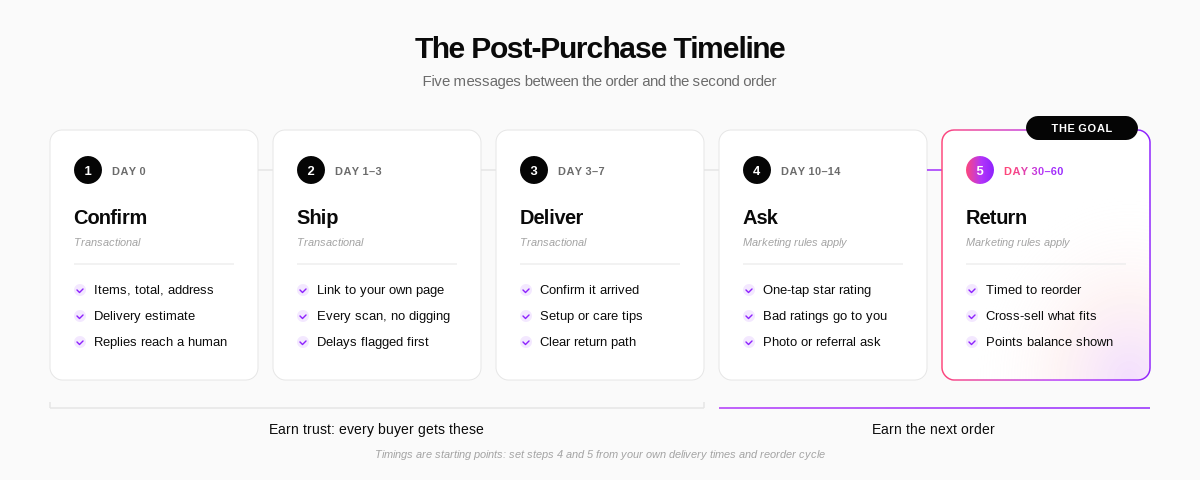
The first three are transactional: every buyer gets them, they answer questions the customer already has, and they need no marketing consent. The last two are marketing in most jurisdictions, so they follow your consent rules (more on that below). Get the first three right before you touch the last two. A clever replenishment email can't make up for a customer who never knew where their parcel was.
Step 1: The Order Confirmation Email
The order confirmation is the email your customers open most, and it has one job: prove the order went through and say what happens next. Send it within a minute of payment.
What to put in it:
- The order itself. Order number, items with photos, variant, quantity, price, shipping cost, tax and total. Customers check this against what they meant to buy.
- The delivery address and method. A typo in the address is cheapest to fix now, before a label exists.
- A delivery estimate. Narvar reports that 73% of shoppers say estimated delivery dates influence their purchase. Repeat the estimate you showed at checkout, as a range, not a promise.
- A link to the order status page, so the customer has one place to come back to.
- A real reply-to address. "noreply@" tells the customer you don't want to hear from them, and the first reply to an order confirmation is often a useful one ("I used the wrong address").
What to leave out: a discount for the next order, a newsletter pitch, a wall of product recommendations. A short "you might also like" block is fine in the US, but in the EU and UK a promotional block can turn a transactional email into marketing. Keep the confirmation about the order.
Read your own confirmation on a phone. Place a real order, open the email on mobile and check that the total, the address and the status link are visible without zooming. It takes five minutes and it is the most-read email you will ever send.
Step 2: Shipping Confirmation and the Order Tracking Page
The second message goes out when the parcel leaves. This is where most of the anxiety lives, and where most "where is my order?" tickets are born.
The shipping confirmation email
Send it when the carrier actually has the parcel, not when you print a label. A label sitting on a packing bench for two days shows "pre-transit" on every tracking page and generates exactly the ticket you were trying to avoid. Include:
- The carrier and the tracking number, as text the customer can copy.
- One button to the tracking page.
- The updated delivery estimate.
- What to do if something looks wrong, and who to contact.
If the order ships in several parcels, say so in the first shipping email ("2 of 3 parcels shipped"). Split shipments with no explanation look like missing items.
Your tracking page vs the carrier's
The tracking link can go to the carrier's site or to a page on your own domain. The carrier page works, but it shows the carrier's brand, sometimes in the wrong language, and its only next step is "track another parcel". A branded order tracking page keeps the customer on your site, shows the order next to the scans, and gives you room for the things carriers don't show: your support link, your return policy and what to expect next.
Tracking emails are among the most-opened messages you send. Klaviyo reports that post-purchase emails see open rates almost 17% higher than the average email automation, so the page they link to gets plenty of visits.
Proactive updates beat apologies
The best tracking experience is one the customer doesn't have to check. Send an update on the moments that matter (shipped, out for delivery, delivered) and, more importantly, when something goes wrong: a delay, a failed delivery attempt, a parcel held at customs. When issues occur, Narvar found that 46% of shoppers want them acknowledged and 45% want real-time updates before they have to ask.
Don't send every scan. "Arrived at sort facility" five times in two days is noise. Put those on the tracking page and keep notifications for changes the customer can act on.
Tools for tracking pages and notifications
If your platform doesn't track shipments itself, a dedicated tool fills the gap:
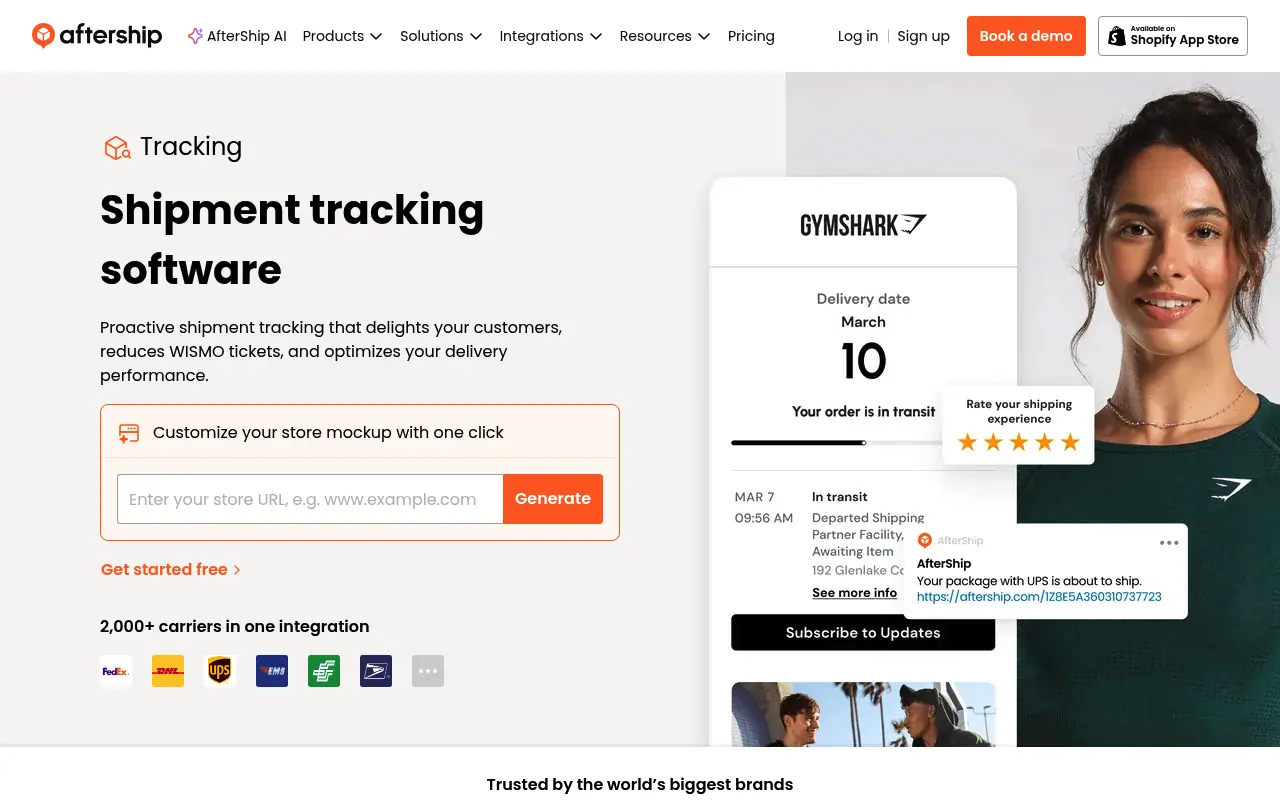
- AfterShip connects to a long list of carriers and gives you branded tracking pages and shipping notifications. It is a common choice for small and mid-size stores, with deep Shopify integration and an API for everyone else.
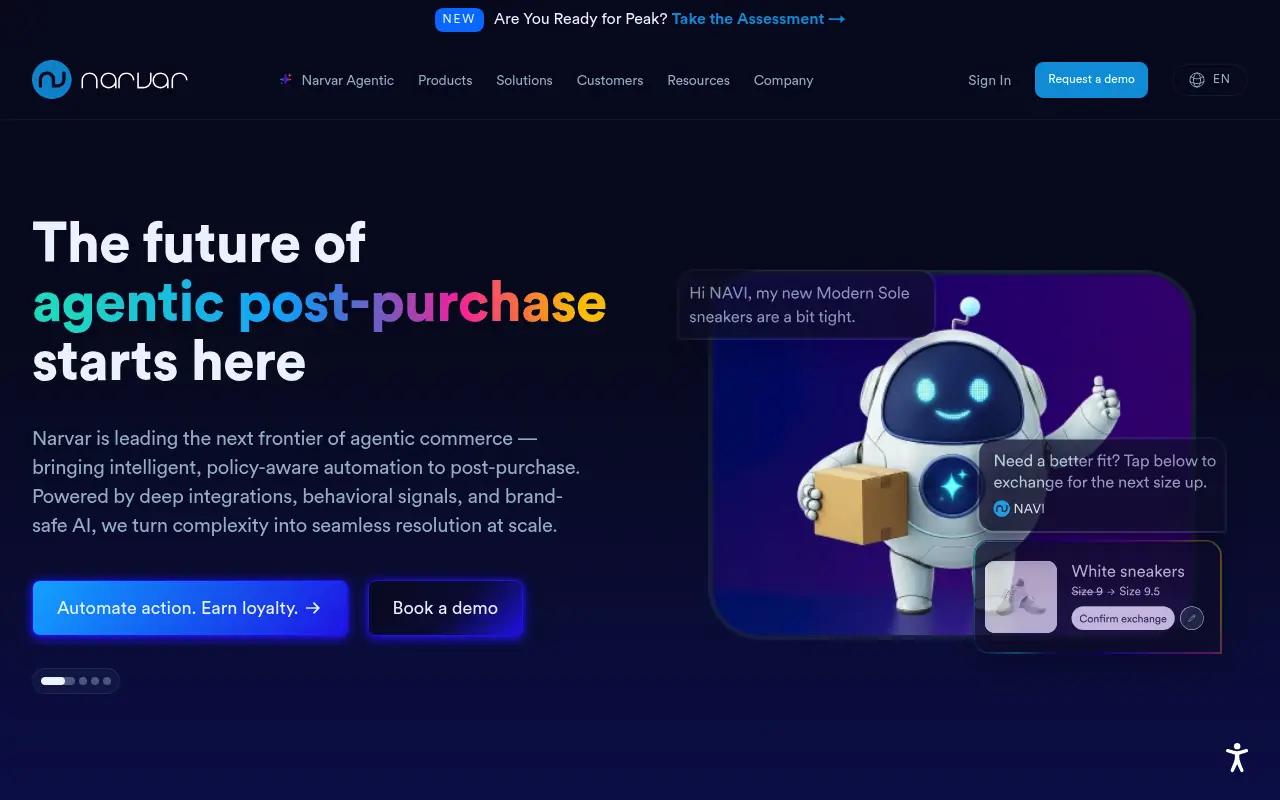
- Narvar is the enterprise option, used by large retailers for tracking, delivery estimates, returns and post-purchase automation. It is priced and sold accordingly, so it is rarely the right first tool for a small store.
- Your shipping software. Multi-carrier tools such as Shippo return a tracking number with every label and pass tracking events back to the store, which is often all you need if your platform turns those events into emails and a tracking page.
Before you add a tool, check what your platform and shipping software already do. Paying for a tracking app that duplicates the shipping emails you already send just gives the customer two of everything.
Step 3: Delivery and First Use
"Delivered" is not the end of the flow. It is the moment the customer finally judges the product, so the third message helps them get value from it.
- Confirm delivery with a short email once the carrier marks the parcel delivered. If it isn't there, the customer knows to tell you today, not in a week.
- Help them use it. Setup steps, sizing and fit notes, care instructions, a recipe, a two-minute video. Content like this heads off avoidable returns and support tickets. Our guide to ecommerce content marketing covers what to write.
- Make returns easy to find. Link your return policy and say how to start a return. Narvar found that 76% of shoppers won't buy again after a poor return experience. Hiding the returns link doesn't prevent returns, it just makes the customers who return angrier. Our return policy guide has the EU and US rules and a template.
The unboxing belongs here too. A packing slip with the order number, a one-line note and a QR code to your care guide costs cents and is the one post-purchase touchpoint the customer is guaranteed to see.
Step 4: The Review Request
Ask for a review once the customer has had the product long enough to have an opinion. That usually means a few days after delivery, not a fixed number of days after the order. A request that arrives before the parcel does is the fastest way to collect one-star reviews about shipping.
Good review requests:
- Link straight to the product's review form, with the stars in the email if your tool supports it.
- Ask once, remind once. One request and one reminder a week later is plenty.
- Catch problems first. A short "how is it going?" with a reply link gives unhappy customers a way to reach you before they reach the review form. But send the review request itself to every buyer: picking only the customers you expect to be happy (review gating) skews your ratings and invites trouble.
- Keep incentives neutral. In the US, the FTC's rule on consumer reviews and testimonials bans incentives conditioned on a review expressing a particular sentiment. A small, disclosed thank-you for any honest review is a different thing from a coupon for five stars.
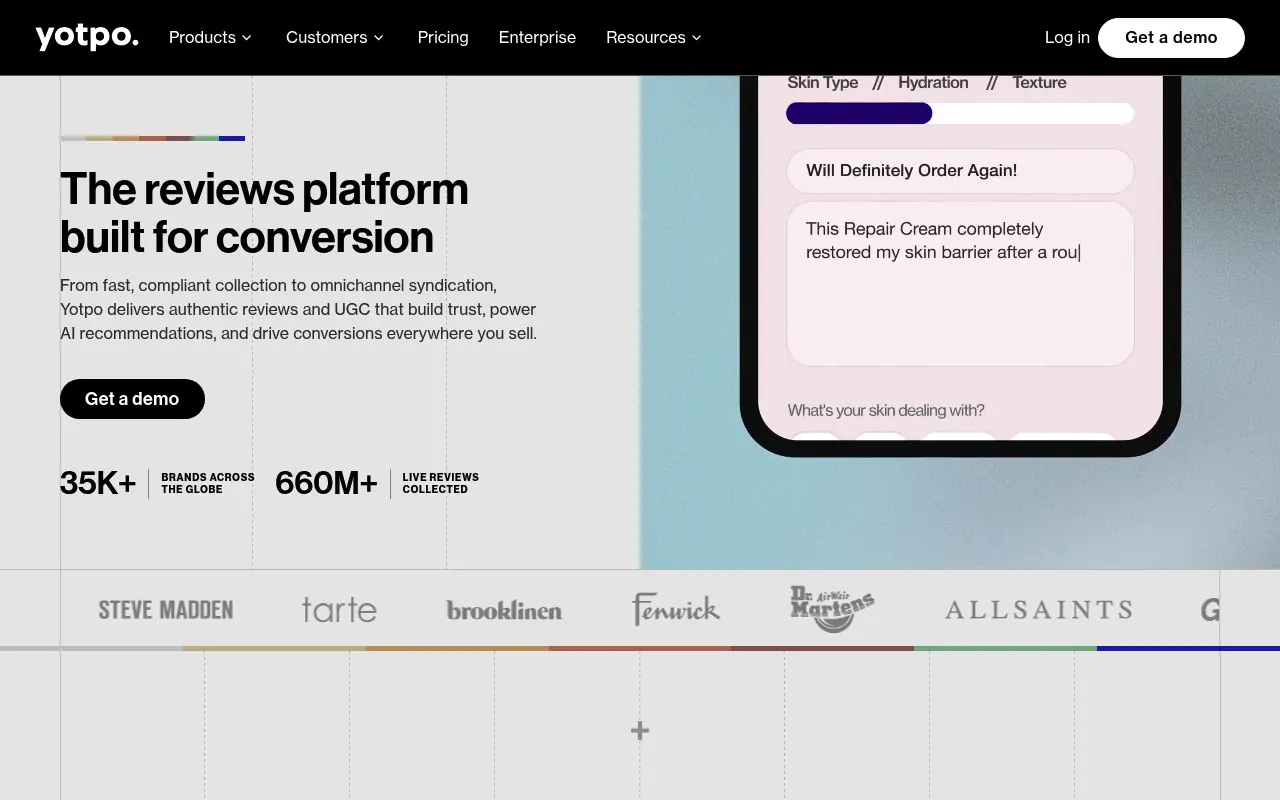
Review platforms such as Yotpo automate the requests, collect photos and syndicate reviews to other channels. Many store platforms now handle verified reviews natively. Our guide on how to get product reviews covers twelve tactics in depth.
Step 5: Turning the First Order Into Repeat Sales
The last step is the one the whole flow exists for: the second order. First-time buyers are the customers most likely never to come back, so the gap between order one and order two is where repeat sales are won or lost.
Pick the play that matches how people use your product:
| Product type | Best second-order play | Timing |
|---|---|---|
| Consumables (coffee, skincare, supplements) | Replenishment reminder or subscription offer | Just before the product runs out |
| Apparel and accessories | Cross-sell what goes with the first item | 2 to 4 weeks after delivery |
| Durable goods (furniture, electronics) | Accessories, care products, referral ask | 1 to 3 months after delivery |
| Gifts and one-off purchases | Occasion reminder next year | Before the same date next year |
A few rules make these emails work:
- Base timing on your data. Look at your own median time between first and second order. If most repeat customers come back on day 40, a "we miss you" email on day 14 is early and one on day 90 is late.
- Use what they bought. "Running low on your Ethiopia Yirgacheffe?" beats "Check out our new arrivals". This needs your store to pass order data to your email tool.
- Show loyalty points where they already look. If you run a loyalty program, put the balance and the next reward in every post-purchase email and on the order status page.
- Stop when they buy. Every repeat-purchase flow exits on a new order. Test it.
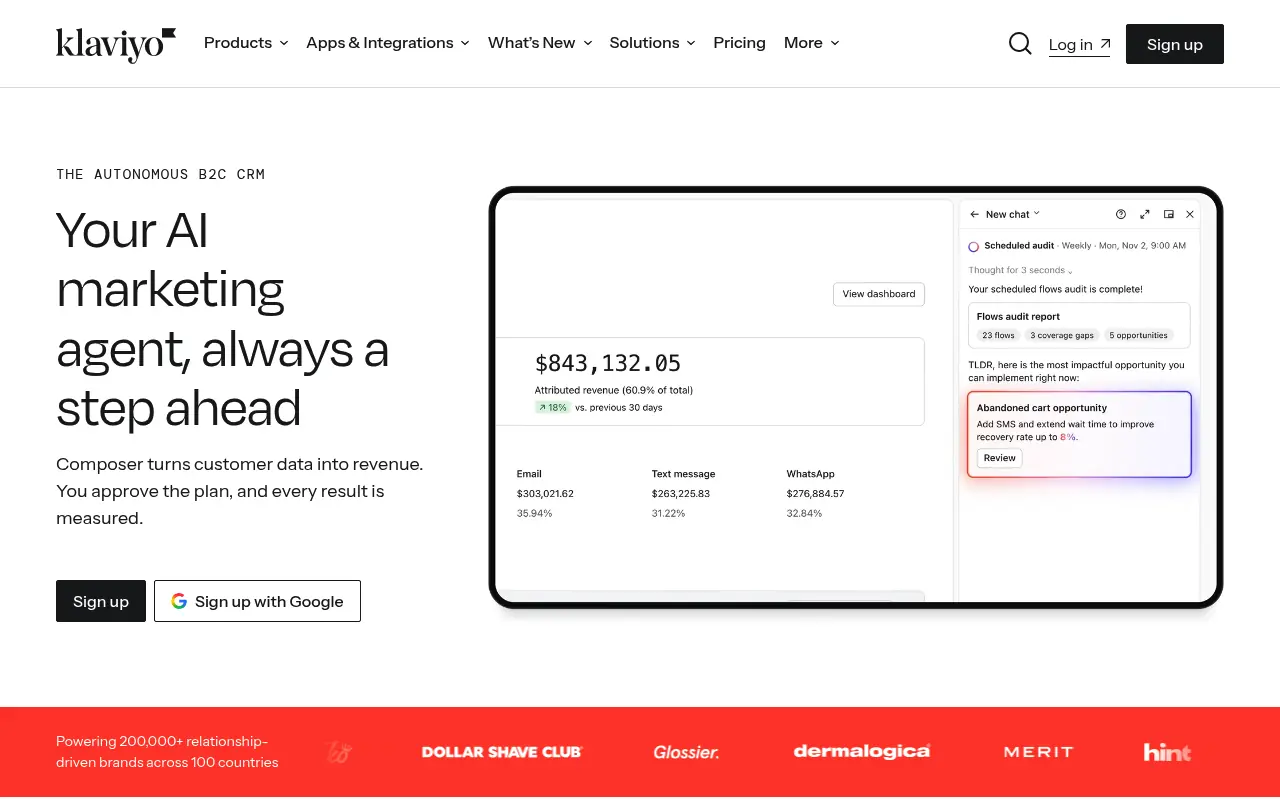
Marketing automation tools such as Klaviyo are built for exactly this: flows triggered by what a customer bought and when. Our guide to ecommerce email marketing covers the post-purchase flow alongside welcome, cart and winback flows.
Transactional vs Marketing: US, EU and UK Rules
The line between "about the order" and "about selling more" decides which rules apply to each post-purchase message.
- United States. Under the CAN-SPAM Act, a message whose primary purpose is to complete or confirm a transaction is transactional and is exempt from most of the Act's requirements, though it can't contain false or misleading routing information. A message whose primary purpose is promotional needs an opt-out link and your postal address. Marketing texts are stricter: under the TCPA they need prior express written consent.
- European Union. The ePrivacy Directive (Article 13) generally requires consent for marketing email. Many member states allow a "soft opt-in" for existing customers, for similar products, as long as you offered an opt-out when you collected the address and in every message. Rules differ by member state, so check yours.
- United Kingdom. The ICO's guidance on electronic marketing under PECR works much like the EU: consent, or the soft opt-in for existing customers.
In practice: send order confirmation, shipping, delivery and refund emails to every buyer, keep them free of promotions, and send review requests, cross-sells and replenishment emails only to customers who opted in or qualify for the soft opt-in. Review requests in particular sit close to the line. Keeping them free of offers makes them easier to defend.
Always check the current rules where you sell. This guide summarizes US, EU and UK rules on transactional and marketing messages and online reviews as of November 2026. Regulations change and vary by country and member state, so confirm the details with your local regulator or a privacy specialist before you launch new flows. This is general information, not legal advice.
How to Measure Your Post-Purchase Experience
Five numbers tell you whether your post-purchase experience is improving. Track them monthly, and compare before and after each change.
| Metric | How to calculate it | What it tells you |
|---|---|---|
| WISMO rate | Order-status tickets ÷ all tickets × 100 (Salesforce's formula) | Whether tracking emails and pages answer the question first |
| Repeat purchase rate | Customers with 2+ orders ÷ all customers | The headline outcome of the whole flow |
| Time to second order | Median days between first and second order | When to send step 5 |
| Review rate | Reviews ÷ delivered orders | Whether step 4 is timed and written well |
| Return rate and reasons | Returned orders ÷ orders, grouped by reason | Whether step 3 content prevents avoidable returns |
Look at repeat purchase rate by cohort, not as a single number. If customers who first bought after you launched a new delivery email come back more often than earlier cohorts, the change is working. Our guide to ecommerce KPIs explains how to read cohorts. Judge emails by clicks, orders and tickets, not opens: Apple Mail Privacy Protection inflates open rates.
What Nobody Tells You About Post-Purchase Flows
The surprises show up a few months in:
- "Delivered" isn't always delivered. Carriers mark parcels delivered to the wrong door, a neighbor or a locker the customer didn't choose. Your delivered email should make "I didn't get it" a one-click reply, not a hunt for the contact page.
- Label created is not shipped. If your shipping email fires on label creation and the parcel sits for two days, you have taught the customer that your tracking is wrong.
- Order-date timers drift. A review request set to "7 days after order" lands before delivery for every customer on a slow route or in another country. Trigger on delivery wherever you can.
- Two systems send two emails. Turning on a tracking app or email tool without switching off the platform's own shipping email means customers get duplicates. Make one system responsible for each message.
- Language follows the order. A customer who bought on your French storefront should get French emails and a French tracking page. Carrier pages often ignore that.
- Edits break templates. A checkout change, a new shipping method or a new carrier can quietly break a merge field. Place a test order after every change.
How Your Next Store Handles the Post-Purchase Experience
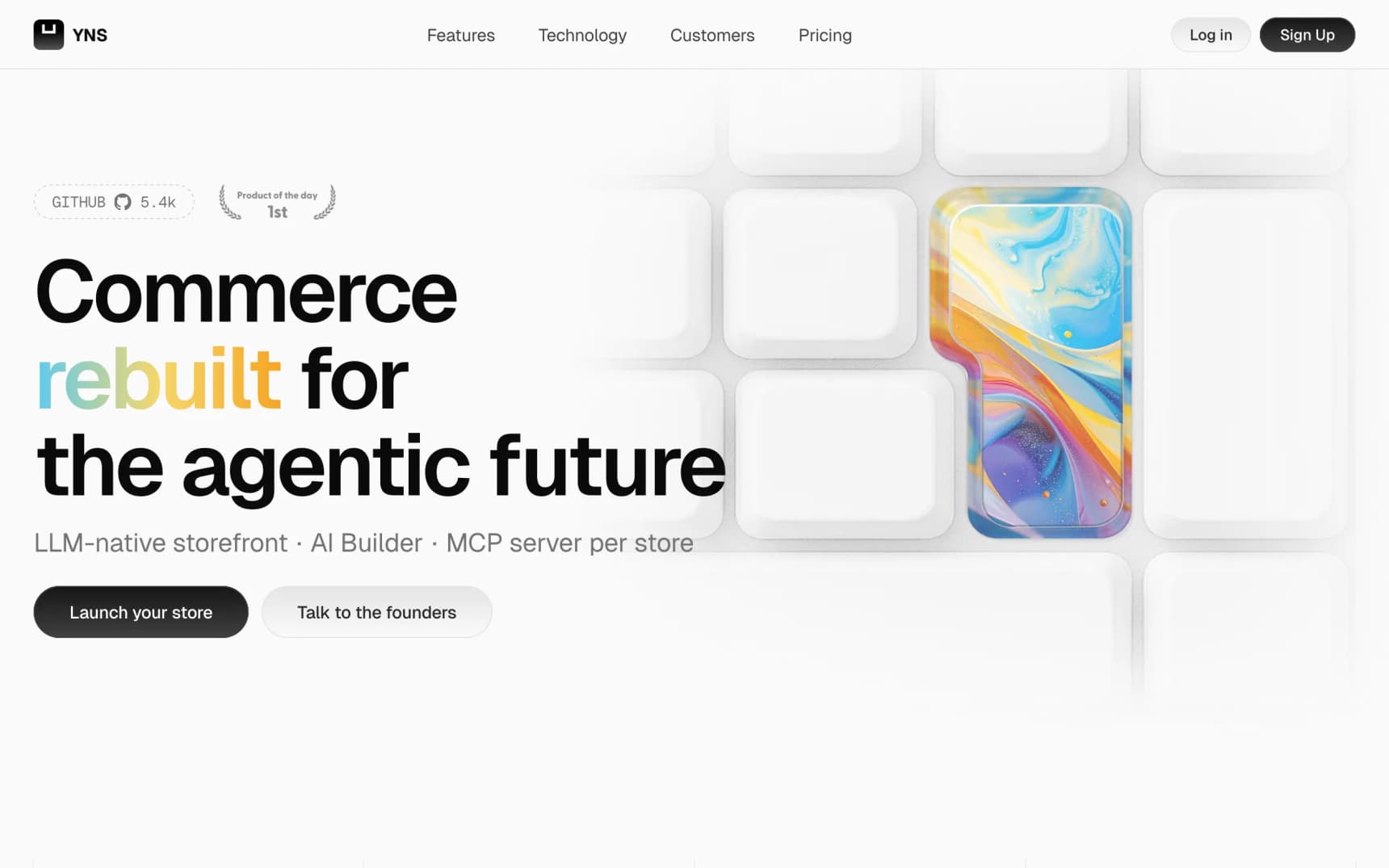
Your Next Store handles the transactional half of the timeline in the platform itself, so steps 1 to 3 work without extra apps:
- Order emails out of the box. Email Automation sends the purchase confirmation, order shipped, order delivered and order refunded emails. You can edit the wording of each one, switch any of them off, send a test with sample data, and write a separate version per language, so customers get emails in the language they shopped in.
- Your own sending domain. Set up an email domain and messages go out from an address like
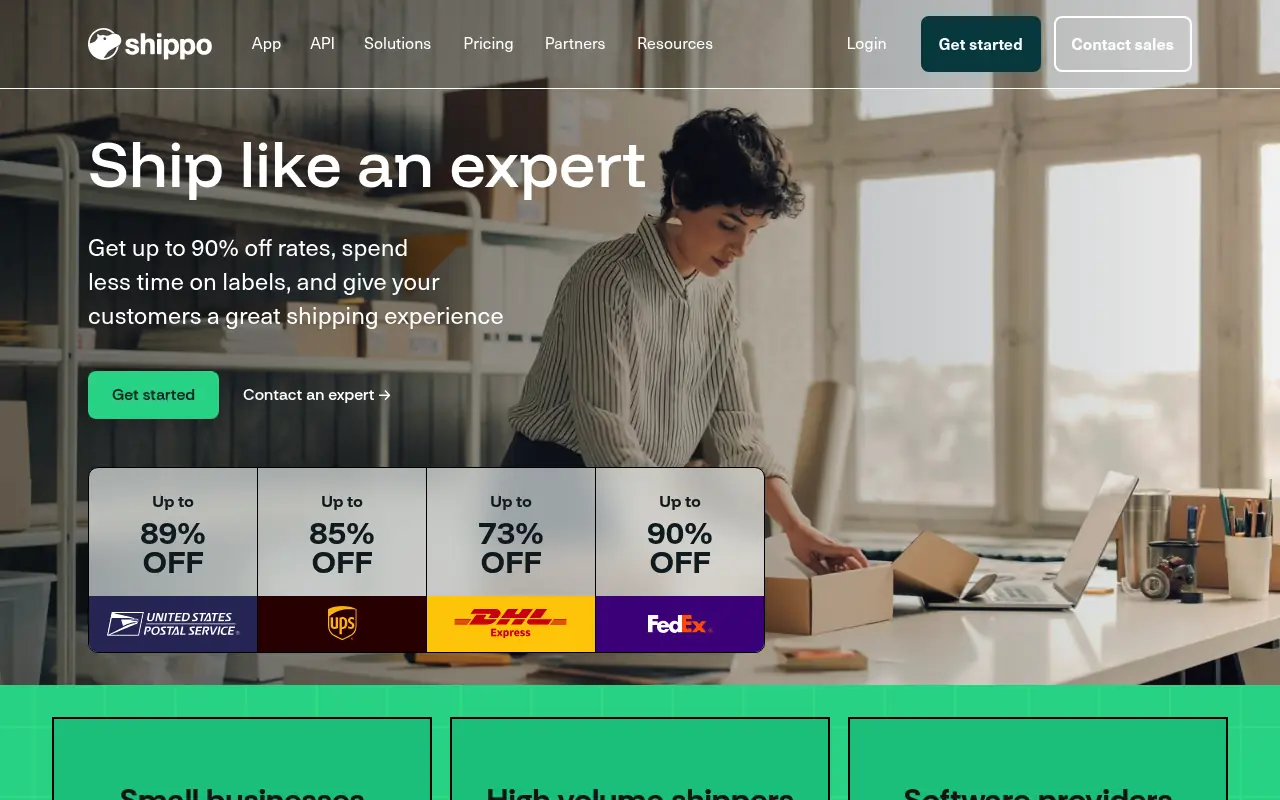
orders@yourstore.com, with replies coming back to you. - Carrier tracking that updates the order. In the US, Shippo compares live rates from USPS, UPS, FedEx and others, returns the tracking number with the label, and feeds every carrier scan into a shipment timeline with an estimated delivery date when the carrier provides one. In Poland, InPost, GLS, DPD and Furgonetka do the same, and orders move to Shipped and Completed on their own as the carrier reports progress.
- A tracking page on your store. The shipping email deep-links to the order status page, and signed-in customers see the same scan-by-scan tracker in their account's order history.
- Verified reviews from the delivered email. With product reviews on, every product in the "Your order was delivered" email links to its review page, and only customers who bought the product can review it. You can import existing reviews from Yotpo and other review apps.
- Status-triggered custom emails and SMS. Write your own email for buyers of a specific product (setup instructions, a care guide) or for orders that reach a status, and optionally text it to the customer as well.
- A loyalty program with points, tiers and discount rewards for repeat customers.
Where it stops: YNS doesn't run time-delayed, multi-step marketing sequences such as "replenishment reminder 35 days after delivery" on its own. For step 5, connect Klaviyo, MailerLite or GetResponse from Add-ons. They receive your catalog, customers and orders, so their flows can trigger on what someone actually bought, while the order emails keep coming from your store. Shippo labels are also bought one order at a time, since choosing a rate is part of the job.
Plans start at $30/month with 0% platform transaction fees, and the storefront template is open source on GitHub.
Start With the First Three Messages
If you do one thing this week, place a test order and read every message it triggers: the confirmation, the shipping email, the tracking page, the delivered email. Fix what's confusing, missing or sent from "noreply". Then add the review request, then the second-order email, and measure each step before adding the next.
The order confirmation is the start of the relationship, not the end of the sale. Treat it that way and the second order mostly takes care of itself.
FAQ
What should be in a post-purchase email flow?
At minimum, three transactional emails: an order confirmation right after payment, a shipping confirmation with a tracking link when the carrier has the parcel, and a delivery confirmation with usage tips and the return policy. Add a review request a few days after delivery and a repeat-purchase email timed to your typical reorder cycle once those three are solid.
How do I reduce "where is my order?" tickets?
Send a shipping email only once the carrier has the parcel, link it to a tracking page on your own domain, and notify customers proactively about delays and failed deliveries. Then measure your WISMO rate monthly: if it doesn't fall, find which question the tickets ask that your emails don't answer.
When should I send a review request after a purchase?
A few days after delivery, not a fixed number of days after the order. The customer needs time to use the product, and a request that arrives before the parcel collects complaints about shipping instead of reviews of the product.
Related Blog Posts
Before you spend more on ads,
check your store.
Get a free 25-point checklist to find what could be holding back your sales, from product pages to checkout.