Send the parcel.
Keep your customer informed.
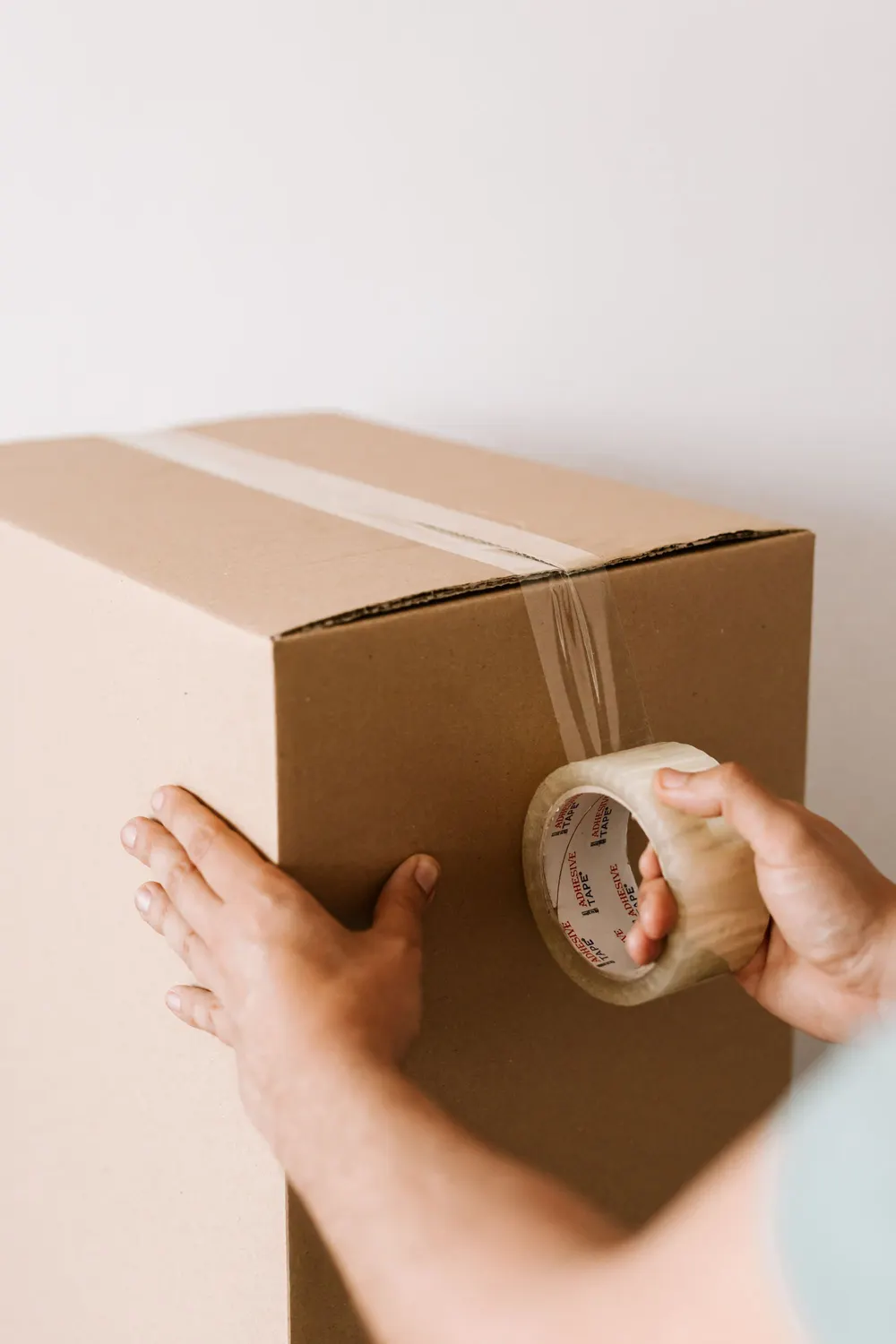
Delivery continues after the customer checks out. Connect the shipping choice to the order, prepare the label and let customers follow the parcel from their order view. The purchase and its shipping information stay together in your store.

Your coffee is on its way.
A customer can check the parcel’s recorded progress from the same order they purchased.
Offer a useful way to receive it.
Configure the delivery methods your store supports, including connected carrier services and manual options. Customers choose from the methods available for their order, with pickup-point selection where the connected service supports it.

Checkout · Fieldwork Coffee
2 × House Blend · $40.00
GLS courier: A connected carrier service delivers the parcel to the shipping address.
Delivery methods are configured for the store. Availability depends on the order and connected service. Prices shown are examples.
Slide 01 / 03
Good to know
Will it fit the way you ship?
Which services can I connect?


Connected flows include InPost, GLS, Shippo and Furgonetka. The available services depend on your location, carrier account and integration setup. Check the service you intend to use in a demo, including parcel sizes and pickup-point requirements.
Can I create labels for several orders?
Bulk label creation currently supports eligible InPost and GLS orders. Orders with missing setup or existing shipments may be skipped. Other connected flows, including Shippo and Furgonetka, can require you to choose a rate within the individual order.
How do tracking and notifications work?
Tracking reflects information received from the connected service, and supported events can send email updates. A label being created does not mean the parcel is moving. Estimated arrival information appears only when the carrier provides it; event coverage varies by integration.
Can I arrange shipping manually?
Yes. Configure a manual delivery method and add tracking information to the order where appropriate. Your team handles the shipment with the service you use. A manually entered tracking reference does not by itself provide the same event feed as every connected carrier.
Works with the
rest of your store.
Every feature works from the same products, customers and orders.
- OrdersStart with the orders that need attention, then keep the purchase details beside the work. Payment status, packing progress and order history are built into your store, giving your team a shared place to prepare the next parcel.
- InventoryA shelf count tells only part of the story. With Warehouse activated, see the stock you hold, the units committed to orders and what is still available to sell. Receiving and stock movements stay connected to your products and orders.
- Returns & RefundsWhen a customer needs money back, start with the purchase you already know. Review the items, choose the refund and decide what should return to stock. The refund record stays with the order, giving your team the context for the next conversation.

Connect the parcel to the purchase.
Review your delivery services, label workflow and customer tracking experience in one demo.