Start with a look you love.
Make it yours.
Your storefront should feel like the business behind it. Choose a starting design when creating a store, then refine the experience around your products and brand. The design work stays connected to the store customers will browse and buy from.

Design catalog
Three starting directions from the design catalog, each suited to a different kind of range.
- slow-goods-pantry.yns.store
Free delivery on orders over $50
Slow Goods PantryTeaCoffeePreservesGifts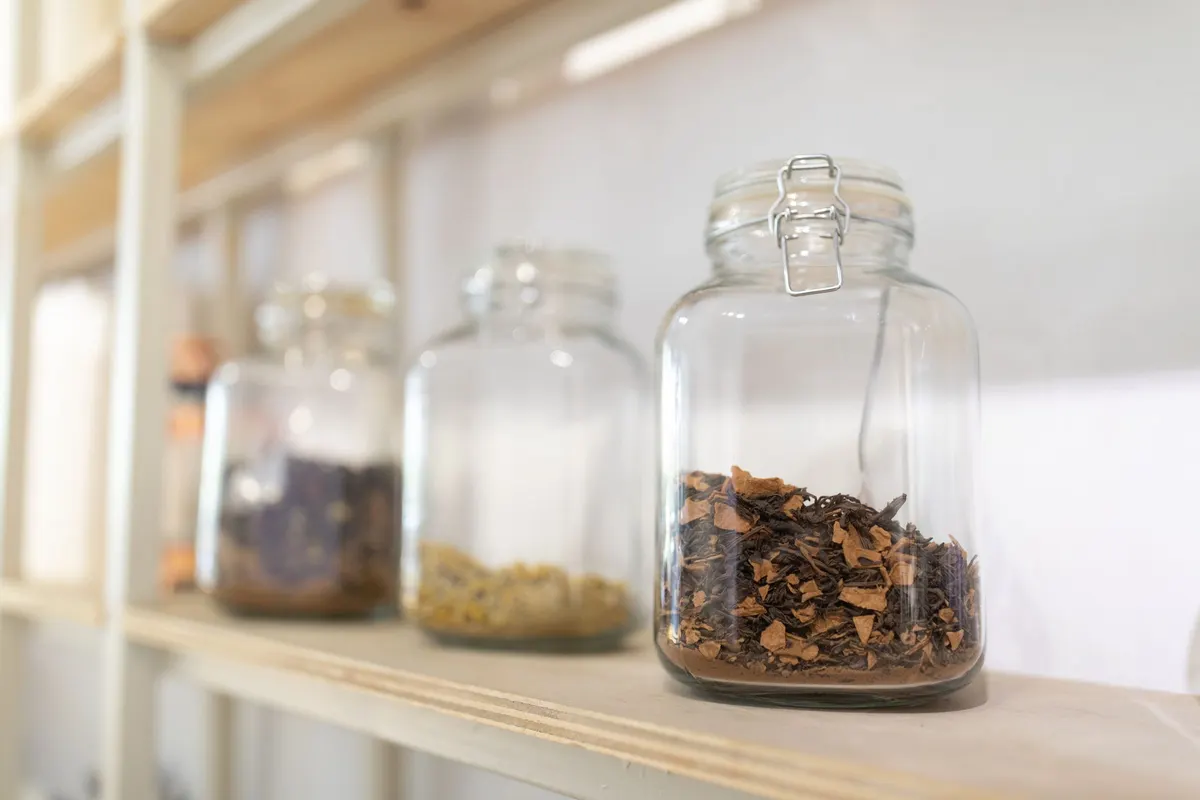
Good things. Taken slowly.
Tea, coffee and preserves
Shop the pantryBestsellers
View all

Wildflower Honey
340 g jar
$14.00
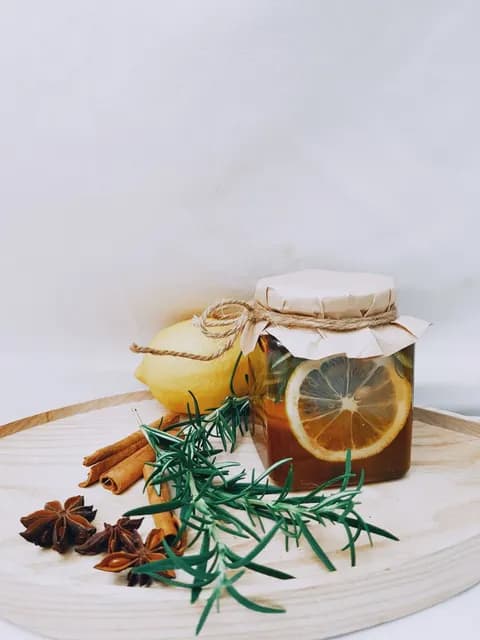
Lemon & Spice Preserve
250 g jar
$9.50

Meadow Herbal Tea
80 g loose leaf
$12.00
Slow Goods Pantry
Warm · Pantry goods
- clean-beauty.yns.store
Samples with every order
Clean Beauty SkincareCleanseTreatMoisturiseSets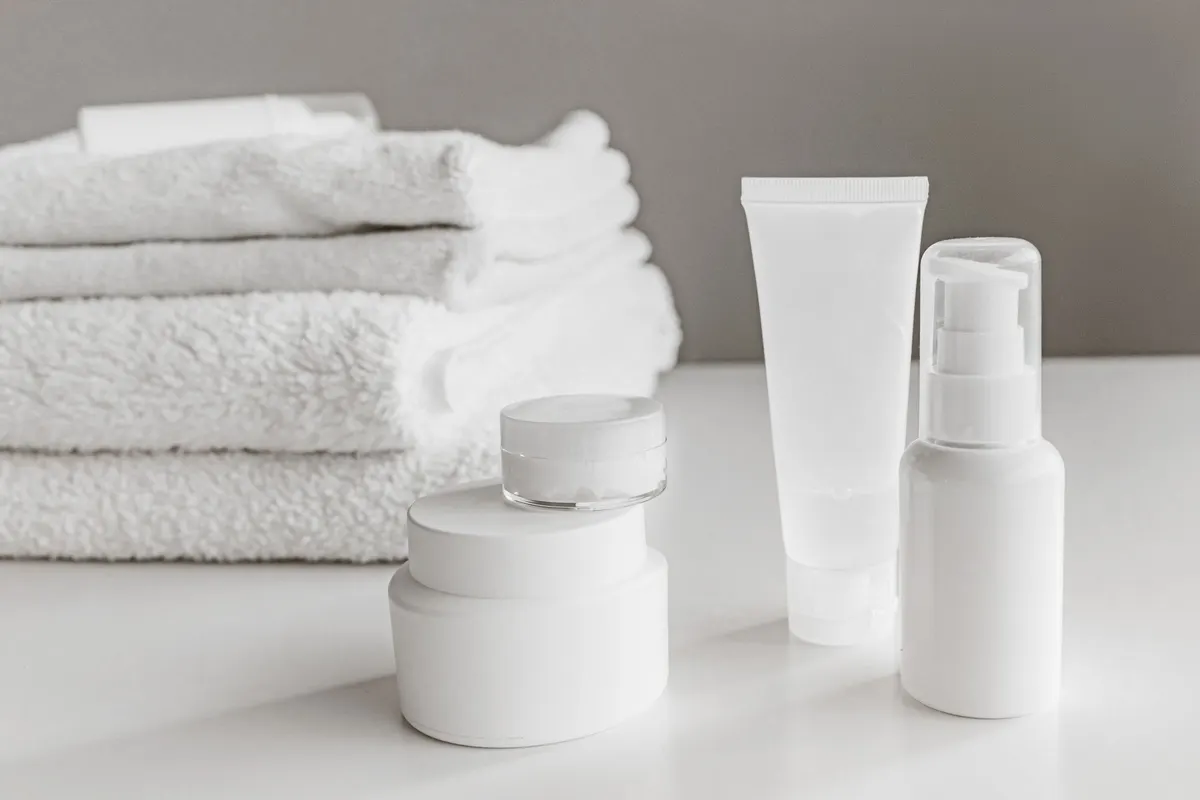
New · The daily edit
Care for your everyday.
Clean skincare essentials
Shop essentialsBestsellers
View all
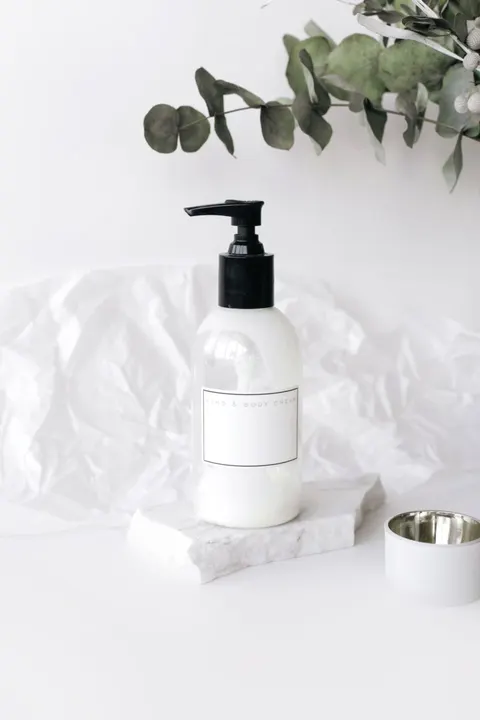
Daily Body Lotion
250 ml
$26.00

Brightening Serum
30 ml
$38.00

Barrier Face Oil
30 ml
$32.00
Clean Beauty Skincare
Light · Daily care
- botanical-wellness.yns.store
Subscribe and save 10%
Botanical Wellness SupplementsSupplementsTeasRitualsJournal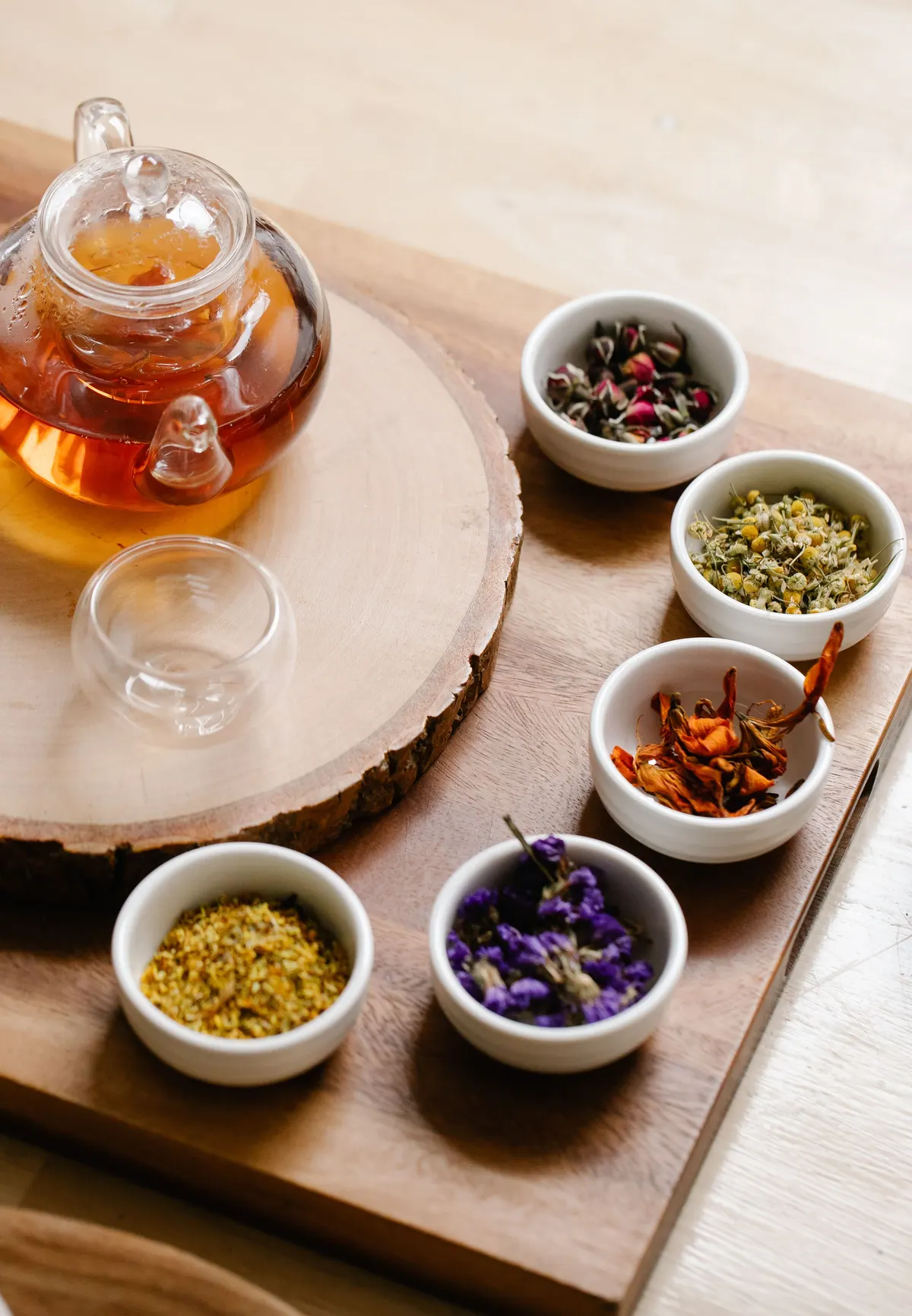
Make room for your routine.
Botanical wellness essentials
Build your routineBestsellers
View all

Ginkgo Focus
60 capsules
$24.00
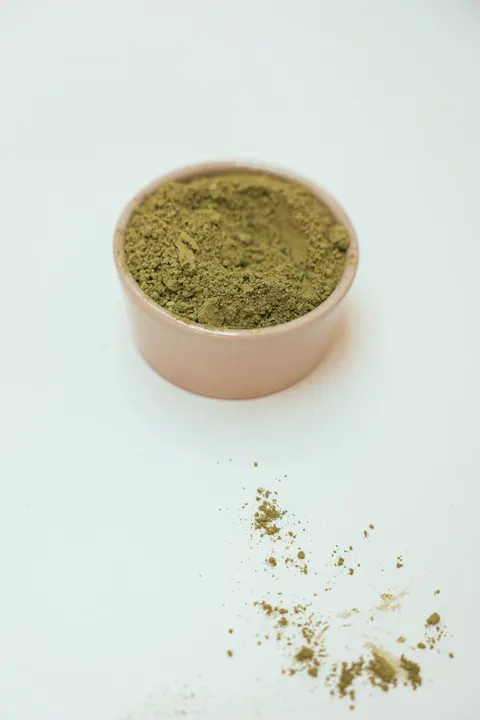
Moringa Leaf Powder
150 g
$19.00

Calm Evening Tea
20 sachets
$14.00
Botanical Wellness Supplements
Botanical · Wellbeing
Find a starting point with the right character.
Explore designs such as Slow Goods Pantry, Clean Beauty Skincare and Botanical Wellness Supplements. Choose a direction that suits your products, then use it as the foundation for a store with its own voice and priorities.
Free delivery on orders over $50
Good things. Taken slowly.
Tea, coffee and preserves
Shop the pantryBestsellers
View all
Wildflower Honey
340 g jar
$14.00
Lemon & Spice Preserve
250 g jar
$9.50
Meadow Herbal Tea
80 g loose leaf
$12.00
Illustrative storefronts for real catalog entries, with sample products and prices. These are not screenshots of the templates. Selection here changes the reference only.
Choose a catalog reference to explore its intended character. Starting designs are selected during store creation.
Slide 01 / 03
Shopping review · Slow Goods Pantry. A product page on desktop and the collection on a phone, with sample products.
Good to know
Will it fit the way you sell?
When do I choose a starting design?


The template recommendation and selection flow is part of creating a store. Browse the available directions and inspect a candidate before continuing. The examples here identify real catalog entries; your finished storefront will also depend on your content and later edits.
What can I customise?
Refine your store’s presentation and content through the editing workflow, including work with Elliot. Describe the outcome you want and review the result. Your products and shopping requirements provide the context for those changes.
Can I preview the shopping experience?
Yes. Inspect the starting design and review changes while editing. Pay particular attention to collection browsing, product choices and mobile layouts, where the same content has less space. A preview is a useful review step before publication.
Can I redesign an existing store?
Yes, through an editing workflow. Bring the changes you want to make to your existing storefront and review them before publishing. The store-creation gallery is not an instant theme-replacement switch for an established store.
Works with the
rest of your store.
Every feature works from the same products, customers and orders.
- CatalogA growing range should give customers more choice without making the right product harder to find. Organise products, build collections and present useful filters from the catalog you already manage in your store. Make the browsing path fit the way your customers shop.
- SEO & ContentAnswer the questions customers ask before they buy. Publish guides in your store, include relevant products and prepare the page details that help explain the content to search engines. Your advice and your catalog become part of the same shopping experience.
- Store BuilderGo from an idea or existing business to a launch-ready storefront without losing control.

Give your products a fitting home.
Explore a starting direction or discuss the next design change for your existing store.