Manage your customers
View customer profiles, order history, contact details, and lifetime value to give better service.
Behind every order is a customer, and YNS keeps a tidy record of each one. Knowing who buys from you – and how often – helps you give better service, recognize your best shoppers, and spot opportunities to bring people back.
Where your customers live
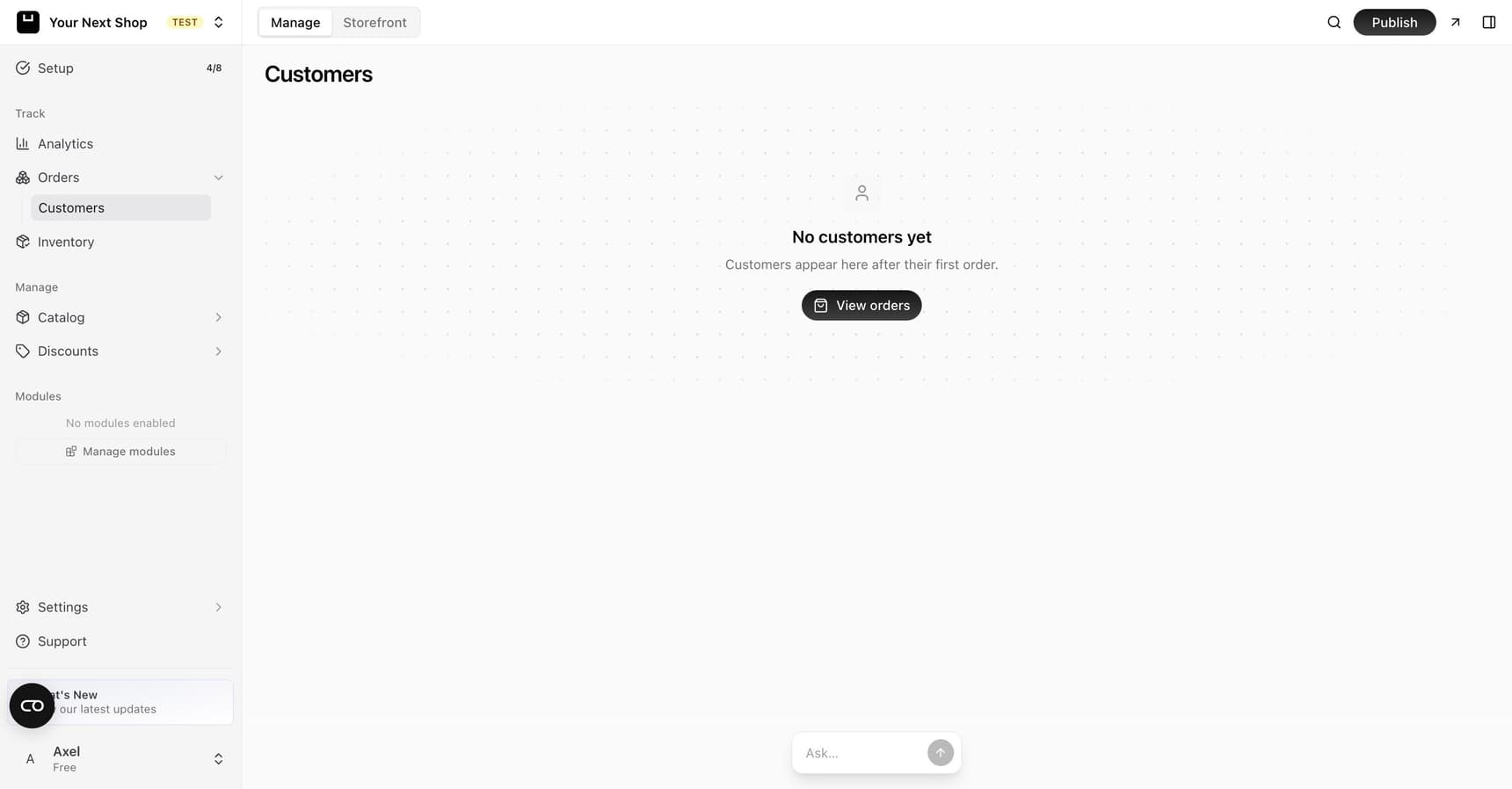
Open the Customers section from your dashboard to see everyone who has bought from your store. Each entry represents one customer, built automatically from their orders – you don't need to add anyone by hand. The moment someone completes their first purchase, they appear here.
What a customer profile shows
Click a customer to open their profile. There you'll find everything you've gathered about that shopper through their orders:
| Detail | What it tells you |
|---|---|
| Contact details | Their name and email, so you can reach out when needed |
| Order history | Every order they've placed, with dates and amounts |
| Lifetime value | The total they've spent with you over time |
Tip: A customer's lifetime value is a quick way to recognize your most loyal shoppers – the people worth rewarding with a thank-you or a special offer.
Tip: Do it with AI – ask the AI Assistant things like "which customers ordered more than once?" or "who's spent the most this month?" and it will pull the answer from your customer and order data instantly.
Using customer details
From a customer's profile you can quickly review what they've ordered before, which is handy when they email with a question or want to reorder. Each order in their history links back to the full order so you can see every detail – items, totals, and shipping address.
This makes day-to-day support much smoother:
- Answering questions. When a customer asks about a past order, you have their whole history in front of you.
- Helping them reorder. See what they bought before and guide them to the same items.
- Spotting loyalty. Lifetime value and repeat orders show you who keeps coming back, so you can thank them.
Turning customer knowledge into action
Once you know who your best customers are, you can act on it:
- Reward loyal shoppers with a coupon as a thank-you.
- Bring people back by keeping in touch through newsletters.
- Recognize patterns – if certain customers buy often, those are the people to look after first.
A note on privacy
Customer details exist so you can serve people well. Treat their contact information with care, only use it for genuine reasons related to their orders, and be mindful of the privacy expectations and rules that apply to your business. Your legal pages are a good place to set out how you handle customer information.
FAQ
How does someone become a customer?
Automatically. As soon as a shopper completes their first order, a customer profile is created for them with their contact details and that order. You never have to add customers manually.
Can I see how much a customer has spent in total?
Yes. Each profile shows lifetime value – the total a customer has spent with you across all their orders – which is a quick way to spot your most valuable shoppers.
How do I find repeat customers?
Open the Customers section and look at order history and lifetime value, or simply ask the AI Assistant "which customers ordered more than once?" for an instant answer.
Can I email a customer from their profile?
You can see a customer's email on their profile and reach out directly. For sending updates to many customers at once, use Newsletters and subscribers.
What's next
- Jump from a customer to their purchases in View and manage orders.
- Give a repeat business buyer negotiated prices with Sell wholesale to business buyers.
- Reward loyal shoppers with Coupons and discounts.
- Keep in touch through Newsletters and subscribers.
- Ask questions about your shoppers with the AI Assistant.