

Claude

Create a 15% off coupon for this weekend.
Your Next Store · Create coupon
Done. WEEKEND15 is live until Sunday night.
WEEKEND15
Reply to Claude…
Run a promotion.
Create coupons, change prices and update collections.
Use the AI you already work with. YNS takes care of checkout, payments and orders.
 Choose healthWhat are you looking for?Search

99.6% of buyers recommend us · Allegro
Proven supplements from trusted brands. More energy, better immunity, stronger results.
Shop bestsellers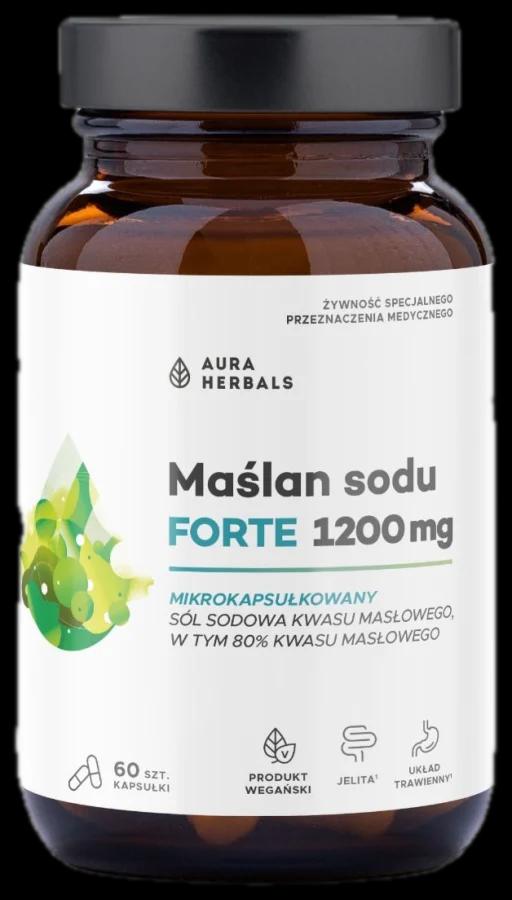 BestsellersMost chosen
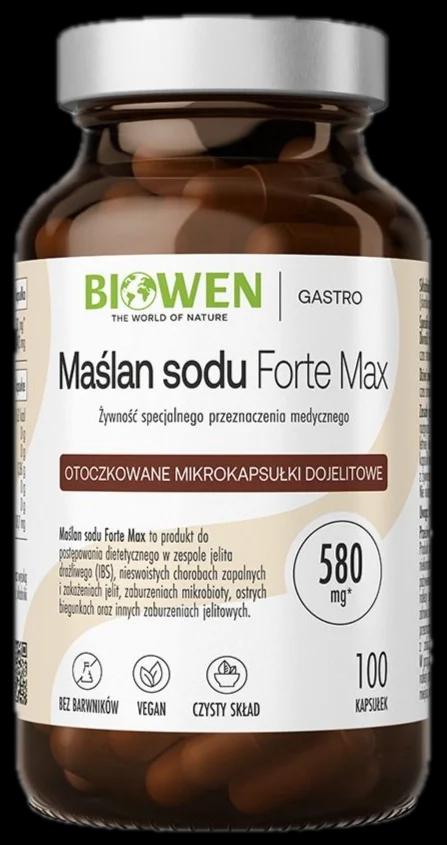 Biowen freeSodium butyrate for PLN 0
 Nature’s FinestOfficial distributor
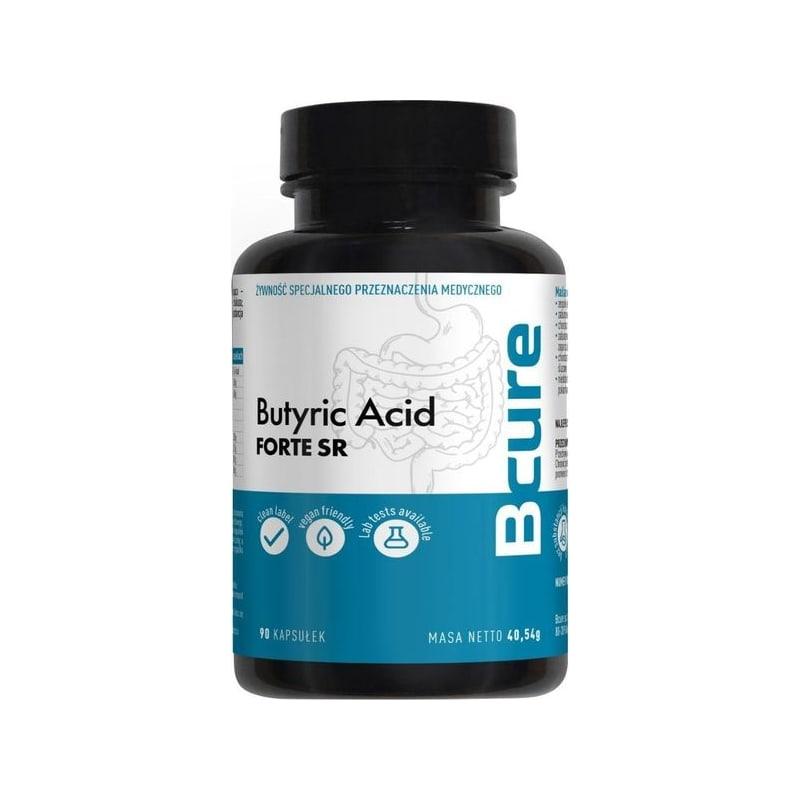
BCure Butyric Acid Forte SR, sodium butyrate, 90 capsules
Capsules · 90
PLN 35.90
PLN 0.40 / pc
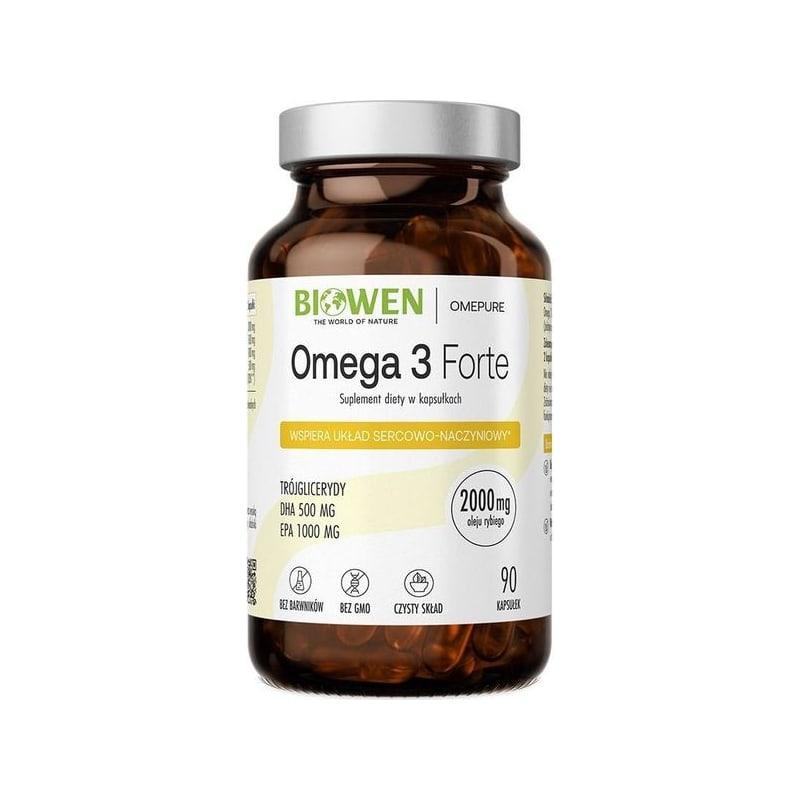
Biowen Omega 3 Forte 1000 mg, 90 capsules
Capsules · 90
PLN 79.99
PLN 0.89 / pc
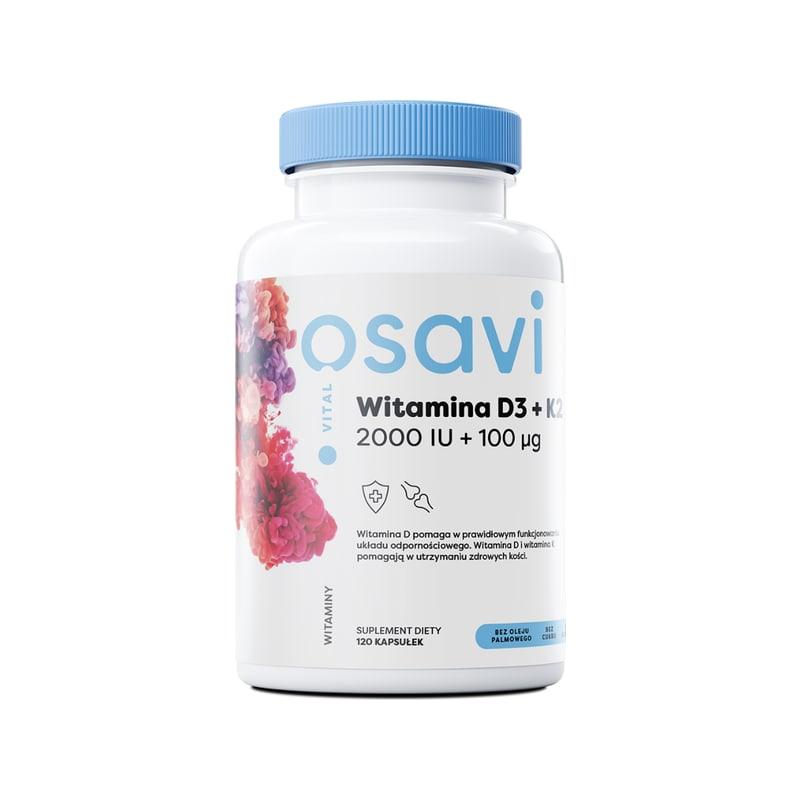
Osavi Vitamin D3 + K2 2000 IU, 120 capsules
Capsules · 120
PLN 58.00
PLN 0.48 / pc
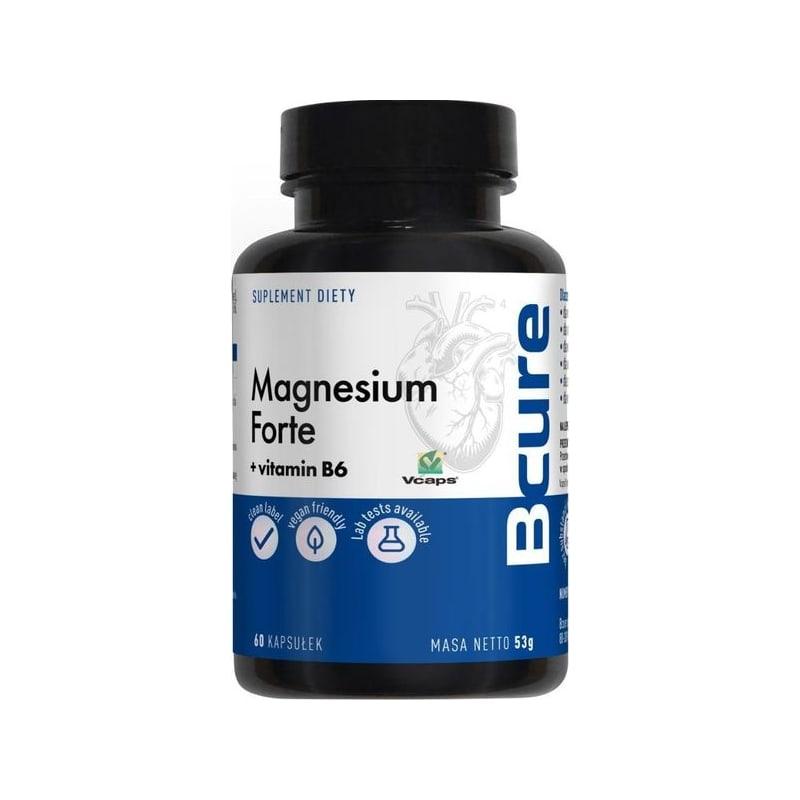
BCure Magnesium Forte + Vitamin B6, 60 capsules
Capsules · 60
PLN 14.90
PLN 0.25 / pc
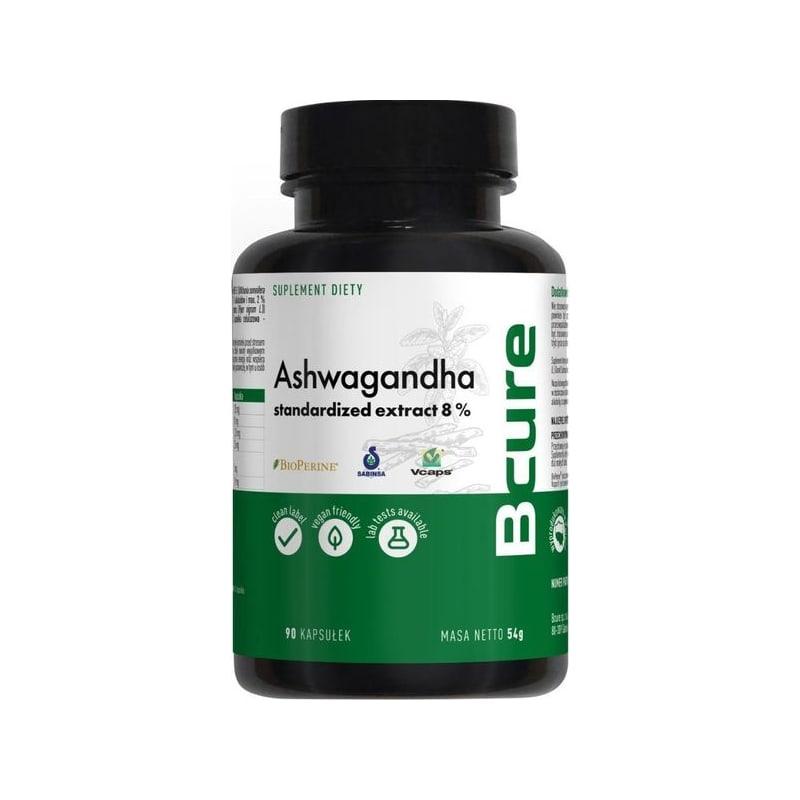
BCure Ashwagandha, 90 capsules
Capsules · 90
PLN 22.90
PLN 0.25 / pc
Elliot
Make the homepage warmer and put BCure Butyric Acid first in Bestsellers.
10:59 AM
Looking at / on desktop…
I warmed up the colours and moved BCure Butyric Acid Forte SR to the top of Bestsellers. Publishing changes your live store, so I’m asking first.
Publish storefront
You answered: Approve
The new homepage is live.
Ask me anything
Type what you need. Your AI app does it in your store.
Create a 15% off coupon for this weekend.
Your Next Store · Create coupon
Done. WEEKEND15 is live until Sunday night.
WEEKEND15
Reply to Claude…
Create coupons, change prices and update collections.
Which products sold best last week?
Your Next Store · Read analytics
Your top three last week:
BCure Butyric Acid Forte SR, sodium butyrate, 90 capsules42 soldBiowen Omega 3 Forte 1000 mg, 90 capsules31 soldOsavi Vitamin D3 + K2 2000 IU, 120 capsules18 soldAsk anything
Orders, customers and analytics, without opening a report.
Add a “buy more, pay less” block to the product page.
Worked for 48s
<BuyMorePayLess />→app/product/[slug]/page.tsx
+ <BuyMorePayLess product={product} />
Added. The block is in the preview, ready to review.
Send follow-upComposer 2
In Claude Code or Cursor, describe the change and review the diff.
You decide what an AI app can do in your store, and you can switch it off at any moment.
Access for Claude
Turn on only what an app may work with. Your customers’ personal data and your sales stay with you.
Connected apps
Every connected app is listed in your store settings. Disconnecting one ends its access right away.
In Claude and ChatGPT, refunds, gift cards and store ownership always stay with you.
Elliot lives in your dashboard. Describe your business and it builds the first version of your store. Then ask it to redesign a page, add a product or find an order.

Elliot
@Elliot homepage hero feels flat. Can you tighten it?
You · just now
ElliotYour AI operatorOn it. I’ll check your store and brand first.
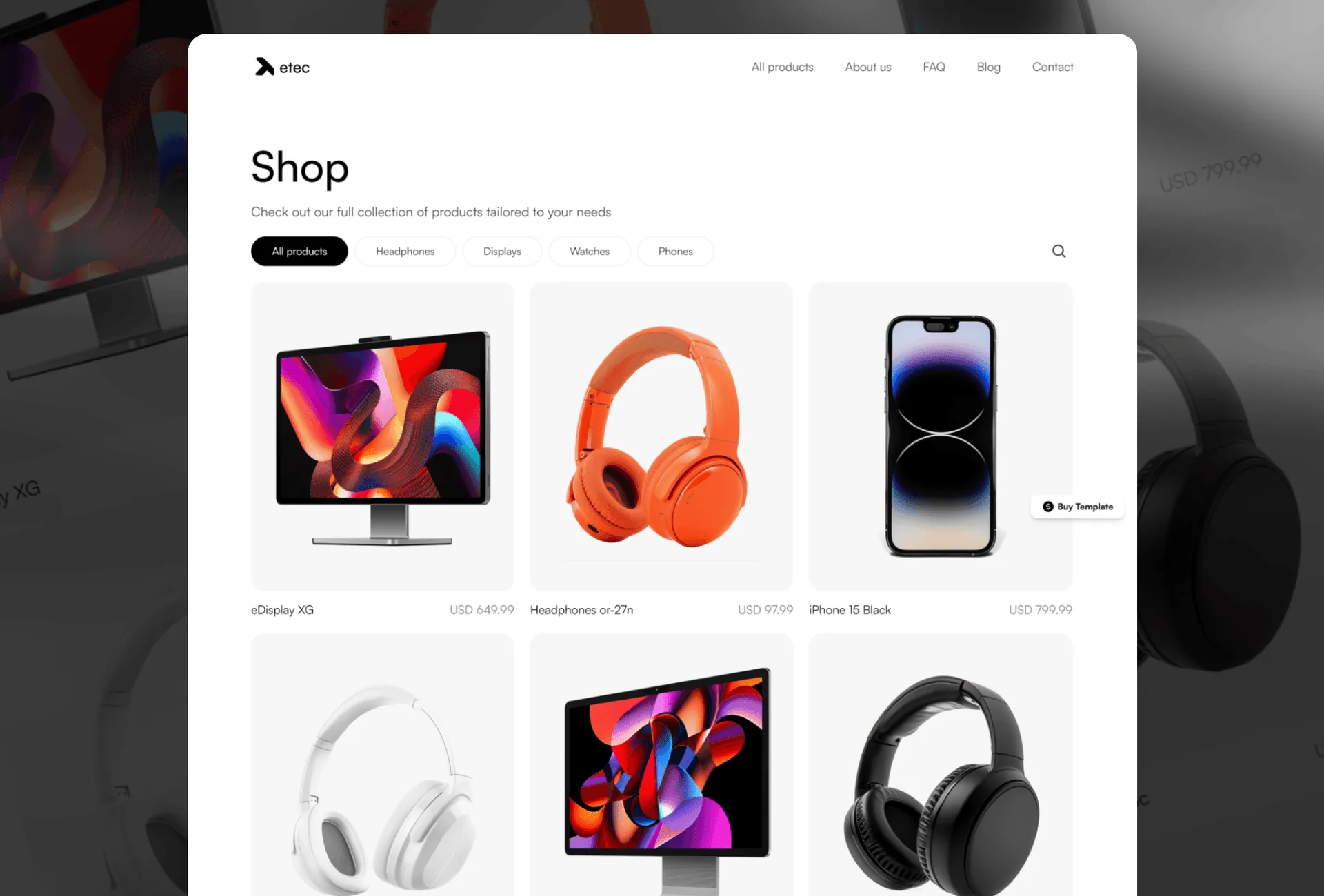










Shipped. Tighter headline and CTA, your campaign banner stays.
Connect a service in Add-ons and Elliot, our AI agent, uses it while you chat.
Any service with a remote MCP server works. A store can connect up to 20 apps.How to connect a service
Follow the steps for your app. Our built-in AI agent needs no setup at all.
Using an app that’s not listed? Add a remote MCP server with this address:https://yns.store/mcpRead the MCP docs


MCP (Model Context Protocol) is a standard that lets AI apps connect to other tools. Once your store is connected, your AI app can read it and change it when you ask.
Any app that supports remote MCP servers can connect, including Claude, ChatGPT, Grok, Claude Code, Codex, Cursor and VS Code. The setup guide shows how.
Yes. Every Your Next Store store has its own MCP server, on every plan, so you can connect Claude, ChatGPT, Grok, Cursor and the other apps on this page at no extra cost. If you use an AI app's paid plan, you pay that app for it.
Elliot is part of every store, and each new store starts with $10 of free credits, with no card needed. Elliot uses them as it works, and you can top them up at any time.
Yes. Connect a service in Add-ons, such as Klaviyo, Notion, Ahrefs, PayPal or monday.com, and Elliot can use it in the chat right away. Any service with a remote MCP server works, up to 20 per store.
No. Elliot, Claude and ChatGPT work in plain language. Code editors are for teams that want to change the storefront code themselves.
An app you connect with your account can do what you can do in the store, and nothing more. The versions for Claude and ChatGPT leave out sensitive actions such as refunds and transferring store ownership.
Yes. Each one connects to the same store, so you can design with Elliot, check orders in ChatGPT and change the storefront code in Cursor.
Start with Elliot today and connect your own tools when you need them.