Open Source Shopify Alternatives for Developers
 Jakub Neander
Mar 31, 202611 min read
Shopify charges 0.6-2% on every sale if you don't use Shopify Payments (on top of payment processing fees), plus $29-$299/month for the platform. For a store doing $500K/year on the Basic plan, platform transaction fees alone can reach roughly $10,000 (we did the full math on Shopify's real cost here). If you're a developer comfortable deploying your own stack, open source alternatives can save you significant money, with tradeoffs. Here's an honest look at what works in 2026. For the broader picture including commercial API-first options, see our ranking of the best ecommerce platform for developers. For a product-level comparison, see YNS vs Shopify.
- Best for fast launch: Your Next Store. Open source Next.js storefront with optional managed platform and Elliot, the AI Builder
- Best for full stack control: Medusa. Own your database, API, and admin panel
- Best for enterprise: Saleor. GraphQL-native, multi-channel, multi-currency
- Best for WordPress users: WooCommerce. Massive ecosystem, PHP-based
- Best headless framework: Vendure. TypeScript, GraphQL, clean architecture
Why Developers Leave Shopify
Before diving into alternatives, it's worth understanding what drives developers away from Shopify. It isn't one thing. It's the accumulation of friction:
Transaction fees eat your margins. Shopify charges 0.6-2% on every sale unless you use Shopify Payments. For a store doing $50K/month, that's $3,600-$12,000/year in platform fees, not counting the payment processing fees you'd pay anywhere.
Liquid templates limit flexibility. Shopify's templating language is proprietary. While you can build headless stores with Shopify Plus ($2,300/month), their Liquid-based themes don't support modern React patterns like Server Components or TypeScript out of the box.
Data portability varies across all platforms. Shopify provides export tools for products, customers, and orders. Most open source alternatives have similar limitations – migrating between any two e-commerce platforms requires work to map data and rebuild your storefront.
App dependency is expensive. A typical Shopify store runs 5-10 paid apps for features like reviews, email, subscriptions, and SEO. That's $200-500/month in app fees on top of your Shopify plan.
The total cost of running a Shopify store for a year, including subscription, transaction fees, apps, and a premium theme, often lands between $3,000-$15,000 depending on your sales volume. On a per-sale basis, we broke down how much Shopify takes from a $100 sale. An open source alternative eliminates most of that.
What Makes a Good Open Source Shopify Alternative
Not every open source e-commerce project deserves your attention. Many are abandoned after the initial commit, or technically open source but practically unusable without a paid cloud service, or "open source" under a license with terms you'd want to read first (our best open source ecommerce platforms guide breaks down what those license differences actually mean). Here's what we look for:
| Criteria | Why It Matters |
|---|---|
| Active maintenance | Last commit within 30 days, responsive issues |
| Modern tech stack | TypeScript, React/Next.js, modern tooling |
| Payment processing | Stripe or equivalent built-in, not "BYO payments" |
| Self-host option | You can deploy to your own infrastructure |
| Production-ready | Real stores run on it today, not just demos |
| Documentation | Setup guides that actually work |
Quick Comparison
| Platform | Language | Database | Payments | Self-Host | Managed Option | Learning Curve | Best For |
|---|---|---|---|---|---|---|---|
| Your Next Store | TypeScript | PostgreSQL (managed) / None (template) | Stripe | Yes | Yes ($30-360/mo) | Low | Fast launch, Elliot |
| Medusa | TypeScript | PostgreSQL | Stripe, PayPal | Yes | Yes (Medusa Cloud) | Medium | Full backend ownership |
| Saleor | Python/TS | PostgreSQL | Multiple | Yes | Yes (Saleor Cloud) | High | Enterprise, multi-channel |
| WooCommerce | PHP | MySQL | WooPayments, Stripe | Yes | WordPress hosts | Medium | WordPress ecosystem |
| Vendure | TypeScript | PostgreSQL/MySQL | Stripe, Mollie | Yes | No | Medium | Clean headless API |
| Payload CMS | TypeScript | PostgreSQL/MongoDB | Stripe | Yes | Yes (Payload Cloud) | Medium | Content-heavy stores |
| Spree Commerce | Ruby | PostgreSQL | Stripe, Braintree | Yes | No | Medium | Multi-vendor marketplaces |
The Best Open Source Shopify Alternatives
1. Your Next Store
Best for: Developers who want a modern stack without weeks of setup, and founders who want an AI-built store.
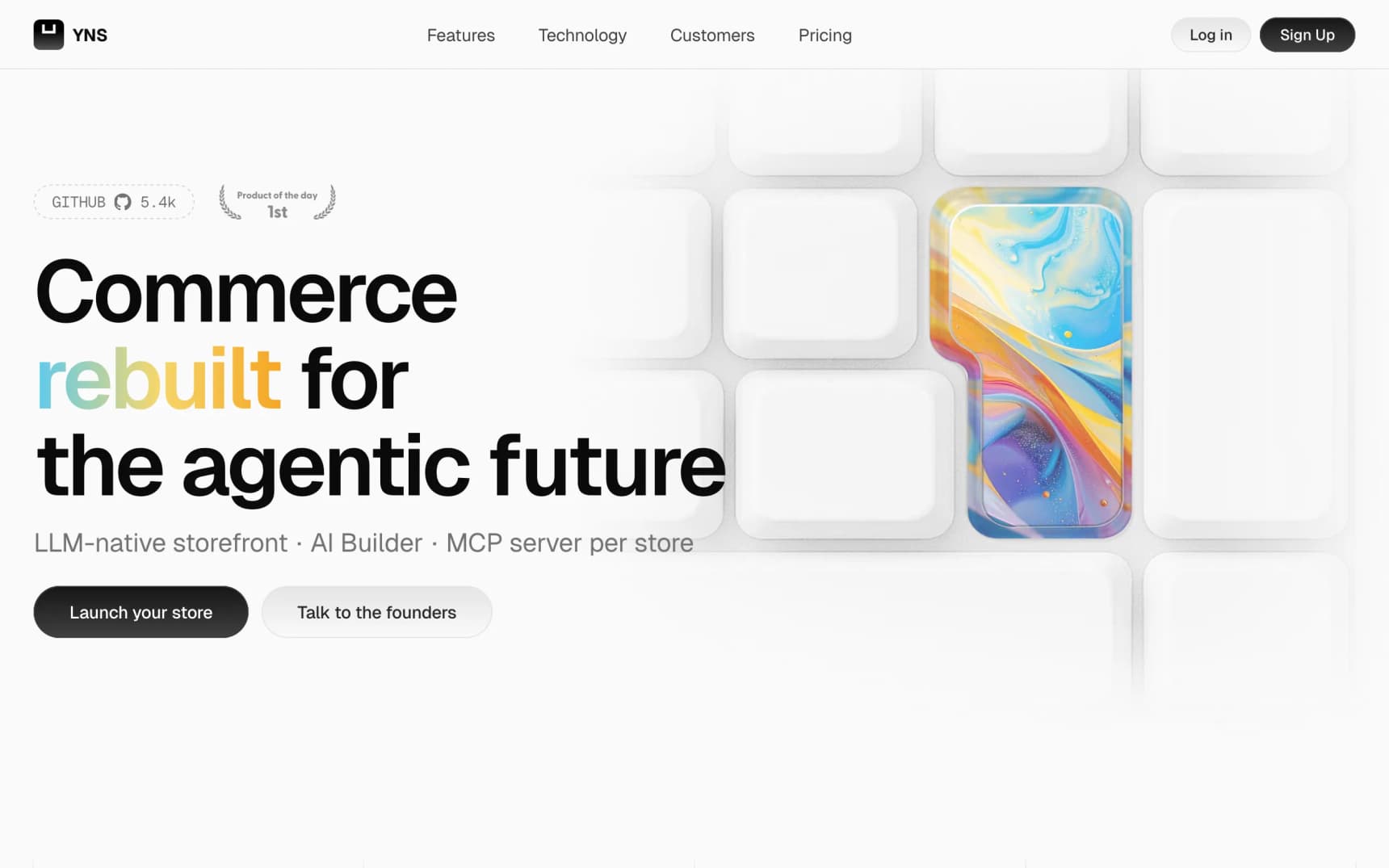
Your Next Store takes a different approach from most open source e-commerce projects. Instead of giving you a framework and wishing you luck, it ships as two things: a free open source template you can self-host, and a managed platform with an AI store builder.
The open source template is a complete Next.js storefront with Stripe payments, product pages, cart, checkout, and SEO optimization. Clone it, customize it, deploy it. No database required for the template: Stripe acts as the product catalog. (We wrote about what makes it so fast under the hood.)
The managed platform adds what solo developers and small teams actually need: an admin dashboard, multi-tenancy (each store gets its own subdomain or custom domain), team management, and Elliot, which lets you design your store by chatting with AI. Note: The open source template requires the managed platform backend for full functionality – the template alone provides the storefront UI but not the admin, multi-tenancy, or AI features.
What makes it stand out:
- AI store builder: describe what you want, watch it build in real-time with live preview
- AI assistant: built-in chat assistant in the admin panel that understands your store's products, orders, and settings – with customizable knowledge base per store
- GEO-ready out of the box: JSON-LD structured data on all pages, built-in SEO audit with AI discoverability checks (llms.txt, content hierarchy, structured data completeness)
- Next.js 16 + React 19: Partial Prerendering, Server Components, optimistic updates
- Open source storefront: the frontend template is open source and customizable
Tradeoffs: The open source template is a storefront UI only – it doesn't include an admin dashboard, multi-tenancy, or Elliot. To get those features, you need the managed platform, which charges a flat monthly subscription with no platform transaction fees – only Stripe's standard processing fees. The template uses Stripe as its product catalog (no separate database), which is simple but limits what you can do without the managed backend. Stripe is the only supported payment processor.
Annual cost comparison vs Shopify (at $100K/year in sales):
| Shopify Basic | YNS Starter | YNS Growth | |
|---|---|---|---|
| Subscription | $348/yr | $360/yr | $720/yr |
| Platform fees | $2,000 | $1,500 | $750 |
| Total | $2,348 | $1,860 | $1,470 |
At $100K in annual sales, YNS Starter saves you ~$500/year over Shopify. At $500K, YNS Growth saves over $7,000/year.
Your Next Store is open source. Star the repo on GitHub: github.com/yournextstore/yournextstore
2. Medusa
Best for: Developers who want to own every layer of the commerce stack.
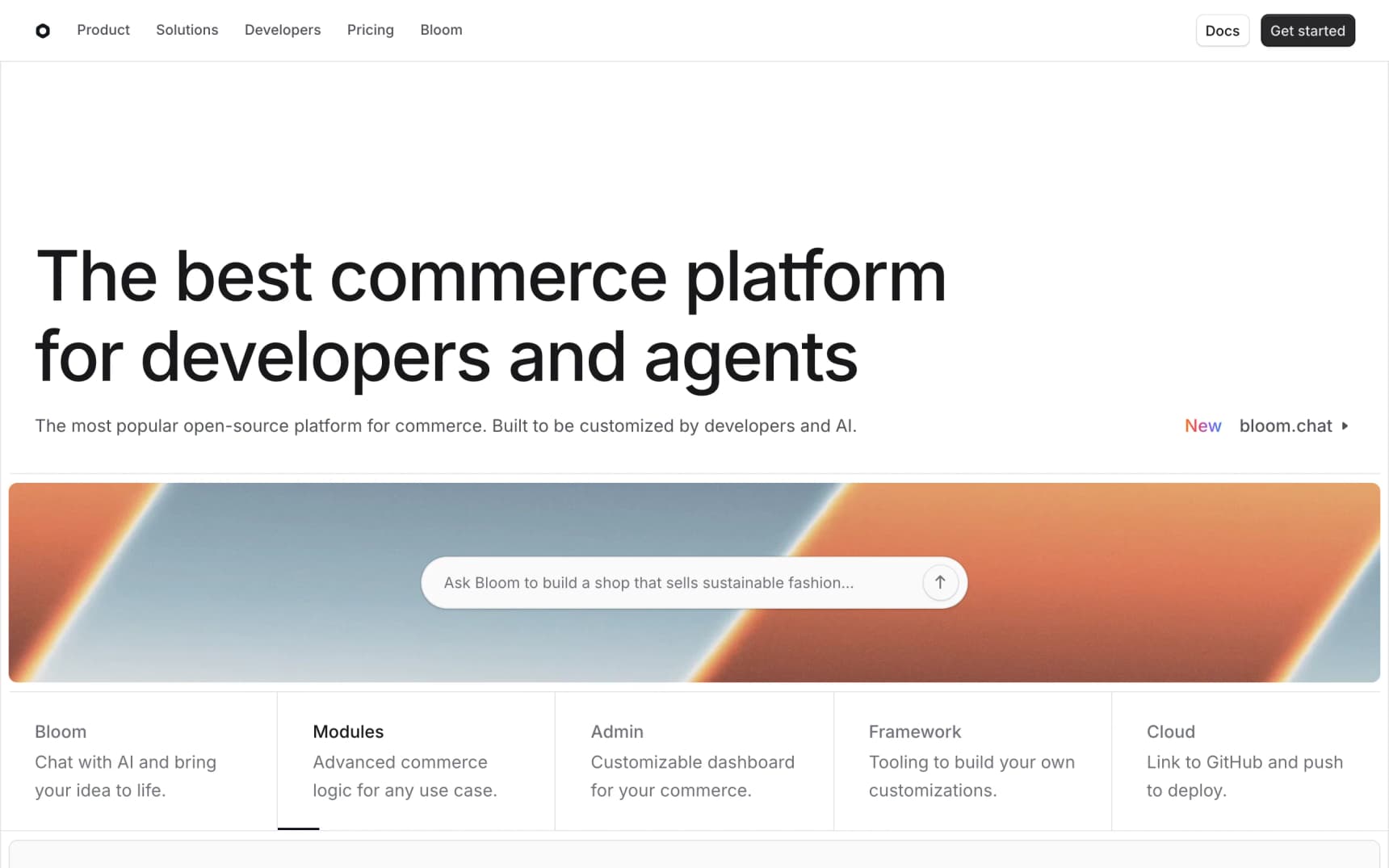
Medusa is the most popular open source headless commerce platform on GitHub (32K+ stars). It gives you a Node.js/TypeScript backend with a REST and JavaScript SDK, a React admin dashboard, and a Next.js storefront starter. If you want to see how it compares against other true headless engines, hybrid platforms, and composable commerce, we categorize them in our best headless commerce platforms ranking.
Medusa's architecture is modular. The core handles products, orders, carts, and customers. Everything else (payments, fulfillment, search, notifications) plugs in via modules. You can swap Stripe for PayPal, Algolia for Meilisearch, or write your own module for custom business logic. The team also ships Bloom, an AI chat layer that scaffolds a Medusa storefront from a prompt; we wrote up the best Bloom alternatives if you want to compare it against the broader AI store builder landscape.
What makes it stand out:
- Full backend ownership: your database, your API, your admin
- Module system: payments, fulfillment, search, and notifications are all pluggable
- Multi-region: currencies, tax rates, and shipping calculated per region
- Active community: 32K+ GitHub stars, active Discord, regular releases
Tradeoffs: Medusa requires deploying three components: the Medusa backend (Node.js + PostgreSQL), the admin dashboard, and the storefront. Initial setup can be quick – you can have a local dev environment running in minutes – but configuring production infrastructure is your ongoing responsibility. Medusa Cloud simplifies this but adds cost.
3. Saleor
Best for: Enterprise teams needing multi-channel, multi-currency, multi-warehouse commerce.
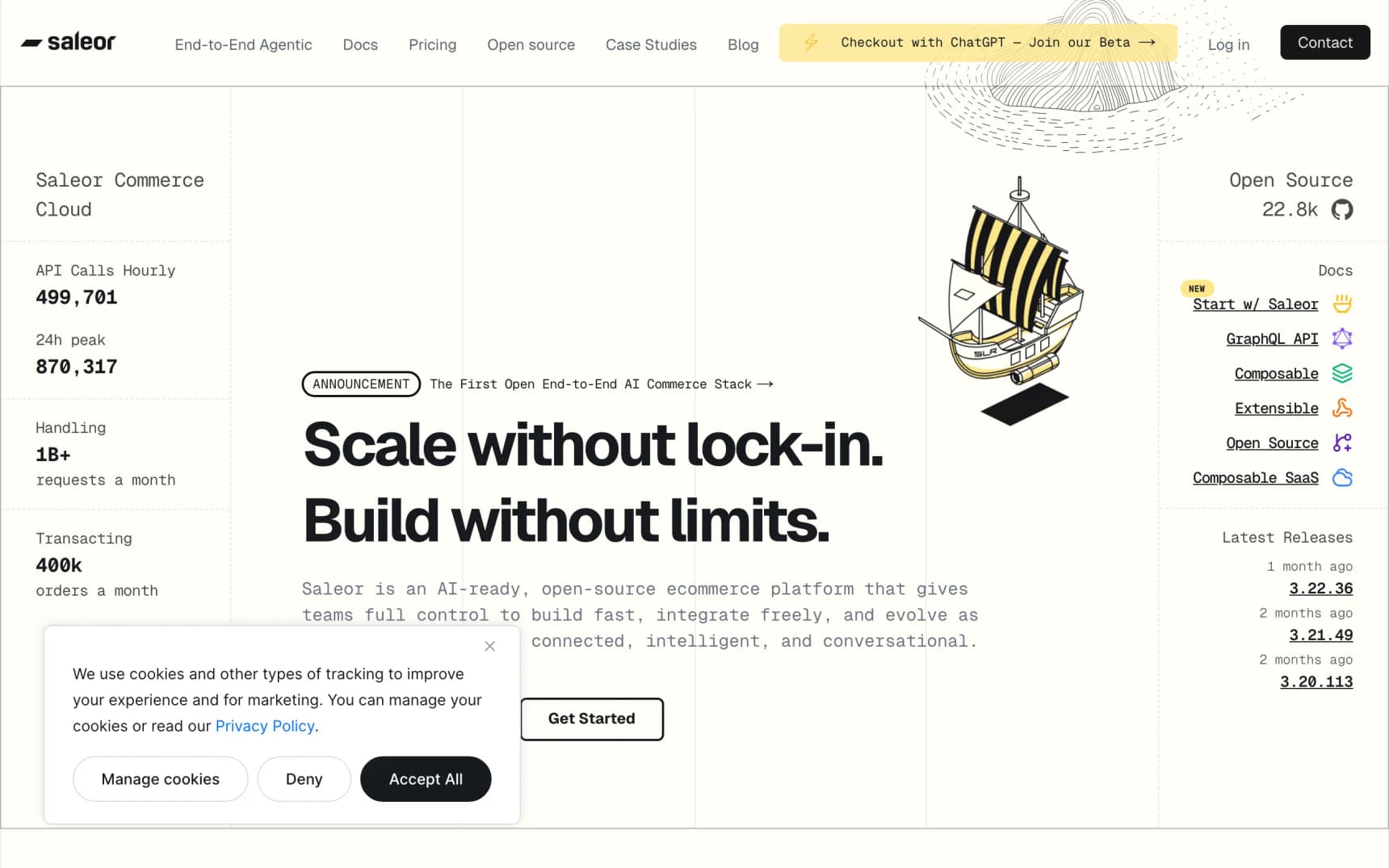
Saleor is a GraphQL-first commerce platform built with Python (Django) on the backend and React/Next.js for the storefront. It's designed for scale: multi-channel selling, multi-currency support, warehouse management, and fine-grained permissions.
If you're building a commerce operation that sells on web, mobile, and marketplaces from one backend, Saleor is purpose-built for that. The GraphQL API is well-designed, with full type generation for your frontend.
What makes it stand out:
- GraphQL-native API: type-safe queries with automatic code generation
- Multi-channel: web, mobile, POS, marketplaces from one backend
- Warehouse management: stock tracking across multiple locations
- Permissions system: granular role-based access control
Tradeoffs: Saleor is enterprise software with an enterprise learning curve. Self-hosting Saleor requires PostgreSQL, Redis, Celery workers, and media storage – a nontrivial stack. But Saleor Cloud handles all of that for you, making it accessible to solo developers and small teams. The main consideration is that the backend is Python (Django), so self-hosters need Python expertise alongside TypeScript for the frontend. For a deeper look at what else fits that profile, see our Saleor alternatives guide.
4. WooCommerce
Best for: Teams already invested in WordPress who want maximum plugin availability.
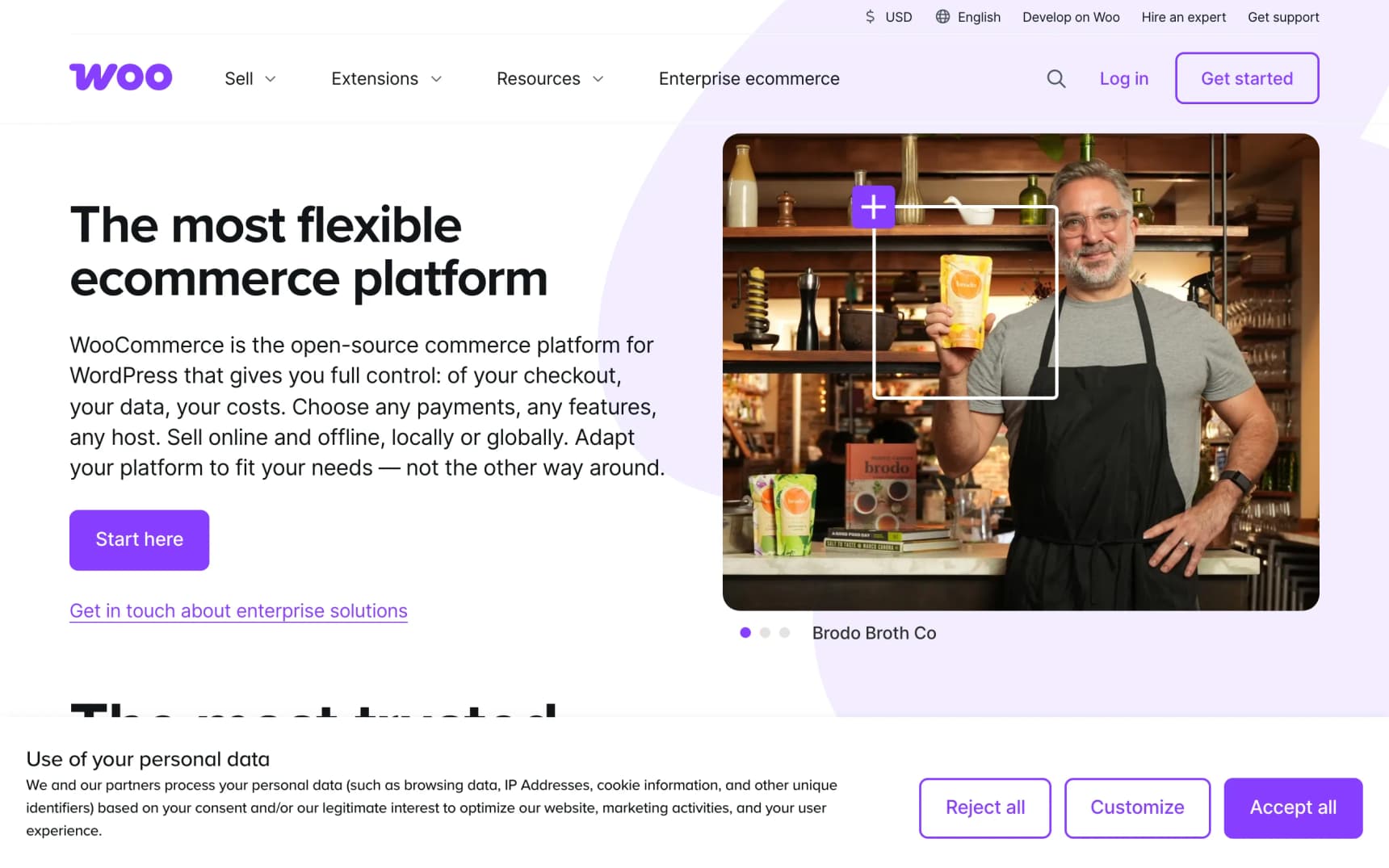
WooCommerce powers millions of online stores. It's the incumbent open source option, built on WordPress and PHP. The ecosystem is unmatched: thousands of plugins for every conceivable feature, from subscriptions to bookings to multi-vendor marketplaces.
WooCommerce's biggest strength is also its limitation: it's built on WordPress and PHP. You get the world's largest CMS ecosystem, but the architecture is server-rendered rather than component-based. Performance requires caching and optimization. If you're already running WordPress, WooCommerce is the path of least resistance. If you're specifically weighing it against Shopify (the more common comparison), we did the head-to-head in Shopify vs WooCommerce.
What makes it stand out:
- Ecosystem: thousands of plugins, themes, and integrations
- WordPress integration: use the CMS you already know
- Hosting options: runs on any PHP host ($5-50/month)
- Community: massive community, extensive documentation
Tradeoffs: WooCommerce uses a server-rendered PHP architecture, which is different from the component-based TypeScript/React approach of newer platforms. Performance out of the box requires caching plugins and CDN configuration. Security requires constant vigilance (WordPress is one of the most targeted CMSs). The admin UI is functional but feels dated compared to newer alternatives. If you are weighing a move off WooCommerce specifically, we wrote a full guide to WooCommerce alternatives ranking the real options by audience.
5. Vendure
Best for: Developers who want a clean, well-architected headless commerce API.
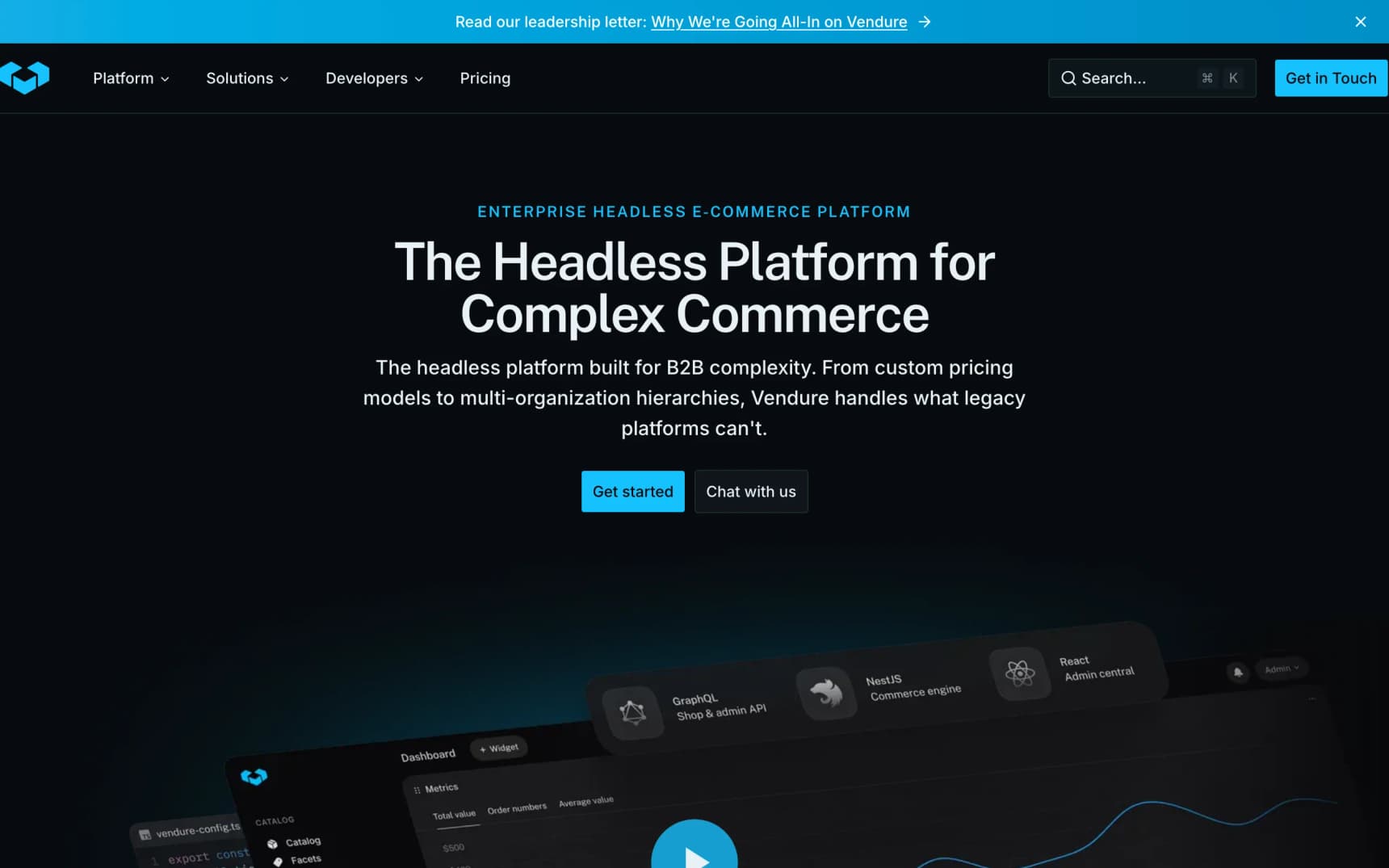
Vendure is a headless commerce framework built with TypeScript and NestJS. It's less well-known than Medusa or Saleor but has one of the cleanest architectures in the space. The GraphQL API is thoughtfully designed, the plugin system is elegant, and the codebase is a pleasure to read.
Vendure doesn't ship a storefront – it's purely a backend framework. You build (or choose) your own frontend. This makes it ideal if you want full control over the customer experience while relying on a solid, type-safe commerce API.
What makes it stand out:
- Clean architecture: NestJS-based, well-documented, easy to extend
- TypeScript end-to-end: backend, admin UI, and API types
- Plugin system: lifecycle hooks, custom resolvers, database extensions
- Job queue: built-in background job processing for heavy operations
Tradeoffs: No managed cloud option. You're self-hosting everything. The community is smaller than Medusa or WooCommerce, which means fewer pre-built plugins and integrations. No official storefront template means more upfront work.
6. Payload CMS
Best for: Content-heavy stores where products need editorial pages and rich media.
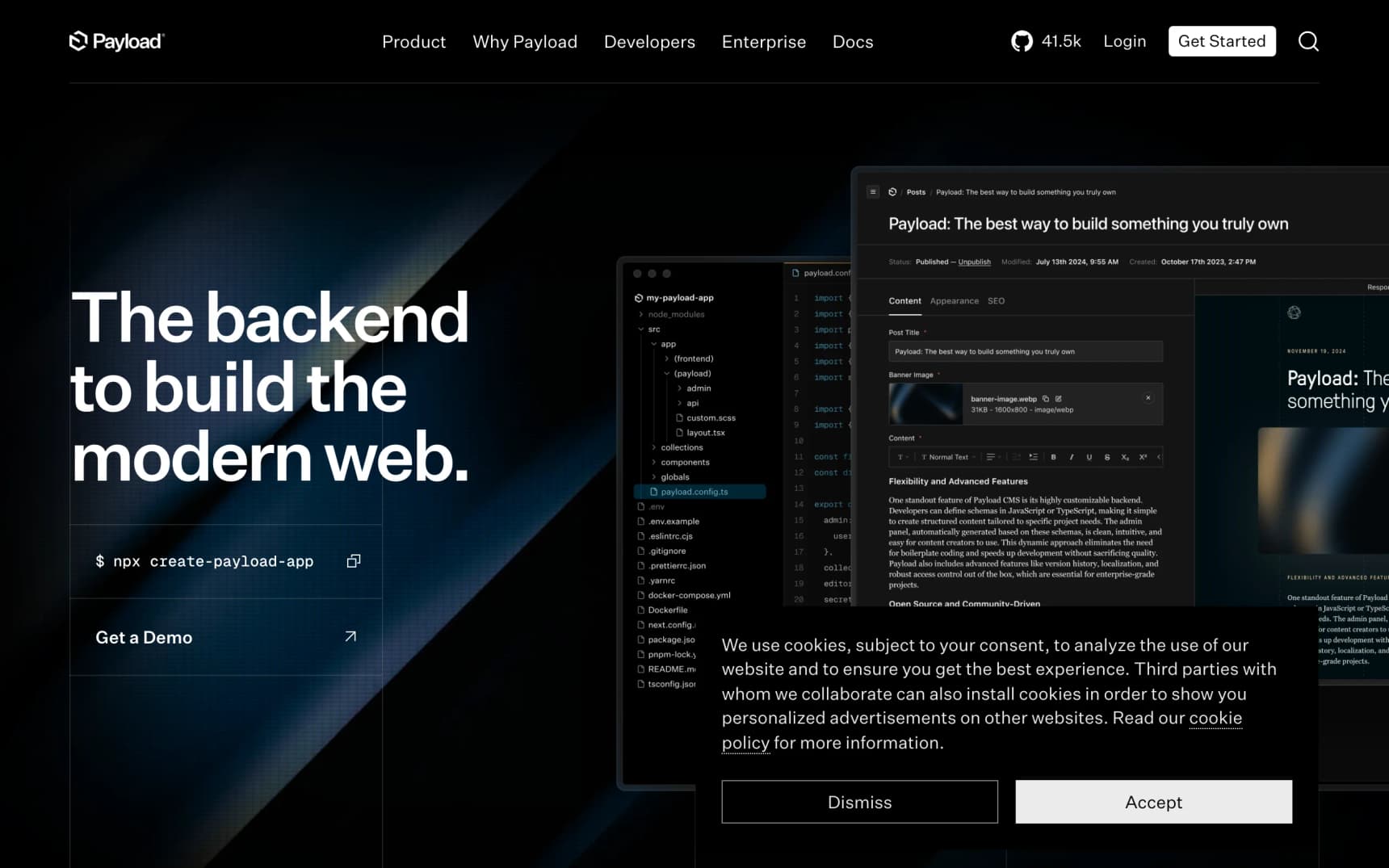
Payload CMS 3.0 isn't a pure e-commerce platform. It's a headless CMS that runs inside Next.js, and their e-commerce template adds Stripe payments, a product catalog, and checkout to the CMS. Your admin panel and storefront deploy as a single Next.js app.
This approach is powerful when your store is more than just a catalog. If you sell a few dozen products but need rich landing pages, blog content, and editorial product stories, Payload gives you a best-in-class content editing experience alongside commerce.
What makes it stand out:
- Single deployment: CMS + storefront in one Next.js app
- Visual editor: drag-and-drop page building with live preview
- Flexible data model: define any content type or product structure
- Stripe integration: checkout flow with webhook handling
Tradeoffs: Payload is a CMS first, commerce second. The e-commerce features are less mature than dedicated platforms. You'll need to build features like inventory tracking, shipping calculations, and order management yourself or integrate third-party services.
Honorable Mentions
Spree Commerce: Ruby on Rails e-commerce platform with 15K+ GitHub stars. Excellent for multi-vendor marketplaces. The Ruby ecosystem is a strength if your team knows Rails.
Bagisto: Laravel-based e-commerce platform with a clean admin UI and API-first architecture. Strong option if your team works in PHP/Laravel.
Solidus: Fork of the original Spree, focused on stability and extensibility. Powers some large-scale Ruby shops.
How to Choose: Decision Framework
Skip the feature comparison spreadsheets. The right choice depends on three questions:
"How much infrastructure do I want to manage?"
Minimal: WooCommerce (WordPress hosting), Your Next Store (managed platform), Medusa Cloud, or Saleor Cloud. All handle ops for you.
Some: Medusa or Saleor with their cloud offerings. You focus on customization, they handle deployment.
All of it: Medusa, Saleor, or Vendure self-hosted. Full control, full responsibility.
"What's my tech stack?"
TypeScript/Next.js: Your Next Store, Medusa, Vendure, Payload. All are TypeScript-first. (See our full comparison of Next.js e-commerce templates for deeper analysis.)
Python/Django: Saleor is your best bet.
PHP/WordPress: WooCommerce. Don't fight your existing stack.
Ruby/Rails: Spree Commerce or Solidus.
"How fast do I need to launch?"
This week: Your Next Store managed platform with Elliot, or WooCommerce on managed WordPress hosting. If you're still comparing AI-first options, we ran the full list in the best AI store builders of 2026.
This month: Medusa with their Next.js starter, Payload CMS template, or Your Next Store open source template.
This quarter: Saleor or Vendure self-hosted with a custom storefront. These require more upfront investment.
The Real Cost of "Free" Open Source
Open source doesn't mean free. Every platform on this list costs something to run:
| Platform | Hosting | Database | Infrastructure Complexity | Realistic Monthly Cost |
|---|---|---|---|---|
| YNS (managed) | Included | Included | None | $30-360 (Stripe fees only) |
| YNS (template only) | Vercel free tier | Not needed | Low | $0-20 |
| Medusa (self-hosted) | VPS or cloud | PostgreSQL | Medium | $20-100 |
| Saleor (self-hosted) | Cloud (Redis, Celery) | PostgreSQL | High | $50-200 |
| WooCommerce | WordPress host | MySQL (included) | Low-Medium | $10-50 |
| Vendure | VPS or cloud | PostgreSQL | Medium | $20-80 |
The total cost of ownership is hosting + database + your development time. A platform that takes a week to set up costs more than one that takes an hour, even if the software is free.
FAQ
Is open source e-commerce secure enough for production?
Yes. Open source platforms like WooCommerce, Medusa, and Saleor power thousands of production stores. The key advantage is transparency: you can audit the code, apply security patches immediately, and skip waiting on a vendor's timeline. The tradeoff is responsibility. You need to keep dependencies updated and follow security best practices, especially for self-hosted deployments.
Can I migrate from Shopify to an open source alternative?
You can, but plan for it. Most platforms support importing product catalogs via CSV. Customer data, order history, and URL redirects require more work. Your Next Store uses Stripe, so if you're already processing payments through Stripe on Shopify, the transition is smoother. Budget 1-4 weeks for a full migration depending on catalog size and customizations. We cover the full six-phase process, including SEO redirects and app replacement, in a dedicated migration guide.
Do I need a developer to run an open source store?
For initial setup, yes. However, the level of ongoing technical involvement varies by platform:
-
WooCommerce: The most accessible for non-technical users – WordPress's admin is familiar to millions. Technical help is needed for performance optimization and security updates.
-
Your Next Store (managed): The end-to-end experience, including AI-assisted design and admin dashboard that handles day-to-day operations. The open source template requires developer skills, although vibe-coding skills should be sufficient too! Agencies and consultants can also join the YNS Partner Program for revenue share and dedicated support.
-
Medusa, Saleor, Vendure: All offer admin dashboards, but customization and infrastructure management require developer involvement. Cloud options reduce the ops burden.
Related Blog Posts
- Compare all ecommerce platforms – Shopify, Wix, WooCommerce, Squarespace, Ecwid
- Best Next.js E-commerce Templates in 2026
- WooCommerce Alternatives (2026)
- Best Squarespace Commerce Alternatives
- Best Wix Ecommerce Alternatives
- Lovable Shopify Integration: How It Works
- Best AI Store Builders of 2026
Ready to ditch Shopify? Start your store on Your Next Store.
Escape Shopify without rebuilding from scratch. Open-source Next.js storefront, typed SDK, 0% platform fees.