Best AI Store Builders 2026: No-Code Picks Compared
 Jakub Neander
Updated Sep 18, 202615 min read
"Build an online store with AI in minutes." You've seen the ad and probably tried the tool behind it. After the shiny first demo, most people notice something: many "AI store builders" aren't really building a store. Some just pick a ready-made design and fill it in. Others write pretty code but skip the products, stock, and checkout. Only a handful do what the ad actually promised. This guide sorts the best AI store builders of 2026 into plain English, with a comparison table, real prices checked in September 2026, and an honest look at Shopify's own AI builder.
Quick heads up: We make Your Next Store, one of the tools on this list. We'll say so clearly every time it comes up, admit where it's weaker than the competition, and keep every other tool's strengths honest. If you only want our favorite, skip to #1. If you want the full picture, keep reading.
- Our overall favorite: Your Next Store. An AI that builds and keeps editing a real store, with 0% platform fees on sales. See how YNS compares to Shopify, Wix, and WooCommerce.
- Best if you already sell on Shopify: Shopify's AI store builder plus Sidekick. Free design generation, then an AI assistant that edits your theme and runs admin tasks.
- Best for total beginners: Wix Harmony. Wix's AI agent builds the site, then you drag anything anywhere.
- Best-looking AI site with a built-in shop: Squarespace with Blueprint AI. Polished designs, 0% transaction fees from the Core plan up.
- Best if design matters most: Framer. Produces beautiful sites. Selling needs a plugin.
- Cheapest to start: Hostinger AI Builder (formerly Horizons). A few dollars a month on a long prepaid term.
- Best if you already use WordPress: 10Web. Adds an AI designer to a WooCommerce shop.
- Best "type a prompt, get a store" for dropshipping: Shoplazza. Especially handy if you ship internationally.
- The impressive demos that aren't really stores: Lovable, Replit, Bolt.new, and Base44. AI app builders that generate a storefront app. Products, stock, and admin are on you (or on a backend you connect).
Best AI Store Builders Compared (September 2026)
| Builder | Starting price (store-capable) | What the AI actually does | Lock-in / export | Best for |
|---|---|---|---|---|
| Your Next Store | $30/mo (Starter), 0% platform fee | Builds and edits the storefront itself by chat, with live preview | Storefront code in a GitHub repo you can clone (MIT open source); products and orders export as CSV; backend stays on YNS | Online stores that want a custom look without code |
| Shopify (AI store builder + Sidekick) | $29/mo (Basic, yearly) | Generates theme designs for free; Sidekick edits theme settings, writes copy, runs admin tasks | Products and customers export as CSV; themes run only on Shopify | Sellers who want the biggest ecosystem, POS, B2B |
| Wix Harmony | $29/mo (Core, yearly) | AI agent generates pages from a prompt, then drag-and-drop editing | Site doesn't transfer to other platforms | First-time site owners |
| Squarespace (Blueprint AI) | $19/mo (Basic, yearly, 2% fee); $29/mo Core for 0% | Generates a full site from a short questionnaire | Limited export; plan on rebuilding if you move | Design-led small shops, creators |
| Framer | $10/mo (Basic, yearly) + checkout plugin | AI agents design and edit pages | Site runs on Framer | Lookbooks, small catalogs, digital products |
| Hostinger AI Builder | $3.99/mo intro on a 48-month term (renews $16.99) | Builds a site or web app from chat, or you drag and drop | Stays on Hostinger | Tight budgets, a few products |
| 10Web | ~$11/mo (AI Ecommerce, yearly) | Generates a WordPress + WooCommerce site | Standard WordPress, move to any host | WordPress fans |
| Shoplazza | $29.25/mo (Basic, yearly) + 2% | Builds a full store from a prompt | Stays on Shoplazza | Dropshipping, cross-border sellers |
| Durable | Free; $22/mo (Launch, yearly) | Builds a small-business site in about a minute | Stays on Durable | Service businesses selling a few things |
| Lovable | $25/mo (Pro, 100 credits) | Writes a React app; can connect to Shopify | Full code on GitHub | Developers prototyping a storefront |
| Replit | $20/mo (Core) | Agent writes, runs, and hosts an app | Download the code anytime | Developers who want an in-browser workshop |
| Bolt.new | $25/mo (Pro, 10M tokens) | Writes a full-stack app from a prompt | Full code export | Developers comfortable wiring Stripe |
| Base44 | Free; $16/mo (Starter, yearly) | Generates an app with a basic Stripe or Wix-powered checkout | Stays largely on Base44 | Quick app prototypes |
Prices are USD, checked on each vendor's pricing page in September 2026, and exclude card processing fees (usually around 2.9% + $0.30 per US card sale, whichever platform you use). Prices differ by region and change often, so check before you buy.
No-code check: every tool in the first nine rows is a no-code AI ecommerce store builder: you never have to touch code. The last four are AI app builders. They also work by chat, but you'll quickly end up reading code, connecting databases, and wiring payments to get a real shop.
The Three Kinds of AI Store Builders
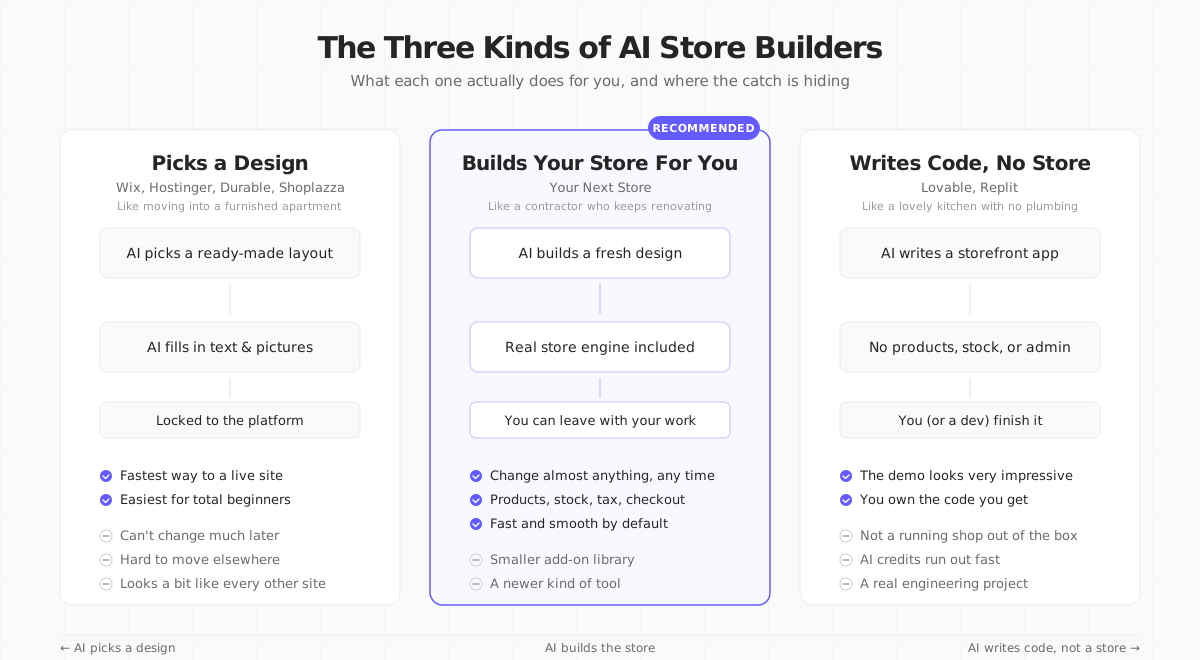
Before the list, one simple idea. Almost every tool that calls itself an "AI store builder" falls into one of three buckets.
Bucket 1: the AI picks a ready-made design. You describe your store. The AI looks through a catalog of designs, picks one that fits your answers, fills it with text and pictures it generates, and hands you a finished site. It's fast. It's easy. It's a bit like moving into a furnished apartment: quick to settle in, but you can't knock down walls.
Bucket 2: the AI builds a fresh design for you, on top of a real store. You describe your store. The AI puts it together, and underneath it there's already a working platform handling products, stock, taxes, and checkout. If you later want a countdown on your homepage, or a quiz to help shoppers pick a product, the AI adds it properly. This is more like having a contractor who can keep renovating as your needs change.
Bucket 3: the AI writes code, and you supply the store. You describe the website. The AI generates a React codebase, you can push it to GitHub, and it looks great in the demo. But there are no products, no stock, no checkout, no admin: it's a front-end app, not a store. Running a real shop on top of it means wiring up Stripe, a database, an admin panel, taxes, shipping, and order handling yourself. Fine if you're a developer who wanted that anyway. A trap if you thought "AI store builder" meant a store.
The lines blurred a bit in 2026. Shopify's Sidekick and Wix Harmony's AI agent now edit layouts after launch, not just at the start, so they sit somewhere between Bucket 1 and Bucket 2. Lovable can now plug into Shopify as a backend, which moves it partway out of Bucket 3. The buckets are still the fastest way to understand what you're buying.
What We Looked For
We spend every day helping people sell online, so we ran each tool through the questions a first-time store owner would actually care about:
| Question | Why It Matters |
|---|---|
| What does the AI really do? | Does it build something for you or just pick a ready-made design? |
| Can it run a real store? | Products, variants, stock, checkout, taxes, shipping, all of it |
| Can you leave? | If you outgrow it, can you take your store with you or do you start over? |
| How far can you change things? | Where does "fully customizable" quietly stop? |
| What does it really cost? | Monthly price, fees on every sale, hidden extras, AI credit limits |
| Is anyone actually using it? | Real stores you can visit, not just the demo on the landing page |
We left out tools that are really just AI writing assistants stuck onto someone else's store, and AI tools that only help with search rankings. Those are useful. They're just not store builders. For those, see our roundup of AI tools for ecommerce.
The Best No-Code AI Ecommerce Store Builders
1. Your Next Store
Best for: People who want a store that looks handmade, not templated, and want the AI to keep making changes long after launch.
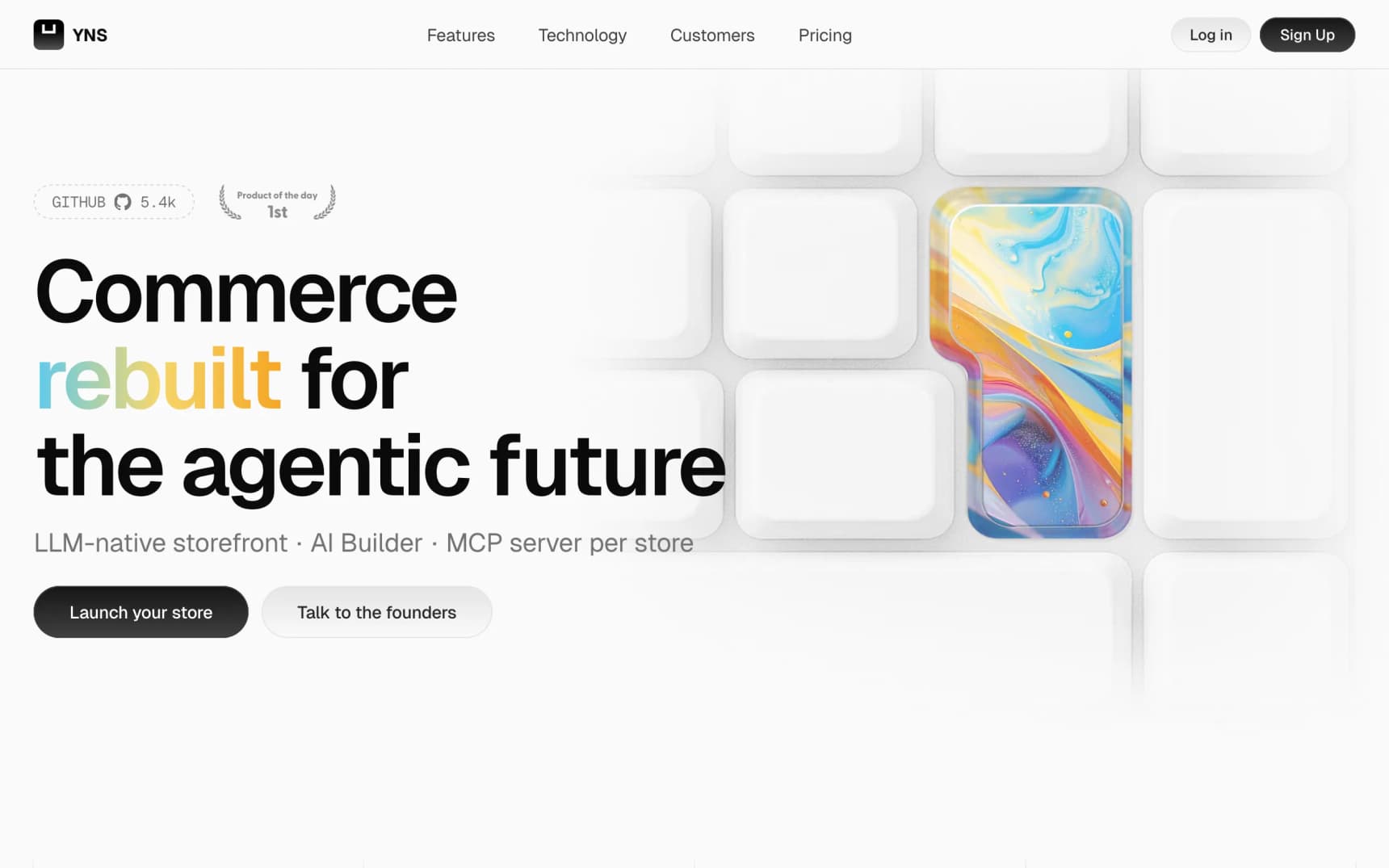
Your Next Store is an online store platform with an AI builder that works on the store itself. You chat with it in your admin dashboard. You say things like "add a size guide" or "make the homepage feel like a bakery," and it makes the changes in a private working copy of your store. You watch them happen in a live preview. When you're happy, you publish.
What makes it stand out:
- The AI really builds the store. It doesn't just pick a design and fill it in. If you ask for something specific (say, a banner that counts down to a sale), it adds that exact thing.
- Your storefront code is yours to see. Every change the AI makes is saved to a GitHub repository for your store, which you can clone. The storefront is open source (MIT). Products and orders export as CSV. One honest limit: the commerce backend (catalog, carts, orders) stays on YNS, so leaving means pointing that code at a new backend, not just copying files.
- Everything a real store needs. Products with sizes and colors, stock per variant, sequential order numbers, translations, Stripe Tax, shipping via Shippo, discount codes.
- An AI assistant for running the shop, too. Besides the builder, a chat assistant in the admin helps with day-to-day store work.
- Built to load fast. YNS storefronts use Next.js with partial prerendering and React Server Components, which keeps pages snappy on slow phones.
- You can look at real YNS stores right now: mascotai.yournextstore.com (built with the AI store builder), million.yournextstore.com (1,000,000 products loaded to test scale), and demo.yournextstore.com.
Trade-offs (honestly):
- No free plan. Starter is $30/mo, Growth $90/mo, Pro $360/mo ($25, $75, and $300 on yearly billing). 0% platform transaction fees on every plan; only Stripe's standard processing fees apply. Shopify Basic is a dollar cheaper per month. Where YNS pulls ahead is if you'd otherwise pay Shopify's extra fee for a third-party payment provider, or stack several paid apps.
- AI usage is metered. Plans include AI credits (25, 100, or 500 per month), and the builder spends them.
- Shopify still beats us in person. If you also run a café, a market stall, or a pop-up shop, Shopify's POS hardware and in-person payments are far ahead. YNS focuses on online selling.
- Framer and Squarespace still beat us on pure visual polish for tiny catalogs. If you're selling 20 art prints and want a site that looks like a design studio made it, those are strong picks.
- Fewer add-on apps than Shopify. Shopify has had nearly 20 years to build an app marketplace. Most common things are built into YNS; some niche ones aren't there yet.
- Stripe is required for payments. If you need a different processor, look elsewhere. Agencies building stores for multiple clients can also join the YNS Partner Program.
Curious? You can chat to the AI on the Your Next Store homepage and watch it start a demo store in front of you.
Type your idea, watch a real store get built. No templates, no code, 0% platform fees on your sales.
2. Shopify: AI Store Builder and Sidekick
Best for: People who want the most popular platform and are happy to work inside a Shopify theme.
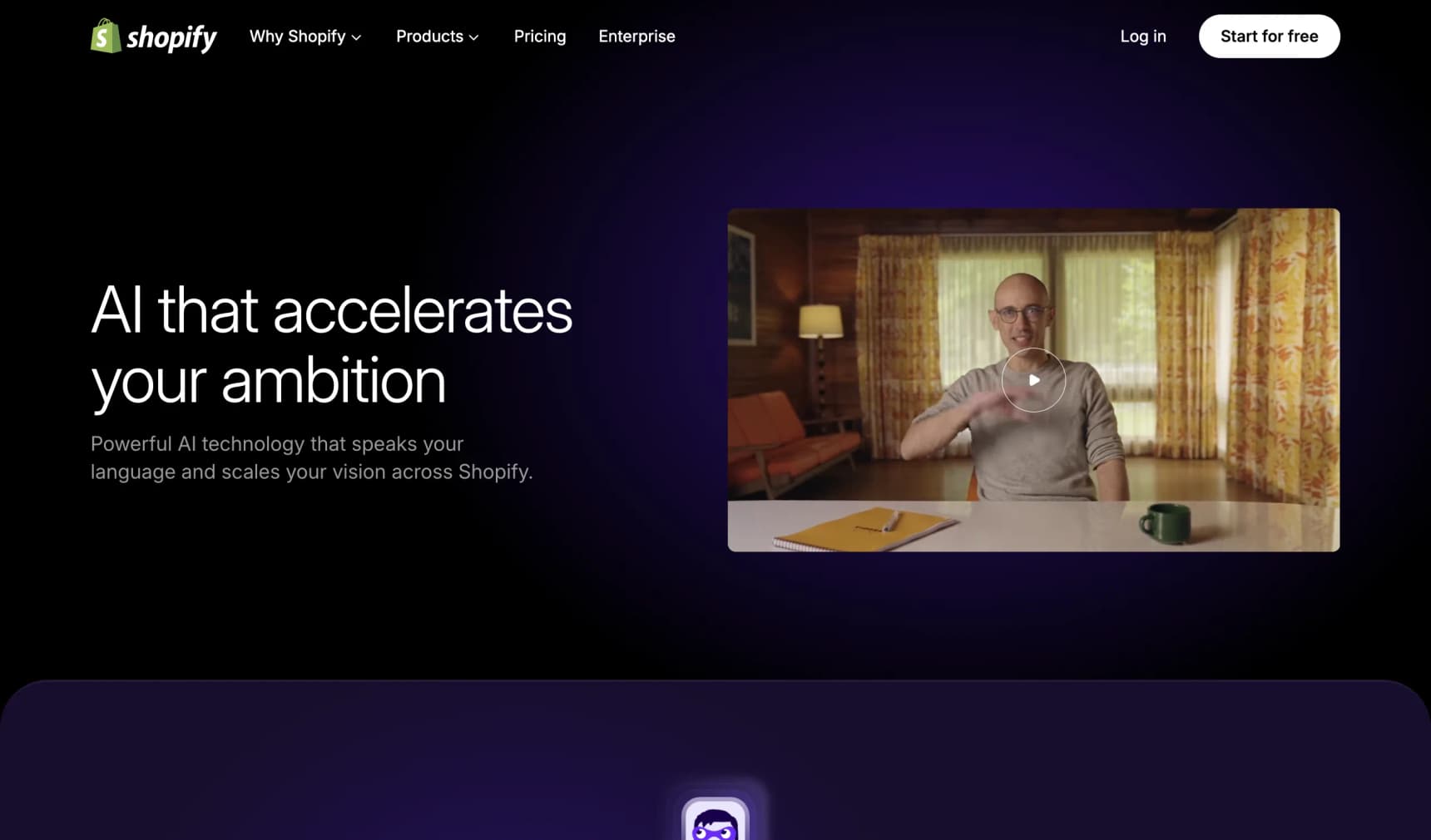
Shopify's AI now comes in two parts. The AI store builder is the front door: describe your business in a few words and it generates store designs, as many as you like, for free. Once you sign up, Sidekick (which absorbed what used to be marketed as Shopify Magic) is the assistant inside your admin. Since the Winter '26 Edition, Sidekick can edit your theme by chat ("make this button rounded"), create custom theme blocks, build Shopify Flow automations, write product copy, edit photos, and even generate simple admin apps.
What makes it stand out:
- Free to try the AI. Generating designs costs nothing, and Sidekick is included on every plan.
- Shopify under the hood. In-person card readers, selling in multiple countries, wholesale pricing, a fast checkout, and a huge app store.
- The AI knows your store data. Sidekick can answer "what sold best last month?" and act on it.
Trade-offs:
- It works inside a theme. Sidekick edits theme settings and adds blocks, but the structure comes from the theme you picked. Bigger layout changes still usually mean a developer or a different theme.
- Fees add up. Basic is $29/mo on yearly billing ($39 monthly). US online card sales cost 2.9% + $0.30 with Shopify Payments, plus 2% extra on Basic if you use a different payment provider (Shopify pricing). See our Shopify fees breakdown.
- Design doesn't travel. Products and customers export as CSV. Your theme and customizations only run on Shopify.
3. Wix Harmony
Best for: People who have never built a website before and want the AI to make all the design choices.
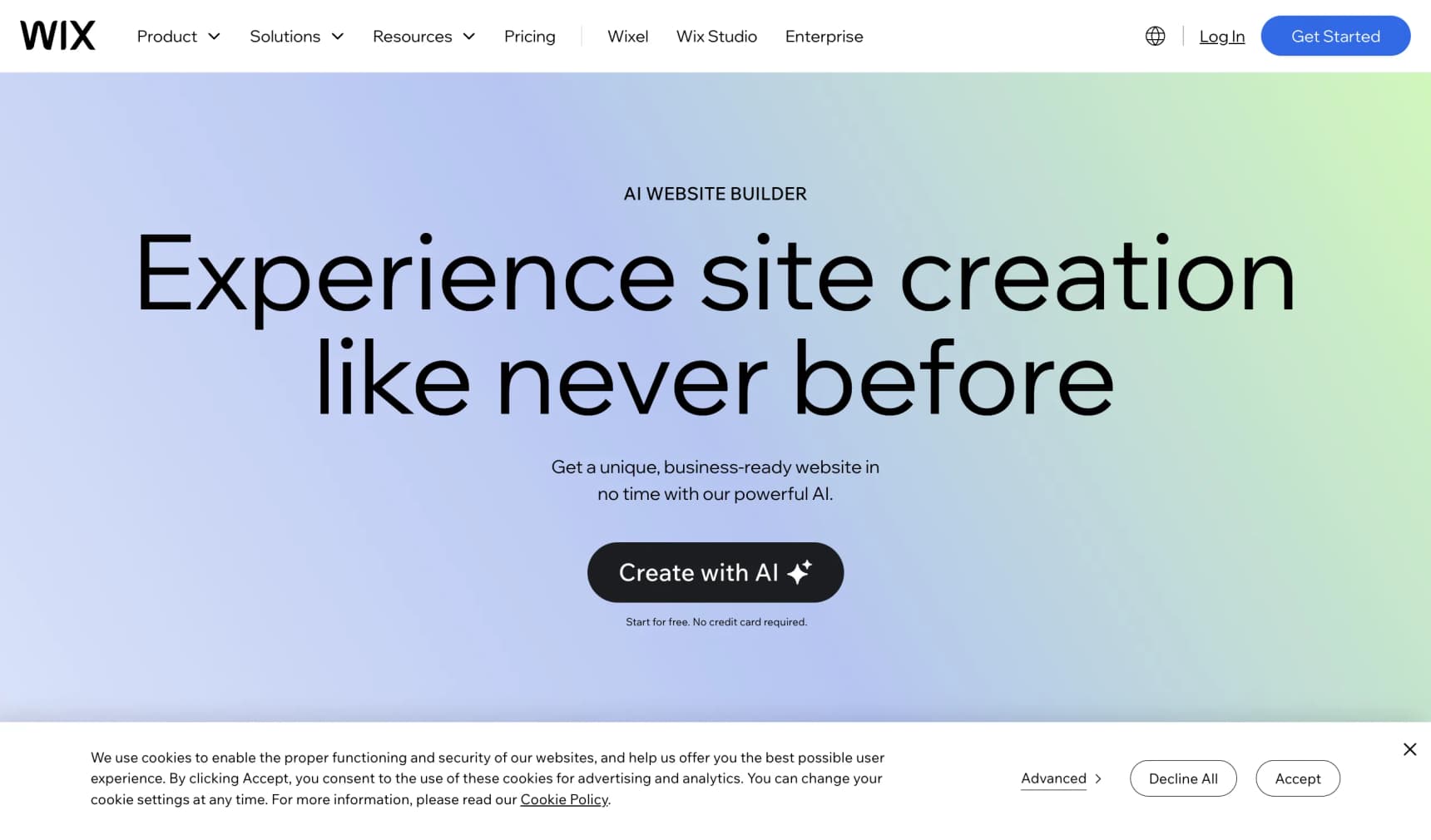
Wix replaced its older AI site builder with Wix Harmony in January 2026. Its AI agent, Aria, generates full pages from a description, then you fine-tune with Wix's drag-and-drop editor. You can also ask Aria to add store features, pull in products, or restructure a page.
What makes it stand out:
- The friendliest starting experience. If you've never made a website, Wix holds your hand the whole way.
- AI plus total visual freedom. Switch between chatting and dragging whenever you like.
- Everything in one place. Store, domain, email marketing, bookings, and blog in one dashboard.
Trade-offs:
- The store itself is Wix Stores. The AI can arrange pages, but product pages and checkout follow Wix's built-in structure.
- Pick the right plan. Selling needs a paid plan; Core is $29/mo on yearly billing, and Business ($39/mo) unlocks the fuller ecommerce set.
- Hard to move away. Wix sites don't transfer cleanly to other platforms. If you outgrow it, expect to rebuild. See our Wix ecommerce alternatives.
4. Squarespace (Blueprint AI)
Best for: Creators and small brands who want a polished, design-led site with a store built in.
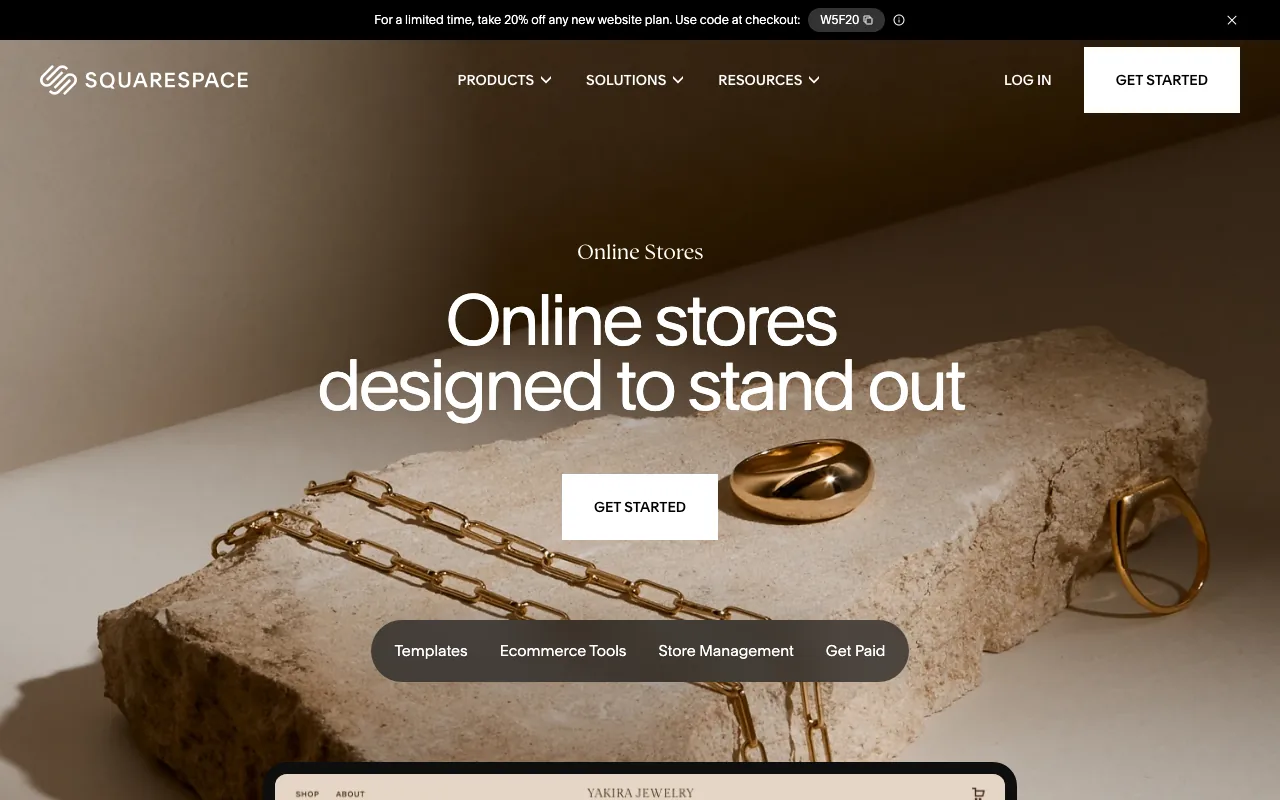
Squarespace generates a full site with its Blueprint AI: answer a few questions about your business and style, and it assembles layouts, copy, and a color palette, all on Squarespace's well-known templates. Every plan can sell products.
What makes it stand out:
- Consistently good-looking results. Squarespace's design system does a lot of the heavy lifting.
- Built-in commerce. Unlimited products on every plan, plus digital products and memberships.
- 0% transaction fees from Core up. Basic ($19/mo yearly, $25 monthly) charges 2% on sales; Core ($29/mo yearly) and above charge 0%, per Website Builder Expert's pricing breakdown (August 2026).
Trade-offs:
- The AI works at the start. After Blueprint builds the site, most changes are manual edits in the Squarespace editor.
- Less flexible for complex catalogs. Many variants, custom product logic, or unusual checkout flows get harder. See our Squarespace Commerce alternatives.
- Stays on Squarespace. Moving elsewhere means rebuilding the design.
5. Framer
Best for: Brands where the way the site looks matters more than how the store runs.
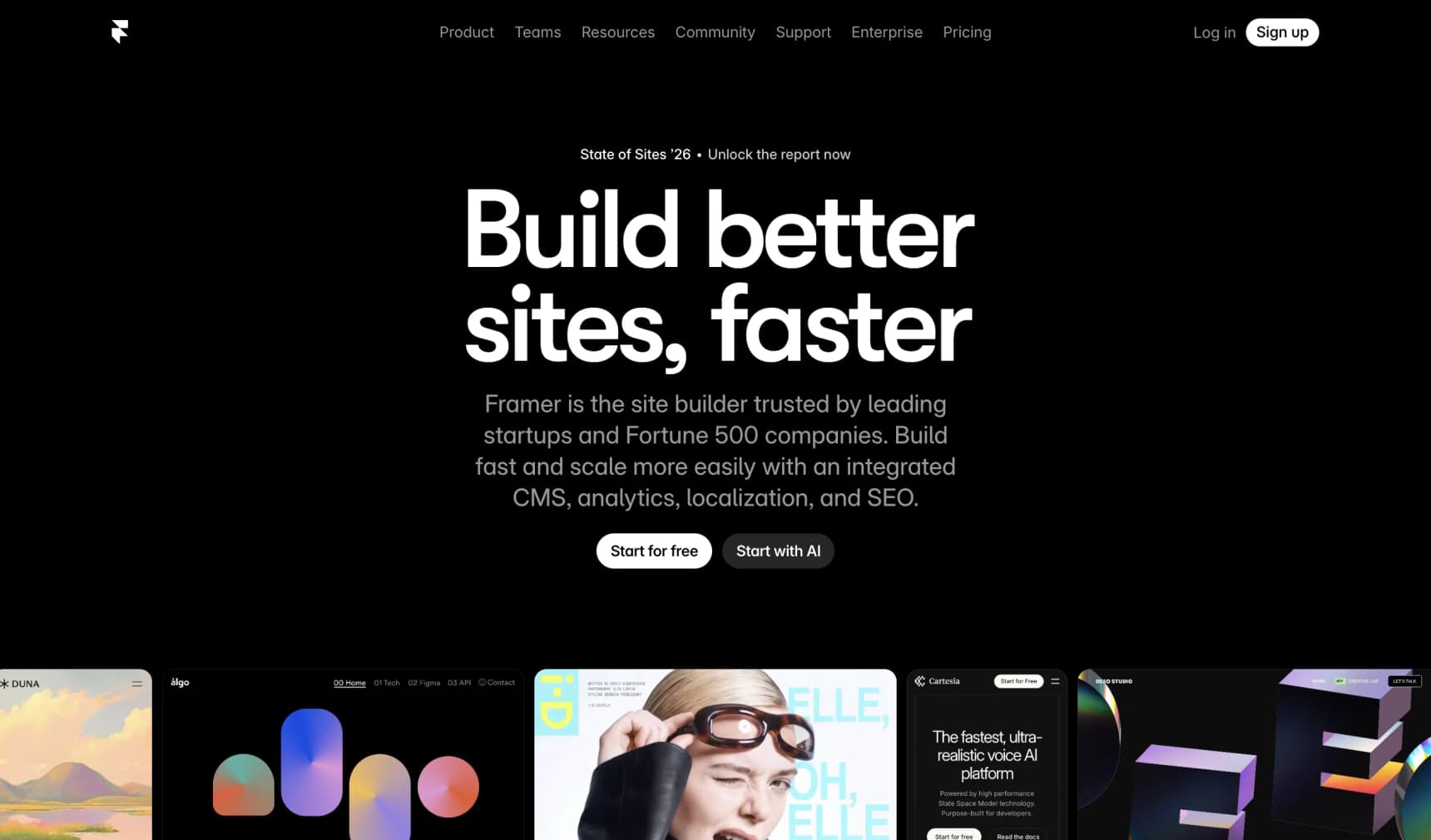
Framer is a website builder with strong AI tools and beautiful finished results. Its AI agents design and edit pages from a prompt, using a monthly credit allowance (1,000 on Basic). Selling isn't its main job, though: Framer has no native cart or checkout, so you add a plugin such as the free Checkout Page plugin (Stripe) or a third-party store plugin that connects to Shopify.
What makes it stand out:
- The best-looking results of anything we tested. Especially if you sell a small number of stylish items, art, or digital products.
- Fine-grained design controls. Adjust every animation and how the site looks on a phone versus a laptop.
- Cheap to start. Basic is $10/mo on yearly billing.
Trade-offs:
- Shopping is an add-on. The checkout isn't as smooth as a full store builder, and stock control depends on the plugin.
- The site runs on Framer. You can't lift it out and host it elsewhere.
- Better for pretty pages than big product lists. Stunning for a lookbook. Less great for 500 products.
6. Hostinger AI Builder (formerly Horizons)
Best for: People on a tight budget who just want a simple store up in an hour.
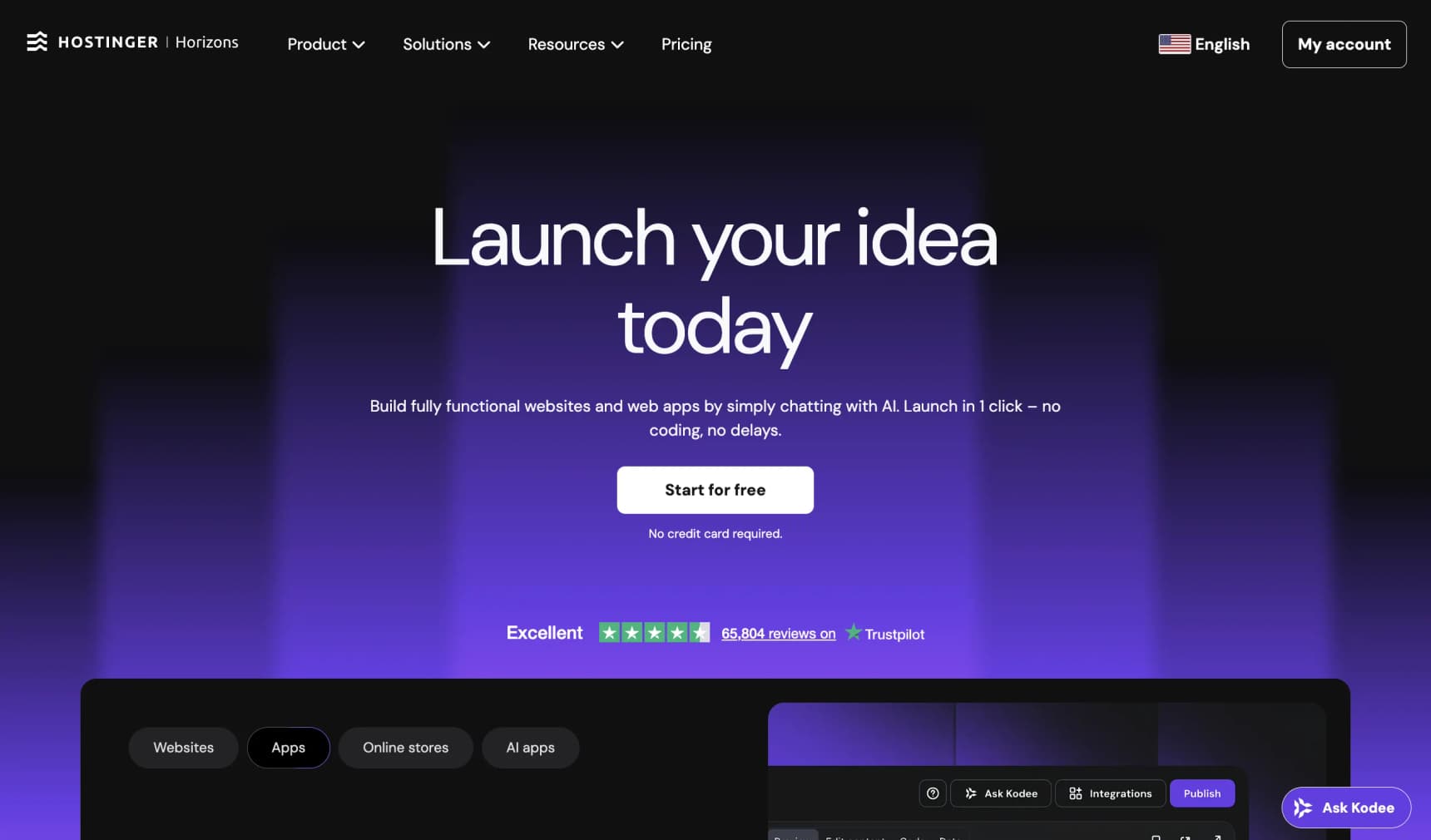
In August 2026, Hostinger merged its drag-and-drop Website Builder and its Horizons "vibe coding" tool into one product: Hostinger AI Builder. You can chat to build a site or a small web app, or drag and drop from 400+ templates, and hosting, domain, and email come bundled.
What makes it stand out:
- Cheap to start. Store features are available from the Unlimited plan at $3.99/mo on a 48-month prepaid term.
- Fast from "nothing" to a real site. Onboarding is short and the result is usable.
- One bill, one company. Website, hosting, domain, and email are included.
Trade-offs:
- Watch the renewal price. That $3.99 becomes $16.99/mo when the term renews (Hostinger pricing). The old Horizons plans no longer exist.
- AI credits are small. 5 to 15 AI credits for site and app creation, depending on the plan.
- Light commerce. Fine for a handful of products. Avoid if you'll sell 1,000+.
7. 10Web
Best for: People who already use WordPress, or want to, but don't want to do all the setup.
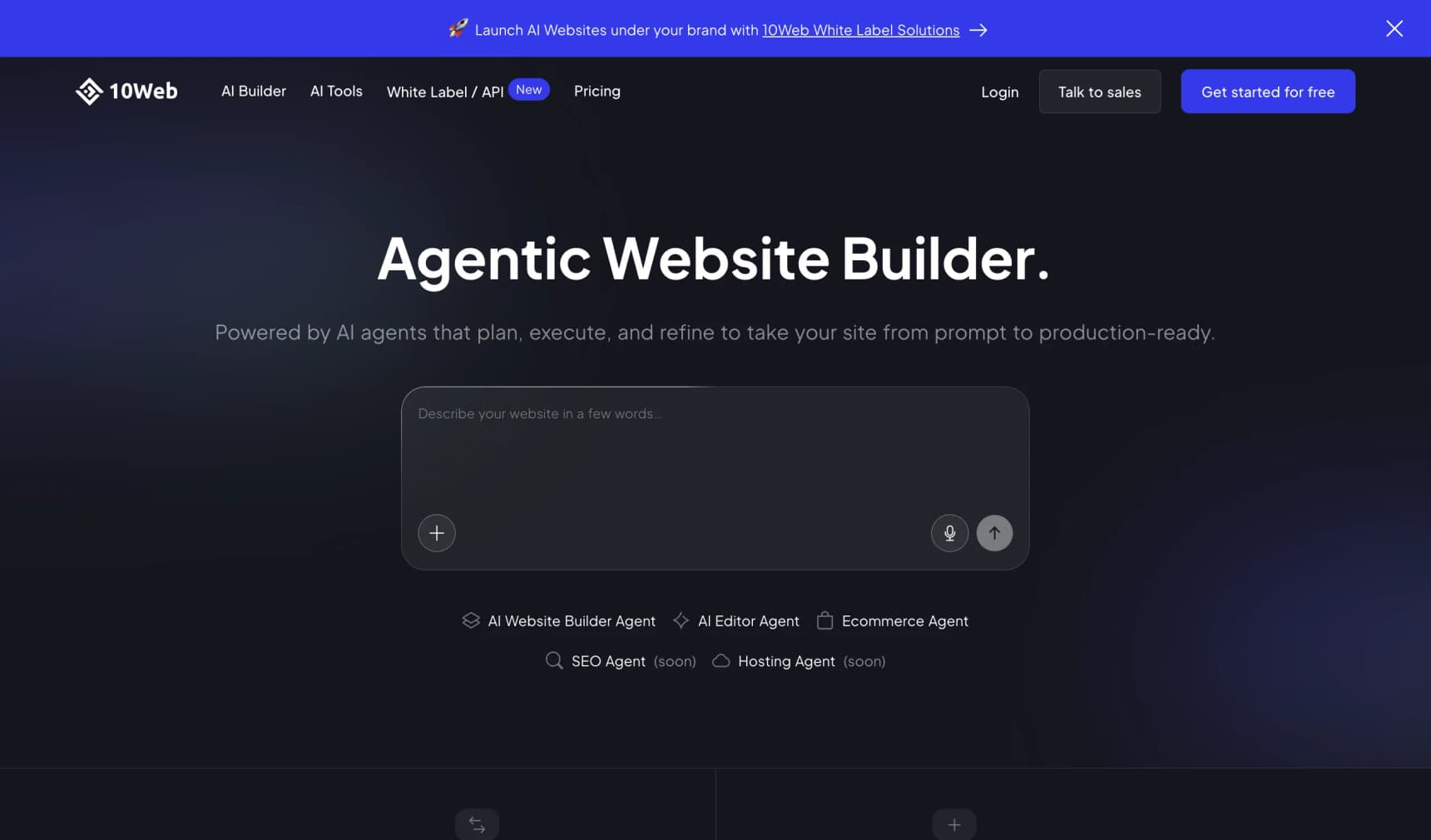
10Web makes WordPress stores for you. Answer a few questions and its AI ecommerce builder sets up a WordPress site with WooCommerce, hosting, AI-written product pages, and Stripe payments, all ready to go.
What makes it stand out:
- Real WordPress underneath. The familiar WordPress dashboard and the massive plugin library.
- You're not stuck. It's standard WordPress, so you can move it to any other host.
- Affordable. The AI Ecommerce plan starts around $11/mo on yearly billing.
Trade-offs:
- WordPress brings its own upkeep. Plugins sometimes clash, and updates need attention.
- The AI shines at the first draft. Later changes feel more like normal WordPress editing than AI-driven building.
- Stores that aren't updated regularly go stale. That's a WordPress trait more than a 10Web one. See WooCommerce alternatives if that worries you.
8. Shoplazza
Best for: People who want to resell products (dropshipping) or sell in several countries at once.
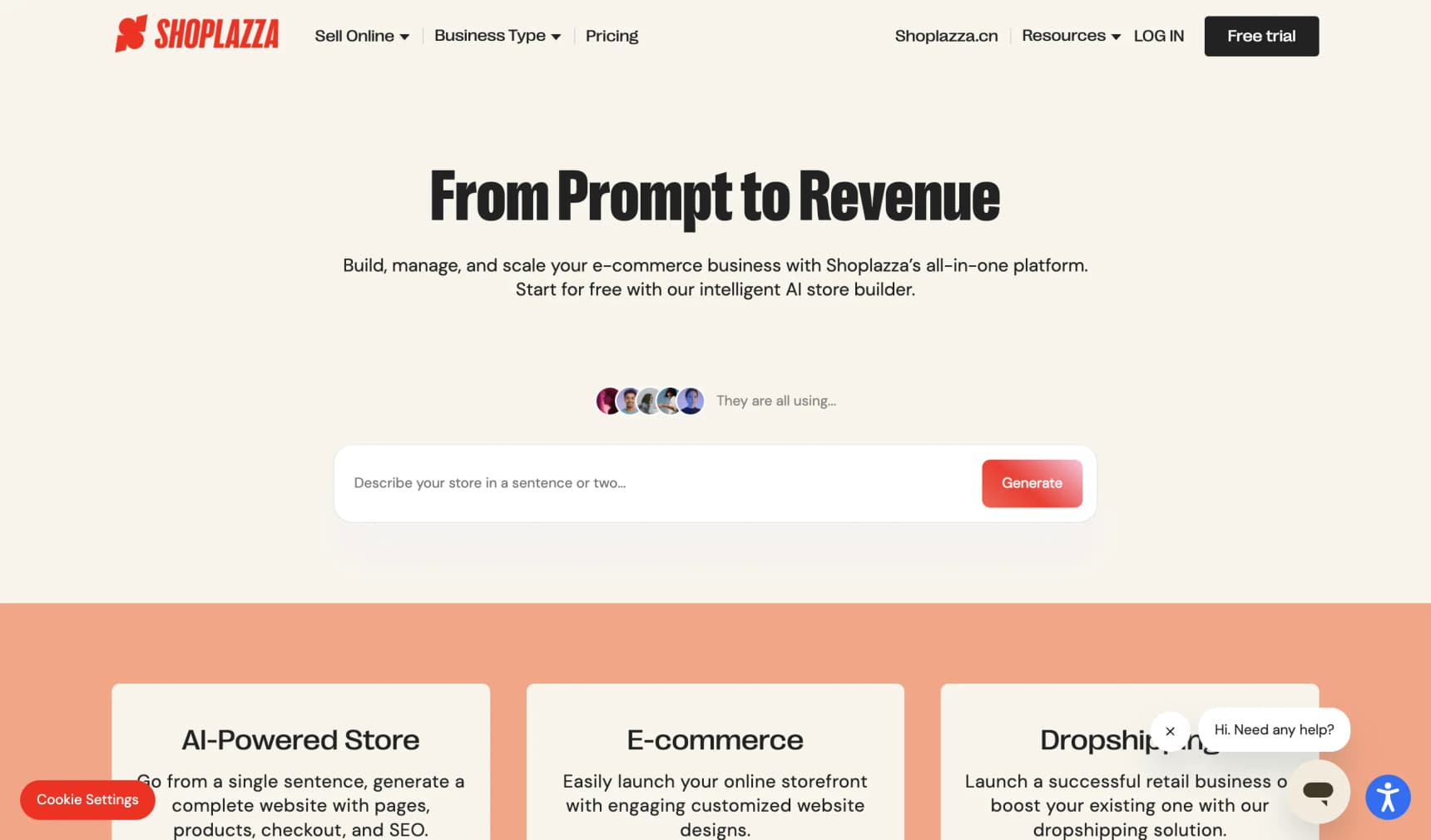
Shoplazza is a proper store platform with a strong "type a prompt, get a store" flow. Describe what you want and its AI builds navigation, product pages, and checkout. It's popular with sellers who ship worldwide.
What makes it stand out:
- One of the best prompt-to-store results we tested. What comes out is coherent and close to ready to sell.
- A full store kit. Unlimited products, variants, stock, 180+ payment methods, and up to 50 markets.
- Multiple languages built in. Helpful if you sell internationally.
Trade-offs:
- Platform fees on sales. Basic is $29.25/mo on yearly billing ($39 monthly) plus a 2% transaction fee; Advanced drops that to 1% and Pro to 0.5%.
- Support and community are stronger in Asia than in North America or Europe.
- Stays on Shoplazza. If you leave, you rebuild the storefront elsewhere.
9. Durable
Best for: One-person service businesses (think trainers, coaches, cleaners) with a few things to sell.
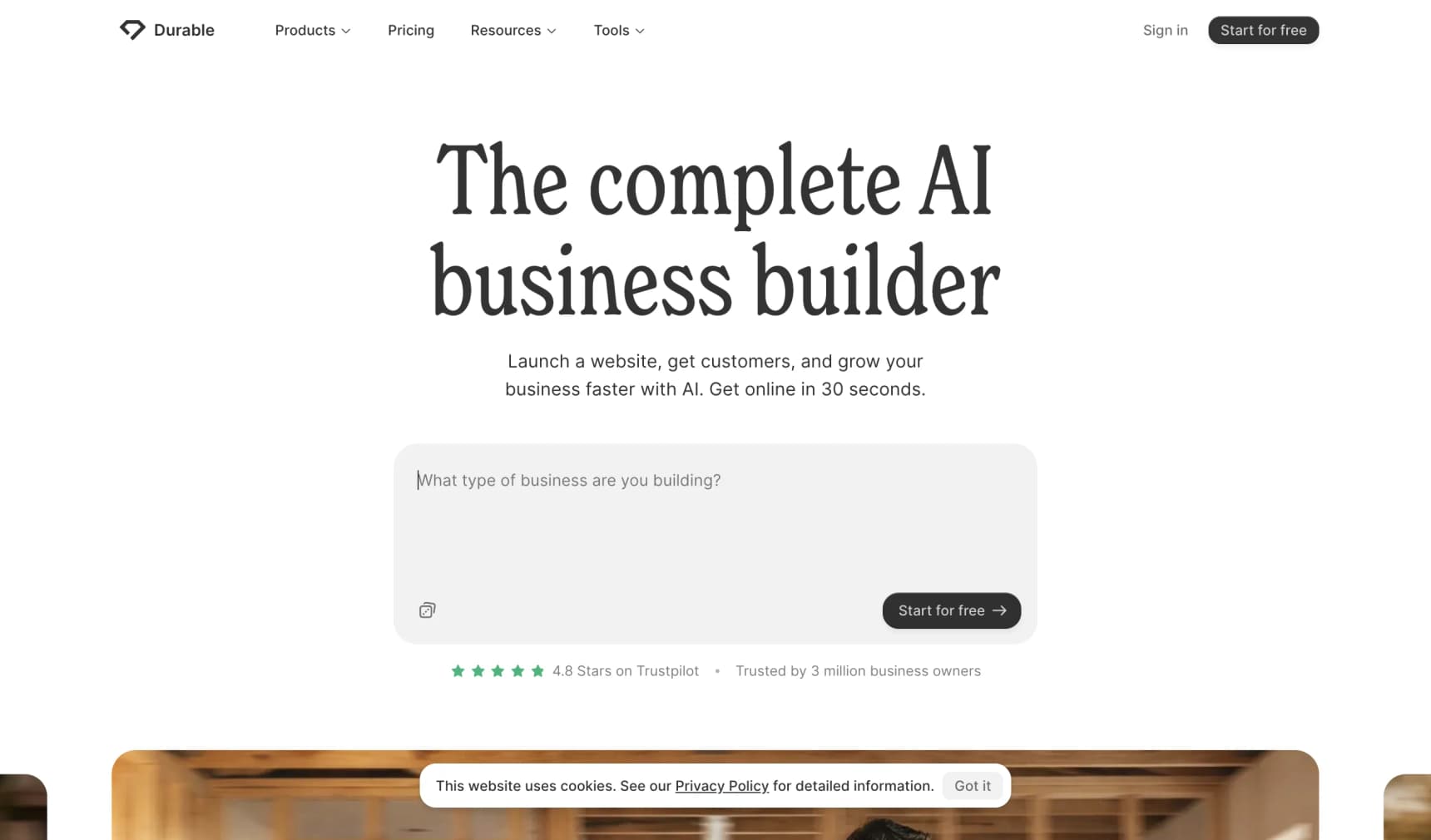
Durable builds a small-business website from a prompt in about a minute, then adds AI helpers for blogging, lead capture, and customer chat. Durable itself says it is "not designed specifically to support e-commerce businesses."
What makes it stand out:
- Fastest of any tool we tried. About a minute to a live site.
- Tools for running a solo business, not just a website.
- A free plan, with Launch at $22/mo and Grow at $41/mo on yearly billing.
Trade-offs:
- Not a store platform. If you need variants, stock, or real shipping rules, look elsewhere.
- Designs feel similar across sites.
- You'll outgrow it as soon as selling becomes the main job.
AI App Builders: Impressive Demos, DIY Stores
These four are brilliant tools. They're just not store builders in the no-code sense. They sit in Bucket 3: the AI writes an app, and the store engine is your job.
10. Lovable
Best for: Developers or serious tinkerers who want to vibe-code a storefront.
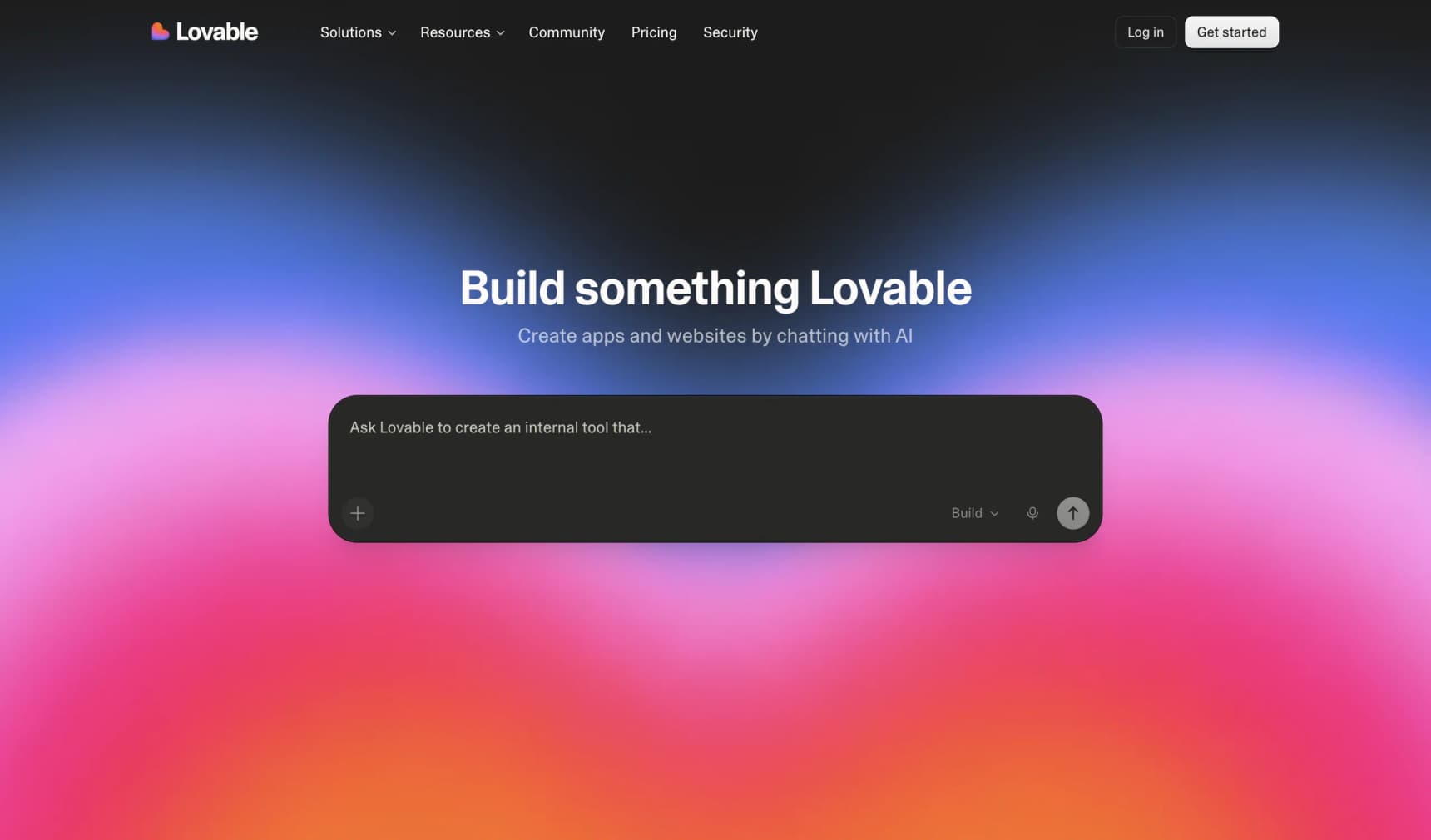
Lovable is an AI app builder. You describe what you want, an agent generates a React codebase, and you can push it to your own GitHub.
What makes it stand out:
- You get real code on GitHub, with no lock-in on the codebase.
- The demo is genuinely impressive. A product grid, cart UI, and login appear in minutes.
- A Shopify option. Its official Shopify integration puts Shopify behind the Lovable frontend, which solves the missing store engine but brings headless-Shopify trade-offs with it.
Trade-offs:
- No store engine of its own. Without Shopify, products, variants, inventory, tax, shipping, and order management are yours to build on Stripe and a database. Our Lovable alternatives for ecommerce guide covers this in detail.
- Credits run out. Pro is $25/mo for 100 monthly credits plus 5 daily credits. Unused monthly credits roll over while you're subscribed; daily ones don't.
11. Replit
Best for: Developers who want to code and host a storefront app in the browser, with an AI agent doing most of the typing.
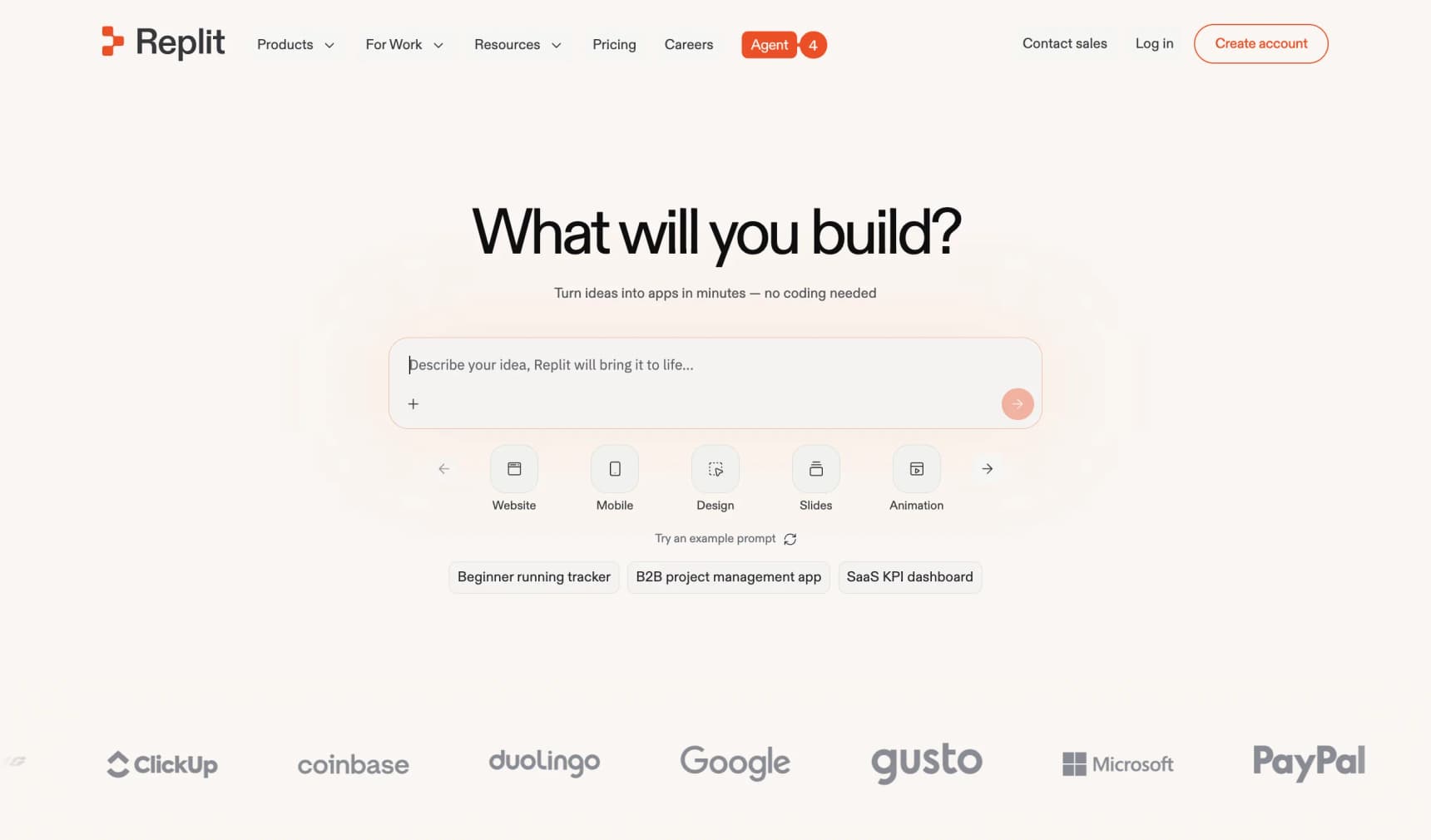
Replit is a coding workspace in your browser. Its Agent sets up the project, writes the code, and puts the app online, all from a chat box. Everything happens in one tab, the code sits next to the chat so you can learn from it, and you can download the project anytime.
Same catch as Lovable: no products, stock, tax, admin panel, or order handling out of the box. Core is $20/mo and includes $20 of usage credits; heavy Agent sessions can push you into pay-as-you-go. It's a great workshop for building a shop. It is not a shop.
12. Bolt.new
Best for: Developers who want a full-stack app from a prompt and are comfortable wiring payments.
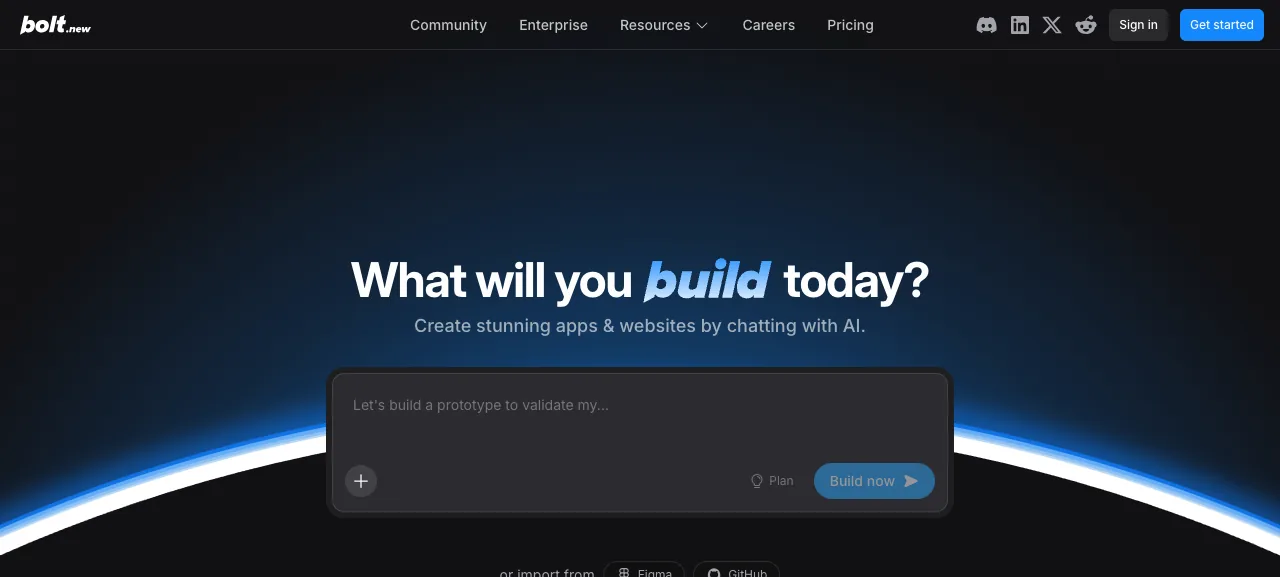
Bolt.new generates a full-stack web app from a prompt, with hosting and databases included. Pro is $25/mo for 10M tokens (the free plan gets 1M a month). For a store, you'll add Stripe checkout, a product model, and an admin yourself. Our Bolt.new ecommerce prompt template covers the wiring you'll otherwise discover the hard way.
13. Base44
Best for: Quick app prototypes, including a simple product page with checkout.
Base44, owned by Wix, turns a prompt into an app with a database and login. Ask for a store and you get a product list with a Stripe checkout, or Base44 Payments powered by Wix. Variants, stock, refunds, and tax are still on you. There's a free plan (25 message credits a month), and Starter is $16/mo on yearly billing. More in our Base44 alternatives for ecommerce breakdown, or see how it stacks up against a real commerce platform in Base44 vs Shopify.
Shopify's AI Store Builder vs Alternatives
A lot of people searching for the "best Shopify AI store builder" really want to know one thing: should I use Shopify's own AI, or is there something better? Here's the honest split.
| Shopify AI store builder + Sidekick | Alternatives on this list | |
|---|---|---|
| Getting started | Free AI-generated theme designs, then a trial | Most have a free trial or free plan; YNS has no free plan |
| What the AI changes | Theme settings, custom blocks, copy, images, admin tasks | Varies: YNS edits the storefront itself; Wix and Squarespace generate pages; app builders write code |
| Store engine | Shopify's own, very mature | Built in for YNS, Wix, Squarespace, Shoplazza, 10Web; missing for app builders |
| Fees on sales | Card processing, plus 2% on Basic with a third-party provider | 0% platform fee on YNS and on Squarespace Core+; 0.5% to 2% on Shoplazza |
| In-person / POS | Best in class | Weaker nearly everywhere else, including YNS |
| Leaving later | CSV data export; themes stay on Shopify | Code export with YNS (storefront), 10Web (WordPress), and the app builders; others stay put |
Pick Shopify's AI if you want the biggest app ecosystem, POS, or B2B, and you're happy with theme-level design. Look at alternatives if you want the AI to go past theme settings (YNS), want the simplest visual editor (Wix, Squarespace), want WordPress (10Web), or you're a developer who wants the code (Lovable, Bolt.new, Replit). For the developer angle, see Next.js vs Shopify and open source Shopify alternatives. If it's specifically Amboras you're weighing against Shopify, we put the two head-to-head, pricing, AI approach, and portability, in Amboras vs Shopify.
Which Online Store Builder Should You Choose?
Which builder is right comes down to three simple questions: how much you want the AI to keep helping after launch, how much you need to actually run a shop (not just a site), and how much design matters to you.
"I want an AI that keeps building my store as it grows." → Your Next Store. The AI edits the storefront itself, and you can see and clone the code.
"I already sell on Shopify. I don't want to move." → Shopify's AI store builder and Sidekick. Included in your plan, and it now edits your theme by chat.
"I've never built a website. I just want one live tonight." → Wix Harmony, Squarespace, or Shoplazza. All get you online without fuss.
"How my site looks matters more than anything." → Framer or Squarespace. Framer for maximum polish, Squarespace if you want the store built in.
"I'm on a tight budget and only selling a few things." → Hostinger AI Builder or Durable. Don't use either for hundreds of products, and check renewal prices.
"I already use WordPress (or want to)." → 10Web. It sets up a WooCommerce shop in minutes.
"I'm a developer and I want to vibe-code the whole thing myself." → Lovable, Bolt.new, or Replit. Great for learning and prototyping. Just know you're signing up to build the store engine, unless you connect one.
A note for EU and UK sellers: all of these tools can sell into Europe, but VAT handling differs. Shopify, Wix, Squarespace, and Shoplazza have built-in tax settings; YNS uses Stripe Tax (optional); the app builders leave VAT entirely to you. Our guide to selling internationally covers the rules.
Things No One Will Tell You
After watching lots of people pick (and later regret) store builders, here's what usually catches them out:
The first try is always the best. Every builder looks great in the demo. The real test is the 50th small change you ask for: "move the reviews under the price," "add a pop-up when someone tries to leave," "show shipping cost before checkout." Tools that just pick a design can't go much further than what the design allows. Tools that build for you can keep going. When testing, don't just ask for a homepage. Ask for something small and specific and see what happens.
One founder we spoke to learned this the expensive way. She used a Wix AI builder to launch her candle brand in a weekend. The site looked great. Three weeks in, she wanted her product pages to look more like Aesop's: a sticky image gallery on the left, scrolling details on the right. The store's product page layout wouldn't bend that far. She rebuilt the store elsewhere. "I paid for speed," she told us, "and then paid again to undo it."
"Fully customizable" is usually a trap word. In practice, it often means "customizable inside our own editor." Before committing, ask plainly: if I want an unusual checkout, a very specific menu, or a piece of the page that behaves differently, can I get it?
Moving later is the hidden cost. The first builder you pick is cheap. The second one, which you switch to because the first couldn't grow with you, is expensive, because someone has to rebuild your store. Builders that give you the code (or standard WordPress) lower that risk.
Watch out for AI usage limits. Almost every tool here now meters AI with credits, tokens, or messages, YNS included. Read how many you get, whether they roll over, and what top-ups cost. If you're weighing one of the newer AI-native platforms, our Amboras alternatives guide and Genstore AI alternatives cover more entrants.
FAQ
What is the best AI store builder in 2026?
It depends on what you need. For a no-code store where the AI keeps editing the storefront after launch, we'd pick Your Next Store (we make it, so weigh that). For the biggest ecosystem and in-person selling, Shopify with its AI store builder and Sidekick. For absolute beginners, Wix Harmony. For design-led small shops, Squarespace or Framer.
What is a no-code AI ecommerce store builder?
A tool that creates a working online store (products, cart, checkout, payments) from a plain-language description, without you writing code. YNS, Shopify, Wix, Squarespace, Hostinger, 10Web, and Shoplazza all fit. AI app builders like Lovable, Bolt.new, and Replit also start from a prompt, but they produce code you'll need to extend to run a real store.
Is Shopify's AI store builder free?
Generating store designs with Shopify's AI store builder is free. To publish and sell, you need a Shopify plan after the trial (Basic is $29/mo on yearly billing in the US). Sidekick is included on every plan.
What are the best Shopify alternatives with an AI website builder?
Wix (Harmony), Squarespace (Blueprint AI), Shoplazza, and Your Next Store all combine an AI builder with a built-in store. 10Web does the same on WordPress. See our full Shopify comparison for YNS specifically.
What is the easiest store builder for beginners?
Wix Harmony and Squarespace are the gentlest starts: the AI builds a first draft and you edit visually. Shopify's AI builder is easy too, with more to learn once you're in the admin.
Can AI really build an online store without any coding?
Yes. Every tool in our main list is designed so you never touch code. The difference shows up a few weeks in, when you want something out of the ordinary. Tools that pick a design hit a wall. Tools that build the store for you keep going.
Will AI-built stores show up on Google?
The good ones do. Most modern builders make sites Google understands well. Quick sanity check: load a live site built with the tool on your phone. If it feels snappy, you're probably fine. For getting found in AI search results like ChatGPT and Gemini, see our take on AI in ecommerce and our ecommerce SEO guide.
The One Question That Tells You Everything
"Will this tool still make the change I want six months from now?" Ask it before the price, before the logo, before the demo. Tools that pick a design will eventually run out of answers. Tools that write pretty code will say yes until you look for the checkout. Tools that build you a real store keep saying yes. Pick your answer first. Pick your tool second.
Related Blog Posts
- Compare ecommerce platforms side-by-side: Shopify, Wix, WooCommerce, Squarespace, Ecwid
- YNS vs Shopify · YNS vs Wix · YNS vs WooCommerce
- AI Tools for Ecommerce
- AI Ecommerce: The Two Revolutions Nobody's Connecting
- Lovable Alternatives for Ecommerce
- Next.js vs Shopify: Which to Pick in 2026
- Open Source Shopify Alternatives
- Best Wix Ecommerce Alternatives
- Best Squarespace Commerce Alternatives
- YNS Partner Program for Agencies