
8 Best Amboras Alternatives in 2026 (Plain-English Guide)
 Jakub Neander
May 18, 202612 min read
"Type what you want, get a working online store in two minutes." That's the Amboras pitch, and it's a fun demo. But the second thing you should do, before you commit a credit card to any AI store builder, is shop around. Some of these tools build a real shop, with products, stock, and a checkout. Some build a pretty page on top of nothing. And the prices, the limits, and what you can take with you if you leave are wildly different. This guide sorts the eight best Amboras alternatives in plain English.
Heads up. We make Your Next Store, one of the tools on this list and the closest like-for-like Amboras alternative. We'll flag it every time, name our own weak spots honestly, and keep every other tool's strengths intact. If you only want our top pick, skip to #1. Otherwise, keep reading.
TL;DR: The Short List
- Closest match to Amboras: Your Next Store. Same "describe your store, the AI builds it" idea, with one big difference: you can take the store with you if you ever leave.
- Biggest ecosystem: Shopify with Shopify Magic. The AI helps; Shopify handles everything else.
- Easiest first-time experience: Wix. The AI picks a design and fills it in. Quickest to launch.
- Cheapest WordPress route: 10Web. The AI builds a WordPress shop you can host anywhere later.
- Best if you sell worldwide: Shoplazza. Strong on multi-currency and multi-language.
- Best if design matters most: Framer or Squarespace. Beautiful sites, light commerce.
- Cheapest to try: Hostinger Horizons. A working AI-built site for the price of a coffee a month.
- For people who want the code: Lovable or Bolt.new. The AI writes a website. You (or someone you pay) finish the shop.
What Amboras Is, in Plain English
Amboras is a new tool that builds an online store from a prompt. You describe what you sell, the AI designs the storefront, writes the copy, sets up sample products, and connects checkout. You can keep chatting with it to change things. It's a real working shop, not just a pretty homepage. You can sell from it on day one.
It's also brand new. Y Combinator's profile shows Amboras was founded in 2025 by brothers Amin and Imad Mokadem and is part of the Spring 2026 batch with three employees. That's normal for a YC startup. It's also a small team holding your products and customer list, so it's worth knowing what you're signing up to.
Four Reasons People Shop Around
Most of these aren't dealbreakers. They're worth knowing before you put your business on it.
1. The "unlimited AI" claim has a limit
Amboras's homepage says "unlimited AI usage." Their own Terms of Service § 4.4 say something different: a monthly cap of 5 million tokens on the cheapest plan, 25 million on the middle plan, 150 million on the third, and only the Enterprise plan is truly uncapped. (A "token" is roughly three quarters of an English word. 5 million tokens is a lot of chat, but it's not infinite.) Unused tokens don't roll over.
We're not picking on Amboras here. YNS limits the AI too, just in plain numbers on the pricing page (25, 100, or 500 "credits" per month depending on plan). Most AI tools cap somewhere. The thing to do is read both the marketing page and the terms before you commit. If the two pages disagree, that's the answer.
2. The price ladder is steep
Public marketing currently shows three tiers: Launch $29/mo, Grow $95/mo, Advanced $360/mo. The jump from Launch to Grow is more than 3×. Features that feel like core "running a shop" features (split-testing different versions, multi-currency, after-checkout upsells) only kick in at Grow. (The terms still list older plan names: Basic, Professional, Elite. Worth asking which is current when you sign up.)
3. It's a very new company
YC profile says three employees, founded 2025. Most online reviews you'll find are from launch coverage, not from someone who has been running a real shop on Amboras for a year. The "Ironjaw & Co" and "Howl & Honey" stores on Amboras's homepage are design demos, not browsable customer stores you can click into. If you want a track record, you're early.
4. It's hard to take your store with you
Amboras's Terms § 10.4 say you can ask for a data export (your products, orders, customers) by emailing them. What that doesn't get you is the AI-designed storefront as something you can host yourself. The store design lives inside Amboras. If you leave, you take your data; you don't take the shop. This is standard for hosted tools, just worth being clear-eyed about.
If any of that nudges you, the eight alternatives below are your shortlist.
How We Ranked These
Six plain-English questions a first-time buyer cares about:
| Question | Why It Matters |
|---|---|
| What does the AI really do? | Build a real store, or just a pretty page? |
| Can it run a real shop? | Products, stock, checkout, taxes, shipping, all included |
| Can you leave? | If you outgrow it, can you take your shop with you? |
| How much can you change? | Where does "fully customizable" quietly stop? |
| What does it really cost? | Plan + fees on each sale + apps you'll actually need |
| Is anyone really using it? | Real shops you can click into, not just demo pages |
Quick Comparison
| Builder | What the AI Does | Can You Leave? | Starting Price | Fees on Sales |
|---|---|---|---|---|
| Amboras | Builds a fresh store from a prompt | Data yes, design no | $29/mo | Just card processing |
| Your Next Store | Builds a fresh store from a prompt | Yes (you get the store code) | $30/mo | 0% platform fee |
| Shopify + Magic | AI helpers inside the Shopify admin | Mostly | $29/mo (annual) | 0.6%-2% without Shopify Payments |
| Wix AI | Picks a design and fills it in | No | $29/mo | Depends on processor |
| 10Web | Builds a WordPress shop | Yes (WordPress export) | $23/mo | Depends on setup |
| Shoplazza | Builds a store from a prompt | No | $29/mo | 0.5%-2% |
| Squarespace AI | Generates a starter site | No | $23/mo (Core) | 0% on physical goods |
| Hostinger Horizons | Picks a design and fills it in | No | $7/mo (intro) | Depends on processor |
| Lovable / Bolt.new | Writes website code | Yes (you get the code) | $20-$25/mo | Whatever you set up |
Prices are public rates at the time of writing. Always check renewal prices and processor fees before you sign up.
The 8 Best Amboras Alternatives
1. Your Next Store
Best for: People who like the Amboras idea but want to be sure they can take their store with them later.
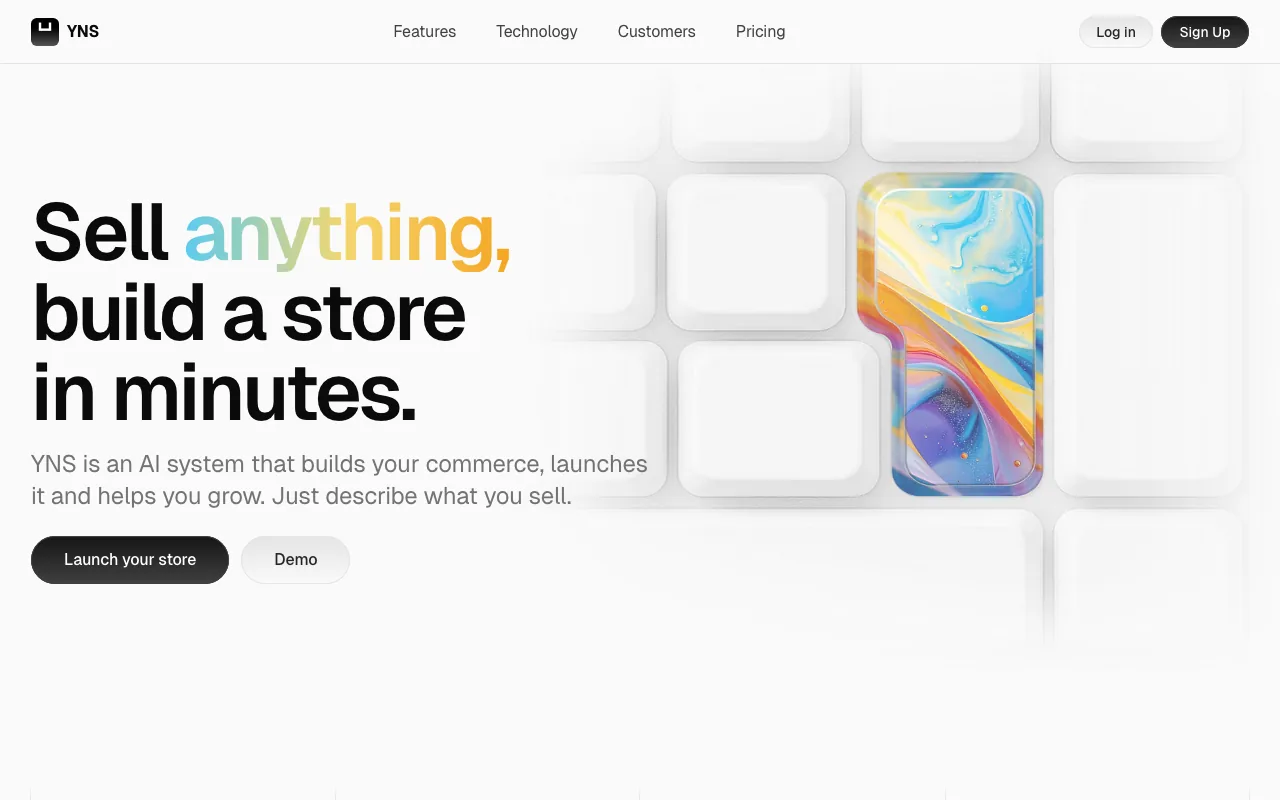
Your Next Store is the closest like-for-like Amboras alternative. Same idea: chat with an AI, describe what you sell, the AI builds a working shop with products, stock, taxes, shipping, and checkout. Keep chatting to change things. Watch it update live.
The biggest difference is what happens if you ever want to leave. With YNS, the storefront is also published as free, open-source code on GitHub. Think of it like a recipe: most platforms hand you the cooked dish and won't tell you what's in it. YNS hands you the recipe too. If you decide one day to host your shop somewhere else, your store code comes with you. You don't have to rebuild from scratch.
What makes it stand out:
- The AI builds a real shop, not just a pretty page. Products, sizes and colors, stock, taxes, shipping, checkout, all working from the first prompt.
- No fees on each sale. You pay your card processor (Stripe) like everyone else. YNS adds nothing on top.
- You can take the shop with you. The storefront code is free and yours to keep.
- Real shops you can click into right now: mascotai.yournextstore.com (AI-built), million.yournextstore.com (1,000,000 products loaded to prove the engine handles size), demo.yournextstore.com.
- Fast. Stores load quickly even on slow phones, which is where most of your shoppers will see them.
Trade-offs (honestly):
- No free plan. Starter is $30/month, about the same as Amboras Launch.
- AI usage has a cap, the same as Amboras. We call them credits: 25, 100, or 500 per month depending on plan. Enough for normal store-building, but not unlimited.
- Fewer add-on apps than Shopify. If you need a very specific plugin (a rare loyalty system, say), check first.
- Card processing is Stripe-only today. Apple Pay, Google Pay, Klarna, and Afterpay all work through Stripe, but PayPal-as-a-button isn't there yet.
Pricing: Starter $30/mo, Growth $60/mo, Pro $360/mo. No fees on each sale.
Trying out AI-native ecommerce? Describe your store in plain English, watch the AI build it, and keep the shop if you ever leave.
2. Shopify (with Shopify Magic)
Best for: People who want the most popular online store platform in the world, with help available every time something breaks.
Shopify is the standard everyone else gets compared to. Shopify Magic is its AI bit: it writes product descriptions, edits photos, drafts email subject lines, suggests theme content. It's not "the AI builds your store." It's more like having a clever helper inside a very mature toolkit.
If your priority is "I want the biggest possible set of tools, plug-ins, and help," Shopify is the obvious pick. If your priority is "I want the AI to do most of the work," it isn't. We put the two head-to-head, pricing, AI approach, and what happens if you ever leave, in Amboras vs Shopify.
What makes it stand out:
- The biggest app store in ecommerce. Reviews, loyalty, subscriptions, shipping, all have options.
- A mature checkout. Shop Pay, Apple Pay, Google Pay, Klarna, Afterpay are all built in.
- Sells everywhere. TikTok Shop, Instagram, Amazon, Walmart, Google.
- In-person too, with Shopify's POS hardware for markets and shops.
Trade-offs: Shopify takes a small cut of every sale (0.6% to 2%) if you don't use their own card processor. Most shops end up paying for 3-10 extra apps that quietly add $100-$300/month. Changing how the theme looks beyond the simple settings usually means writing code or hiring a developer. Our Shopify transaction fees breakdown walks through the math, and the $100 sale post shows what really lands in your bank.
Pricing (paying yearly): Basic $29/mo, Grow $79/mo, Advanced $299/mo.
3. Wix (with AI Site Generator)
Best for: First-time owners who want the quickest, friendliest start.
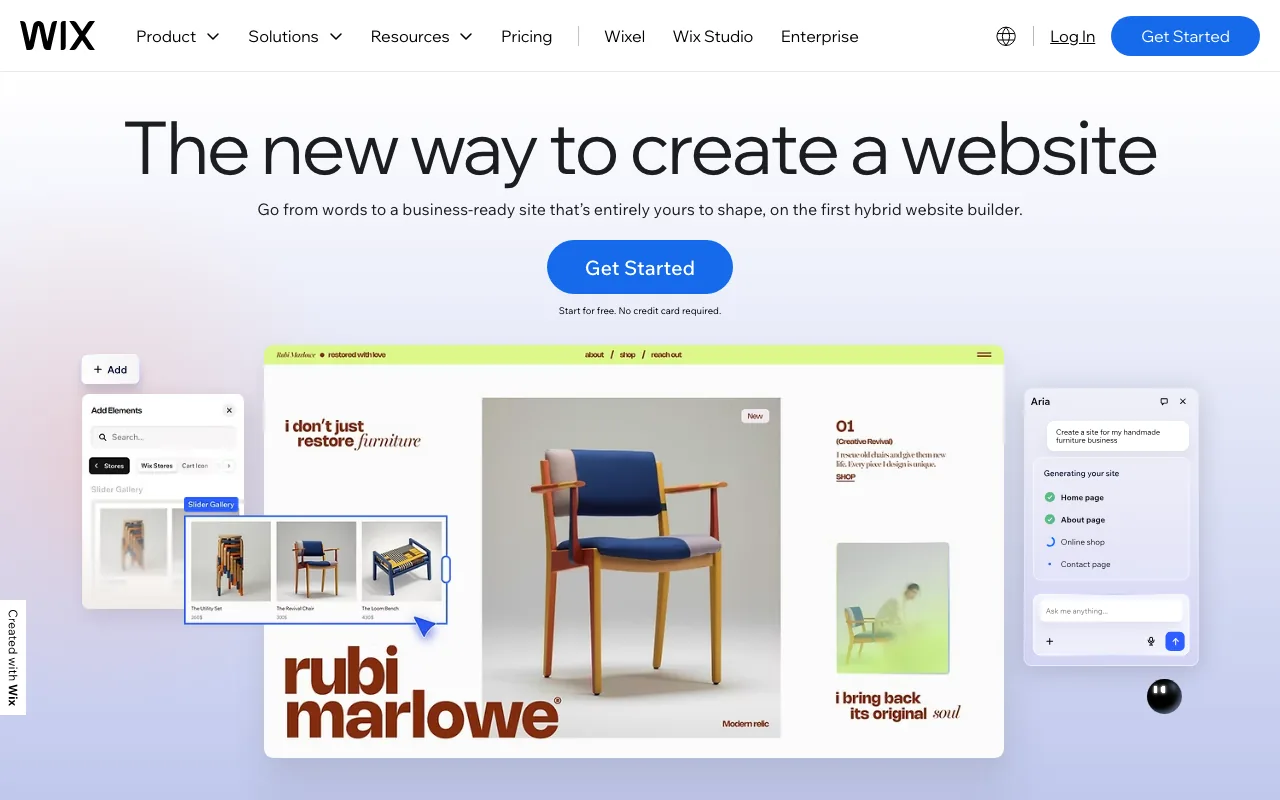
Wix has the easiest "answer a few questions, get a site" onboarding of anything on this list. Its AI asks about your business, picks a template, fills it with copy and pictures, and hands you a finished site. You edit visually after that. The store is part of the same builder.
The trade is the part nobody likes to mention: once you pick a template on Wix, switching to a different one means rebuilding. And there's no real way to take your site with you to another platform. Wix is wonderful for the first six months and a problem if you ever want to leave.
What makes it stand out:
- Friendliest start. From "I have nothing" to "I have a published site" in an afternoon.
- Strong default templates with an easy drag-and-drop editor.
- Hosting, security, domain all bundled.
- Real ecommerce features: products, sizes/colors, abandoned-cart reminders.
Trade-offs: Renewal pricing on Wix tends to jump after the first term, so check what you'll pay in year two. Deeper features (multi-currency, real subscriptions) sit on more expensive plans. We covered the rest in our Wix ecommerce alternatives guide.
Pricing: Core $29/mo (the ecommerce starting point), Business $36/mo.
4. 10Web
Best for: People who don't mind a little tinkering and want to be able to move their shop later.
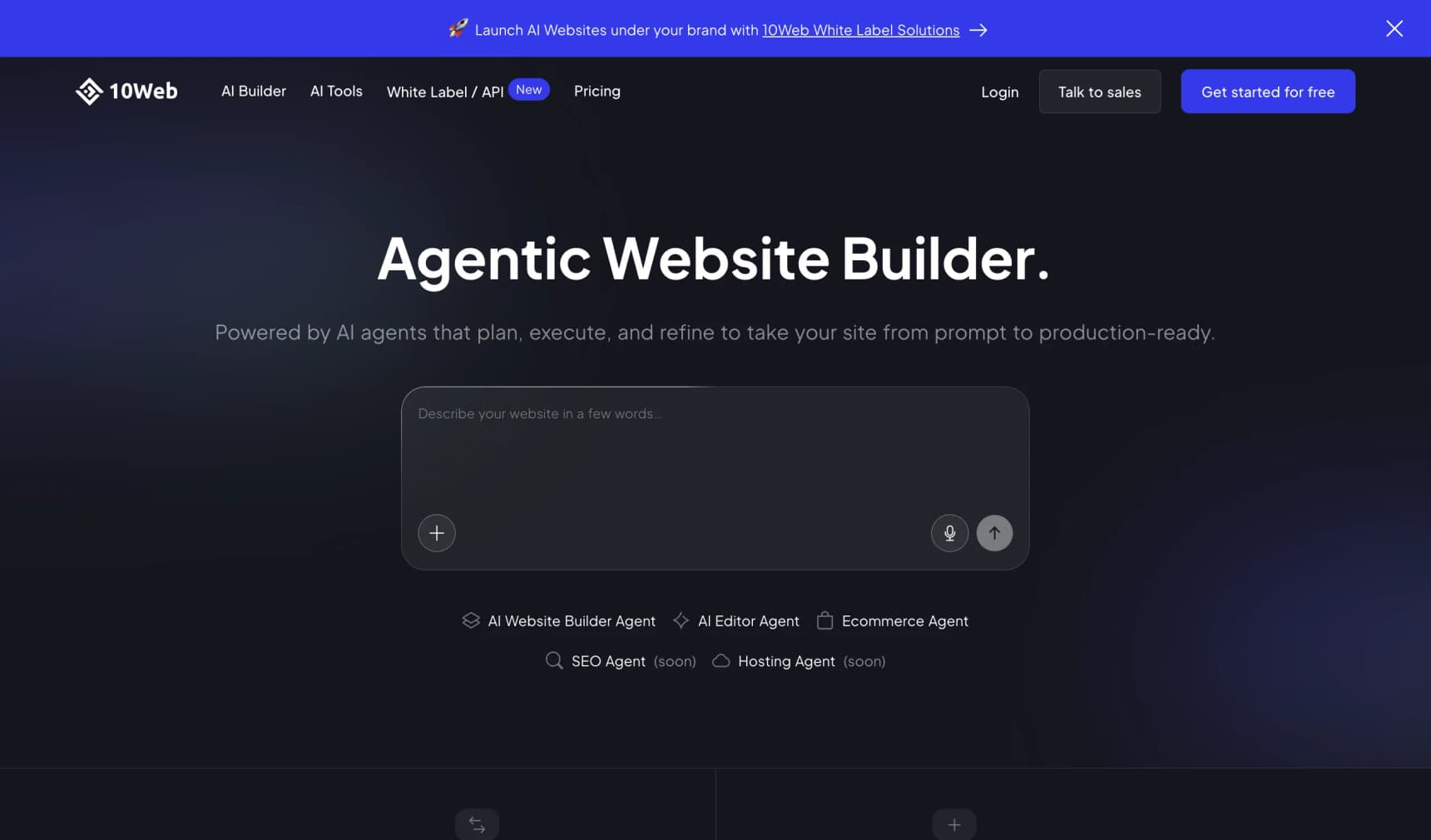
10Web builds a WordPress shop using AI. You describe your business, the AI generates pages, copy, pictures, and a basic product setup. The result is a normal WordPress site using WooCommerce, the most popular ecommerce plug-in in the world.
That's the magic and the trade. The "your store is portable" story is the cleanest here: you can pick up your WordPress site and host it somewhere else any time. The catch is that once you're outside the AI builder, you're a WordPress owner. WordPress is powerful and a little fiddly. Plug-ins update, themes occasionally clash, you have to think about backups.
What makes it stand out:
- Real WordPress export. Move to any WordPress host whenever you want.
- AI generates a complete site, not just a homepage.
- WooCommerce underneath, the biggest ecommerce plug-in family on the web.
- Bundled hosting with built-in speed tools.
Trade-offs: Once you start customizing, you're learning WordPress. Plug-in updates and the occasional theme conflict come with the territory. If "I want the AI to handle everything" was the dream, WordPress under the hood eventually pokes through.
Pricing (yearly billing): AI Starter $10/mo (basic site), Ecommerce $23/mo, AI Pro $30/mo.
5. Shoplazza
Best for: People who plan to sell internationally from day one.
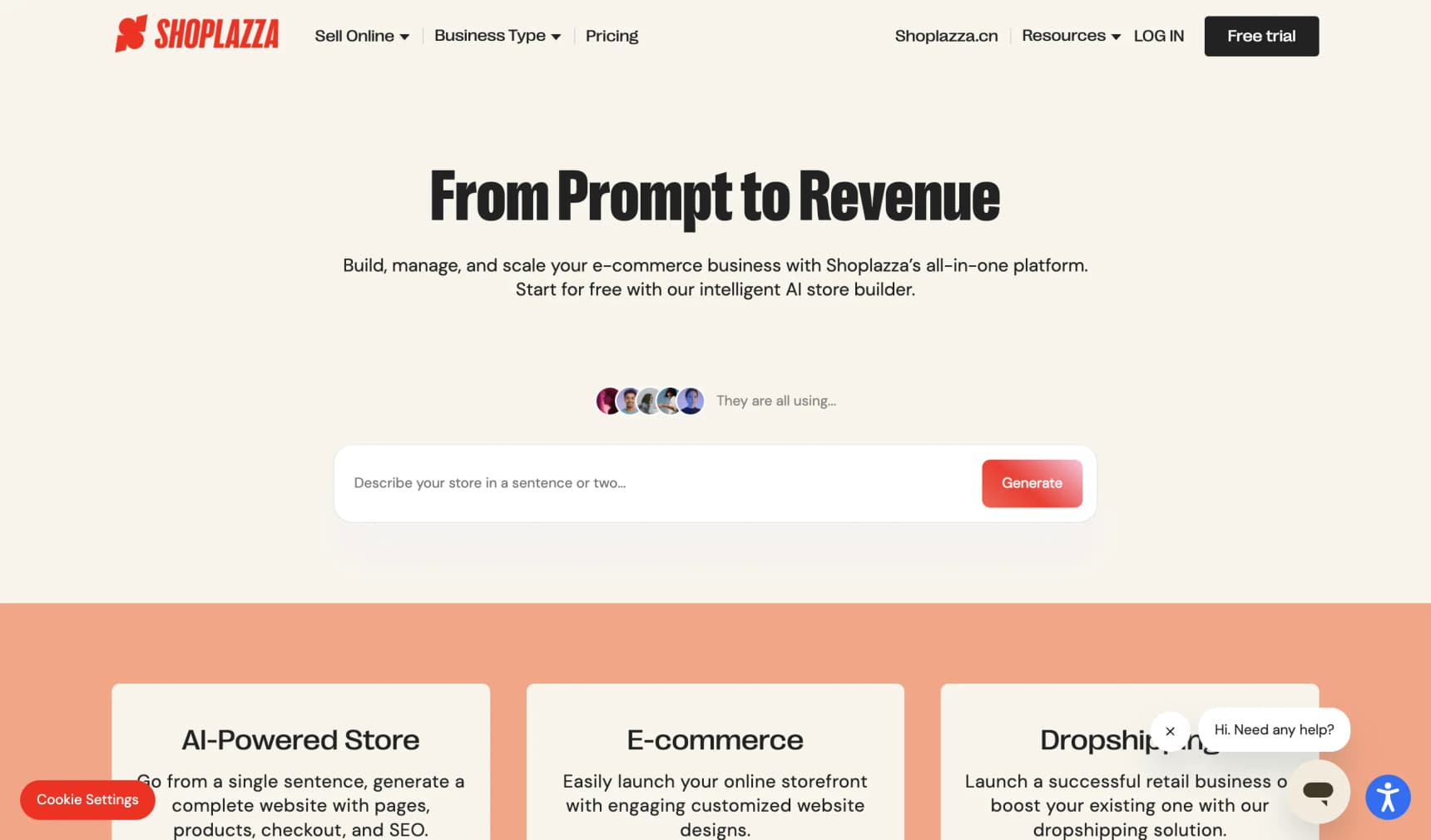
Shoplazza feels like Shopify with an AI store generator and a stronger focus on global selling. Multi-currency, multi-language, and cross-border shipping are built in from the start. The AI generates a working store from a prompt: real products, real cart, real checkout.
If you're a US-only seller with a handful of products, this won't add much over Shopify or YNS. If you ship to ten countries, the global features are the differentiator.
What makes it stand out:
- Built for selling worldwide. Currencies, languages, regions.
- The AI generates a full store, not just a homepage.
- Cuts on each sale are lower than Shopify's at the same tier.
- Dropshipping partners built in.
Trade-offs: Less brand recognition in North America and Europe. Smaller app marketplace than Shopify. English-language help is still catching up.
Pricing: Basic $29/mo, Advanced $79/mo. Small per-sale fees (0.5%-2%).
6. Squarespace (with AI Site Generator)
Best for: Visual creators who want the best-looking default site of anything here.
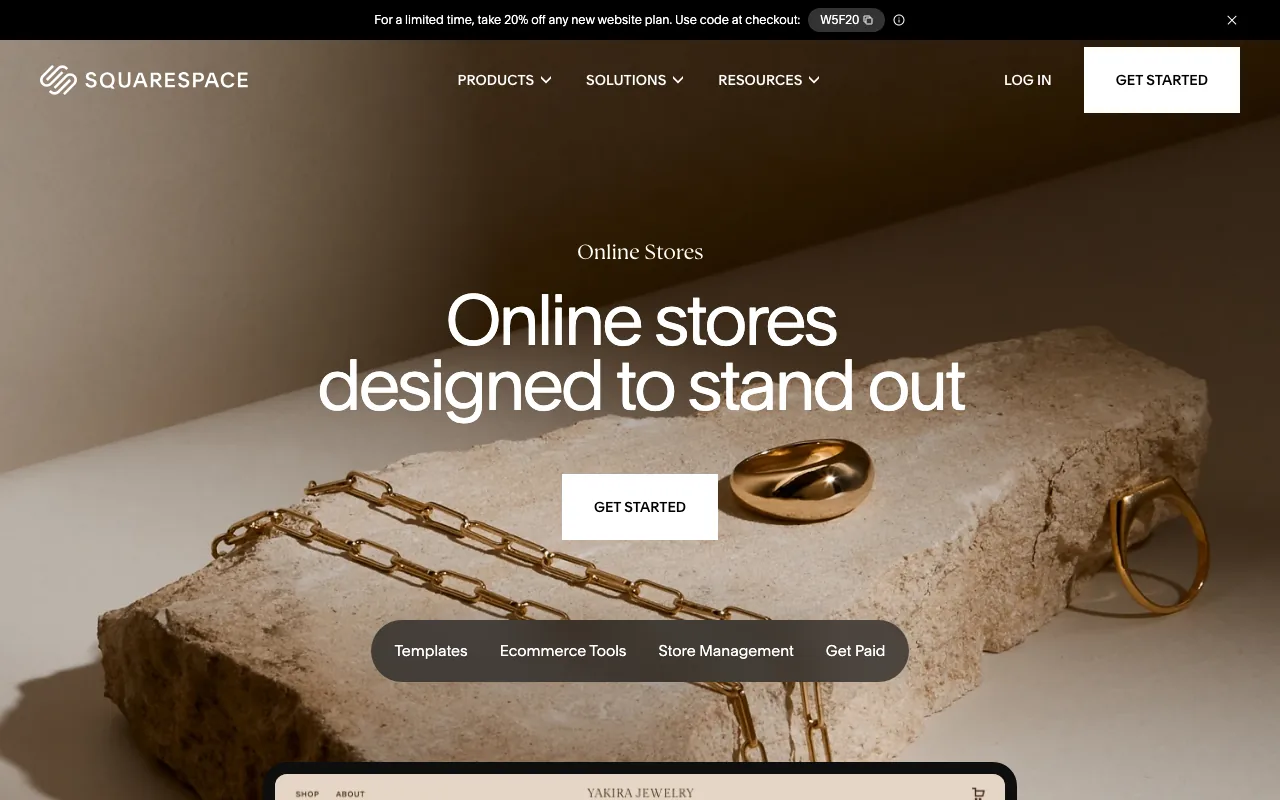
Squarespace added an AI generator that produces a starter site from a description. It's not "the AI runs your shop" like Amboras or YNS, but the default templates are the prettiest on this list. If your work is visual (photography, illustration, ceramics), Squarespace makes a beautiful site without much effort.
The store features are good enough for a small to mid-sized catalog. They're not as deep as Shopify on inventory and reporting.
What makes it stand out:
- Best-looking templates of anything on this list.
- No fees on physical product sales on Core plan and above.
- Built-in blog, gallery, scheduling, and email, alongside the store.
- Easy visual editor to fine-tune after the AI generates.
Trade-offs: The AI is a starter, not an ongoing assistant. After the first generation, you're mostly editing visually. Reporting is shallow on the cheaper plans. If you came here from Squarespace itself, our Squarespace Commerce alternatives guide covers the same landscape from that angle.
Pricing (yearly billing): Basic $16/mo (no store), Core $23/mo, Plus $39/mo.
7. Hostinger Horizons
Best for: First-time sellers on a tight budget who want a real AI-built site without committing hundreds a year.
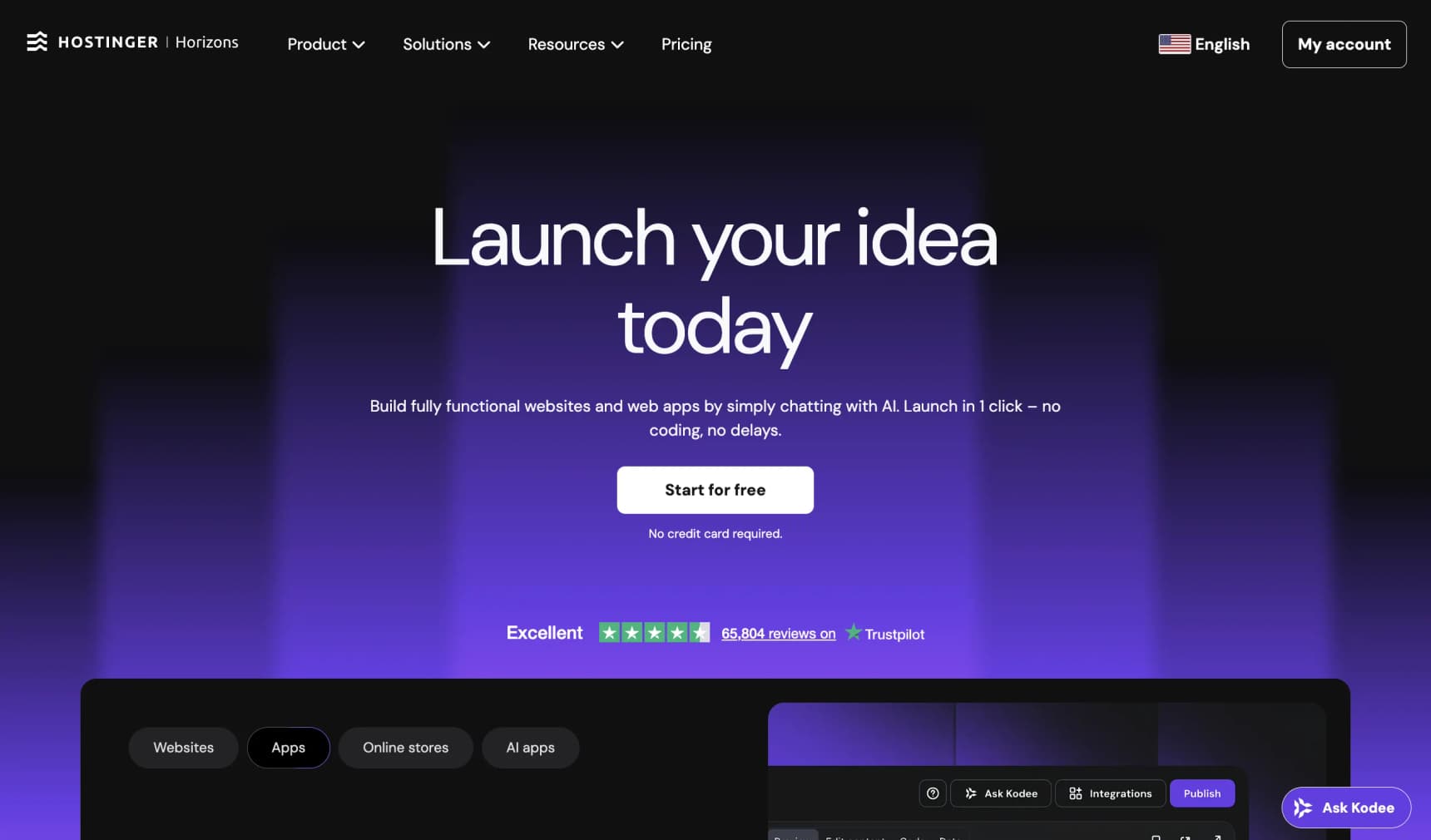
Hostinger Horizons is the cheap option in the AI builder world. The AI generates a site, including a basic store via card-payment links, for the price of a couple of coffees a month. The default look is surprisingly good for the price.
Hostinger's catch is always the same: the intro price is great, the renewal price is much higher. Read the small print before you commit, because a multi-year contract at the intro rate isn't actually $7/month forever.
What makes it stand out:
- Cheapest real AI builder here.
- Hosting bundled with reasonable speed.
- AI generates the site, copy, and pictures.
- Light ecommerce via payment links.
Trade-offs: Light is the word. No real inventory, no sizes/colors, no advanced shipping. If you have more than a handful of products, you'll outgrow this quickly. Watch the renewal price.
Pricing: Explorer from $7/mo (intro, on a long-term contract).
8. Lovable and Bolt.new
Best for: People who can code (or want to learn) and want the AI to write the website for them.
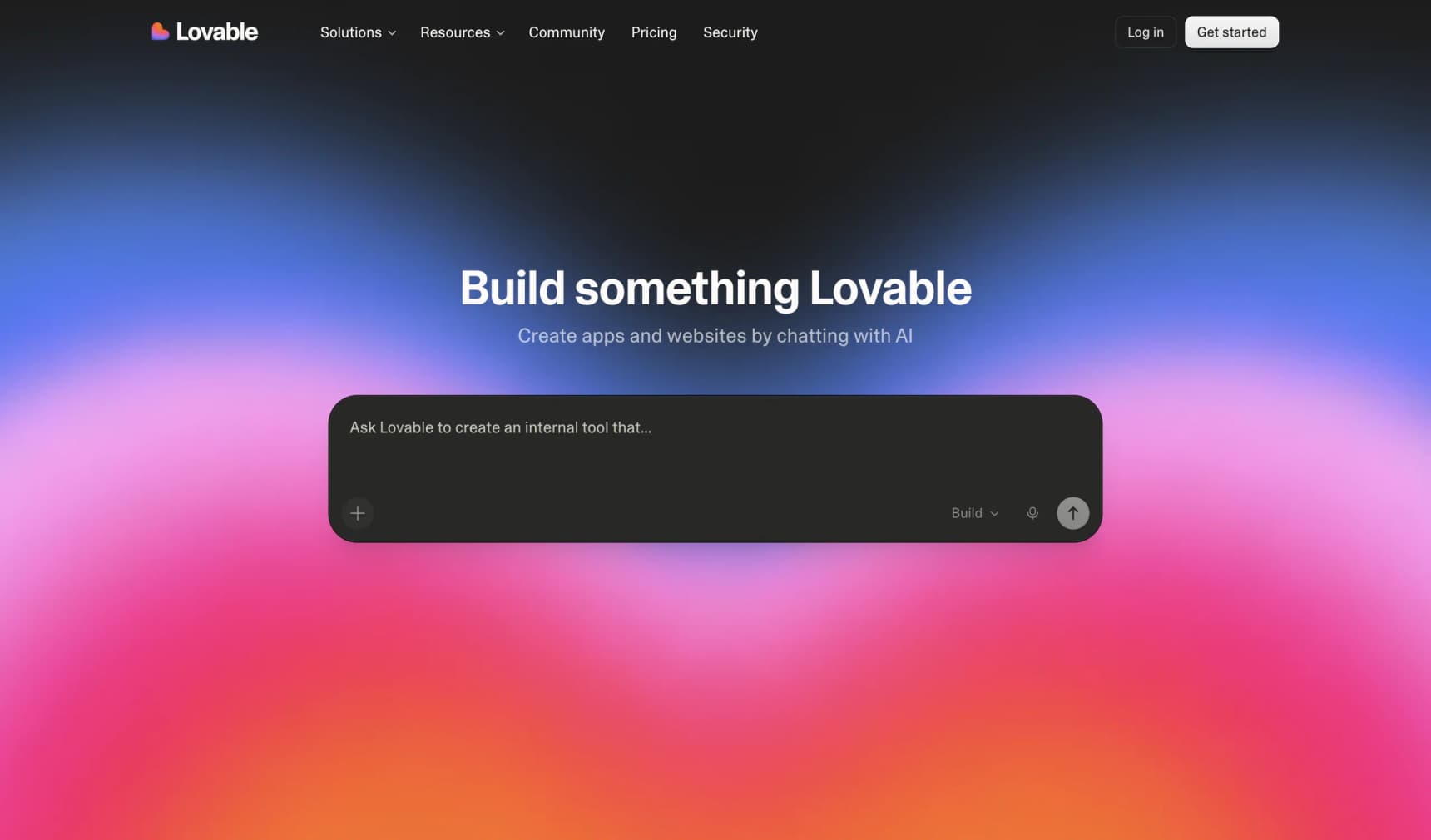
Lovable and Bolt.new are a different animal. Their AI doesn't build "a shop." It writes the code for a website, which you can save to your computer or push online. You get a beautiful storefront in a few prompts.
The catch: there are no products, no stock, no checkout, no admin page when you finish. You (or someone you hire) have to add those. Picture a beautifully built empty shopfront on a high street. You still need shelves, a till, a card machine, and an office out the back before you can sell. That work is real. For people who like code or who already have a developer in the family, it's a fast way to start. For first-time sellers, it's a trap. We wrote a full Bolt.new ecommerce prompt template that walks through the missing pieces.
What makes it stand out:
- You get real code. Save it, host it anywhere, change anything.
- The demos are beautiful.
- Useful for more than shops, like internal tools and small apps.
Trade-offs: No store engine. You bolt one on yourself. Allow days to weeks of extra work to turn the code into a real shop with a checkout and admin.
Pricing: Lovable Pro $25/mo, Bolt.new from $20/mo. Both burn through credits per change.
Honorable Mentions
Framer with AI makes the best-looking sites in the category. Commerce is bolted on (Shopify or Stripe), so it's a beautiful-site-first, shop-second route.
Durable makes a business site from a prompt in under a minute. Best for service businesses that sell a few add-ons.
Webflow added an AI generator. It's a design-first tool more than an AI shop builder, but worth a look if good design matters more than chat-driven changes.
Five Things Nobody Tells You Before You Sign Up
Most reviews are written after a demo, not after six months of running a real shop. Here's what bites later.
1. The marketing page and the small print usually disagree on AI usage. Marketing copy says "unlimited AI" because it sounds great. The terms of service spell out the actual limit. Amboras is a concrete example: homepage says unlimited, terms § 4.4 says 5 to 150 million tokens depending on plan. YNS is the opposite: the limit is on the pricing page in plain numbers (25, 100, or 500 credits). Both kinds of platform are normal. Read both pages, and ask in writing what happens when you hit the cap.
2. The first prompt is the easy demo. Prompt fifty is the test. Every AI builder looks magical for the first 30 seconds. The real question is whether prompt #50, six weeks in, still gives you what you want, or whether the AI starts drifting away from your brand. During your trial, do at least ten or fifteen rounds of changes before you commit. That's the experience that matters.
3. "Take your store with you" sounds simple and rarely is. When you leave a hosted builder, you typically lose: the photos the AI tweaked for you, the copy the AI wrote under that builder's licence, any custom A/B test history. Ask before you sign up what an "export" actually contains. The shortest answer is usually "your data," not "your shop."
4. AI A/B testing is heavily marketed and underused. "Let the AI test variations and pick a winner" sounds wonderful. The catch is the math behind testing doesn't change. A shop doing 50 orders a week needs weeks to months of traffic per test before the result actually means something. Below a few hundred conversions per variation per week, AI-driven A/B tests look confident and produce noise. Use them, but don't expect overnight miracles.
5. "No templates" is partly a vibes claim. Several builders here (Amboras included) promise "no templates, no themes." In practice every AI tool is trained on a pile of design patterns and has its own house style. Try the same prompt three times. You'll see how narrow or wide the AI's output really is. Some builders produce genuinely different layouts each time. Others have a look you can recognize. Neither is wrong; it's just useful to know which you're getting.
How to Choose: Three Simple Questions
"How much do you want to take with you if you leave?"
As much as possible: Your Next Store, 10Web, Lovable/Bolt.new.
Some, just so I have an exit: Shopify (you can export products and customers, but you rebuild the design).
Doesn't worry me: Amboras, Wix, Squarespace, Hostinger Horizons.
"How AI-driven do you want the experience to be?"
The AI runs the build, in chat: Amboras, Your Next Store.
The AI starts; I tweak visually: Wix, Squarespace, Framer.
The AI is a helper inside a normal admin: Shopify Magic, Shoplazza, 10Web.
The AI writes code; I add the shop: Lovable, Bolt.new.
"How much do you want to spend in year one?"
Under $400: Hostinger Horizons, Lovable on the smallest plan. Plan to outgrow.
$400-$1,200: Most platforms here. YNS Starter, Shopify Basic, Amboras Launch, Squarespace Core, Wix Core. Pick on what fits, not on $1 differences.
More than $1,200: You're choosing seriously. Add in fees on each sale, the cost of apps you'll actually use, and the cost of moving to a new platform in 18 months. The cheapest sticker is rarely the cheapest landed cost. Our ecommerce website cost guide walks through it.
For a broader view, see our AI store builders guide and our how to start an online store walkthrough.
How to Move from Amboras to Something Else
The steps are the same shape on every destination:
- Export your products. From the Amboras admin, pull a CSV with your products, prices, and pictures.
- Download your pictures. CSV links sometimes break once you cancel. Save a zip of every product image locally first.
- Export your customers and orders. Same place, same format.
- Save the AI-written copy anywhere you can't get back to. Most builders give you ownership of the words, but the tool you used to extract them goes away.
- Point your domain to the new platform. Most new homes walk you through this.
- Set up redirects so old links still work. Pull the top URLs from Google Search Console first so you don't lose Google traffic.
- Reconnect your card processor. Stripe or PayPal accounts don't move with you. Reconnect on the new platform.
- Run a real test order before you flip your domain. Real card, real tax, real shipping address.
Allow a weekend for a small catalogue, a week or two for a few hundred products.
FAQ
Is there a free Amboras alternative?
Not in the "the AI builds your store" sense. Tools with real free plans (Wix free, Square Online free) don't have prompt-to-store AI builders. Tools with prompt-to-store AI (YNS, Amboras, Shoplazza) all start at around $29-$30/mo. If your budget is genuinely zero, Hostinger Horizons at $7/mo intro is the closest, with light commerce features and a sharper renewal price.
Which Amboras alternative is closest like-for-like?
Your Next Store. Same AI-native ecommerce idea, same chat-to-build flow, similar pricing ladder ($30/$60/$360 versus Amboras's $29/$95/$360). The biggest difference is that YNS publishes the storefront as free open-source code on GitHub, so you can take your store with you if you ever want to.
Which is cheapest overall?
It depends on your sales. At low sales (under $20K/year), tools with no monthly fee but a small cut per sale (Gumroad, Square Online free) often win. Above $30K/year, tools with no cut per sale on a flat monthly plan (Your Next Store, Squarespace Core, BigCommerce) usually beat tools that take a percentage. Run the numbers on your actual sales and average order value; the sticker price almost never tells the full story.
Can I keep the AI-built store if I leave Amboras?
Partly. Per Terms § 10.4, you can ask for a data export by email, which gets you your products, orders, and customers. What you don't get is the AI-built storefront as code you can host yourself. The store design stays inside Amboras. If "I want to keep the actual shop" is important to you, lean toward tools with real export: YNS (open-source storefront), 10Web (WordPress export), Lovable/Bolt.new (code on GitHub).
Is Amboras safe to use given it's a 2025 startup?
It's a Y Combinator Spring 2026 company with three employees as of writing. That's a normal stage for a YC company. The risk is the normal early-stage risk: a smaller team, fewer integrations, a shorter operating history than a ten-year-old platform. That isn't a reason to avoid them. It's a reason to ask harder questions about data export, what happens if they're acquired, and what happens if they pause the product. The same questions apply to any young startup running part of your business, including YNS.
Will I lose Google traffic if I switch from Amboras?
Not if you redirect carefully. The biggest risk is changing your URLs without setting up redirects from the old ones to the new ones. Pull your top-performing pages from Google Search Console first, map them to the new URLs, and set up redirects before you flip your domain. Most of the alternatives here support this.
Related Blog Posts
- Best AI Store Builders in 2026
- How AI is Reshaping Ecommerce
- How to Start an Online Store in 2026
- Best Wix Ecommerce Alternatives
- Squarespace Commerce Alternatives
- How Much Does an Ecommerce Website Cost?
The hard part of picking an AI store builder isn't the first prompt. The first prompt is a party trick every tool on this list can do. The hard part is what the store does when you start pushing it: when your catalogue grows, when a shopper opens it on a slow phone, when you want to leave in eighteen months because your business needs something different. Most of the choice comes down to two simple questions. Will the AI still feel useful in three months? And will the store still be yours when you stop paying? Answer those honestly against your real plans, and the right pick on this list will usually pick itself.
Curious about an AI store builder you can take with you if you ever leave? Try Your Next Store. Describe your shop in plain English, and keep the code.