Best Big Cartel Alternatives in 2026 (Picks for Makers)
 Jakub Neander
May 8, 202612 min read
Most "Big Cartel alternative" lists tell you to switch to Shopify. We benchmarked them. For a maker shipping their first 50 SKUs, Shopify isn't the fastest, isn't the cheapest, and isn't the easiest. None of the platforms with the loudest marketing won our Lighthouse test. The one that did probably isn't on your shortlist yet. Here are the seven Big Cartel alternatives worth considering in 2026, ranked for non-technical owners and pressure-tested against real customer storefronts.
We measured this. Lighthouse mobile performance against real customer storefronts on each platform: a YNS-built store (mascotai.yournextstore.com) scored 88/100 with a 2.5-second Largest Contentful Paint. A representative Big Cartel shop (etherealears.bigcartel.com) scored 47, and Big Cartel's own official store scored 34 with 4.6 seconds of main-thread blocking. A typical large Shopify storefront (allbirds.com) scored 37. The fastest store on the list isn't Shopify. (Tested May 2026, simulated mobile, single run each. Your store will vary by theme and image weight.)
TL;DR: The Best Big Cartel Alternatives for Beginners
- Fastest and easiest to build: Your Next Store. Describe your store in plain English, AI builds it. 0% transaction fees, no theme to wrestle with, and the only platform on this list that scored 88+ on Lighthouse mobile.
- Best for design-first creators: Squarespace. Polished templates, blog plus store in one, the closest replacement for "Big Cartel but pretty."
- Best for the largest ecosystem: Shopify. Most apps, most themes, most help. Worth the fees if ecommerce is your main business.
- Best for digital products: Gumroad. Sell artwork, music, ebooks, templates with almost zero setup.
- Best for print-on-demand creators: Sellfy. Built-in POD, no transaction fees, cheaper than Shopify.
- Best for adding a store to a free site or social profile: Ecwid by Lightspeed. Drop-in store widget, $5/month start.
- Best for in-person sellers: Square Online. Free plan, syncs with Square POS for craft fairs and pop-ups.
Why People Are Leaving Big Cartel in 2026
Big Cartel has loyal fans, and for good reason: it has been around since 2005, the brand is friendly, and the pricing is honest. But the same things that make it feel cozy also make it feel small.
Hard product caps. Free is 5 products. Platinum ($15/mo) is 50. Diamond ($30/mo) is 500. If your catalog grows past those numbers, even by one SKU, you're forced to upgrade or trim. Most modern platforms charge by features, not by listing count.
Limited customization. You pick from a small theme library and edit basic colors and fonts. Anything beyond that means writing HTML and CSS, which is exactly what a non-technical seller wanted to avoid in the first place. Newer platforms either give you AI prompting or modern drag-and-drop editors that don't require code.
Aging feature set. No native multi-currency. No real abandoned-cart automation on lower plans. No AI product description tools. No built-in upsells. Big Cartel ships ecommerce basics; bigger platforms ship the basics plus the features that actually move the needle on revenue.
Mobile performance is genuinely poor. This is the one we benchmarked. Big Cartel's official shop scored 34/100 on Lighthouse mobile with a 9.2-second LCP and 4.6 seconds of main-thread blocking; a representative customer shop scored 47. That's not a theme problem you can tune your way out of: it's the platform's default JS bundle and image pipeline. On a 4G phone, your shopper waits ten seconds before the hero image appears. A YNS-built store on the same test scored 88 with a 2.5-second LCP. Three times faster, on the same hardware, against the same network model.
Plateau rather than growth path. When you outgrow Big Cartel, you migrate. There's no "next plan" with serious B2B, multi-store, or headless features. The platform is designed for one size of business: small, by choice.
If any of that describes where you are, you're in the right post.
How We Ranked These (For Non-Technical Sellers)
Most "Big Cartel alternative" lists are written for developers or for SEO. This one is written for the actual Big Cartel audience: makers, artists, side-hustlers, and small brand owners who want to sell online without learning code.
| Criterion | What we checked |
|---|---|
| Setup ease | Can a non-developer launch in a weekend? |
| Real cost | Plan + transaction fees + apps you'll actually need |
| Design quality | How good does the default look? Can you change it without code? |
| Catalog limits | Are there product caps, or do you pay by features? |
| Beginner-friendly features | AI helpers, drag-and-drop, plain-English support |
| Migration path from Big Cartel | Can you bring products and orders across? |
Quick Comparison
| Platform | Starting Price | Transaction Fee | Free Plan | Product Cap |
|---|---|---|---|---|
| Your Next Store | $30/mo | 0% platform fee | No | None |
| Squarespace | $23/mo (Core) | 0% on Core+ | 14-day trial | None |
| Shopify | $29/mo (annual) / $39 monthly | 0.6-2% w/o Shopify Payments | 3-day trial | None |
| Gumroad | Free to start | 10% + $0.50 per sale | Yes | None |
| Sellfy | $29/mo (Starter, annual) | 0% | 14-day trial | Revenue-tiered ($10K → $200K/yr) |
| Ecwid | $5/mo (Starter, annual) | 0% | No | 10 (Starter) |
| Square Online | Free; paid from $49/mo | 3.3% + $0.30 on free | Yes | None |
Prices reflect public pricing in 2026. Always confirm renewal rates and processor fees before committing.
The 7 Best Big Cartel Alternatives
1. Your Next Store
Best for: Creators who want to describe their store in plain English and have AI build it, with no theme to fight and no code to write.
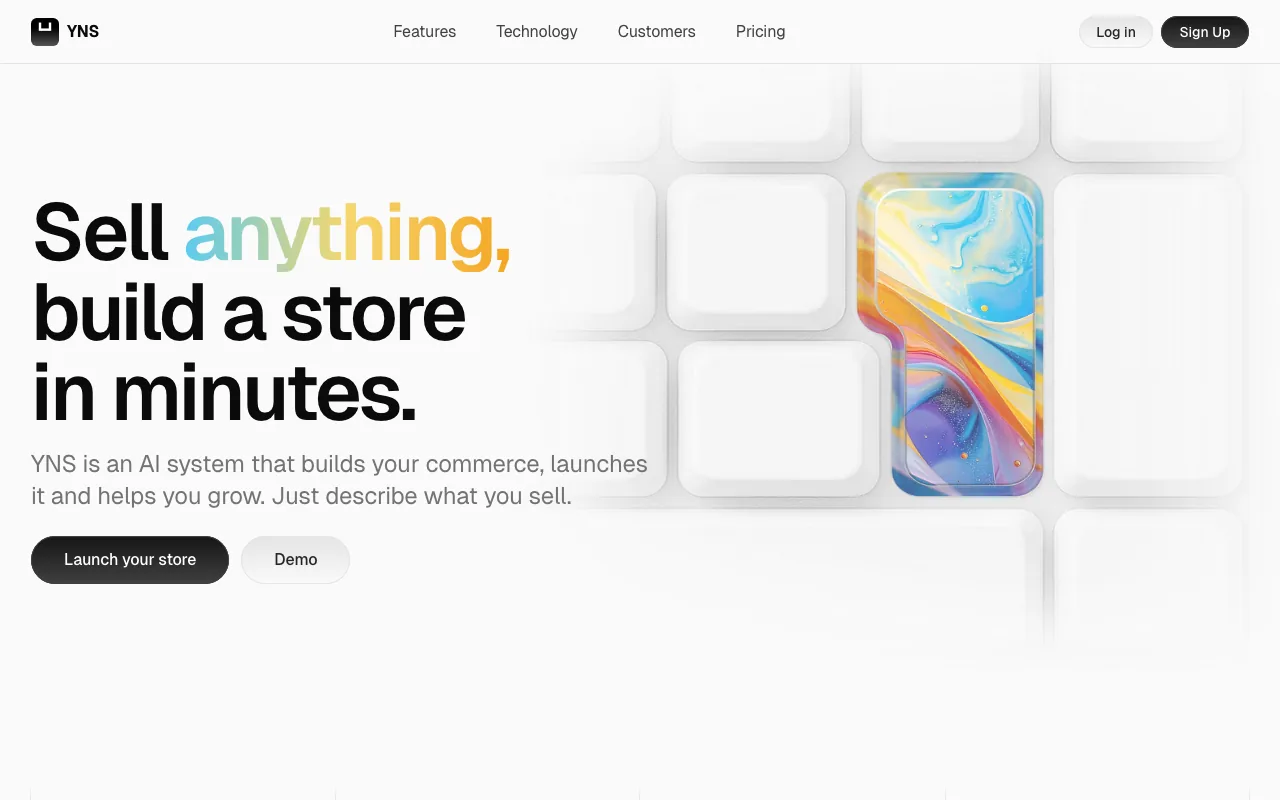
Your Next Store is built around an AI store builder. You open a chat, say what you sell ("hand-thrown ceramic mugs, calm and earthy"), and the AI generates a working store: layout, copy, product cards, even starter sections. From there you keep editing by chatting, or tweak things visually if you want to.
For someone leaving Big Cartel because the editor feels too rigid, this is a different kind of "no-code." You don't pick a theme, you describe one. You don't learn settings, you ask. The result is a store that looks current, loads fast on mobile, and grows with you instead of capping at 500 products.
What makes it stand out:
- AI store builder that ships a working store, not a demo
- 0% platform transaction fees on every plan. You pay Stripe's standard processing fee, nothing on top
- No product cap. Sell 5 items or 50,000 on the same plan
- Modern performance by default: Next.js 16, Partial Prerendering, mobile-first. Lighthouse scores in the high 90s without tuning
- GEO-ready out of the box: structured data, sitemaps, and an AI discoverability audit so your products show up when shoppers search with AI assistants
- Custom domain included from the $30/month Starter plan
Tradeoffs: No free plan. Starter is $30/month, the same price as Big Cartel Diamond, so it's a like-for-like swap, not a downgrade in cost. Payments are Stripe-only at the moment (Apple Pay, Google Pay, Klarna, Afterpay all work through Stripe). The app marketplace is younger than Shopify's; if you need a niche plugin, check first.
Pricing: Starter $30/mo, Growth $60/mo, Pro $360/mo. All plans have 0% platform transaction fees.
Outgrowing Big Cartel? Try Elliot, the AI Builder. Describe your store in plain English and watch it get built.
2. Squarespace
Best for: Visual creators (photographers, illustrators, makers) who want a beautiful site that doubles as a portfolio and a store.
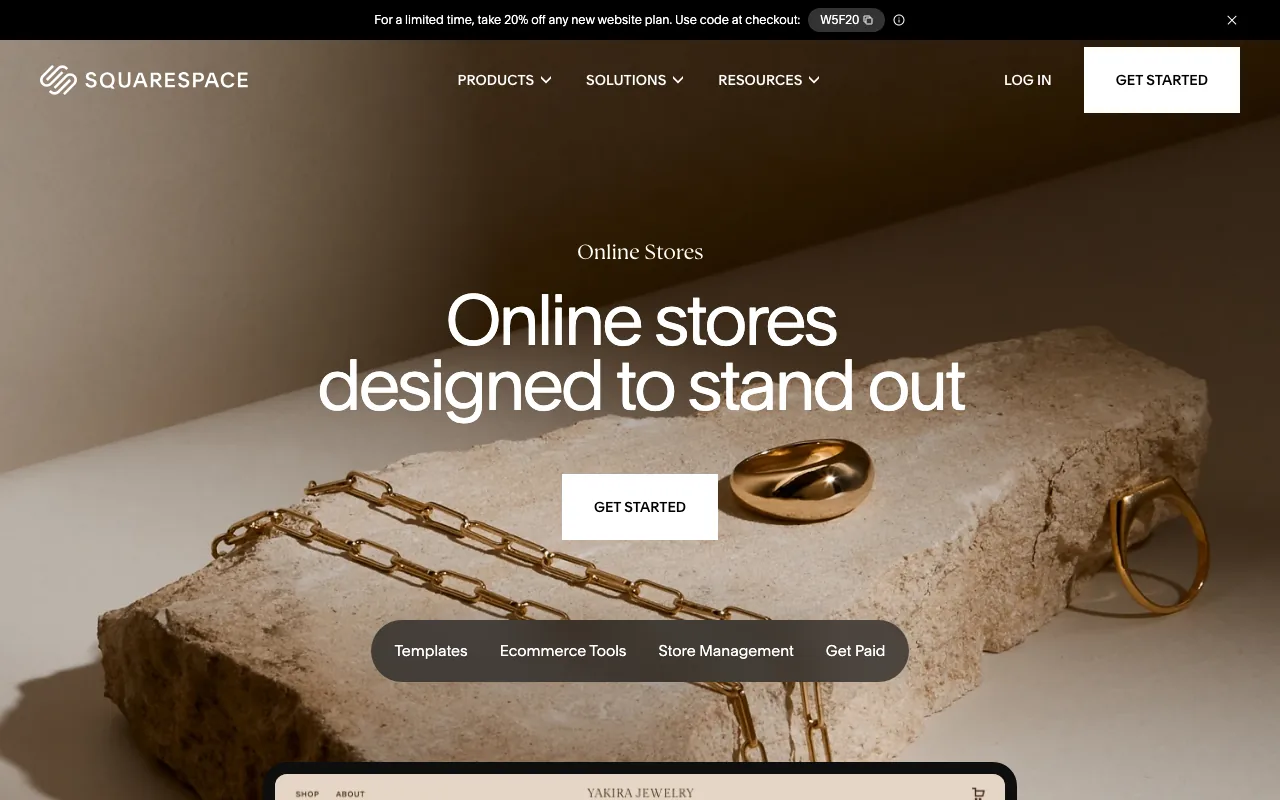
Squarespace is the most natural stylistic upgrade from Big Cartel. The templates look polished out of the box, the editor is drag-and-drop, and you get a real blog, gallery, scheduling, and email tools alongside the store. If your work is visual and you want one site for everything, this is the easy answer.
The trade is depth: Squarespace's ecommerce is solid but lighter than Shopify or BigCommerce on inventory, multi-channel, and reporting. For a maker selling tens to a few hundred SKUs, that's usually fine. For a fast-scaling DTC brand, you'll feel the ceiling.
What makes it stand out:
- Best default templates of any builder on this list, less pressure to hire a designer
- 0% transaction fees on physical products on Core, Plus, and Advanced plans (digital goods carry a 5% fee on Core, 1% on Plus, 0% on Advanced)
- Strong content tools: blog, galleries, scheduling, and email campaigns are first-party
- Themes can be changed later without rebuilding from scratch (though some content moves)
Tradeoffs: Squarespace renamed its plans in late 2025: the entry-level Basic plan ($16/mo) doesn't include selling, so the real ecommerce entry point is Core at $23/mo. Inventory management is basic, no native multi-location, and the app ecosystem is smaller than Shopify's. Reporting is shallow on lower plans. If you're cross-shopping in this direction, our Squarespace Commerce alternatives guide covers the same comparison from the other side.
Pricing (billed annually): Basic $16/mo (no ecommerce), Core $23/mo, Plus $39/mo, Advanced $99/mo.
3. Shopify
Best for: Sellers who want the largest ecommerce ecosystem and are ready to treat ecommerce as the main business, not a side project.
Shopify is the reference platform for ecommerce. The admin is mature, the app store is enormous, and Shopify Payments handles almost any payment method out of the box. Compared to Big Cartel, Shopify wins on inventory, discounts, multi-channel, and the sheer volume of help available when something goes wrong.
For non-technical owners, Shopify's strength is also its complexity. There are more settings, more apps, more decisions. Most sellers run 3-10 paid apps that quickly add $100-300/month on top of the plan. If you like a focused, opinionated tool, Shopify can feel like an open buffet.
What makes it stand out:
- Biggest app store in ecommerce. Reviews, subscriptions, loyalty, shipping, every category has competition
- Shopify Payments and Shop Pay give shoppers a fast, recognizable checkout
- Multi-channel selling built in: TikTok Shop, Instagram, Amazon, Walmart, Google
- Mature POS for craft fairs, markets, and pop-ups
Tradeoffs: Real costs add up. Shopify charges 0.6-2% on each sale if you don't use Shopify Payments, on top of plan fees (2% on Basic, 1% on Grow, 0.6% on Advanced). Theme customization beyond settings often means touching Liquid or hiring a Shopify developer. Our Shopify transaction fees post walks through the math, and our $100 sale breakdown shows what actually lands in your bank.
Pricing (billed annually): Basic $29/mo, Grow $79/mo, Advanced $299/mo. Monthly billing is roughly 25% higher (Basic $39, Grow $105, Advanced $399). Plus and Enterprise by quote.
4. Gumroad
Best for: Creators selling digital products: art prints, music, ebooks, presets, templates, courses.
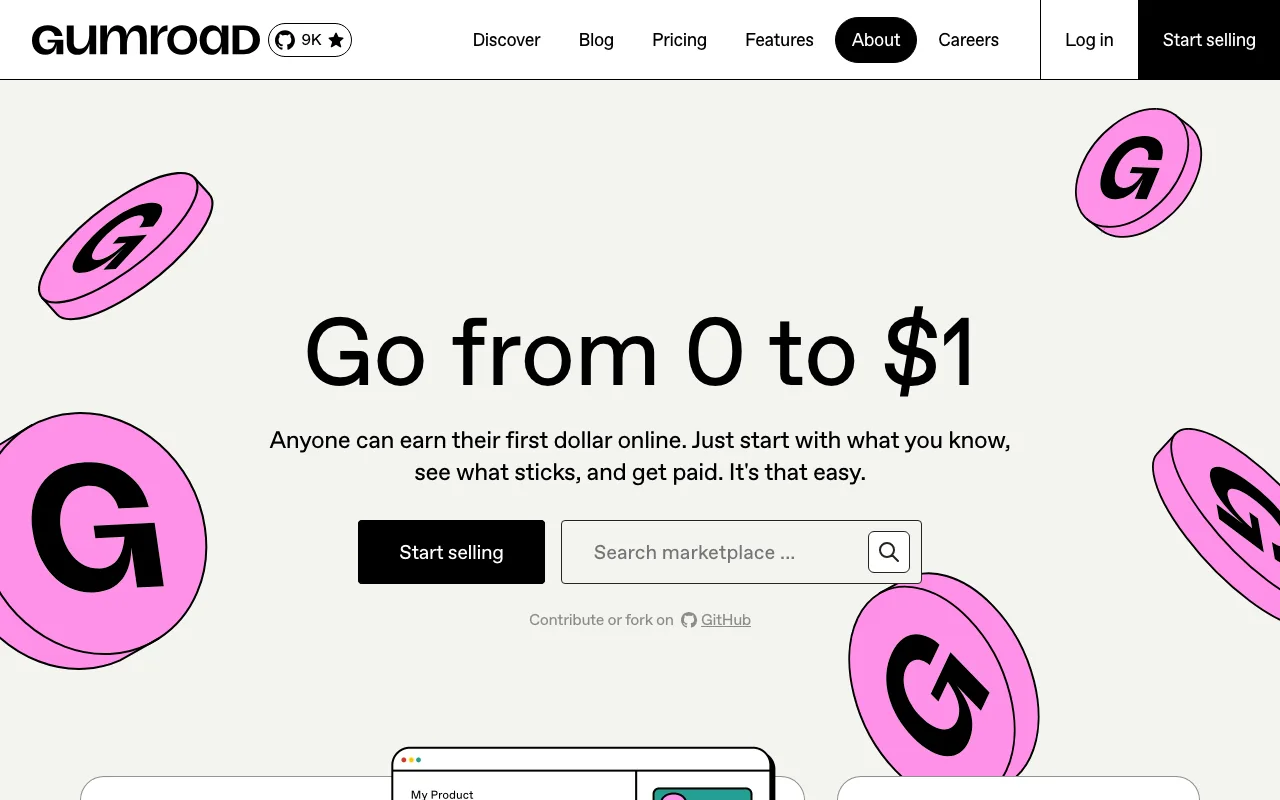
Gumroad is the simplest store on this list. There's no theme to design, no shipping settings to configure, no tax tables to upload. You create a product, set a price, get a link, and start selling. For digital goods, that's often all you need.
If your Big Cartel store mostly sells digital downloads (artwork, zines, music, fonts, Lightroom presets), Gumroad is faster, cheaper at low volumes, and built specifically for this use case. For physical goods Gumroad works, but you're better served by one of the platforms above.
What makes it stand out:
- Zero setup. Create a product, share the link, get paid
- Built for digital goods with delivery, license keys, version updates handled
- Embed checkout anywhere: blog, Substack, social bio
- Memberships and subscriptions built in for recurring revenue
Tradeoffs: The fee is 10% + $0.50 per sale, which is high once you're doing volume (a $10 sticker pays Gumroad $1.50 before payment processing). Storefront design is minimal; if you want a "real" branded site, Gumroad won't get you there. Physical products are supported but feel secondary to digital. Sales attributed to Gumroad's own Discover marketplace are billed at 30% instead of 10%.
Pricing: Free to start, 10% + $0.50 per sale. No monthly fee.
5. Sellfy
Best for: Creators who want a simple all-in-one store with print-on-demand built in and no transaction fees.
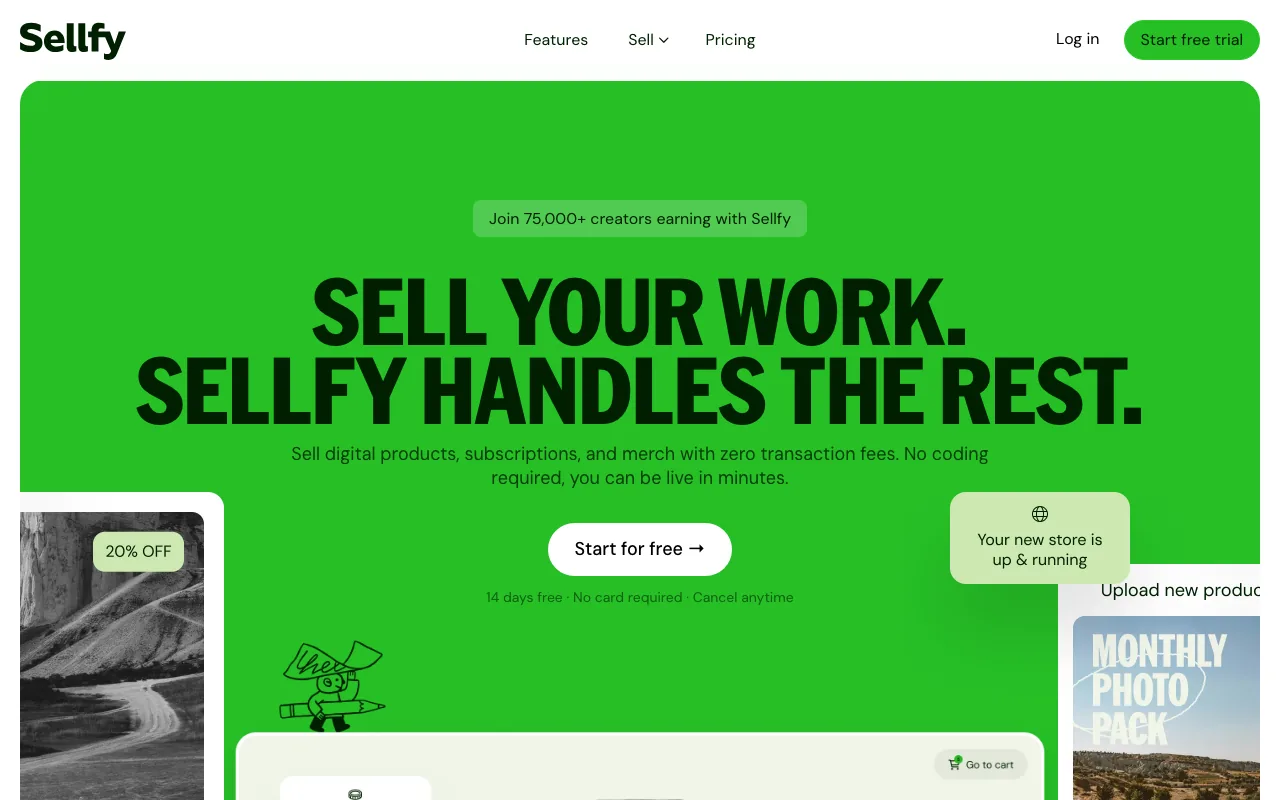
Sellfy sits between Big Cartel and Shopify in spirit. It's a hosted store builder with a clean editor, support for digital and physical products, and an integrated print-on-demand catalog so you can sell merch without warehousing anything. There are no transaction fees, which sets it apart from most platforms in this price range.
It's a good fit for YouTubers, podcasters, illustrators, and small brands who want one place that handles ebooks, art prints, T-shirts, and stickers without juggling three tools.
What makes it stand out:
- Built-in print-on-demand catalog (T-shirts, hoodies, mugs, posters)
- 0% transaction fees on every plan
- Sells digital and physical products from the same store
- Email marketing and upsells included on higher plans
Tradeoffs: Plans are tiered by revenue, so as you scale you pay more even if you don't unlock new features. Storefront customization is lighter than Squarespace or Shopify. The app marketplace is small.
Pricing: Starter $29/mo (up to $10K/yr), Business $79/mo, Premium $159/mo (each tier raises the revenue cap and adds features).
6. Ecwid by Lightspeed
Best for: Sellers who already have a website (Squarespace, Wix, WordPress, even a Linktree) and want to bolt on a real store without rebuilding.
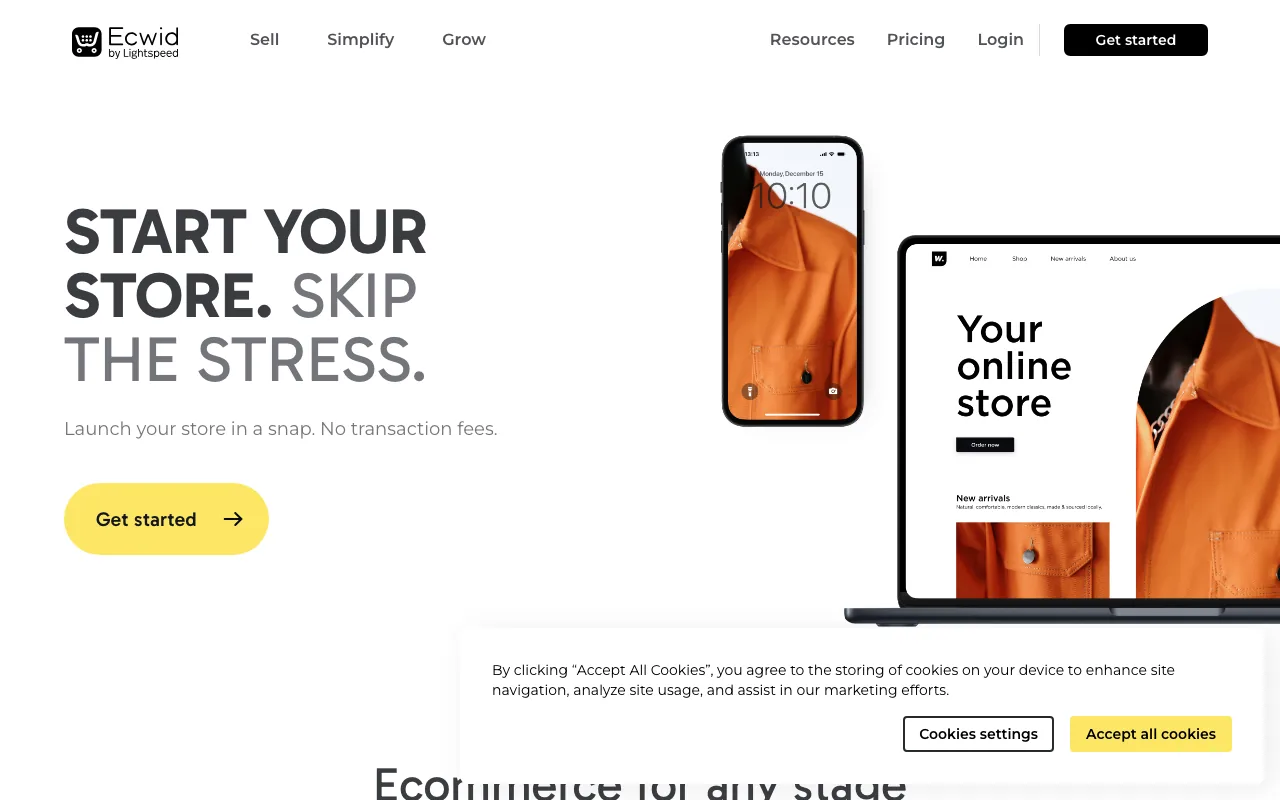
Ecwid is shaped differently from the rest of this list. Instead of replacing your site, Ecwid drops an embeddable store widget onto whatever you already have. Same products, same cart, on a Squarespace blog, an Instagram bio, a WordPress site, all kept in sync.
That makes it a useful "half-step" for Big Cartel users who built a separate portfolio or blog and don't want to rebuild it. Add Ecwid for the storefront layer, keep the rest, migrate further later if you want.
What makes it stand out:
- Cheap entry tier: Starter at $5/month
- Embed anywhere: widgets for WordPress, Wix, Squarespace, raw HTML, social bios
- Multi-channel sync to Facebook, Instagram, Google, Amazon, eBay
- POS integration via Lightspeed for in-person selling
Tradeoffs: The storefront is a widget inside your host site, not a purpose-built store layout. Customization is limited compared to Shopify or Squarespace. The Starter plan caps at 10 products, so for a Big Cartel Platinum-sized catalog (50 products) you'll need at least the Venture tier. If Ecwid itself is your starting point, we wrote a dedicated Ecwid alternatives guide for non-technical beginners.
Pricing (billed annually): Starter $5/mo (up to 10 products), Venture $29/mo, Business $49/mo, Unlimited $119/mo. Monthly billing is roughly 25% higher.
7. Square Online
Best for: Makers who sell at craft fairs, farmers markets, and pop-ups and want their online store to share inventory with their in-person POS.
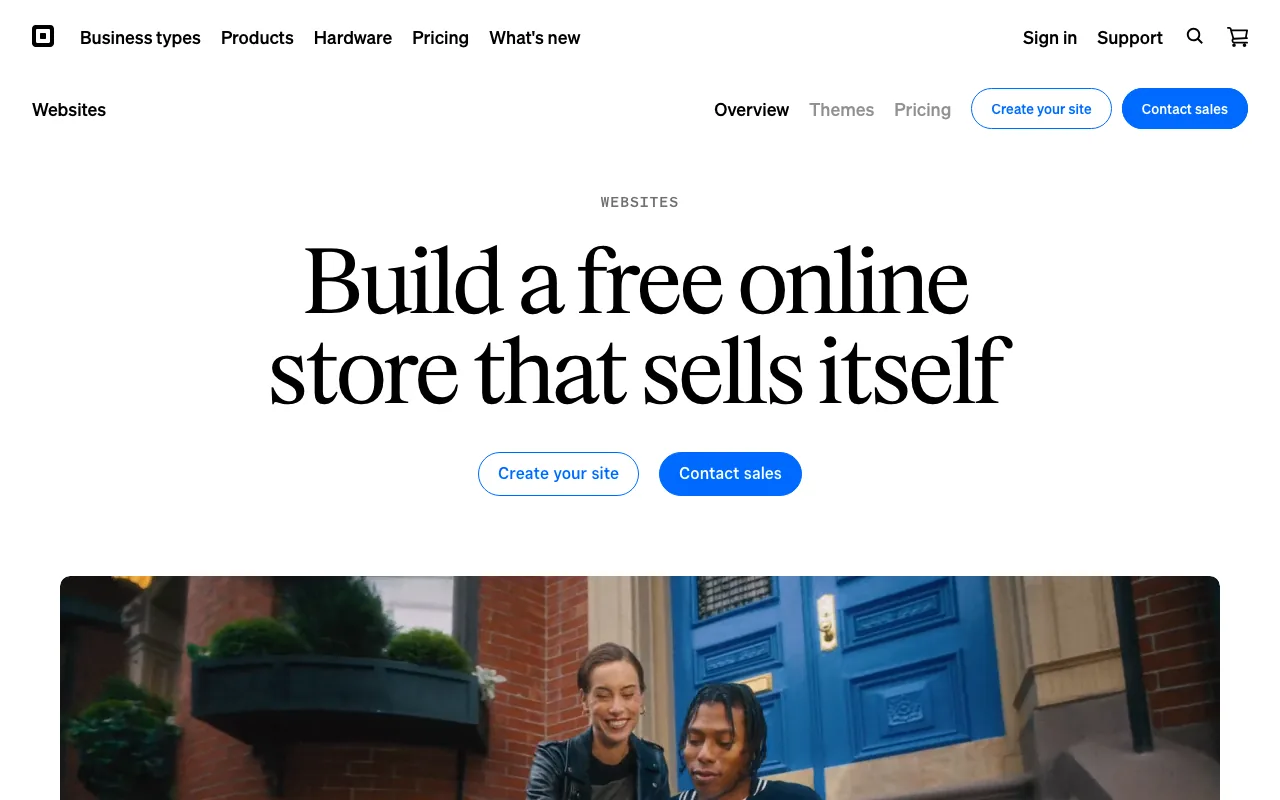
Square Online is the web storefront bundled with the Square ecosystem. If you already use Square for in-person card payments, the online store auto-syncs inventory, customers, and orders. For a maker who works the market circuit, that's a real productivity win.
The free plan is genuinely free. Unlimited products, a Square-branded subdomain, and the ability to take orders. You pay Square's online processing fee (3.3% + $0.30 per card-not-present transaction) but no monthly fee on the free tier.
What makes it stand out:
- Real free plan with unlimited products
- Tight POS integration for in-person selling
- Order-ahead, pickup, and local delivery built in
- Fast launch. Minimal setup, sensible defaults
Tradeoffs: Design flexibility is limited. Free plan shows "Powered by Square." Ecommerce features are basic compared to Shopify or BigCommerce. Best if Square POS is already part of your setup.
Pricing: Free (processing fees only), Plus $49/mo, Premium $149/mo.
Honorable Mentions
Wix: The closest thing to Big Cartel in vibe, with a much bigger ecommerce feature set and an AI builder. The trade is template lock-in (you can't switch later) and renewal pricing that often jumps. We covered this in detail in our Wix ecommerce alternatives guide.
Payhip: Another simple Gumroad-style store, popular with European creators. Free to start, 5% fee on the free plan dropping with paid tiers.
Hostinger Website Builder: Cheapest serious option, with an AI site generator and bundled hosting. Watch the renewal price, which is several times the intro rate.
Ko-fi: Best for casual monetization. Tip jar, small digital files, memberships. Not really a store, but plenty of artists use it as one.
Six Things Nobody Tells You Before You Switch
Most reviews list features and call it done. Here are the surprises that actually shape your life six months in.
1. The fastest store builder isn't on most "best of" lists. Every other listicle ranks platforms by features, not by how the resulting store actually performs. We benchmarked real customer storefronts on each platform: a YNS-built store hit Lighthouse mobile 88. Real Big Cartel and Shopify storefronts landed in the 30s and 40s. Conversion rates drop sharply when LCP crosses 2.5 seconds, and most of the platforms in this category default well past that. The platform you pick determines your conversion ceiling more than your photography does.
2. Sellfy's plan tiers are gated by revenue, with a 2% overage fee. The Starter plan caps at $10K/year in sales, Business at $50K, Premium at $200K. You don't get auto-upgraded when you cross. Instead Sellfy applies a 2% overage fee on every dollar past the cap until you upgrade voluntarily. That's effectively a transaction fee that only kicks in once you're growing. Read the cap before you commit, and re-check it every quarter.
3. Big Cartel's free plan won't let you use your own domain. The Gold plan ($0) supports up to 5 products but locks you onto a bigcartel.com subdomain. Custom domain support starts at Platinum ($15/mo) and is gated behind a "Support for custom domains" line item in their pricing page. That's not in the marketing copy; it's discovered the day your branding goes live and the URL still says bigcartel.com. If a real domain matters to you (it does, for brand and SEO), $0 isn't actually $0.
4. Squarespace template switching is freer than it used to be, but the cleanup isn't. On the unified 7.1 platform you can swap styles at any time. What doesn't always survive: per-section typography overrides, custom heading sizes inside blog posts, and color tokens applied at the page rather than the site level. Two years of content can mean a weekend of manual cleanup after a redesign. Pick a base style you can live with for at least 18 months, and avoid one-off heading customizations on blog posts you plan to keep.
5. Shopify's "free trial" is 3 days, then $1/month. The full trial used to be 14 days. As of 2026, you get 3 days truly free, then you have to pay $1/month for up to 3 months to keep evaluating. The $1 stretch is generous, but the 3-day cliff matters: you can't connect a custom domain to a trial store, and you can't accept real orders until you pick a plan. Pre-build everything (theme, product CSVs, payment account) in advance so the clock starts when you're ready.
6. Square Online's "free plan" charges a higher processing rate than its paid plans. As of January 13, 2026, free-plan online transactions are billed at 3.3% + $0.30, while the $49/month Plus plan drops that to 2.9% + $0.30. The crossover where Plus pays for itself is roughly $12,250/year in online sales: above that, you save money by upgrading; below it, "free" is genuinely cheaper. Run the math against your real revenue before assuming free wins.
These are the kinds of details that don't show up in a pricing table. They show up in your bank account.
How to Choose: A Simple Decision Framework
Three questions usually settle it.
"What do you actually sell?"
Mostly physical, ten to a few hundred SKUs: Your Next Store, Squarespace, or Shopify.
Mostly digital (downloads, templates, music): Gumroad or Sellfy.
Handmade, vintage, niche craft: Your Next Store or Squarespace for a brand-controlled shop. Both let you build a site that feels like yours rather than a marketplace stall, and both keep 100% of the customer relationship.
Mix of online and in-person: Square Online if you already use Square POS; otherwise Shopify with the POS add-on.
"How much do you care about design?"
A lot: Squarespace (best defaults), Your Next Store (AI-iterated design), or Webflow if you want to learn a tool.
Enough to not embarrass yourself: Shopify or Sellfy. Both ship strong default themes.
Just need it to work: Square Online, Gumroad, or Ecwid embedded on whatever site you already have.
"What's your honest monthly budget?"
Free or near-free: Gumroad, Square Online free, Ko-fi.
$15-30 (Big Cartel range): Squarespace Core, Your Next Store Starter, Shopify Basic, Ecwid Venture, Sellfy Starter.
$50+: You're in serious-business territory. Pick the platform with the depth your business actually needs, not the longest feature list.
For a wider lens on building a store from scratch, see our how to start an online store guide.
How to Migrate from Big Cartel
The mechanics vary by destination, but the steps are the same shape:
- Export your products. Big Cartel lets you export products as CSV from the admin. Check images, variants, and prices in the CSV before importing anywhere.
- Export customers and orders. Available as CSV from your Big Cartel dashboard. Some destinations (Shopify, Squarespace) have official importers.
- Re-upload images. CSV exports include image URLs but most importers prefer fresh image files. Download a zip of your product images before cancelling Big Cartel.
- Point your domain. Most platforms walk you through DNS or CNAME setup. Keep the Big Cartel store live until the new one is ready, to avoid downtime.
- Set up 301 redirects. Big Cartel URLs use
/product/{slug}. Map your top URLs to the new platform's URLs and set up redirects to preserve SEO. - Re-configure payments. Stripe or PayPal accounts don't move with you. Reconnect on the new platform and run a $1 test order before cutting over.
- Test checkout end-to-end before flipping DNS. Place a real order including shipping and tax.
Budget one weekend for a small catalog (under 50 products), a week or two for hundreds of SKUs and a design refresh.
FAQ
Is there a free Big Cartel alternative for makers?
Yes, several. Square Online has a real free plan with unlimited products (you pay only payment processing). Gumroad is free to start with a 10% fee per sale. Ko-fi is free for tips and small digital sales. None match Big Cartel Gold for "free + your own real store"; the closest is Square Online if you don't mind Square branding.
Which Big Cartel alternative is easiest for a non-technical owner?
Your Next Store if you're comfortable describing your store in plain English to AI. Squarespace if you want the closest drag-and-drop experience to Big Cartel with much better defaults. Gumroad if you want the absolute fastest path from zero to selling. All three can be set up by a beginner in a weekend, often in an afternoon.
Which alternative is cheapest to grow with?
If you want a platform that doesn't penalize growth, Your Next Store, Squarespace Core, and BigCommerce all charge 0% platform transaction fees. Shopify Basic charges 2% if you don't use Shopify Payments. Sellfy raises your monthly cost as you cross revenue tiers. For a maker doing $30K-$100K/year, the platform with no per-sale fees is usually the cheapest in the long run, even if the monthly plan looks pricier upfront.
Will I lose my SEO if I switch from Big Cartel?
Not if you migrate carefully. The biggest risk is changing URLs without 301 redirects, which can drop rankings for weeks. Most alternatives support custom URLs and redirect rules. Export your top-performing pages from Google Search Console first so you know which URLs absolutely must redirect.
Can I use my Big Cartel domain on a new platform?
Yes. If you bought the domain through Big Cartel, transfer it to a registrar (Cloudflare, Namecheap, Porkbun) before cancelling, or update DNS to point at the new platform. If you bought it elsewhere, just update the DNS records.
Related Blog Posts
- Best AI Store Builders of 2026
- Best Wix Ecommerce Alternatives
- Squarespace Commerce Alternatives
- How to Start an Online Store in 2026
- Shopify Transaction Fees Explained
- How Much Does an Ecommerce Website Cost?
Big Cartel didn't get worse. The internet around it did. A platform that ships a 4.7-second main-thread block and caps you at 500 products belonged to 2015. The alternatives now load in half the time, charge less per sale, and don't make you choose between your craft and your software. The right one for you isn't the one with the longest feature list. It's the one you'll still want to be using when your catalog hits its first three-figure number, your phone-checkout speed actually matters to a real customer, or you finally realize you'd rather be making the thing than managing the shop. Pick that one, and stop reading list posts.
Ready to leave Big Cartel? Try Your Next Store. Describe your store in plain English and watch the AI build it.