Ecommerce Launch Checklist: Check Before You Go Live
 Jakub Neander
Oct 20, 202612 min read
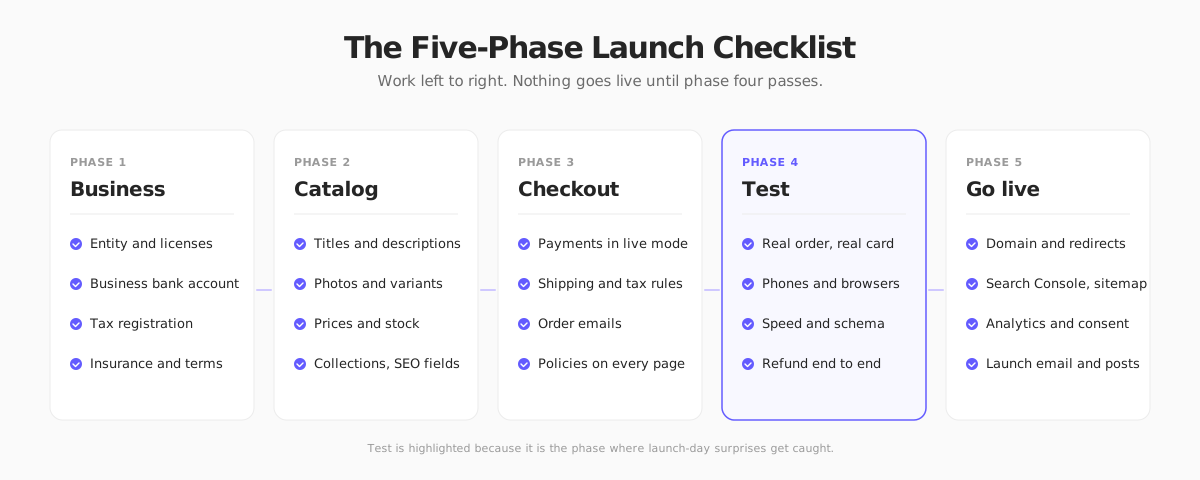
Most ecommerce launches do not fail because the product is bad. They fail because the first real order hits a broken tax setting, a staging site that tells Google to stay away, or a checkout that works on the founder's laptop and nowhere else. This ecommerce launch checklist is organized in five phases, so you can work through it once and go live knowing the boring things are handled.
The short version:
- Business: entity, bank account, tax registration, terms.
- Catalog: every product complete, photographed and priced.
- Checkout: payments in live mode, shipping, tax, emails and policies.
- Test: a real order with a real card, on real devices, then refund it.
- Go live: domain, redirects, search indexing, analytics, launch plan.
Do not skip phase four. It is where launch-day surprises get caught.
Phase 1: Business Basics
You can build a store before any of this is done, but you should not take a payment until it is.
Legal entity and licenses
- US: most founders form an LLC or similar entity, get an EIN from the IRS and check whether their city or state requires a business license or a seller's permit. Rules differ by state.
- EU: register the business under your national rules, and check your country's requirements for trader information on your website (often called an imprint or legal notice, which is mandatory in Germany and Austria).
- UK: register as a sole trader or limited company. Limited companies must show their registered name, number and registered address on the site.
If you sell a regulated product such as food, cosmetics, supplements or children's items, check the product rules before listing anything. Our guide on starting an online store covers the early steps in order.
Bank account and payments account
Open a business bank account and use it for your payments provider, so personal and business money stay apart from day one. Complete identity verification with your processor early. Verification can take days, and a held payout on your first sale is a bad surprise.
Tax registration
- US: sales tax depends on where you have nexus, which can include states where you only ship. Our sales tax guide explains how to check.
- EU: VAT registration thresholds and the One-Stop Shop scheme for cross-border sales to consumers apply. Confirm them with an accountant.
- UK: VAT registration is required above the national turnover threshold, and sooner if you choose.
Terms, privacy policy and insurance
You need terms of sale, a privacy policy, a shipping policy and a returns policy before launch. Business insurance (general liability and product liability) is worth pricing for anything physical.
Always check the current rules where you sell. This guide summarizes US, EU and UK launch requirements as of October 2026. Regulations change and vary by country and state, so confirm the details with your local authority, an accountant or a legal specialist before you take your first order. This is general information, not legal or tax advice.
Phase 2: Catalog
A half-finished catalog costs sales and trust. Treat each product as a page you are shipping, not a row in a spreadsheet.
Every product page, complete
For each product, check:
- A unique title that includes the term a buyer would search for.
- A description that answers size, material, use and care questions, not just a tagline. If writing hundreds of them is slowing you down, an AI-assisted workflow can produce drafts you edit.
- At least three images: a clean main shot, a detail and one in context. Our product photography guide shows how to do this on a budget.
- Correct variants, with a photo per color where the color matters.
- A price, weight and dimensions (shipping rates depend on them), and a SKU you will recognize in six months.
- Stock counts per variant. An oversold launch product is worse than a late one.
Collections and navigation
Group products into a few clear collections and make the navigation match how shoppers think. If a first-time visitor cannot find your bestseller in two clicks, rework the menu.
SEO fields
Fill in page titles, meta descriptions and image alt text for products and collections, and make sure each page has a clean, readable URL. A technical walkthrough is in our ecommerce SEO guide. Do it now, because bulk-editing a thousand products after launch is miserable.
Phase 3: Checkout and Operations
Payments in live mode
Switching from test to live mode is the single most common launch mistake. Your test and live API keys, webhooks and product settings are separate. Check, in order:
- Live keys are set in your production environment, not in a leftover local file.
- Webhooks point at the production URL and verify signatures.
- Payout details and business information are complete in the payments dashboard.
- Your statement descriptor is something customers will recognize, so they do not file chargebacks on a charge they do not remember.
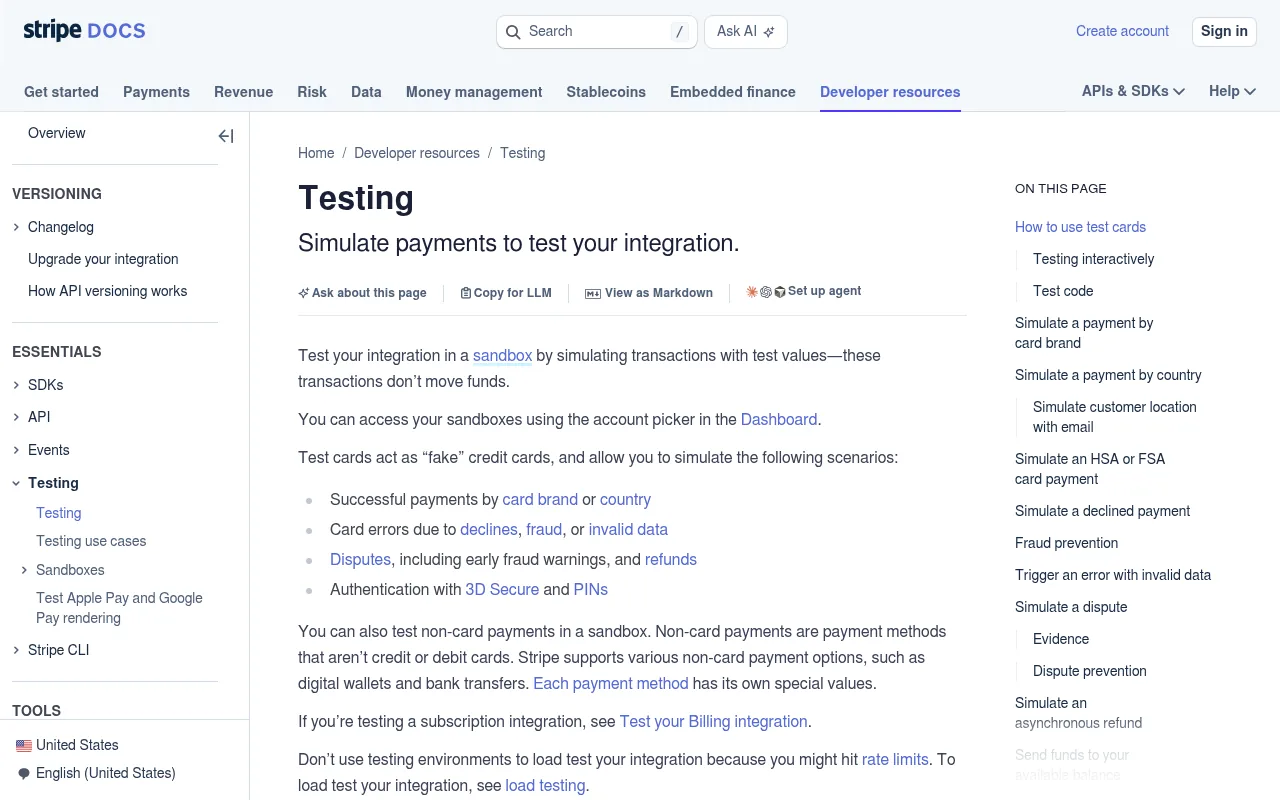
The Stripe testing docs list test card numbers for successful payments, declines, fraud flags and 3D Secure, which is the full set you want to try before flipping to live mode.
Add the payment methods your customers expect where you sell. Cards and wallets such as Apple Pay and Google Pay cover most of the US. In Europe you may also want local methods like iDEAL in the Netherlands or BLIK in Poland. See our Stripe guide for options.
Shipping
- Decide your rates before you launch: flat, free over a threshold, or calculated by carrier. The structure matters more than the exact number, and our shipping strategy guide walks through the trade-offs.
- Set processing time and delivery estimates, and publish them on the product page and at checkout.
- Order labels and packaging, and do a trial pack. A product that arrives crushed is a refund.
- If you ship internationally, decide who pays duties and make that visible. See how to sell internationally.
Tax at checkout
Confirm that the correct tax appears at checkout for at least one address in each jurisdiction you collect in. Automation tools help. Stripe Tax is one option, but you still need to register where required.
Order emails and customer service
Place a test order and read every email it sends: confirmation, shipping notice, refund. Check the sender name, the reply-to address, links, and how they look on a phone. Set up a support address and a basic response template for the questions you expect: where is my order, how do I return this, and does this fit.
Policies on every page
Link terms, privacy, shipping and returns from the footer and from checkout. In the EU and UK, consumers generally have a 14-day right to withdraw from distance purchases, with exceptions, so state your return terms in line with that. In the US, there is no federal right of return, so your policy is whatever you promise, and clarity is your best protection.
Phase 4: Test Everything Like a Customer
Block half a day. This phase pays for the other four.
Place a real order with a real card
Use a live card, buy the cheapest product, then refund it. Confirm that:
- The order appears in your dashboard with the right amount, tax and shipping.
- The confirmation email arrives within a minute.
- Stock decreases by the right quantity.
- The refund appears in the payments dashboard and the customer is notified.
Test on real phones and browsers
Check checkout on a real iPhone and a real Android phone, on mobile data. Then try Safari, Chrome and Firefox on desktop. The things that break most often: sticky headers covering buttons, address autofill, keyboard types on phone number fields and a payment sheet that never appears. For a deeper checklist of friction points, see our checkout optimization guide.
Speed and Core Web Vitals
Run your homepage, a product page and your cart through PageSpeed Insights. Focus on the mobile result, and on Google's Core Web Vitals thresholds: Largest Contentful Paint under 2.5 seconds, Interaction to Next Paint under 200 milliseconds and Cumulative Layout Shift under 0.1.
Structured data
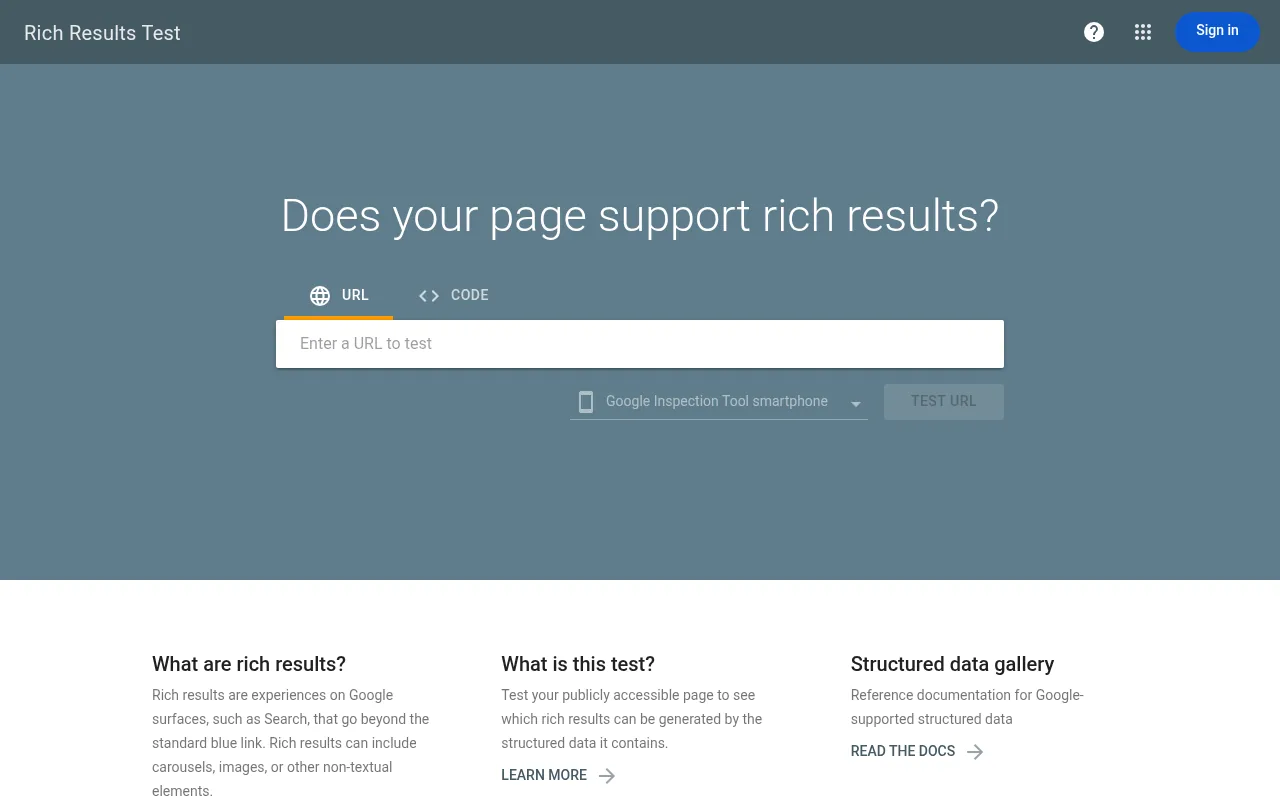
Product pages should expose price, availability and reviews in structured data so search engines can show rich results. Paste a product URL into Google's Rich Results Test to confirm Google sees your Product markup.
Broken links, forms and edge cases
Click every link in the footer and header. Submit the contact form. Try an out-of-stock product, an invalid discount code, an address in a country you do not ship to and a cart with ten items. Fix what breaks now.
Phase 5: Go Live
Domain, SSL and redirects
- Point your custom domain at the store and confirm HTTPS works on every page, with no mixed-content warnings.
- Redirect the non-preferred version (www or non-www) to the other, one hop only.
- If you are replacing an old site, map old URLs to new ones with 301 redirects before you switch. Traffic and rankings follow redirects, not hopes.
Make sure Google is allowed in
This one is the classic. Staging and pre-launch builds often carry a noindex tag or a Disallow: / in robots.txt, and they ship to production unchanged. Check:
- Your robots.txt does not block the site.
- No page has a stray
noindexmeta tag or header. - A sitemap exists and is referenced in robots.txt.
Then verify the domain in Google Search Console and submit the sitemap. It will not make you rank on day one, but it tells you quickly if indexing is blocked.
Analytics and consent
Install analytics and confirm purchase events fire once per order. If you have EU or UK visitors, analytics and advertising cookies need consent before they load, so test the consent banner, including the "reject" path. Set up one dashboard showing sessions, conversion rate, revenue and top products, which is enough to start.
The launch plan
A site nobody knows about is a hobby. Before launch day, decide:
- One primary channel. Pick email, social or paid and put effort there rather than spreading thin. Founders who try every channel at once usually burn out before any of them works.
- A launch offer that helps you collect early orders and reviews, but does not teach people to wait for discounts.
- A first email to everyone who signed up on a waitlist, and a plan to follow up with buyers after their first order. A good start is an abandoned cart email sequence.
- A 48-hour watch plan. Check orders, email delivery and error logs every few hours for the first two days, with one named person responsible.
Common Launch Mistakes
| Mistake | How it shows up | Quick fix |
|---|---|---|
| Test keys in production | Checkout accepts the test card and no money moves | Check live keys and send one real order |
noindex left from staging | Zero search traffic after weeks | Inspect robots.txt and page headers before launch |
| Shipping rates not tested | Orders to some regions lose money | Place test orders to each zone |
| No tax setup | Underpaid tax and an accounting mess later | Configure before the first order |
| Policies missing at checkout | Chargebacks and disputes with no policy to point to | Link them from footer and checkout |
| Launching on a Friday night | Nobody is watching when something breaks | Launch midweek, mid-morning |
Where Your Next Store Fits
Several of these items come built into Your Next Store: a managed commerce backend with products, variants, per-variant inventory, discount codes, Stripe Checkout, optional Stripe Tax, structured data for SEO and a Next.js storefront. It has a 0% platform transaction fee on every plan, and plans start at $30 a month, so what you pay on a sale is Stripe's standard processing fee.
What it does not do: it will not register your business, decide your tax obligations or write your policies. Those stay on your list. And it does not replace phase four. Even with a platform that handles the plumbing, you still need to place a real order before you tell anyone the store is open.
The one-line version: launch day should be boring. If you tested the order, the email and the refund yourself, the first customer is just another one.
FAQ
How long does it take to launch an ecommerce store?
For a small catalog on a hosted platform, a focused founder can finish this checklist in two to four weeks, and the longest items are usually business registration, product photography and payment verification, not the website itself. Larger catalogs, custom builds and regulated products take longer.
What should I do first before launching an online store?
Handle the business basics: entity, bank account, tax registration and payment verification. They have the longest lead times, and you can build the store while they are in progress.
What is the most common mistake when launching an ecommerce site?
Leaving the store in test mode, or leaving staging settings such as a noindex tag in place. Both are free to catch if you place a real order and inspect robots.txt before announcing the launch.
Do I need a lot of products to launch?
No. Launching with a small, complete catalog beats launching with a large unfinished one. Start with the products you can photograph, stock and ship well, then add more once you have real orders to learn from.