Cookie Consent for Ecommerce: An EU-Compliant Banner
 Jakub Neander
Nov 11, 202612 min read
In September 2025, France's data protection authority fined Shein €150 million because its store set advertising cookies before visitors chose anything. Not for a missing banner: Shein had one. The banner just did not control what the page actually loaded. That is the gap most stores fall into. Cookie consent for ecommerce is not a pop-up you install, it is a gate in front of your tracking scripts. This guide covers what the EU and UK rules require, what a compliant banner looks like, how Google Consent Mode fits in, and how to wire it into a modern storefront.
What the Law Actually Requires
The cookie rule in the EU is not in the GDPR. It is Article 5(3) of the ePrivacy Directive (2002/58/EC), implemented in each country's national law. It says you may store or read information on a visitor's device only if:
- The visitor has given consent, or
- It is strictly necessary to provide a service the visitor explicitly asked for, or to transmit a communication.
The GDPR then defines what "consent" means: freely given, specific, informed, unambiguous, and as easy to withdraw as to give. That is why the two laws get mixed up. Our GDPR guide for ecommerce covers the wider privacy picture. This post focuses on the banner.
Three things follow for an online store:
- The rule covers more than cookies. Local storage, pixels, fingerprinting and SDK identifiers are all "information on the device". Swapping a cookie for
localStoragedoes not get you out of it. - It applies to non-EU stores that target EU shoppers. If you ship to Germany or price in euros, the visitors from there are in scope.
- Consent comes first. A banner that appears while the Meta Pixel has already fired is not a consent mechanism. It is decoration.
What counts as strictly necessary in a store
Most stores need fewer consent-gated cookies than they think, and more than they hope.
| Cookie or script | Strictly necessary? | Why |
|---|---|---|
| Cart contents, checkout session | Yes | The visitor asked to buy something |
| Login session, CSRF token | Yes | Security and the account they opened |
| Load balancing, fraud and bot checks | Usually yes | Needed to deliver the service safely |
| Remembering the consent choice itself | Yes | Otherwise you would ask on every page |
| Language or currency the visitor picked | Usually yes | They chose it, and it is short-lived |
| Google Analytics, Hotjar, most analytics | No (in most countries) | Useful to you, not requested by them |
| Meta Pixel, TikTok Pixel, Google Ads tags | No | Advertising is never strictly necessary |
| Live chat widgets | Depends | Loaded on click: often fine. Loaded on every page with tracking: no |
| Embedded YouTube or Instagram | No | Third parties set their own identifiers |
A few authorities, including France's CNIL, exempt narrowly configured first-party audience measurement from consent. The conditions are strict (anonymized data, no cross-site tracking, no sharing for the vendor's own purposes) and they are not uniform across the EU. Unless you have checked your country's guidance, treat analytics as consent-required.
What a Compliant Cookie Consent Banner Looks Like
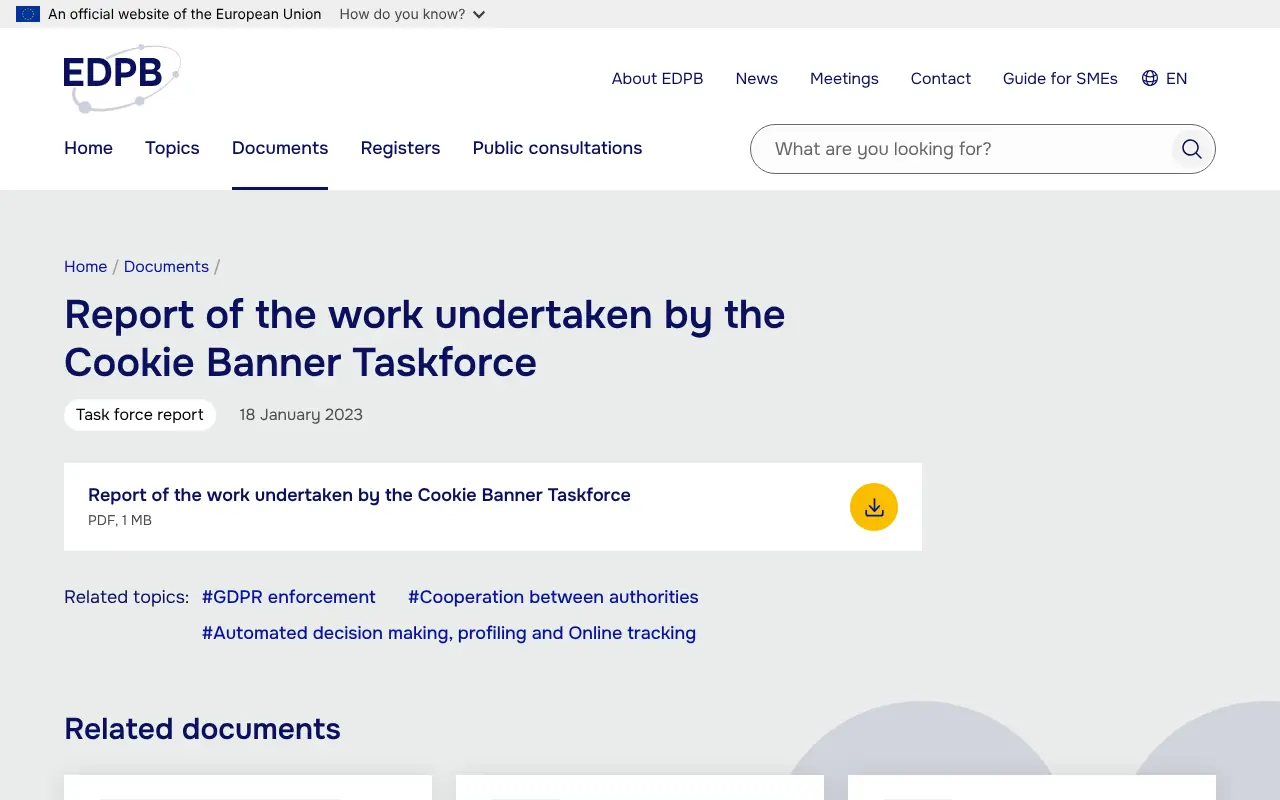
There is no official EU template, but regulators agree on most of the details. The clearest summary is the EDPB's Cookie Banner Taskforce report, in which national authorities set out their common positions after hundreds of complaints from the privacy group noyb. Combined with CNIL's enforcement, it gives you a working spec.
The first layer
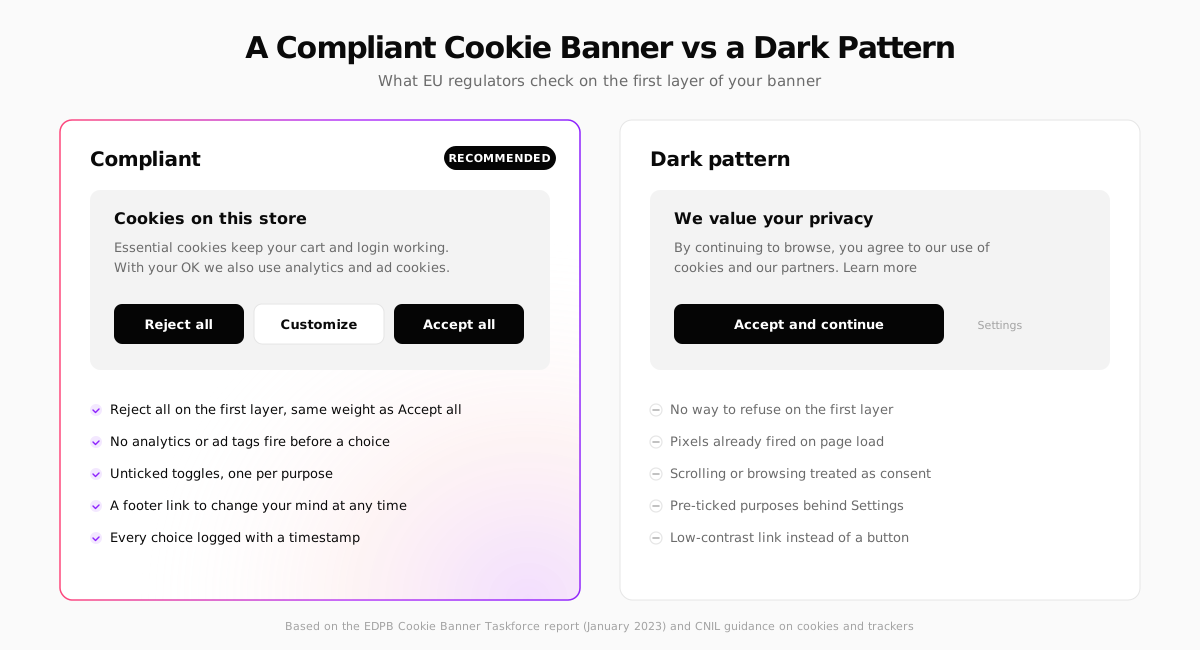
- "Reject all" sits next to "Accept all", as a button, with the same size, weight and contrast. A refusal hidden behind "Settings" or styled as a grey link is what earned Google a €150 million and Facebook a €60 million CNIL fine in 2022.
- Say what you use cookies for, in plain language, in a sentence or two. "We value your privacy" tells the visitor nothing.
- Closing the banner is not consent. If someone clicks the X or keeps scrolling, nothing non-essential loads.
- No cookie walls. Blocking the whole store until someone accepts is generally not allowed. Some regulators tolerate a "pay or consent" model for media sites, but it makes no sense for a shop.
The second layer
- One toggle per purpose: analytics, advertising, personalization. All off by default. Pre-ticked boxes are not valid consent, as the Court of Justice confirmed in Planet49.
- List the vendors in each category with a link to their privacy notice.
- State how long each cookie lasts.
After the choice
- Respect it immediately. Accept loads the tags. Reject loads nothing, now and on later pages.
- Let people change their mind from a permanent link, usually "Cookie settings" in the footer. Withdrawing must be as easy as giving consent.
- Do not ask again on every visit. CNIL suggests keeping a refusal for about six months before asking again. Re-prompting someone daily until they give in is itself a dark pattern.
- Keep a record. Log the choice, the banner version and a timestamp, so you can prove consent if a regulator asks.
Test the reject path, not just the accept path. Open your store in a private window, click "Reject all", then check the browser's Application tab and the Network panel. If you see _ga, _fbp or requests to facebook.com/tr after rejecting, your banner is not doing its job. This is exactly what CNIL found at Shein, including cookies set after consent was withdrawn.
Cookie Consent in the UK and the US
United Kingdom
UK rules sit in PECR (the Privacy and Electronic Communications Regulations), enforced by the ICO. The Data (Use and Access) Act 2025 relaxed them: since early 2026, some low-risk storage no longer needs consent, including analytics used only to produce statistics for improving your own site and cookies that remember how a visitor customized it. You still have to tell visitors and give them a simple way to object. Advertising and cross-site tracking still need opt-in consent, so a UK store running ads keeps its banner. The ICO set out the conditions in its final guidance on storage and access technologies (April 2026). Read them before you remove anything: an analytics vendor that reuses the data for its own purposes does not qualify.
United States
There is no US federal opt-in rule for cookies. State privacy laws, led by California's CCPA as amended by the CPRA, work on an opt-out model: you may load tracking by default, but you must offer a "Do Not Sell or Share My Personal Information" link and honor the Global Privacy Control browser signal as an opt-out in California and several other states. If you sell to both regions, the practical setup is geo-aware: opt-in for EU and UK visitors, opt-out with GPC support for the US.
What might change in the EU
In November 2025, the European Commission proposed a "Digital Omnibus" that would rework the cookie rules, including more consent-free purposes and rules on how often sites may ask again after a refusal. A proposal to make browsers send consent signals automatically has since been dropped from the Council's draft, according to reporting on the negotiations. As of November 2026 nothing has been adopted, and banners remain the way to collect consent in the EU. Build for today's rules.
Always check the current rules where you sell. This guide summarizes EU, UK and US cookie consent rules as of November 2026. The rules are enforced nationally and differ in detail, especially on analytics exemptions, so confirm them with your data protection authority or a privacy specialist before you rely on them. This is general information, not legal advice.
Google Consent Mode v2: What It Does and Does Not Do
If you advertise on Google, you will meet Consent Mode. Since March 2024, Google has required advertisers to send consent signals for EEA and UK traffic to keep using remarketing and conversion features there. Consent Mode v2 has four signals: ad_storage, analytics_storage, ad_user_data and ad_personalization.
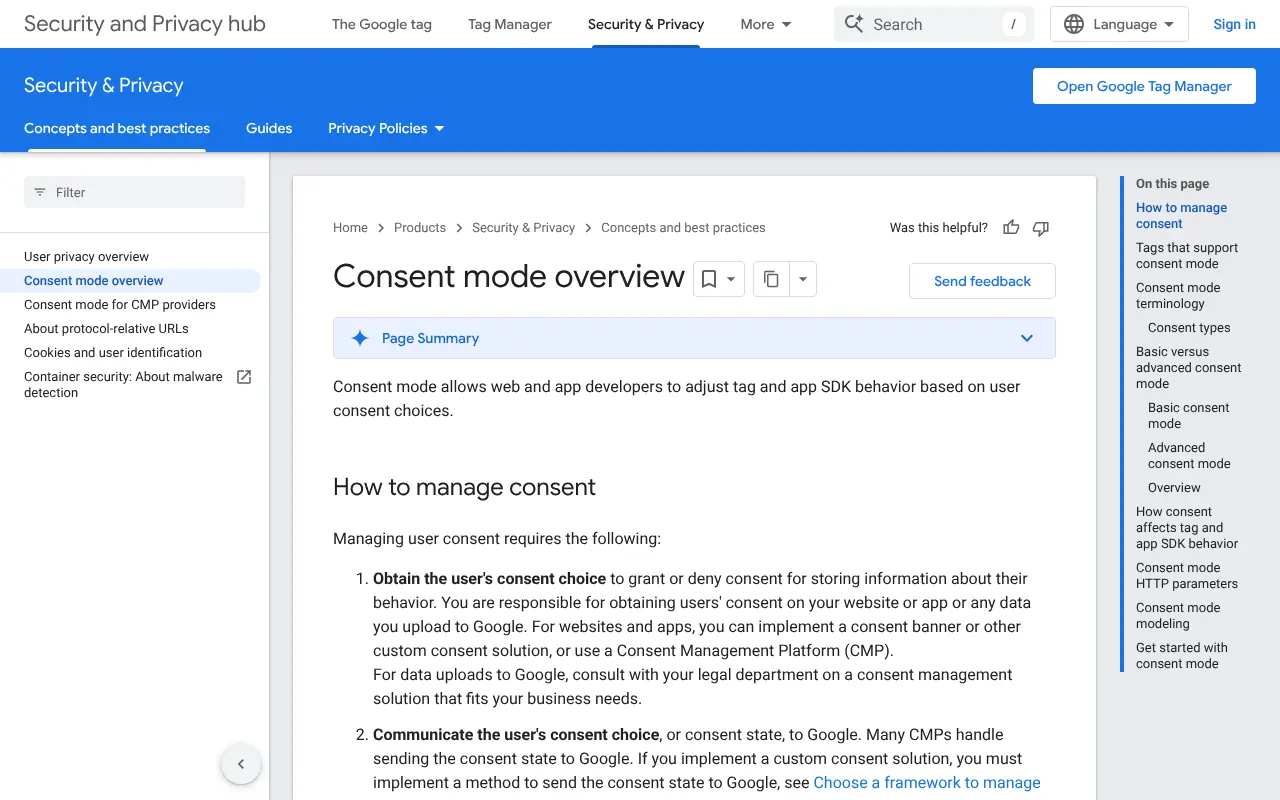
It is important to understand what it is: a way to tell Google tags what the visitor chose. It is not a banner and it does not make you compliant on its own. You still need a banner (your own or a CMP) that collects the choice.
It runs in two modes:
| Basic mode | Advanced mode | |
|---|---|---|
| Before consent | Google tags do not load | Tags load and send cookieless "pings" |
| After rejection | Nothing is sent to Google | Pings continue, without cookies |
| Conversion modeling | General model only | Modeled from your own pings |
| Legal risk | Lowest | Debated: some EU advisers argue pings still need consent |
Google prefers advanced mode because it recovers more data. If you want the conservative option, use basic mode: nothing reaches Google until the visitor says yes. Whichever you choose, the ad blockers and Safari's tracking prevention will undercount you anyway, so judge campaigns on orders in your own platform rather than on pixel numbers. We cover this in ecommerce KPIs.
Choosing a Consent Management Platform
A consent management platform (CMP) scans your site for cookies, shows the banner, blocks scripts until consent, logs choices and passes the signal to Google and other vendors. For most stores, that is better than building it yourself. The main options:
Cookiebot
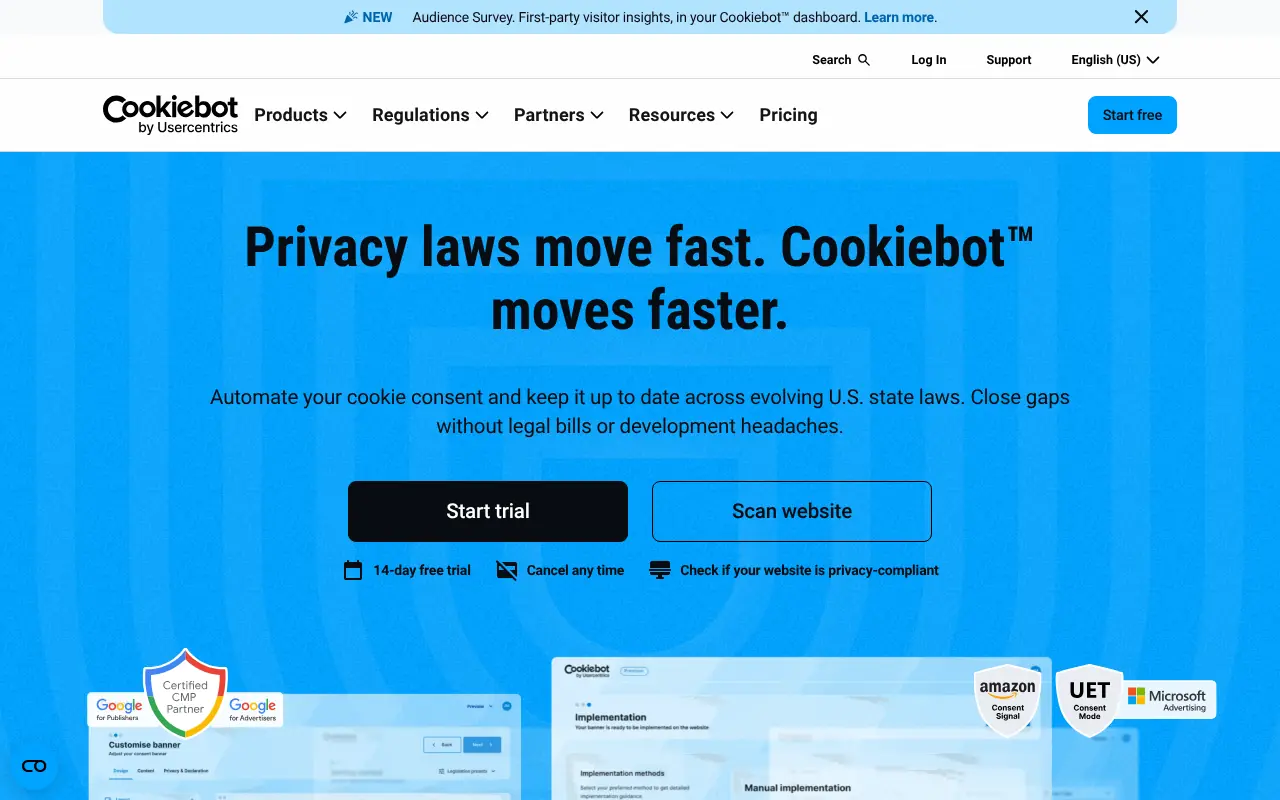
Cookiebot is one of the most widely used CMPs for small and mid-sized sites, now owned by Usercentrics. Its strength is the automatic monthly scan, which catches the cookie a new app or marketing tag quietly added. It is a Google-certified CMP and supports Consent Mode v2 out of the box. Pricing has been tied to the number of pages on your domain, which can add up for large catalogs, so price it against your real page count.
Usercentrics
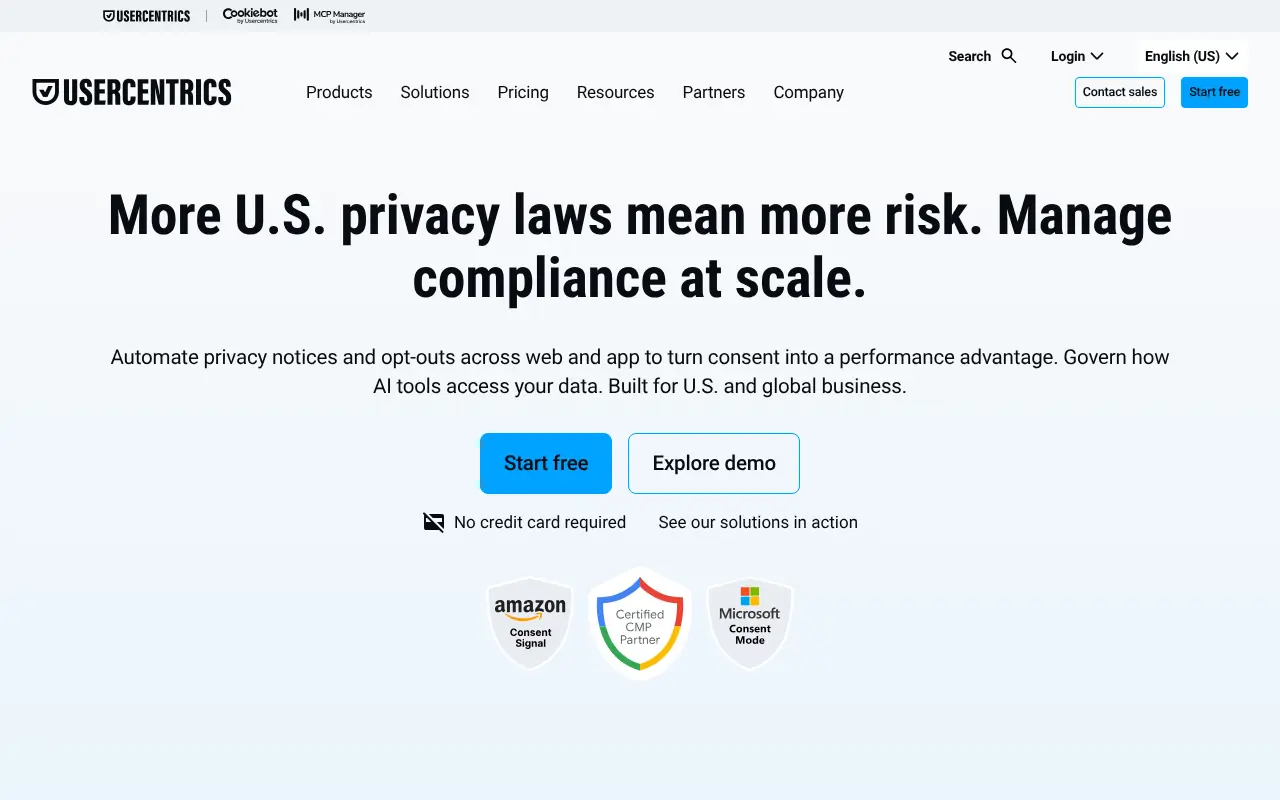
Usercentrics is the enterprise sibling: more configuration, multi-domain management, A/B testing of banner designs and support for apps as well as websites. It suits brands running several country stores that want one consent setup across all of them.
OneTrust
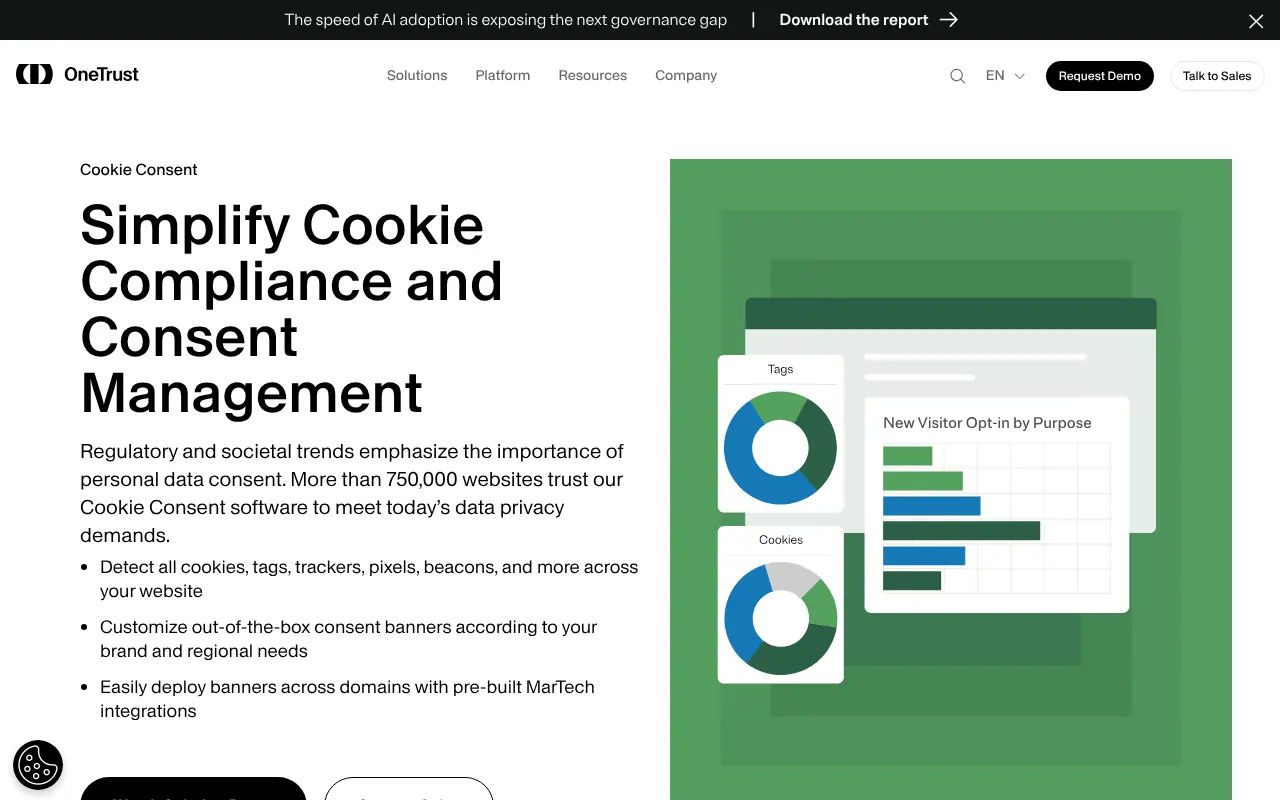
OneTrust is the choice of large companies whose legal team already uses it for other privacy work. It is powerful and thorough, and usually more than a small store needs.
CookieYes
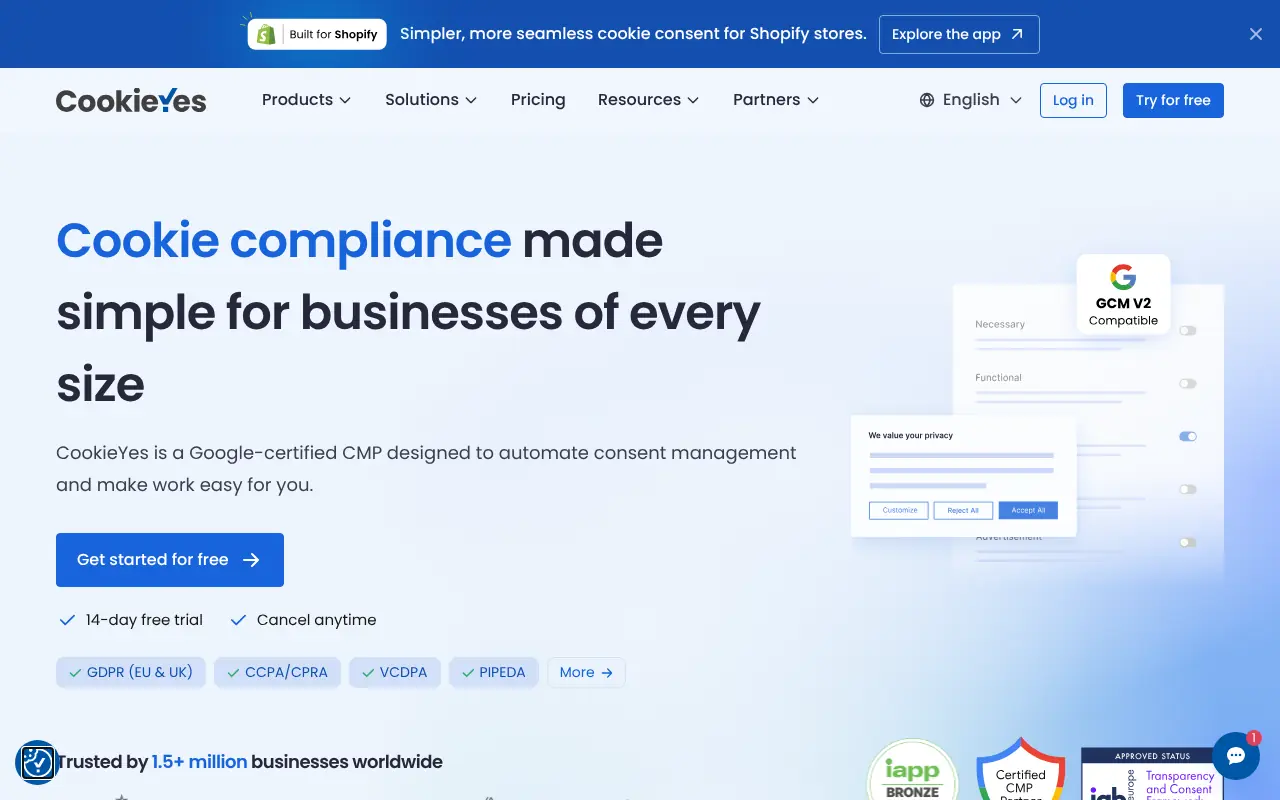
CookieYes is a lighter, cheaper option with a free tier for small sites, a cookie scanner, Consent Mode v2 support and templates for EU, UK and US rules. A reasonable default for a store just starting out.
Klaro (open source)
Klaro is an open-source JavaScript consent manager you host yourself. No subscription and no third-party script, but also no automatic scanner and no hosted consent log. You maintain the list of services and the records. It fits developers who want control and are happy to own the upkeep.
| CMP | Best for | Cookie scanner | Consent Mode v2 | Self-hosted option |
|---|---|---|---|---|
| Cookiebot | Small and mid-sized stores | Yes, automatic | Yes | No |
| Usercentrics | Multi-country brands | Yes | Yes | No |
| OneTrust | Enterprises with a privacy team | Yes | Yes | No |
| CookieYes | Budget-conscious small stores | Yes | Yes | No |
| Klaro | Developers who want full control | No | Via your own code | Yes |
Whichever you choose, check two things before you commit: how much JavaScript it adds (consent scripts load on every page and can hurt Core Web Vitals, see our site speed guide) and whether it blocks scripts by itself or relies on you to tag them.
Wiring Consent Into a Next.js Storefront
On a headless or custom storefront, you own the <head>, so you own the gating. The pattern is the same whichever CMP you use: set a "denied" default before any tag loads, then load or update tags only when the visitor agrees.
Start with Consent Mode defaults, set before the Google tag:
Then render third-party scripts only for visitors who said yes. A small client component keeps the rule in one place:
When the visitor accepts, call gtag('consent', 'update', { ... 'granted' }) for the purposes they chose. Most CMPs do this for you once you enable their Google integration.
Two details catch developers out:
- Server-side tracking is still tracking. Moving the Meta Conversions API or a server-side tag container to your backend removes the browser script, but if it sends personal data for advertising, you still need consent for it. Gate the server events on the same flag.
- Store the choice in a first-party cookie your server can read. Then server-rendered pages can skip marketing scripts entirely for visitors who said no, instead of rendering them and hiding them on the client.
Where Your Next Store Fits In
Your Next Store gives you a Next.js storefront where the <head> and every script tag are yours. The open-source storefront is plain code: you can add a CMP, gate scripts with a component like the one above, and see exactly what loads on each page. Payments run through Stripe Checkout, so card handling stays with Stripe rather than in your own code.
What YNS does not do is choose your banner or decide which tracking you need consent for. That stays with you: pick a CMP from the list above or build one on the pattern shown, and remember that every pixel you add is something you have to gate. If you use the AI store builder, ask it to add the CMP script and wrap your marketing tags in a consent check, then verify the reject path yourself.
A Cookie Consent Checklist for Your Store
- List every cookie and script on the store, including those added by apps and embeds
- Sort them into strictly necessary, analytics, advertising and personalization
- Block everything but strictly necessary until the visitor chooses
- Put "Reject all" and "Accept all" on the first layer, with equal design
- Use unticked toggles per purpose on the second layer
- Add a "Cookie settings" link to the footer
- Set Consent Mode defaults to denied before any Google tag
- Gate server-side tracking on the same consent flag
- Log choices with a timestamp and banner version
- Test reject, accept and withdraw in a private window, checking cookies and network requests
- Re-scan after adding any new app, tag or embed
- Mention cookies and your CMP in your privacy policy
FAQ
Does an online store need a cookie banner?
If you sell to people in the EU or UK and use anything beyond strictly necessary cookies, such as analytics, ad pixels or embedded videos, yes. A store that uses only cart, login and security cookies can skip the banner, but must still explain those cookies in its privacy policy. Very few stores that advertise fall into that group.
Can I use Google Analytics without consent?
In most EU countries, no. Google Analytics sets identifiers and sends data to Google for its own purposes, which takes it outside the narrow analytics exemptions some regulators allow. In the UK, the 2025 reforms allow some first-party analytics without consent, but third-party tools that reuse the data generally still need it. Check your regulator's guidance.
Is a cookie banner enough for GDPR compliance?
No. The banner covers cookies and similar tracking under the ePrivacy rules. GDPR also requires a privacy policy, lawful bases for every use of personal data, contracts with vendors and a way to handle access and deletion requests. See our GDPR checklist for ecommerce.
Do I need cookie consent for US customers?
Not opt-in consent in most states. US state laws such as the CCPA require an opt-out link for "selling or sharing" data for targeted ads and respect for the Global Privacy Control signal. A geo-aware CMP can show the EU banner to EU visitors and the opt-out model to US ones.
Final Takeaway
A cookie banner is judged by what the page does after someone clicks "Reject all", not by how it looks. Gate your scripts, give refusal the same button as consent, and test the reject path every time you add a tag. Get that right and the banner stops being a legal risk and becomes what it should be: a short, honest question you only ask once.
Related Blog Posts
Before you spend more on ads,
check your store.
Get a free 25-point checklist to find what could be holding back your sales, from product pages to checkout.