Best Ecommerce SEO Tools in 2026
 Jakub Neander
Nov 10, 20269 min read
You do not need a $500-a-month SEO suite to rank an online store. You need to know what Google has indexed, what is broken, which keywords are worth chasing and who links to your competitors. This guide to the best ecommerce SEO tools in 2026 sorts them by the job they do, shows what is free, and ends with a stack you can build in stages as your store grows.
How to Choose Ecommerce SEO Tools
Ecommerce SEO differs from blog SEO in one way that matters for tool choice: scale and structure. A store has hundreds or thousands of near-similar URLs (products, variants, filters, categories), and most ranking problems come from how those pages are crawled, indexed and linked, not from a single article's wording.
So judge a tool by four questions:
- Does it crawl your whole catalog? Many tools cap URLs or slow down on big sites.
- Does it read structured data? Product, offer and review markup drive rich results (see our product schema guide).
- Does it give you keyword and competitor data? You need to know what shoppers type, not what you assume.
- Is the price sane for your revenue? A store making $3,000 a month should not pay for enterprise reporting.
The Best Ecommerce SEO Tools at a Glance
| Tool | Best for | Starting cost | Use it when |
|---|---|---|---|
| Google Search Console | Indexing and real search data | Free | Always, from day one |
| Screaming Frog SEO Spider | Technical crawls | Free up to 500 URLs, paid licence beyond | Auditing your own catalog |
| Sitebulb | Guided technical audits | Paid, free trial | You want prioritized recommendations |
| Ahrefs | Backlinks and keyword research | Paid, tiers vary | Link building and competitor research |
| Semrush | Research suite with many modules | Paid, tiers vary | One tool for keywords, audits and tracking |
| Yoast SEO | On-page SEO in WordPress | Free plugin, paid premium | You run WooCommerce or WordPress |
| Google Rich Results Test | Structured data checks | Free | After any template change |
Prices change and vary by plan and billing period, so confirm on each vendor's site before you buy.
Free Foundations: Start Here
Google Search Console
Search Console is the only tool that shows what Google itself thinks of your store: which pages are indexed, which queries earn impressions, which URLs have errors and how your Core Web Vitals look. Verify your domain, submit your sitemap and check the Pages report weekly.
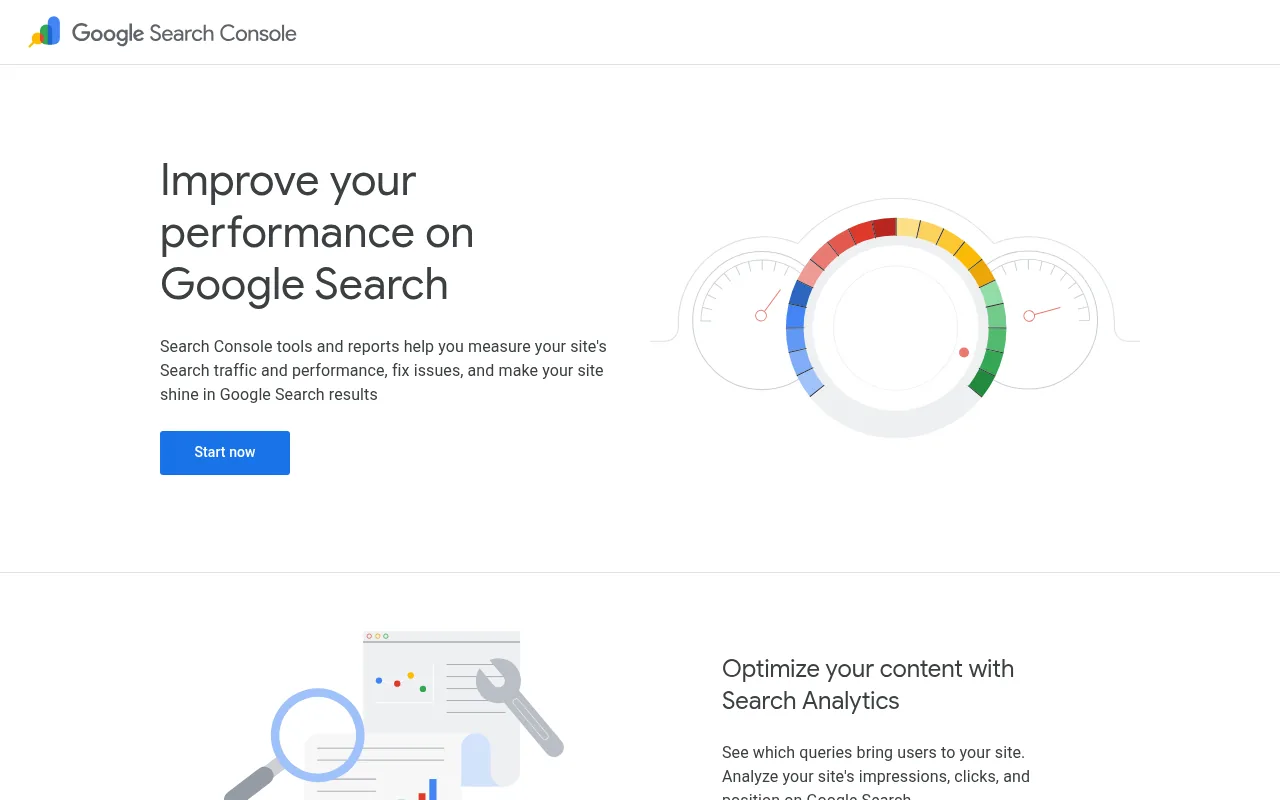
Its limits are real: no competitor data, no keyword volumes and about 16 months of history. It tells you what you have, not what you are missing.
Google Rich Results Test and PageSpeed Insights
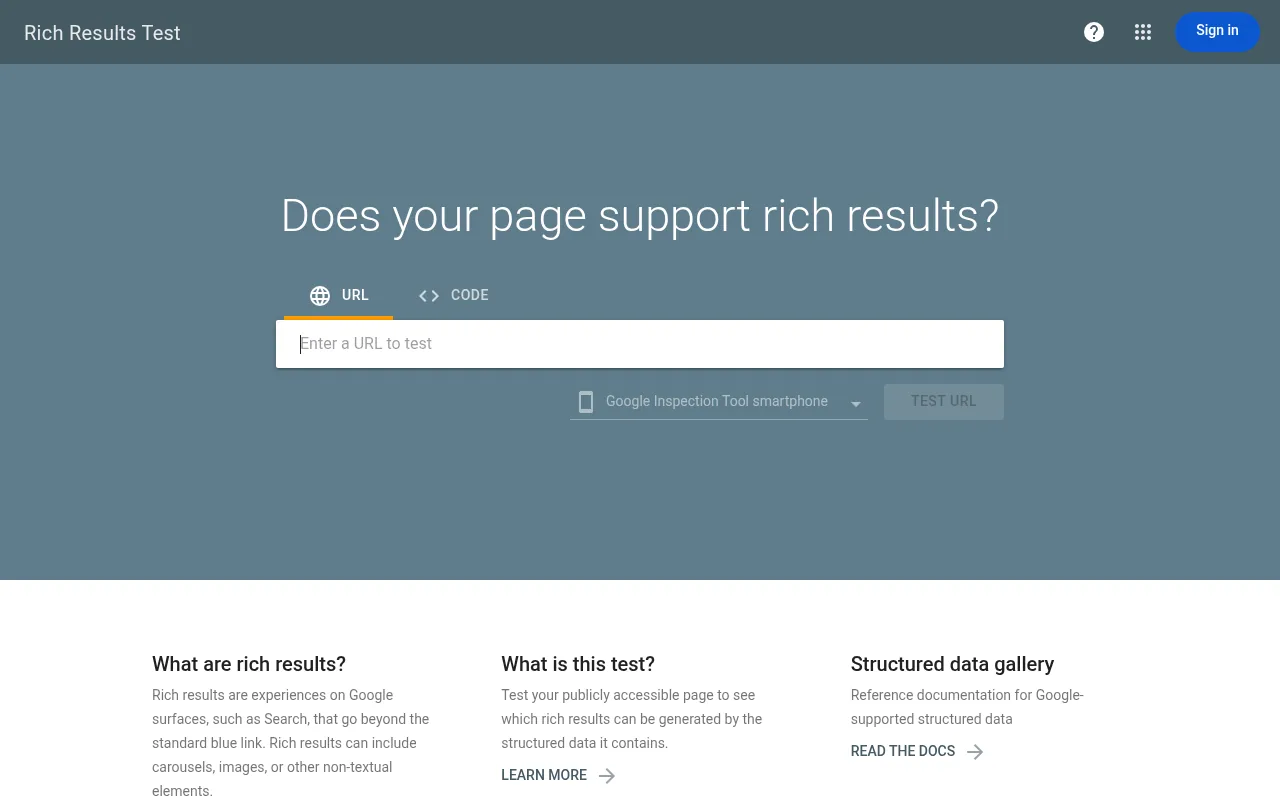
Two more free Google tools earn a bookmark. The Rich Results Test shows whether your product pages are eligible for rich results such as price and availability. PageSpeed Insights reports Core Web Vitals from real users, which matter because slow stores lose both rankings and sales. Our website speed guide goes deeper.
Bing Webmaster Tools
Often skipped, and worth the ten minutes. Bing's index also feeds several AI assistants and search products, so verifying your store there is cheap insurance.
Technical SEO Crawlers
A crawler visits your site like a search engine bot and reports what it finds: broken links, redirect chains, duplicate titles, missing canonicals, thin pages.
Screaming Frog SEO Spider
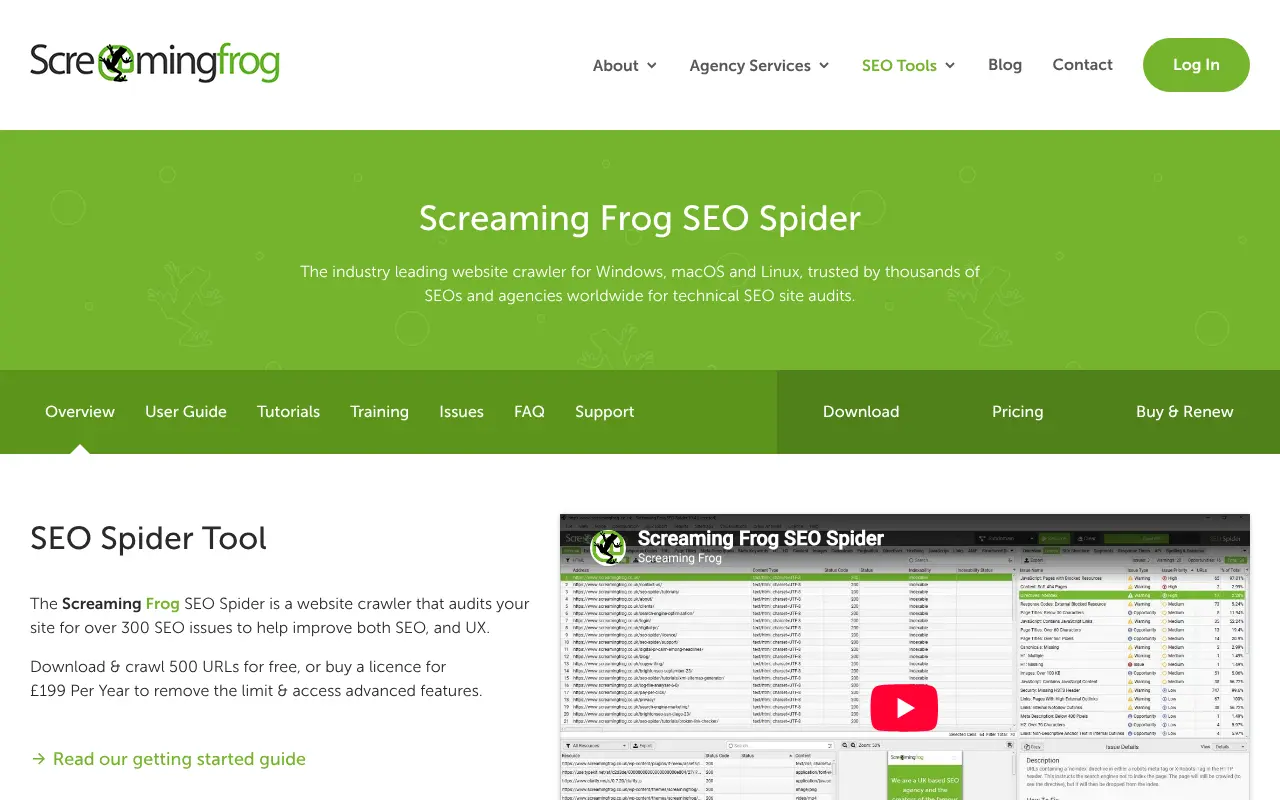
The long-standing standard for technical audits. It runs on your computer, crawls up to 500 URLs free, and a paid licence removes the cap and adds features such as JavaScript rendering and scheduled crawls. For a store, the useful reports are response codes, canonicals, duplicate titles and meta descriptions, and structured data validation. The learning curve is real but short.
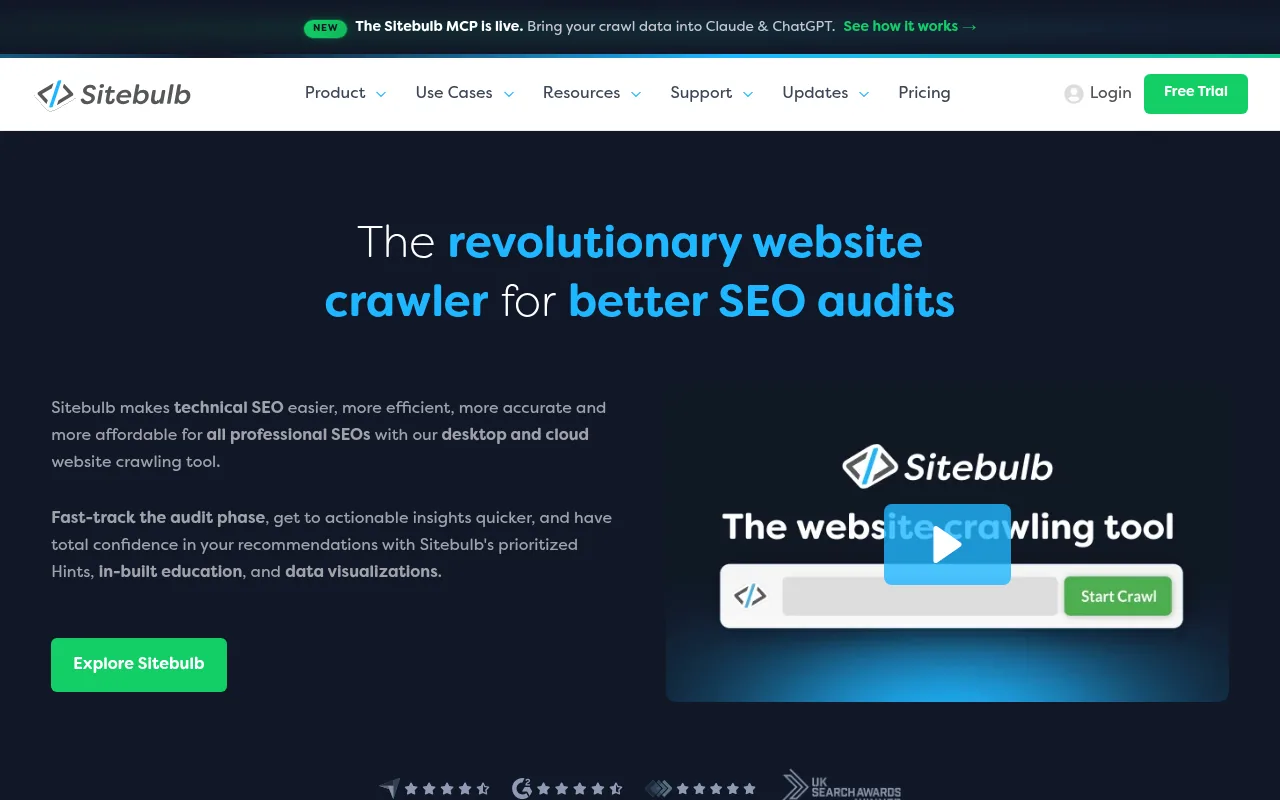
Sitebulb
Sitebulb covers similar ground with a different approach: it turns crawl data into prioritized "hints" and visualizations. If reading a raw spreadsheet of 40 issue types makes your eyes glaze over, this is the friendlier option. It is a paid tool with a free trial.
Which one? Both work. Pick Screaming Frog if you are comfortable with data and want the free tier to start. Pick Sitebulb if you want guidance on what to fix first. Our ecommerce SEO audit guide shows how to use either in a five-pass audit.
All-in-One SEO Suites
When you outgrow free data, you add a suite. Two dominate.
Ahrefs
Ahrefs is widely regarded as the strongest backlink index among the big suites, plus keyword research, competitor analysis and a site audit. It also offers a free tier for verified sites. For ecommerce, the most useful features are competitor analysis (which pages bring them traffic) and link research (who links to them and why you do not yet have those links).
Semrush
Semrush positions itself as the broadest suite: keyword research, site audits, rank tracking, advertising data and content tools in one place. Many teams like having PPC and SEO data side by side. The downside of any big suite is the same: many modules you will not touch, and a price that reflects them.
Which one? Ahrefs tends to win on backlinks and a cleaner interface, Semrush on breadth. Both offer trials or free tiers, so test with your own domain and a real competitor before paying.
Platform and Plugin-Level Tools
Yoast SEO
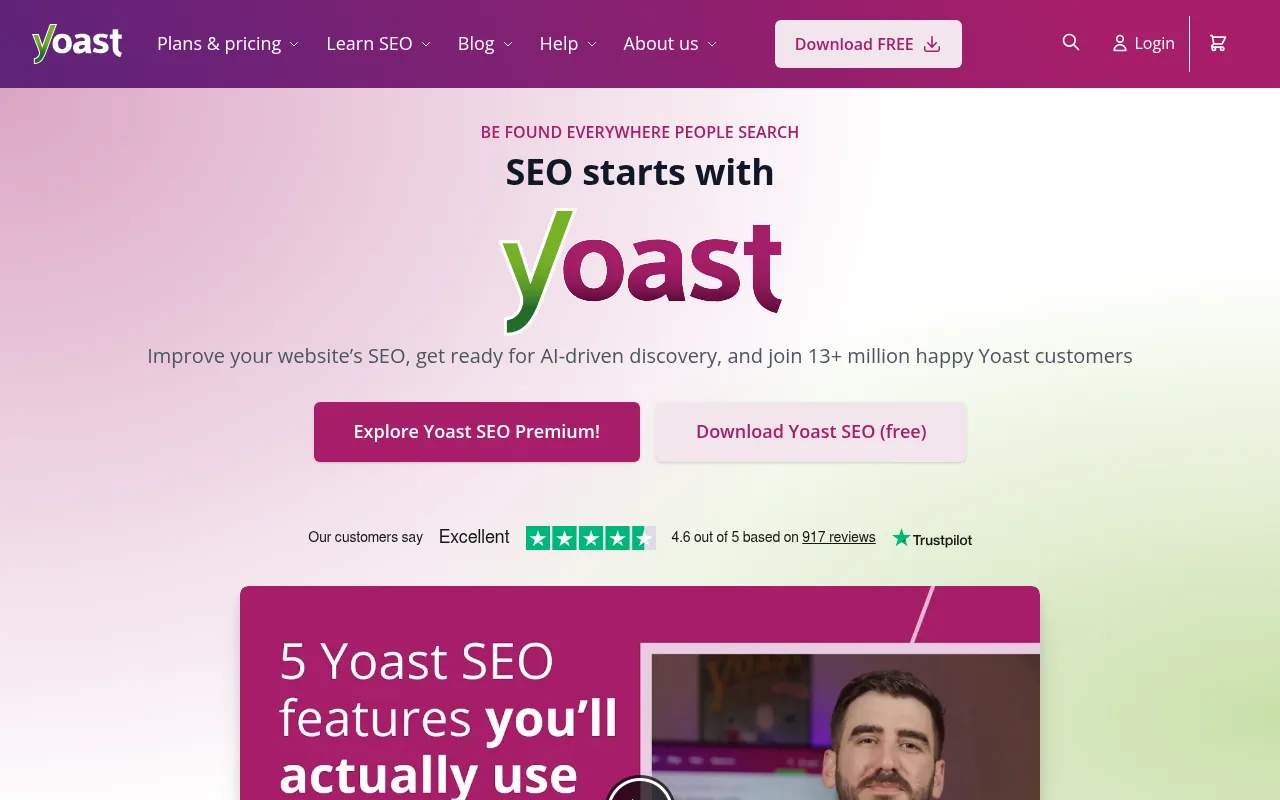
If you run WordPress with WooCommerce, Yoast SEO handles titles, meta descriptions, schema and sitemaps from the editor, with a free version and a paid premium plan. It does not replace research or crawling tools, but it keeps on-page basics consistent without you remembering them.
Your platform's built-in SEO
Before you buy anything, check what your ecommerce platform already does: clean URLs, automatic sitemaps, canonical tags, structured data and editable metadata. A platform that gets these right removes whole categories of work from your tool stack.
A Stack That Grows With You
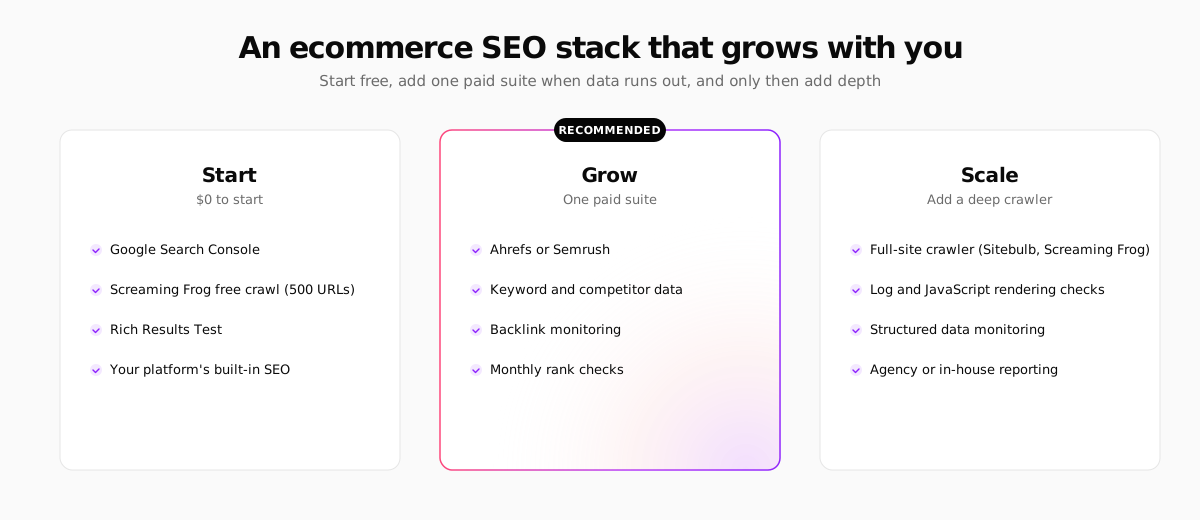
Stage 1: Start (free). Search Console, Bing Webmaster Tools, a free Screaming Frog crawl, the Rich Results Test and PageSpeed Insights. This covers technical health and your first real keyword data.
Stage 2: Grow (one paid suite). Add Ahrefs or Semrush when you need keyword volumes, competitor pages and backlink data. Resist buying both.
Stage 3: Scale (depth). Add a full crawler licence, structured data monitoring and reporting when your catalog or team grows. This is also the point where an agency or in-house specialist earns the tool cost.
What Tools Cannot Do
Tools measure, they do not rank. Three things stay on you:
- Writing pages worth ranking. A crawler cannot tell you that your product copy is generic. Read our guide on writing product descriptions.
- Fixing the root cause. If your platform generates duplicate URLs for every filter, a tool will report 5,000 issues. The fix is in the platform or template, not in the report.
- Showing up in AI answers. Search is shifting toward assistants and AI overviews. Clean structured data and crawlable content help there too, as our guide to generative engine optimization for ecommerce explains.
Where Your Next Store Fits
Your Next Store removes part of the tool list by building the SEO basics into the platform: JSON-LD structured data, dynamic sitemap generation, automatic OG images and an SEO audit with AI-discoverability checks such as llms.txt and content hierarchy. The storefront is built on Next.js with server rendering and fast page loads, which helps Core Web Vitals.
To be clear about the limits: Your Next Store does not replace Search Console, a crawler or a keyword research tool. You still verify the domain, watch indexing and research keywords with the tools above. It just means fewer technical issues to find in the first place.
Run a crawl before you buy a suite. A free 500-URL Screaming Frog crawl plus Search Console usually shows the three biggest fixes on a small store. Buy research data only after you have fixed those.
FAQ
What is the best free SEO tool for ecommerce?
Google Search Console. It shows indexing status, search queries and Core Web Vitals straight from Google, and every other tool depends on it for ground truth. Pair it with Screaming Frog's free crawl for technical checks.
Do I need both Ahrefs and Semrush?
No. Their features overlap heavily. Pick one based on a trial with your own site: Ahrefs for backlink research, Semrush if you want broader marketing modules in one place.
Are SEO plugins enough for an online store?
Plugins like Yoast handle on-page basics inside WordPress, but they do not crawl your whole catalog or show competitor data. Treat them as a complement to Search Console and a crawler.
How much should a small store spend on SEO tools?
Start at zero with the free stack. Add one paid suite once you have fixed technical basics and need keyword and competitor data. Prices change, so check each vendor's current plans.
Related Blog Posts
Before you spend more on ads,
check your store.
Get a free 25-point checklist to find what could be holding back your sales, from product pages to checkout.