Best Headless CMS for Ecommerce in 2026
 Jakub Neander
Sep 22, 202611 min read
A headless CMS separates the content your marketing team edits (landing pages, guides, campaign copy) from the commerce backend that holds products, carts, and orders, so neither team blocks the other on a deploy. The headless CMS for commerce market alone is on track to hit $5.49 billion by 2030, because more ecommerce teams are hitting the same wall: their commerce platform's built-in page builder can't keep up with what marketing wants to ship. Here's how the leading platforms compare, and how to tell if you actually need one.
What Is a Headless CMS, and Why Ecommerce Sites Use One
A headless CMS stores content (rich text, images, structured fields) and serves it through an API, with no built-in frontend. You build the frontend yourself, in whatever framework you use for the rest of the site, and pull content in via GraphQL or REST. That's the "headless" part: the content ("body") is decoupled from its presentation ("head").
For ecommerce specifically, this solves a recurring problem: your commerce platform is good at products, inventory, and checkout, but weak at everything else a modern storefront needs, like buying guides, seasonal landing pages, brand storytelling, size charts, and comparison pages. Bolting all of that onto the commerce platform's own editor usually means fighting its templating system or waiting on engineering for every page. A headless CMS gives content editors a purpose-built tool while your storefront code stays in your own repo.
This is a different layer from headless commerce itself. Headless commerce decouples your storefront from your commerce backend (products, cart, checkout). A headless CMS decouples your storefront from your content. Most serious ecommerce stacks in 2026 run both: a commerce backend for transactional data, and a headless CMS for everything editorial, connected to the same Next.js (or other) frontend.
What to Look for in a Headless CMS for Ecommerce
Not all the criteria that matter for a company blog matter here. For an ecommerce storefront, prioritize:
- Structured content modeling: you need repeatable schemas for things like buying guides, size tables, and landing page sections, not just a rich text blob.
- Fast, cacheable delivery: content APIs sit in the critical path of page loads, so CDN-backed delivery and generous rate limits matter more than they do for an internal tool.
- Preview support: editors need to see a draft landing page rendered in your real Next.js components before it goes live, not a plain content preview.
- Localization: if you sell in multiple markets, locale-aware fields save you from duplicating every content type per language.
- A pricing model that survives growth: several platforms below price per seat or per API call, which can get expensive once more than a couple of marketers are editing content.
- Commerce-aware components (nice to have): some CMS platforms ship product-picker fields or storefront connectors; others expect you to wire that up yourself.
Best Headless CMS Platforms for Ecommerce Compared
| CMS | Best for | Content modeling | Pricing (September 2026) |
|---|---|---|---|
| Sanity | Developer flexibility, structured content | Code-first schemas, queried with GROQ | Free (20 seats, 2 datasets); Growth $15/seat/mo |
| Storyblok | Marketing teams who want visual editing | Nestable, drag-and-drop components | Free (1 seat); Growth $99/mo; Growth Plus $349/mo |
| Contentful | Large, multi-brand enterprises | Rich content model with references | Free; Lite $300/mo flat; Enterprise custom |
| Strapi | Teams that want to self-host and own the stack | Code + admin-panel schema builder | Community free (MIT, self-hosted); Cloud from $35/mo/project |
| Payload CMS | Next.js-native teams | Fully code-first, TypeScript-typed | Open-source (self-hosted); Payload Cloud is quote-based |
Pricing changes often and per-seat costs compound fast with a growing content team, so treat this table as a starting point and confirm current numbers on each vendor's pricing page before you commit.
Sanity: the developer's choice for structured content
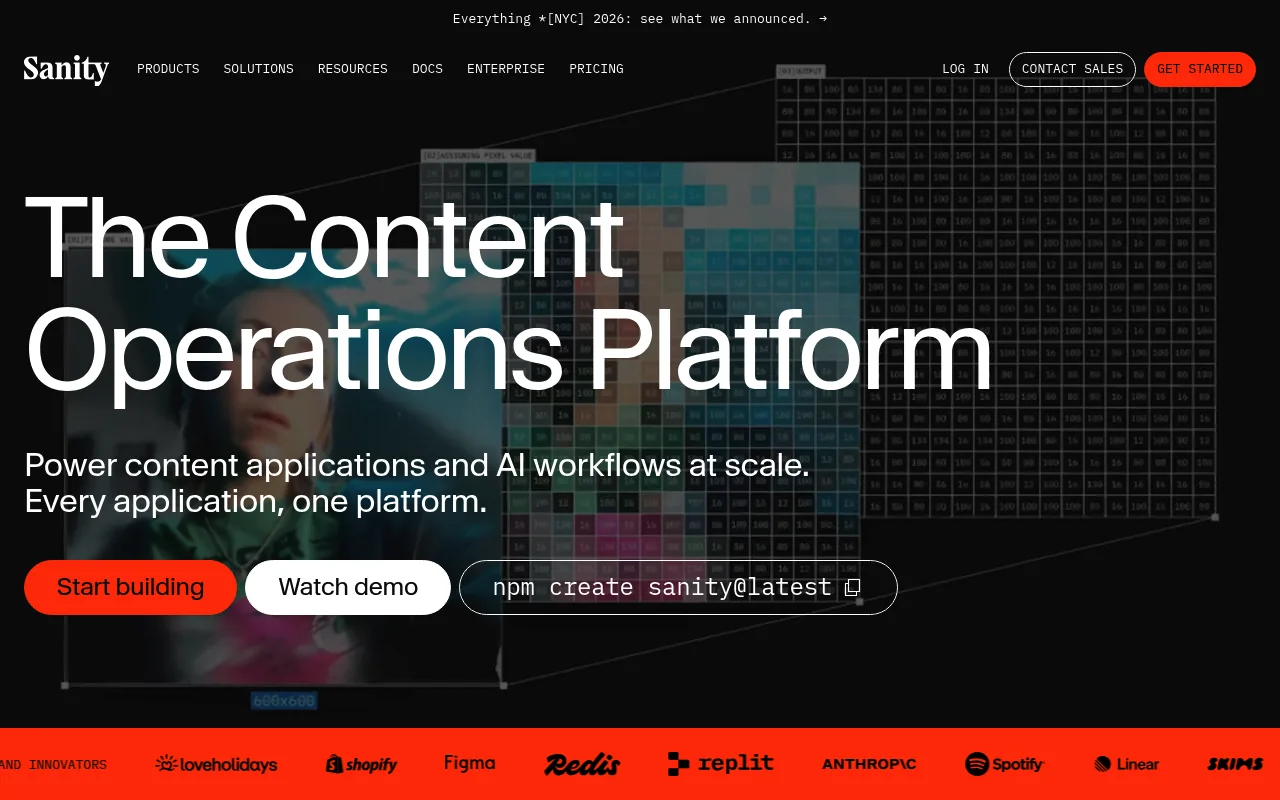
Sanity treats content as structured data from the start: you define schemas in code, query them with GROQ (its own query language), and edit them in Sanity Studio, a React app you can customize or fully replace. That code-first model is why it shows up so often in developer-led migrations away from WordPress or a legacy CMS.
The free plan covers up to 20 users and 2 datasets, which is generous for a small team, and Growth is $15 per seat per month for up to 50 seats. Sanity also publishes an official toolkit for Shopify's Hydrogen framework, so if your commerce backend is Shopify specifically, the integration path is more paved than with most competitors.
Storyblok: visual editing that doesn't require a developer for every change
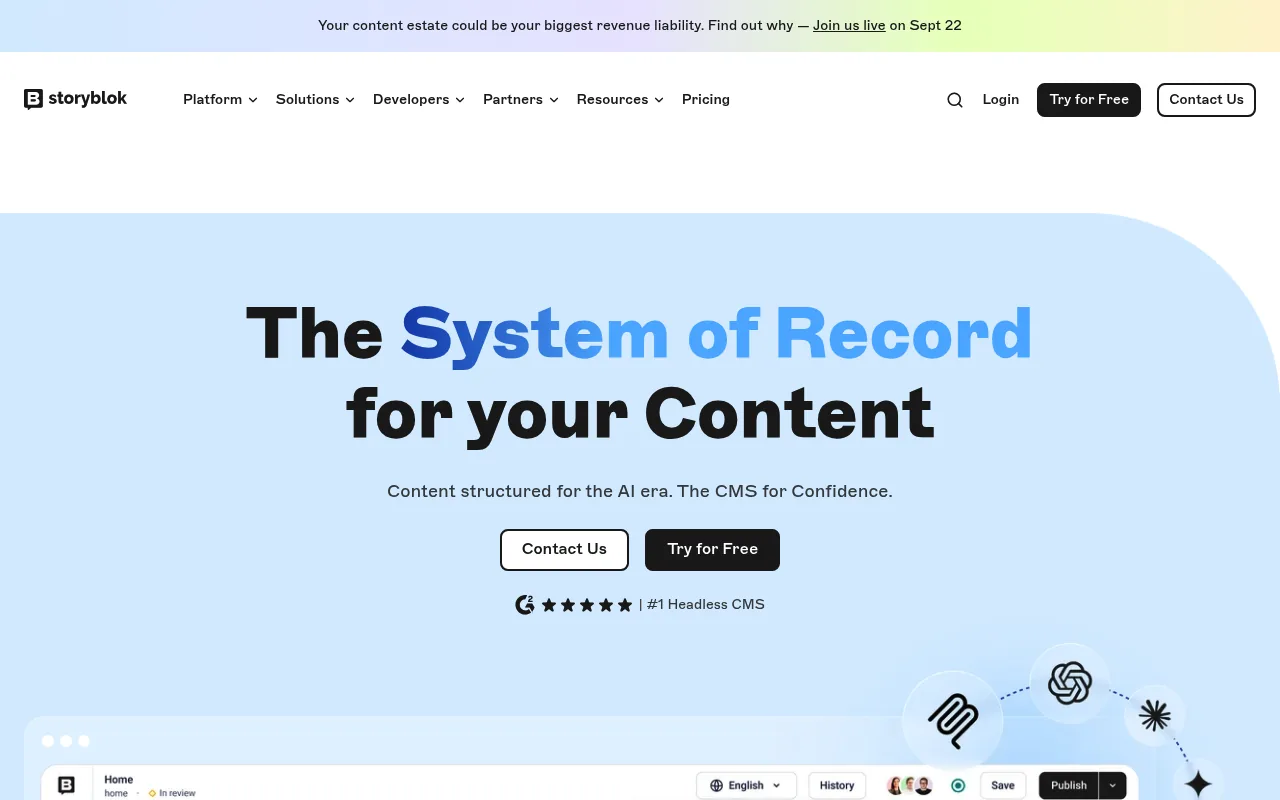
Storyblok is built around a visual editor: content editors drag nestable "blocks" (components you define) directly onto a live preview of the page, which is closer to a page builder than a raw content API. That makes it a common pick when the team shipping landing pages is marketing, not engineering.
Storyblok's free Starter plan is usable for a real project (100k API requests, 100GB traffic), and Growth at $99/month adds five seats and 1M requests. The gap to Growth Plus at $349/month is steep, so model your team size before committing to a tier.
Contentful: the enterprise default, at an enterprise price
Contentful is one of the oldest and most widely adopted headless CMS platforms, with a rich reference-based content model and an app marketplace that includes commerce connectors for platforms like Shopify and commercetools. It's a common choice at large, multi-brand enterprises that need granular roles, multiple locales, and vendor support contracts.
The tradeoff is pricing: after a free tier capped at 10 users and 100,000 API calls, the next tier up (Lite) is a flat $300/month with no smaller paid step in between, and the tier after that is custom Enterprise pricing. For a small or mid-size ecommerce team, that's a big jump to make for features you may not need yet.
Strapi: open-source and self-hosted, if you want to own the stack
Strapi ships as an open-source (MIT-licensed) Node.js application you run yourself, with a visual schema builder in its admin panel plus the ability to extend everything in code. Because it's self-hosted by default, your only hard cost is infrastructure, which makes it attractive if you already run servers for the rest of your stack.
If you'd rather not manage hosting, Strapi Cloud starts at $35/month per project for 100,000 API requests and 50GB of storage, scaling to $450/month for 10 million requests at the Business tier. Either way, expect to spend more engineering time on Strapi than on a fully managed platform: you're responsible for updates, backups, and scaling the self-hosted version yourself.
Payload CMS: the Next.js-native option
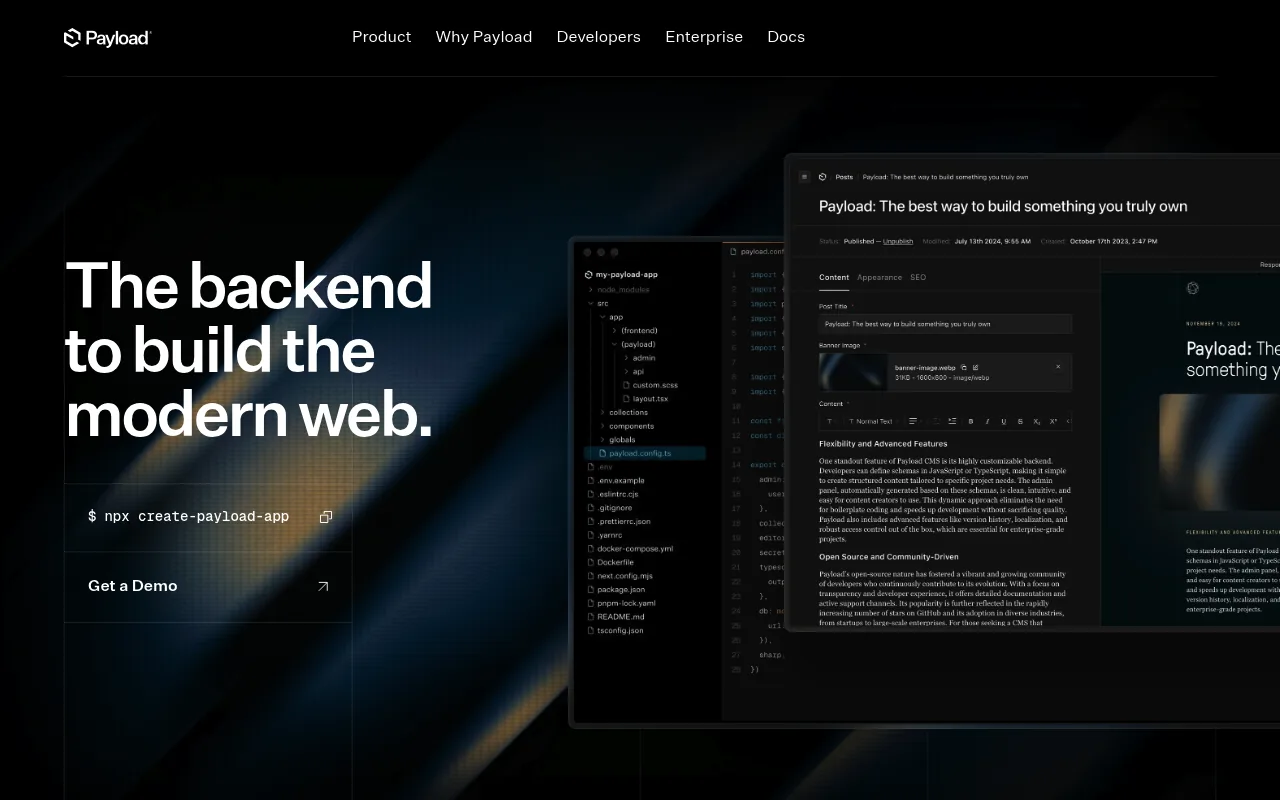
Payload CMS is built specifically to run inside a Next.js app rather than as a separate service you call over HTTP, which removes a network hop between your storefront and your content and lets you share TypeScript types across both. Schemas are defined entirely in code (no visual schema builder), so it's a better fit for teams who are comfortable treating content structure as part of the codebase.
Payload is open-source and free to self-host; Payload Cloud exists for teams that don't want to manage that themselves, but pricing isn't published and requires talking to sales. If your storefront is already Next.js and your team is developer-heavy, Payload removes an integration layer that every other CMS on this list requires.
Every platform above advertises ecommerce readiness. Before you commit, test the one workflow that actually matters: have a non-technical editor build a real landing page (hero, product grid, FAQ block) end to end in a staging environment. Marketing pages agree on features; a five-minute test reveals which tool your content team will actually use.
How to Choose the Right One for Your Store
- Decide who edits content. If it's mostly engineers, a code-first option like Sanity or Payload gets out of your way. If it's mostly marketers, Storyblok's visual editor will get adopted faster than a raw content API.
- Price out your actual team size, not the entry tier. Per-seat pricing (Sanity, Storyblok) and flat enterprise jumps (Contentful) both bite differently once you add a third or fourth editor.
- Check the commerce connector, if one exists, for your specific backend. A prebuilt Shopify or Hydrogen integration saves real engineering time; for anything else, budget time to wire up your own data fetching.
- Factor in hosting. Strapi and Payload are only "free" if you're willing to run and maintain the server yourself. Compare that engineering time against a managed platform's subscription.
- Confirm preview works with your real components. A CMS preview that doesn't render your actual Next.js page templates will get ignored by editors within a week.
If You're in the EU or UK
Data residency matters more for a CMS than most other tools in your stack, because it stores your marketing content, and sometimes personal data in author fields or gated content forms. In the EU, GDPR requires that personal data have an adequate legal basis for any transfer outside the EU/EEA; Sanity, Contentful, and Storyblok all offer EU-region hosting or data processing addenda for exactly this reason, but it's usually an opt-in setting, not the default. In the UK, post-Brexit UK GDPR imposes a parallel but separate requirement, so confirm your vendor's data processing agreement explicitly covers UK adequacy rather than assuming EU coverage extends to it automatically. If your legal team requires in-region hosting, ask each vendor directly rather than assuming from their marketing pages.
Where Your Next Store Fits
Your Next Store is a commerce backend, not a headless CMS, and the two solve different problems: YNS already manages products, carts, orders, and a built-in blog with translations through its own API, which covers your core commerce content without a separate content platform. If all you need is product pages and a blog, you likely don't need to add a headless CMS on top.
Where a headless CMS still earns its place alongside YNS is everything beyond commerce content: rich landing pages, buying guides, and campaign microsites that a marketing team wants to ship without touching product data. Because the storefront template is an open-source Next.js codebase, wiring in Sanity, Storyblok, or another CMS for that content is a standard integration, the same way you'd add one to any Next.js site, and it runs alongside the Commerce Kit SDK rather than replacing it.
Your Next Store's storefront template is open-source. Star it on GitHub:
github.com/yournextstore/yournextstore
FAQ
Do I need a headless CMS if my ecommerce platform already has a page builder?
Only if you're outgrowing it. Most commerce platforms' built-in editors handle basic pages fine; teams typically add a headless CMS once they need content types the commerce platform doesn't model well (structured buying guides, localized campaign pages) or once marketing is blocked waiting on engineering for every layout change.
Can I use a headless CMS and a headless commerce backend together?
Yes, this is the standard setup for a modern Next.js storefront: the CMS serves editorial content (landing pages, guides, blog), and the commerce backend serves transactional data (products, cart, checkout), both fetched into the same frontend. They're complementary, not competing, layers.
Which headless CMS is cheapest for a small ecommerce team?
Strapi Community and Payload CMS are free if you're willing to self-host and manage the server yourself. Among managed options, Sanity's free tier (20 seats, 2 datasets) and Storyblok's free Starter plan both support a real small-team project before you hit a paid tier.
The Bottom Line
The best headless CMS for your store is the one your content team will actually open every day, not the one with the longest feature list. Match the tool to who's editing, price out real seat counts, and only add it at all once your commerce platform's own content tools have genuinely run out of room.
Related Blog Posts
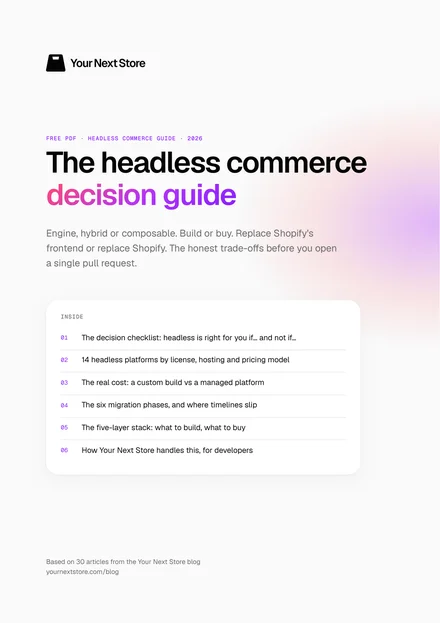
Free PDF · Headless Commerce Guide
The Headless Commerce Decision Guide
Engine, hybrid or composable. Build or buy. Replace Shopify's frontend or replace Shopify. The honest trade-offs before you open a single pull request.