How to Reduce Cart Abandonment: Fixes That Actually Work
 Jakub Neander
Oct 27, 20269 min read
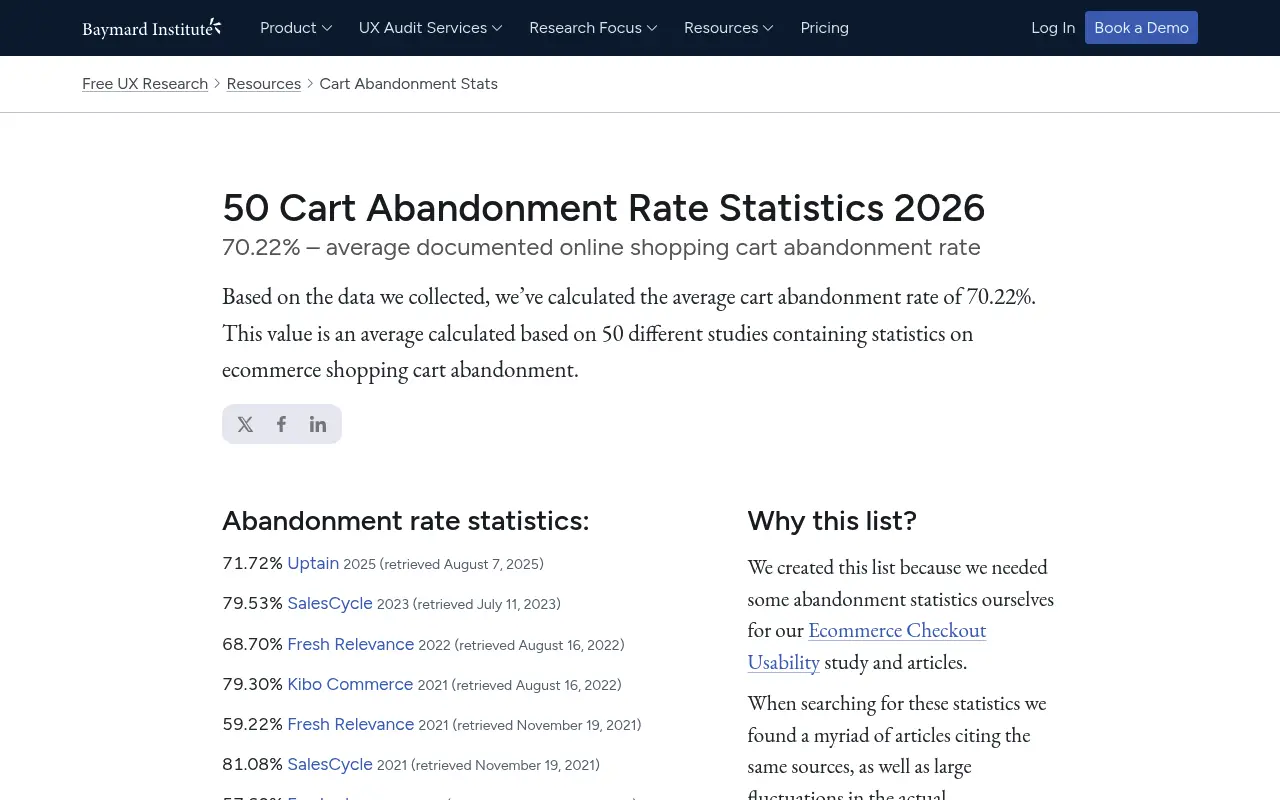
Learning how to reduce cart abandonment starts with an uncomfortable number: about 7 in 10 shoppers who add something to a cart leave without buying. Baymard Institute's average across 50 studies is 70.22%. You will never get that to zero, because many of those shoppers were never going to buy today. But a good share are fixable, and the fixes are mostly boring: show the real price early, remove friction, build trust and let people pay the way they prefer. Here is the order to do it in.
Know Which Abandonment You Can Fix
Cart abandonment is the share of carts that never turn into an order. Divide orders by carts created, subtract from 100%, and you have your rate.
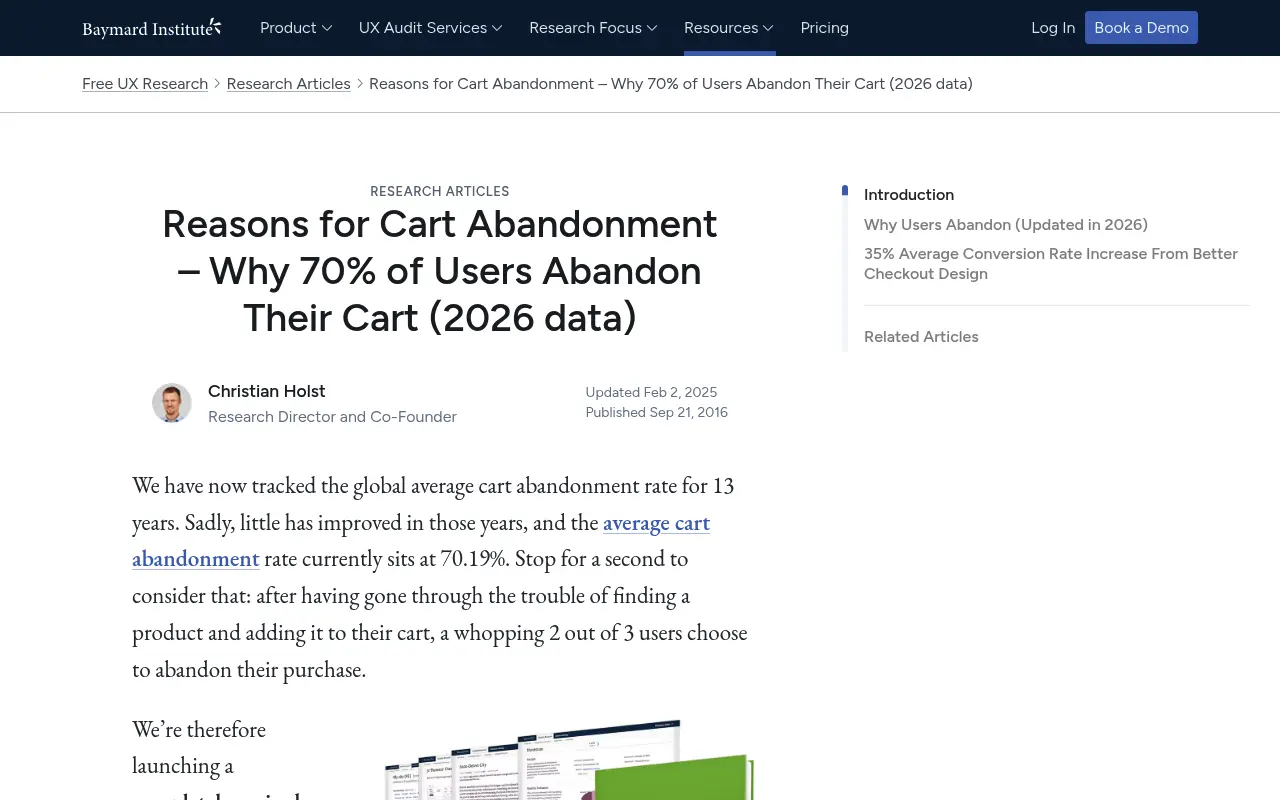
Not all of it is a problem. Baymard's research on reasons for cart abandonment found that 42% of US online shoppers who abandoned a cart in the past three months said they were just browsing or not ready to buy. Checkout design will not move that group. Another 17% cited a checkout process that was too long or complicated, and that one is entirely on you.
So the goal is not "0% abandonment". The goal is to find the avoidable losses and close them. Baymard also estimates that the average large ecommerce site could raise conversion by around 35% through checkout design improvements alone, which is a useful sense of the size of the prize.
The Fix Order
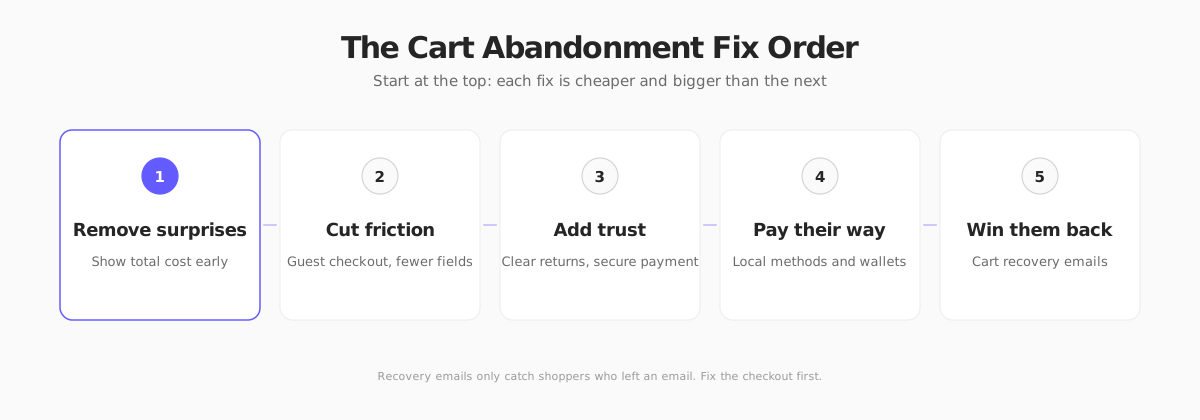
Work top to bottom. Recovery emails are last on purpose: they only reach shoppers who left an email, so they cannot compensate for a broken checkout.
1. Remove Price Surprises
A frequently cited reason shoppers leave is a total that is higher than they expected: shipping, taxes and fees that appear at the last step.
- Show shipping costs early. Put a delivery estimate on the product page or in the cart, not at the final step.
- Use a free shipping threshold. If it fits your margins, a clear threshold ("Free shipping over $75") both reduces abandonment and raises order value. Our shipping strategy guide shows how to set rates without losing money.
- Be clear about tax. In the US, sales tax is usually added on top. In the EU and UK, shoppers expect prices to include VAT. Match the convention for each market or the checkout total will feel like a trick. See ecommerce sales tax and EU VAT OSS for the details.
- Never add fees at the end. If a handling or service charge exists, show it where the shopper first sees a price.
2. Cut Checkout Friction
Every field, page and forced decision gives the shopper a reason to quit.
- Offer guest checkout. Forcing account creation is a classic cart killer. Let people buy first and offer an account afterwards.
- Ask for less. Remove optional fields, merge first and last name if you can, and use address autocomplete.
- Enable autofill. Correct input types and labels let browsers and password managers fill the form.
- Show progress. If checkout has steps, show how many remain.
- Make mobile easy. Large tap targets, numeric keyboards for card and phone fields, and Apple Pay or Google Pay buttons high on the page.
- Keep it fast. A slow cart or checkout page loses shoppers before they type anything. See ecommerce website speed optimization.
For a deeper tactical list, read our checkout optimization playbook.
3. Build Trust at the Point of Payment
Shoppers who do not know your brand hesitate when asked for card details.
- Show a clear returns policy next to the buy button and in the cart. Unclear returns are a common reason to hold back.
- Use recognizable payment logos and a visible secure-checkout message.
- Display contact details and a real support channel.
- Add reviews near the decision point, not only on the product page.
- Keep your branding consistent through checkout. A jarring redirect to an unfamiliar page looks risky.
- Do not hide errors. Vague form errors make shoppers think the site is broken. Tell them exactly what to fix.
4. Let Shoppers Pay Their Way
If the shopper's preferred method is missing, they leave, even if they wanted the product.
- Wallets: Apple Pay and Google Pay reduce typing on mobile.
- Local methods: iDEAL in the Netherlands, BLIK in Poland and Bancontact in Belgium are expected in their home markets. Our guide to European payment methods shows which to add where.
- Buy now, pay later: worth testing for higher-priced baskets.
- Handle declines. A declined card should lead to a clear retry path or an alternative method, not a dead end.
5. Win Back the Ones Who Left
Once the checkout is clean, recover what remains. A short email sequence to shoppers who left their address behind is the cheapest revenue in your store: the shopper already chose the product.
- Send the first reminder within a few hours, with a picture of the product and a link back to the cart.
- Follow up once or twice over a few days, ideally answering a likely objection such as shipping or returns.
- Consider a small incentive only on the last email, so you do not train shoppers to abandon on purpose.
- Respect consent. In the EU and UK, marketing emails need a lawful basis, and cart reminders should be handled carefully with your legal adviser.
Our full playbook for abandoned cart emails includes a 3-email sequence, timing and subject lines. Beyond email, SMS and onsite exit offers can help, but they need consent and a light touch.
Always check the current rules where you sell. This section summarizes email consent expectations in the US, EU and UK as of October 2026. Rules on marketing emails, SMS and tracking vary by country and change over time, so confirm the details with a local specialist before you send reminders. This is general information, not legal advice.
How to Measure Whether It Worked
Do not guess. Track these before and after every change:
| Metric | What it tells you |
|---|---|
| Cart-to-order rate | The headline number: orders divided by carts |
| Checkout step drop-off | Which step loses the most shoppers (shipping, payment, account) |
| Abandonment by device | Whether mobile checkout is the problem |
| Abandonment by country | Whether tax, shipping or payment methods are failing in one market |
| Recovery rate | The share of abandoned carts that become orders after a reminder |
| Abandoned products | Products abandoned far more than the rest usually have a price, photo or shipping problem |
Change one thing at a time where you can, and compare like with like. Watch the trend, not a single day. Pair it with your store analytics so every change is measured.
Reducing Cart Abandonment With Your Next Store
Your Next Store is a commerce backend with an open-source Next.js storefront, so the pieces above are covered in one place.
- Abandoned Carts module: enable it in your admin and a Carts page shows active carts, abandoned carts and your recovery rate, and sends a reminder email to shoppers who left an address. See Recover abandoned carts for how it works. It also has an optional stock hold so two shoppers cannot buy the last unit at once.
- Free shipping threshold: set a minimum order for free delivery in your shipping settings.
- Welcome offers: a signup popup captures emails from first-time visitors so you can reach them later.
- Stripe checkout: payments run through Stripe, and YNS charges 0% platform transaction fees on every plan. See pricing.
- Speed: the storefront is built for fast loads. Read how Your Next Store is so fast.
Start with the Carts page. If one product is abandoned far more than the others, fix that product's price, photo or shipping cost first. It is usually faster than redesigning checkout.
FAQ
What is a good cart abandonment rate?
There is no universal benchmark. Baymard's average across studies is about 70%, so anything near that is normal. A better target is improving your own rate over time, split by device and country.
Why do customers abandon their carts?
Common reasons include just browsing, unexpected costs, forced account creation, a long checkout, missing payment methods and unclear returns. Baymard found 42% of US shoppers who abandoned a cart said they were just browsing, so some abandonment is simply not fixable.
Do abandoned cart emails really work?
They recover a share of carts when the shopper left an email, and they cost little to run. They work best after you have fixed checkout problems. Send a short sequence rather than a single message.
Should I offer a discount to recover carts?
Only as a last step. Offering a discount in the first reminder can teach shoppers to abandon on purpose. Try a helpful reminder first and save any incentive for the final email.