Best WooCommerce Alternatives (2026): Honest Ranking
 Jakub Neander
Updated Sep 18, 202620 min read
If you are searching for WooCommerce alternatives in 2026, you have probably hit one of three walls: plugin sprawl has turned your store into a liability, your Lighthouse score lives in the 40s no matter how many caching layers you bolt on, or your "free" store quietly costs more than a managed platform every month. This guide ranks the real options for two kinds of reader: store owners who want something that just works without code, and developers who want a modern stack instead of another PHP plugin matrix. We make one of the platforms on this list, Your Next Store. We also tell you when Shopify, Squarespace, or staying on WooCommerce is the better call.
Which WooCommerce Alternative Is for You?
Most people searching for a WooCommerce alternative fall into one of three groups. Find yours, then jump to the part of the list that matters.
| You are... | You want... | Start with |
|---|---|---|
| A store owner, not a developer | A store that runs itself: no plugins, no hosting, no update anxiety | Your Next Store, Shopify, BigCommerce, Squarespace, Wix |
| A developer or technical founder | A typed, modern stack you can ship into, with an escape hatch | Your Next Store, Medusa, Saleor, Vendure, then the developer deep dive |
| Staying on WordPress | To keep the WordPress site but stop running WooCommerce | WordPress ecommerce without WooCommerce, Ecwid |
Not a developer? You can skip every code block in this post. The developer sections are clearly marked, and the ranking, prices, and migration advice apply to everyone.
TL;DR: The Best WooCommerce Alternatives in 2026
- Best overall: Your Next Store. Managed platform with an AI store builder, 0% platform transaction fees, fast by default, and an open-source Next.js storefront you can fork. For a product-level comparison see YNS vs WooCommerce.
- Most familiar SaaS route: Shopify. Zero maintenance and the biggest app ecosystem, at the cost of app subscriptions and third-party gateway fees.
- Best features out of the box: BigCommerce. Fewer paid apps to reach feature parity with a fully-apped Shopify store.
- Best for design-led small brands: Squarespace.
- Simplest DIY builder: Wix.
- Best if you already run Square POS: Square Online.
- Best if you want to keep your current site: Ecwid. Embed a store instead of migrating.
- Best for owning the backend in TypeScript: Medusa.
- Best GraphQL-native: Saleor.
- Cleanest plugin API: Vendure.
- Staying in PHP or Ruby: PrestaShop, OpenCart, Bagisto, Spree, or Adobe Commerce (Magento).
- When to stay on WooCommerce: see When You Should Not Leave. There are legitimate reasons.
Why Would You Need a WooCommerce Alternative?
WooCommerce powers a huge share of online stores, and it is free. So why do so many owners go looking for a way out? The real reasons are not the ones in marketing decks. They are the ones that show up on a Tuesday morning when something breaks.
Plugin sprawl
A typical production WooCommerce store runs 15 to 30 plugins. Each one is a third-party dependency with its own update cadence, security posture, and maintainer. Sucuri's 2023 Hacked Website & Malware Threat Report (PDF) found that WordPress accounted for 95.5% of all detected infections in their remediation data, with outdated and abandoned plugins the dominant root cause, not WordPress core. WPScan's public plugin vulnerability database lists fresh WooCommerce-ecosystem vulnerabilities every week. Every plugin you add widens that surface.
Performance
A plugin-heavy WooCommerce store has to fight for every Core Web Vitals point. According to the HTTP Archive Web Almanac 2024 CMS chapter, WordPress had a 40% Core Web Vitals pass rate on mobile in 2024, and the 2025 edition shows it still lagging the web average. Shopify's mobile pass rate sits roughly twenty points higher over the same period, per the Core Web Vitals Technology Report.
A clean Next.js storefront with Partial Prerendering and Server Components routinely scores in the high 90s on Lighthouse mobile. Here is a real score from a YNS store:

Google has documented the business impact of Core Web Vitals on retail: small LCP improvements correlate with measurable revenue lifts. The gap between a modern storefront and a plugin-heavy WooCommerce store is not 10%; it is architectural.
Total cost
WooCommerce itself is free. The plugin stack is not. A representative production store spends $50 to $500 per month on paid plugins (subscriptions, advanced shipping, reviews, security, SEO, page builders like Elementor or Divi), plus managed hosting and maintenance time. Over a year, the "free" platform is often more expensive than a managed alternative.
Maintenance tax
Core, theme, and plugin updates all need testing before they go live. A breaking plugin update on a Friday afternoon is a recurring event for stores without a dedicated WordPress team.
Design ceiling
Your theme dictates most of the design. Real customization means buying a page builder plugin, then fighting it. Meanwhile, the AI tooling that transformed design in the last two years is mostly absent from the WordPress world.
If none of those apply to you, keep WooCommerce. If two or more do, read on.
WooCommerce Alternatives Compared
| Platform | Type | Starting price | Platform transaction fees | AI builder | Best fit |
|---|---|---|---|---|---|
| Your Next Store | Managed + open-source storefront | $30/mo | 0% on every plan | Yes (native) | Store owners and developers who want fast, flexible, and managed |
| Shopify | SaaS | $39/mo ($29 yearly) | 0% with Shopify Payments; 0.6% to 2% with other gateways | Limited (Sidekick, Shopify Magic) | Teams that want to stop owning infrastructure |
| BigCommerce | SaaS | $39/mo ($29 yearly) | 0% with embedded payments; 0.6% to 2% with other gateways | Limited | Mid-market, feature-heavy out of the box |
| Squarespace | SaaS | $23/mo yearly (Core) | 0% from Core up; 2% on Basic | Limited | Design-led small brands |
| Wix | SaaS | $29/mo yearly (Core) | 0% | Yes (AI site builder) | DIY solo founders |
| Square Online | SaaS | Free plan | Payment processing only | No | Retail with Square POS |
| Ecwid | Embeddable store | $5/mo | 0% | No | Adding a store to an existing site |
| Medusa | Headless open source (Node, TS) | Free self-host; Cloud from $29/mo | None | No | Dev teams that want a Node backend |
| Saleor | Headless open source (Python, GraphQL) | Free self-host; Cloud from $1,599/mo | None self-hosted | No | GraphQL-first, multi-channel |
| Vendure | Headless open source (NestJS, GraphQL) | Free self-host (GPLv3); Cloud by quote | None | No | Clean plugin-first TS backend |
| PrestaShop, OpenCart, Bagisto, Spree | Open source (PHP, Laravel, Ruby) | Free self-host | None | No | Teams staying in PHP or Ruby |
| Adobe Commerce (Magento) | Enterprise PHP | Quote-based, typically five figures a year | Varies | No | Enterprise with in-house Magento devs |
Prices checked in September 2026 from each vendor's pricing page and are in USD. Card processing fees from your payment provider apply on every platform. Check the vendor site before budgeting.
What to Look For in a WooCommerce Alternative
| Criterion | Why it matters |
|---|---|
| Plugins you no longer need | The whole point of leaving. Count how many of your current plugins become built-in features. |
| Performance defaults | Fast by default beats three weeks of caching config. The biggest upgrade most WooCommerce refugees want. |
| Total cost, not sticker price | Subscription plus apps plus transaction fees plus hosting. A $39 plan with eight apps is not a $39 plan. |
| Who maintains it | Managed SaaS means no update matrix. Self-hosted open source means you (or your developer) own uptime, backups, and security. |
| Migration path | How painful is it to move products, orders, customers, and content? See Migration Reality. |
| Escape hatch | Data export, open-source code, or a self-host option. If the vendor goes sideways, can you still ship? |
| API shape (developers) | A typed SDK or introspectable GraphQL schema beats stringing together add_filter hooks and WP_Query args. |
| AI readiness | Can AI help you design the store, and can agents read and write your catalog through a typed API? See agentic commerce. |
1. Your Next Store: Best Overall WooCommerce Alternative
Best for: WooCommerce users who want the maintenance-free experience of Shopify with the flexibility of a modern headless stack, and developers who want TypeScript end to end.

Full disclosure: we build Your Next Store. We will call out where it wins and where it does not.
YNS ships as two things: a managed commerce backend (products, variants, carts, orders, inventory, customers, blog, search, and translations in Postgres, with an admin dashboard and an AI store builder) and a free open-source Next.js storefront template that talks to it through a typed REST SDK. Stripe handles payment processing. You don't host a database, you don't wrangle plugins, you don't tune caching. A live storefront runs at demo.yournextstore.com.
Here is how YNS maps to the specific WooCommerce pain points:
| WooCommerce pain | How YNS handles it |
|---|---|
| 15 to 30 plugins to audit and update | No plugin stack. Blog, search, translations, SEO structured data, and checkout are built in. |
| Lighthouse score stuck in the 40s | Fast by default via Next.js 16, React Server Components, and Partial Prerendering. No caching plugin to tune. |
| Friday-night plugin updates breaking the store | Managed platform. Updates ship server-side. No plugin matrix to lock-test. |
| Hosting + plugin licenses adding up | 0% platform transaction fees on every plan. Flat pricing from $30/mo. Only Stripe's standard processing fees apply. |
| Theme + page builder dance | AI store builder. Tell the chat "make the hero section more editorial and add a countdown to Friday" and it edits the storefront for you. |
| No escape hatch if the vendor goes sideways | Open-source storefront on GitHub. Fork it if you need to. |
| Analytics, orders, and inventory spread across plugins | Orders, customers, inventory, and analytics live in one admin. |
For developers: one stack end to end (Next.js 16, React 19, TypeScript), a typed REST SDK generated from OpenAPI, and an AI builder, Elliot, that edits your storefront repo through an agent and commits the change. No WooCommerce plugin does that.
Where it wins: AI-native builder (no code required for most changes), 0% platform transaction fees, performance by default, managed infrastructure, open-source storefront if you want to own the code, blog and translations included so you do not need a second CMS.
Where it falls short: no free plan (pricing starts at $30/mo). Younger ecosystem than WordPress's two decades of plugins, so if your business depends on a very specific niche WooCommerce plugin (a particular booking or multi-vendor flow, for instance), check that we support your use case first. Migrating old orders and active WooCommerce Subscriptions is real work, as it is on every platform in this list.
Done with plugin sprawl? Launch a managed store with AI design built in, or fork the open-source Next.js storefront and ship it yourself.
2. Shopify: The Familiar SaaS Route
Best for: teams who want the most familiar way off WooCommerce and accept app costs and a lower customization ceiling as the price.

Shopify removes the WooCommerce maintenance burden end to end. Hosting, PCI compliance, checkout, abandoned cart, fraud review, shipping labels, and a theme store are all included. There is no "install a caching plugin, now tune it" afternoon.
Where it wins: zero infrastructure to own, the largest app ecosystem in ecommerce, a mature and well-optimized checkout, and strong first-party POS.
Where it falls short: if you use a payment provider other than Shopify Payments, Shopify adds a fee of 2% on Basic, 1% on Grow, and 0.6% on Advanced (Shopify pricing; broken down in Shopify transaction fees). Liquid is a narrower templating language than React, and real total cost is usually the subscription plus four to eight paid apps.
Honest take: a defensible answer if you just want ecommerce off your plate. If what pushed you off WooCommerce was cost creep, re-run the math with Shopify's app stack first. If you came to WooCommerce from Shopify because it felt restrictive, think hard before going back. We did the head-to-head in Shopify vs WooCommerce.
3. BigCommerce: Features Without the App Grind
Best for: mid-market brands that prefer features baked into core over assembling an app stack.
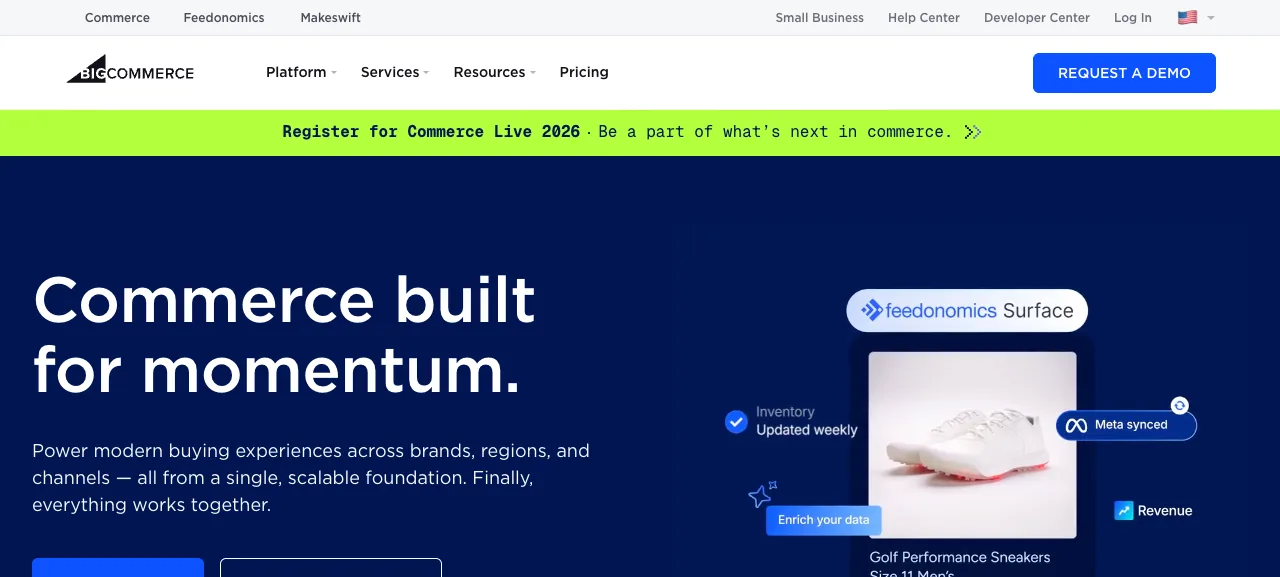
BigCommerce is the closest like-for-like to Shopify with a different philosophy: more capability in the base product, fewer add-ons to buy. Native multi-storefront, built-in promotions and segmentation, strong B2B features, and a headless option via its Catalyst Next.js starter.
Where it wins: fewer apps required to reach feature parity with a fully-apped Shopify store, no transaction fees when you use its embedded payment providers, better native multi-storefront.
Where it falls short: every plan has a revenue cap (Core tops out at $30K in trailing twelve-month sales, Growth at $100K), and gateways outside its embedded providers carry a 0.6% to 2% fee, per BigCommerce pricing. Smaller app ecosystem than Shopify. We cover the caps in BigCommerce alternatives.
Honest take: Shopify wins on ecosystem breadth. BigCommerce wins on what you get before a single paid app.
4. Squarespace: Best for Design-Led Small Brands
Best for: lifestyle brands, creators, and service businesses where the site is part of the brand.

Squarespace is a website builder first and a commerce platform second. That framing helps the audience it serves: editorial-quality templates, strong typography, and a store that looks like a brand instead of a plugin. Selling without a transaction fee starts on the Core plan; the Basic plan adds a 2% fee on sales, per Squarespace's plan guide.
Where it wins: the best out-of-the-box design on this list, integrated scheduling, blogging, and memberships, low mental overhead for non-technical owners.
Where it falls short: limited advanced commerce (complex inventory, tax, or discount rules), smaller app ecosystem, and it hits a ceiling with large catalogs and many variants.
Honest take: if your business is 60% content and 40% commerce, Squarespace is a great call. If commerce is the core, read our Squarespace Commerce alternatives.
5. Wix: Simplest DIY Builder
Best for: non-technical solo founders who want a storefront live in a weekend.

Wix is the drag-and-drop builder for people who never want to read a CSS file. Selling starts on the Core plan, and AI site generation gets you to "live" quickly.
Where it wins: the lowest floor of any platform here. Native Wix Payments handles checkout without a separate processor setup.
Where it falls short: the storefront is not purpose-built for commerce, and templates and content are tightly coupled, so a later redesign or move takes planning.
Honest take: good for year one. Revisit once the store grows; our Wix ecommerce alternatives guide covers where people go next.
6. Square Online: If You Already Run Square in Store
Best for: brick-and-mortar retailers on Square POS who want the online store to share the same catalog.
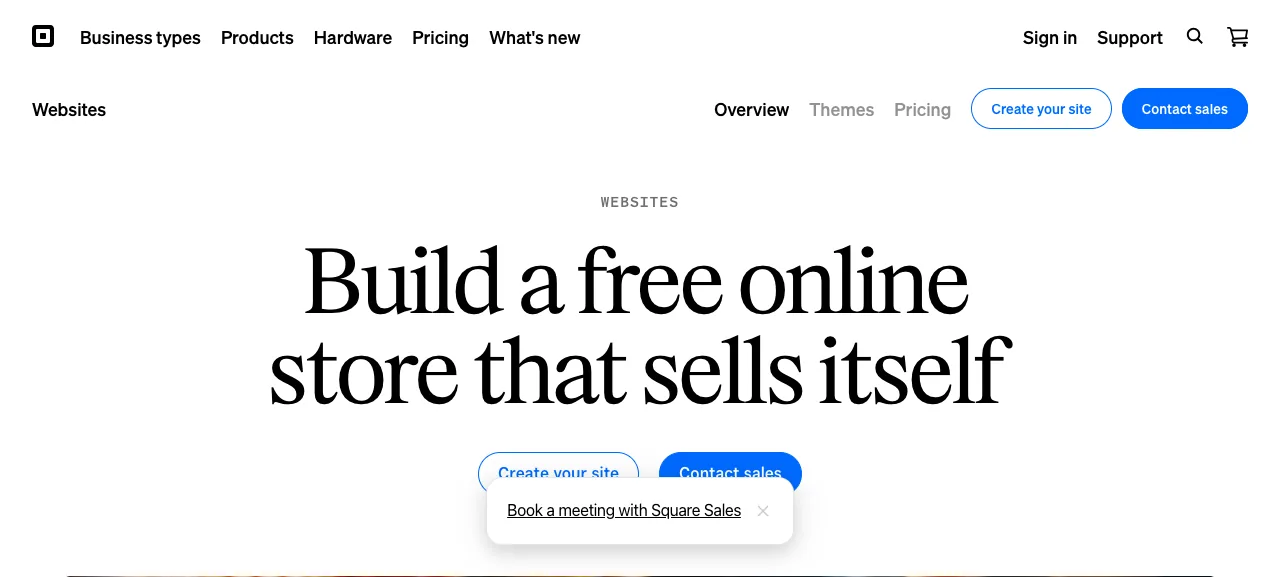
Square Online makes your online store and physical register share one product database and one payment account. The free plan, where you pay only processing fees, is a real starting point for a small retailer; paid plans add customization and lower processing rates (Square Online plans).
Where it wins: POS and online inventory stay in sync automatically. Same account, same dispute handling, same tax flow.
Where it falls short: if you are not on Square POS, most of the value disappears.
Honest take: the obvious answer for Square POS retailers. Otherwise, skip it.
7. Ecwid: Add a Store Without Migrating
Best for: content sites, portfolios, or agency client sites that need a store added without a full replatform.
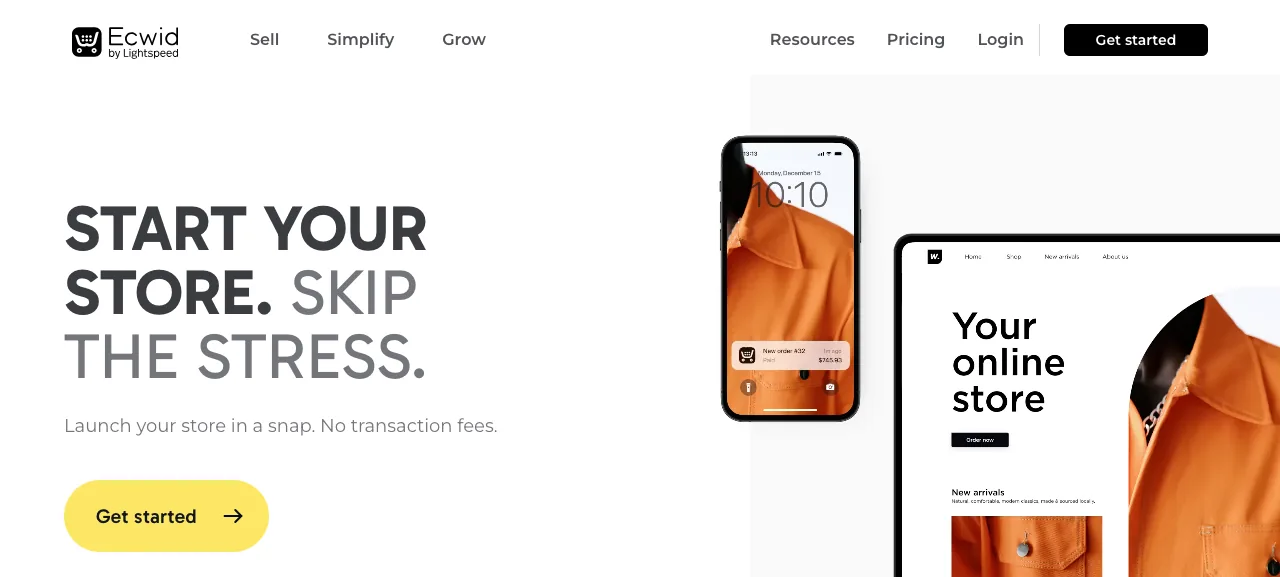
Ecwid is less a platform swap and more an embed. Drop it into your existing WordPress, Squarespace, Wix, or custom site and you have a working cart, checkout, and admin. Note that Ecwid retired its free plan: the entry tier is now Starter at $5/mo for up to 10 products, and it charges no transaction fees on any plan (Ecwid pricing).
Where it wins: you keep the site you have. Content, URLs, and design do not change. Good multichannel support for marketplaces and social.
Where it falls short: not a full platform, so brand and store are not unified, and theming is limited to what the embed exposes.
Honest take: underrated for owners who want to "leave WooCommerce" when what they really want is to stop running WooCommerce plugins while keeping the WordPress site. See also Ecwid alternatives.
8. Medusa: Best for Owning the Full Backend
Best for: teams that want to deeply customize the commerce engine in TypeScript.
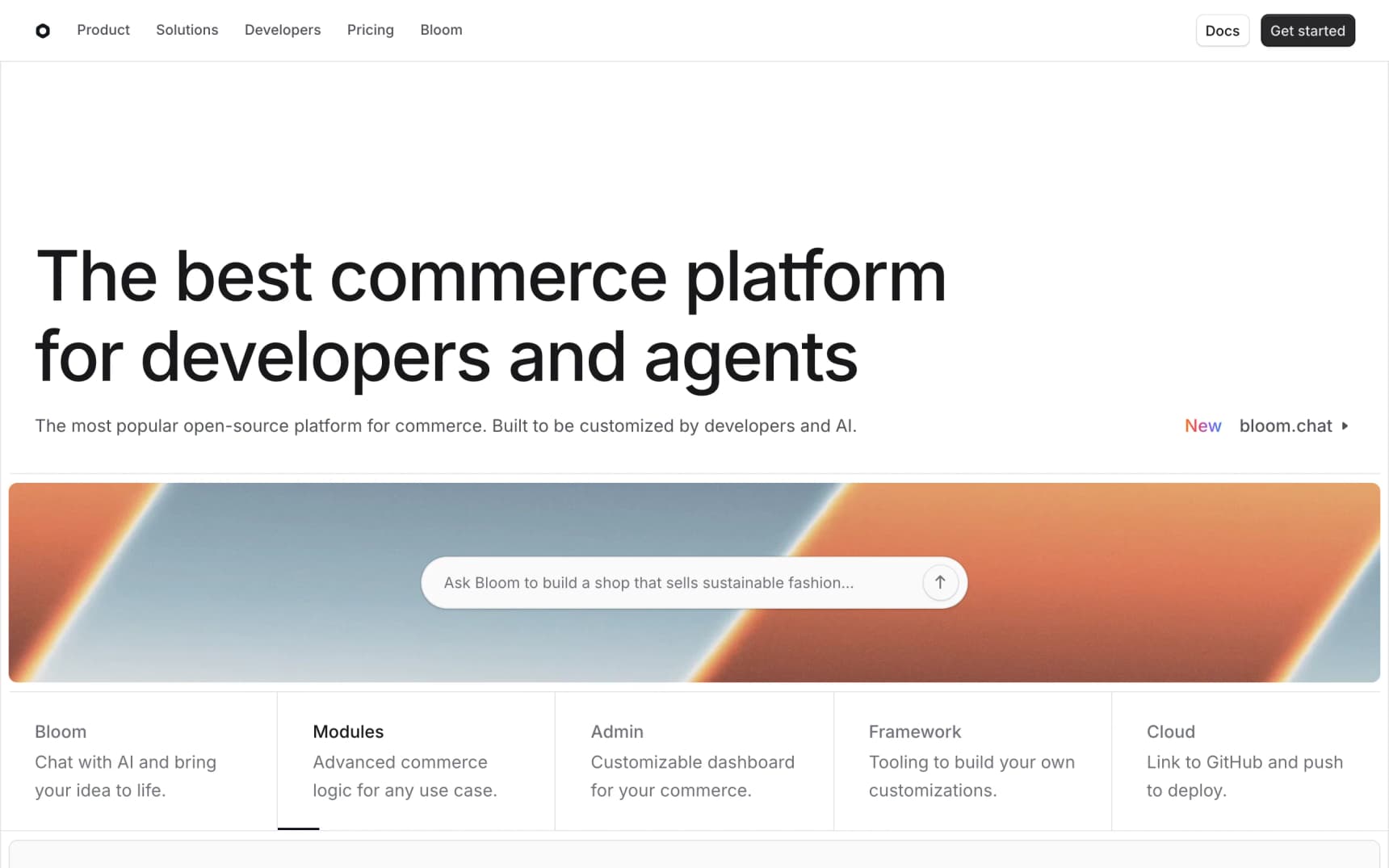
Medusa is an open-source headless commerce engine in TypeScript on Node. Run npx create-medusa-app@latest, point it at Postgres, and you have an admin dashboard and REST API within an afternoon. If you would rather not run it yourself, Medusa Cloud starts at $29/mo, with production plans from $99/mo.
Where it wins: plugin-first architecture done right (modules are first-class, scoped, and composable), TypeScript end to end across admin, API, and storefront SDK, and a managed cloud option.
Where it falls short: self-hosting means a Node service plus Postgres plus a storefront to run; the Next.js starter storefront is a starting point you will customize heavily; the admin is functional more than delightful.
9. Saleor: Best GraphQL-Native Alternative
Best for: large catalogs, multi-channel sellers, and teams that prefer GraphQL over REST.
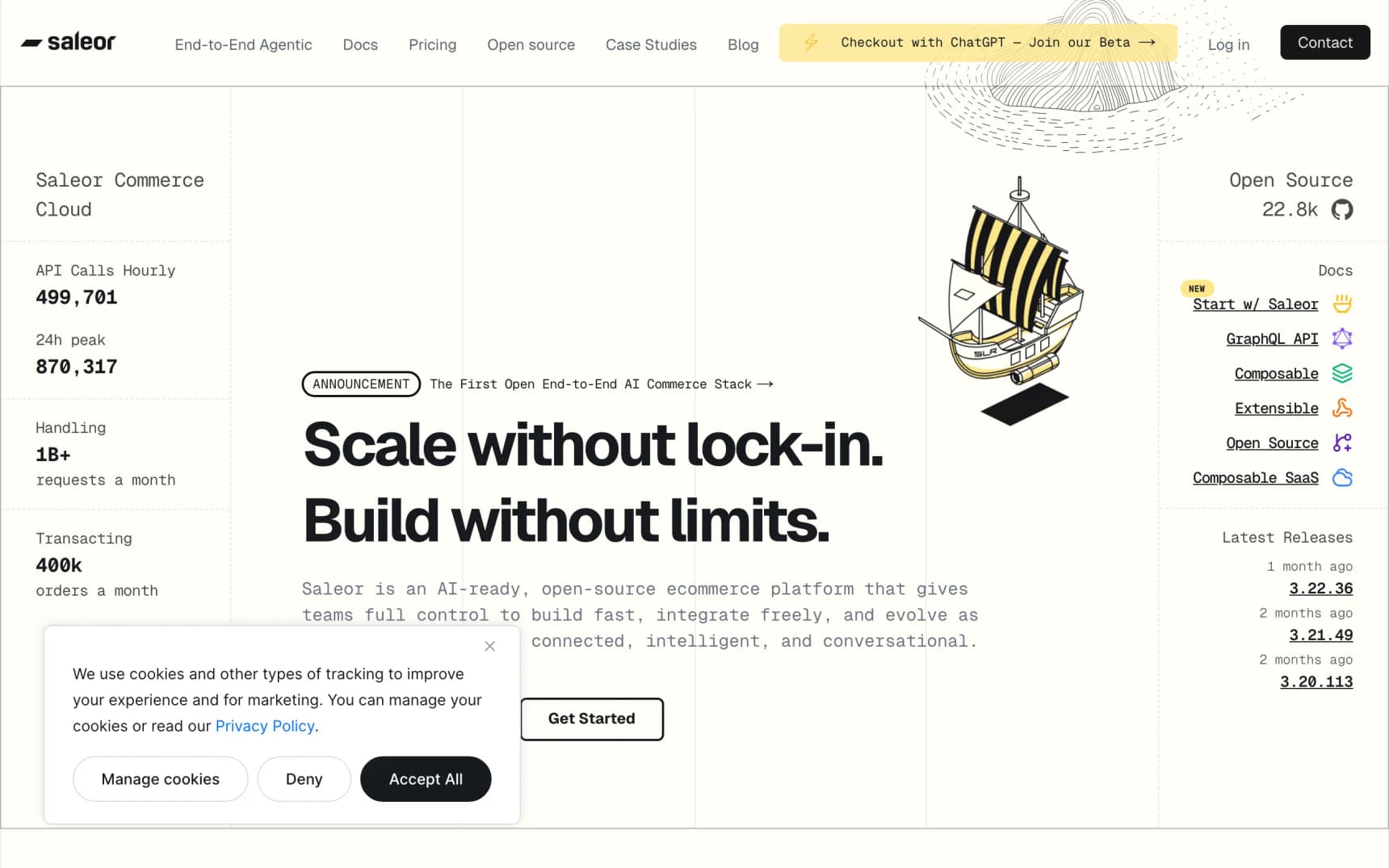
Saleor is open-source headless commerce on Python and Django with a GraphQL API. It is often the first stop for brands outgrowing WooCommerce who do not want Magento.
Where it wins: GraphQL is the entire surface area (typed, introspectable, a natural fit for Apollo, URQL, or TanStack Query), and multi-channel is modeled in the core: stores, warehouses, currencies, and price lists. Saleor Cloud has a free sandbox for prototyping.
Where it falls short: Python plus Django plus GraphQL is a three-skill hire for a JS-first team; paid Saleor Cloud plans start at $1,599/mo, so smaller teams usually self-host and budget for DevOps; the storefront is bring-your-own. If that combination rules Saleor out, our Saleor alternatives guide covers nine platforms that fit different parts of that gap.
10. Vendure: Cleanest Plugin-First TS Backend
Best for: engineers who want a small, well-structured backend they can extend with confidence.
Vendure is NestJS, GraphQL, and Postgres. Small core, a canonical plugin API, clear docs, and in production since around 2020. Vendure Core is free under GPLv3; the commercial Vendure Platform and managed Vendure Cloud are quoted per project (Vendure pricing).
Where it wins: the cleanest plugin API of any platform here, admin and shop GraphQL APIs separated by default, fully typed. Where it falls short: no self-serve hosted plan with public pricing, a bring-your-own storefront, and a smaller ecosystem than Medusa.
11. The PHP and Ruby Lane: PrestaShop, OpenCart, Bagisto, Spree, Magento
These are not the top pick for most WooCommerce refugees, but each has a specific audience (our best open source ecommerce platforms guide covers this lane in more depth, including the license fine print):
- PrestaShop: open-source PHP built purely for ecommerce. Strong in Europe, thousands of themes, a meaningful learning curve. If "easier than WooCommerce" is the goal, read our PrestaShop alternatives first.
- OpenCart: lightweight, long-standing, free. Defensible for simple catalogs with PHP skills in-house.
- Bagisto: Laravel. The "stay in PHP but leave WordPress" option, with a multi-vendor marketplace built in.
- Spree Commerce: Ruby on Rails. Worth it if your team already lives in Rails; runs production stores at real scale.
- Adobe Commerce (Magento): enterprise PHP with quote-based licensing. The right answer if your company already has Magento developers on staff.
The honest question is whether you are leaving WooCommerce because of the stack or because of the plugin model. If it is the plugin model, moving to another PHP platform with a different plugin model is a lateral move rather than an upgrade.
WordPress Ecommerce Without WooCommerce
Not everyone wants to leave WordPress. Plenty of owners love WordPress for content and only want to stop running WooCommerce. You have four realistic options:
- Shopify's official WordPress plugin. Sell on WordPress (launched in late 2025) syncs Shopify products into WordPress blocks and sends shoppers to Shopify checkout. The plugin is free; you need a Shopify plan.
- Ecwid embed. Add a hosted store to any page from $5/mo, covered above.
- A lighter WordPress commerce plugin. SureCart and Easy Digital Downloads suit subscriptions and digital products, with less of the WooCommerce extension stack. You still run WordPress plugins, just fewer of them.
- Headless: WordPress for content, a commerce backend for the store. Keep WordPress as a headless CMS and build the storefront on a modern platform (YNS, Medusa, Saleor) that pulls content from the WP REST API. This is the route that fixes performance as well as plugin sprawl. Our headless commerce primer explains how the pieces fit.
Options 1 to 3 keep WordPress in charge of the page and hand the cart to someone else. Option 4 flips it: the storefront is modern, and WordPress is only a content source. Pick based on whether your pain is plugins (1 to 3 help) or performance (only 4 really does).
For Developers: The Same Query in Four Platforms
Developer section. Store owners can skip to Migration Reality.
Most "WooCommerce alternative" posts assert that modern stacks have better developer experience. Here is the same query, "give me the first twelve products in the t-shirts category," in four platforms. Read them side by side and draw your own conclusion.
WooCommerce (what you are leaving):
Your Next Store (typed REST SDK):
Medusa (typed JS SDK):
Saleor (GraphQL with codegen):
Same query, four worlds. Three of them give you compile-time type safety, autocomplete, and a predictable response shape. One gives you an untyped array and a standing appointment with the WordPress codex.
The security picture follows the same shape. A modern headless stack collapses the plugin attack surface to one commerce backend, one storefront repo, and a handful of audited npm packages. Not zero risk. Dramatically less.
Migration Reality: What Nobody Writes About
Before you shop for an alternative, price the move. Most "best WooCommerce alternatives" lists skip this, and it is the single biggest reason migrations fail.
Products and customers are easy. CSV export, CSV import, done in a day for most catalogs. Every platform on this list accepts this.
Orders are harder. Historical orders carry payment metadata, refund state, shipping labels, and tax records, and every platform models them slightly differently. The pragmatic play: migrate the last 90 days of orders and keep the rest in a read-only WooCommerce archive for legal and support lookups.
Subscriptions almost never move cleanly. If you use WooCommerce Subscriptions, assume every active subscription needs a new charge cycle on the new platform. Do not promise customers zero downtime on billing. Plan a transition email, re-authorization, and a support rota for the week of cutover.
URLs and SEO. Your /product/slug/ and /shop/category/ URLs are indexed, and every alternative uses a different URL shape. A full 301 redirect map generated from your old sitemap is non-negotiable. Losing 20% to 40% of organic traffic for a few months is typical when teams skip this step. Test the map on staging and watch Search Console daily for the first month.
Content migration is its own project. Blog posts, landing pages, and custom post types live in WordPress, and moving the store does not move them. Your options:
- Migrate the content too. Export to Markdown or MDX, or into your new platform's blog (YNS has one built in, so that is one fewer system to run).
- Keep WordPress as a headless CMS and point your new storefront at the WP REST API.
- Switch to a dedicated headless CMS in parallel (Sanity, Payload, Contentful).
Whichever you pick, decide now. Deciding mid-migration doubles the timeline.
Realistic budget. A store with a simple catalog, five to ten plugins, and no subscriptions: 2 to 4 weeks. With WooCommerce Subscriptions, custom PHP plugins, and significant content: 2 to 4 months. On a managed SaaS without a developer, most of that time is catalog cleanup and redirect mapping rather than engineering.
When You Should Not Leave WooCommerce
Fair is fair. WooCommerce is the right answer when:
- You are a WordPress agency. Your expertise, hosting, retainer clients, and processes are all WordPress, and leaving means retraining the whole team. (If you are an agency looking to offer clients a modern option alongside WordPress, see our partner program.)
- Content is 80% of the business. A content-led brand where ecommerce is a secondary revenue line often fits WordPress better than a commerce-first platform.
- You already ship and it works. Fast site, audited plugins, productive team. The migration cost will not be recovered.
- You have deep custom PHP integrations. An in-house plugin is a moat, not a liability. Don't rewrite it for a trend.
How to Choose a WooCommerce Alternative in Five Minutes
- Want a managed store with no plugins, 0% platform transaction fees, and AI to help you design? Your Next Store.
- Want the most familiar SaaS path, willing to pay for convenience? Shopify.
- Mid-market brand tired of paying for apps? BigCommerce.
- Design-led small brand where the site is the brand? Squarespace.
- Solo founder who wants to ship in a weekend? Wix.
- Retail with Square POS? Square Online.
- Keep the WordPress site but drop WooCommerce? Shopify's WordPress plugin or Ecwid.
- TypeScript developer who wants a modern stack with an escape hatch? Your Next Store.
- Want to own the entire backend in Node? Medusa. Cleanest plugin API? Vendure. GraphQL and multi-channel? Saleor.
- Staying in PHP or Ruby? PrestaShop, Bagisto, or Spree. Already have Magento devs? Adobe Commerce.
FAQ
Why would I need a WooCommerce alternative?
Usually because of one of five things: plugin sprawl (15 to 30 plugins, each a security and update risk), slow Core Web Vitals that caching plugins cannot fix, a monthly plugin and hosting bill that exceeds a managed platform, weekly maintenance you do not have time for, or a design ceiling set by your theme. If none of those apply, WooCommerce is still a fine choice.
What is the best WooCommerce alternative?
For most store owners leaving because of plugins, performance, or cost, we recommend Your Next Store: managed, fast by default, 0% platform transaction fees, and an AI builder for design changes. Shopify is the defensible pick if you want the biggest app ecosystem, BigCommerce if you want more built in, and Squarespace or Wix for simple, design-first stores. For developers: Your Next Store, Medusa, or Vendure in TypeScript, Saleor for GraphQL.
How do I do WordPress ecommerce without WooCommerce?
Use Shopify's official Sell on WordPress plugin, embed an Ecwid store, switch to a lighter plugin such as SureCart or Easy Digital Downloads for digital goods and subscriptions, or go headless: keep WordPress for content and run the store on a separate commerce backend. Only the headless route also fixes storefront performance.
Who are WooCommerce's main competitors?
On the SaaS side: Shopify, BigCommerce, Squarespace, Wix, Square Online, and Ecwid. In open source: PrestaShop, OpenCart, Adobe Commerce (Magento), Medusa, Saleor, Vendure, Bagisto, and Spree. Your Next Store sits between the two groups: a managed platform with an open-source Next.js storefront.
Is there a free WooCommerce alternative?
Medusa, Saleor, Vendure, PrestaShop, OpenCart, Bagisto, and Spree are free, open-source software. You still pay for hosting, infrastructure, and engineering time, which for most production stores costs more than a managed tier. On the SaaS side, Square Online has a free plan where you pay only processing fees. Ecwid retired its free plan and now starts at $5/mo.
How much does WooCommerce cost compared to the alternatives?
WooCommerce is free, but a typical production store spends $50 to $500 per month on paid plugins, plus managed hosting and maintenance time. Managed alternatives like Your Next Store ($30 to $360/mo, 0% platform transaction fees) or Shopify ($39 to $399/mo, plus apps and third-party gateway fees) absorb most plugin functionality as core features.
Can I migrate from WooCommerce without losing SEO?
Yes, with a complete 301 redirect map from every indexed WooCommerce URL to its new equivalent. Skip it and expect a 20% to 40% organic traffic drop for a few months. Build the map before cutover, test it on staging, and monitor Search Console daily for the first month.
Should I move from WooCommerce to Shopify or to headless?
If you want to stop owning infrastructure and accept app costs: Shopify. If you chose WooCommerce for flexibility and only want to fix performance and plugin problems: headless (Your Next Store, Medusa, Saleor). Shopify trades one set of constraints for another. Headless trades constraints for responsibility, and a managed headless platform takes most of that responsibility back off your plate.
Is WooCommerce still a good choice in 2026?
For the right team, yes: WordPress agencies, content-led brands, and stores that are already fast and well maintained. It is the wrong answer if you are fighting plugin sprawl, Core Web Vitals, and a maintenance schedule you cannot keep up with.
The Real Answer
The best WooCommerce alternative is the one that closes the pain points that pushed you off WooCommerce in the first place, without introducing new ones. If those are plugin sprawl, performance, cost, and a rigid design, our pick is Your Next Store: managed, fast, 0% platform transaction fees, AI-assisted design, and an open-source storefront if you want the code. If you just want ecommerce to not be your problem and are happy to pay for apps, Shopify is fair. If you are a developer who wants to own every layer, Medusa, Saleor, or Vendure.
Pick the platform whose admin you are willing to live inside for the next three years, and whose absence of plugins is the feature, not the bug.
Related Blog Posts
- YNS vs WooCommerce: speed, TCO, and DX compared side by side
- Shopify vs WooCommerce
- WooCommerce vs Next.js
- Best Ecommerce Platform for Developers in 2026
- Best Headless Commerce Platforms
- Best AI Store Builders of 2026
- Shopify Transaction Fees: The Real Cost
Your Next Store is open-source. Star the repo on GitHub:
github.com/yournextstore/yournextstore