Ecommerce Site Search: Why It Matters and How to Fix It
 Jakub Neander
Nov 19, 202614 min read
The search box is the only place on your store where shoppers tell you, in their own words, exactly what they want to buy. Most stores never read what they type. Ecommerce site search fails quietly: a typo returns nothing, "couch" misses every product you called a sofa, and the shopper leaves without a complaint, a ticket or a trace in your revenue report. This guide shows why site search matters (and when it doesn't), how it breaks, how to audit yours in an afternoon, and a repeatable loop for fixing it, whatever platform or search tool you use.
Why Ecommerce Site Search Matters
Shoppers who search are telling you their intent. Someone who types "waterproof hiking boots size 44" is much further along than someone scrolling the homepage, and that shows in the numbers.
- Many shoppers prefer it. In Baymard Institute's testing, roughly half of participants preferred search as their way of finding products.
- Searchers tend to convert better. An Econsultancy write-up of a Screen Pages analysis of 21 mostly niche stores, dating from around 2013, found that visitors who searched converted at 4.63%, against a site average of 2.77%.
- Failed searches cost sales. In a Harris Poll survey commissioned by Google Cloud, 76% of US consumers said an unsuccessful search had resulted in a lost sale for the retailer, and 52% of respondents said they typically abandon the whole cart if one item can't be found.
Read those numbers with care. The "searchers convert 1.8x better" line you see on vendor blogs traces back to that analysis, more than a decade old, and the same study found that only 5.75% of visitors used search at all. Searchers convert better partly because they arrive with intent, not only because search is good. The Google figures come from a survey a search vendor paid for. Neither proves that better search adds a fixed percentage to your revenue.
What they do show is the direction: when search works, it serves your most motivated visitors. When it fails, it fails them.
The state of ecommerce search
Most stores don't get it right. Baymard's 2026 benchmark of more than 170 sites and apps found that 56% fail to adequately support shoppers' search needs, and only four desktop sites scored perfectly. About half have a "No Results" page that frustrates users and increases abandonment, and 69% don't offer autocomplete suggestions for slightly misspelled queries.
When site search matters less
Not every store needs to invest here first. Baymard's research on direct-to-consumer brands with small catalogs found that every tested user started by browsing the navigation, and only 15% looked for search, after browsing had failed. Its rule of thumb is that search starts to earn its place at roughly 20 unique products.
If you sell twelve candles, put the effort into clear navigation and product descriptions that answer questions. If you sell hundreds of SKUs, spare parts, cosmetics with ingredient lists or anything with sizes and compatibility, search is one of the most valuable pages you have.
How Ecommerce Site Search Fails
Search rarely breaks with an error. It breaks by returning nothing, or by returning the wrong thing with confidence. Baymard groups the queries shoppers type into eight types, and the share of sites with problems rises steeply once you leave exact product names behind:
| Query type | Example | Sites with issues (Baymard) |
|---|---|---|
| Exact | "BILLY bookcase" | 12% |
| Product type | "bookcase" | 20% |
| Symptom | "dry skin" | 37% |
| Feature | "white bookcase with doors" | 39% |
| Use case | "bookcase for kids room" | 43% |
| Compatibility | "charger for Pixel 9" | 44% |
| Abbreviation and symbol | "15in laptop" | 54% |
| Non-product | "returns", "delivery times" | 66% |
Source: Baymard Institute, ecommerce search query types, updated April 2026. Examples are ours.
The failures behind those numbers fall into a handful of patterns.
Typos and other spellings
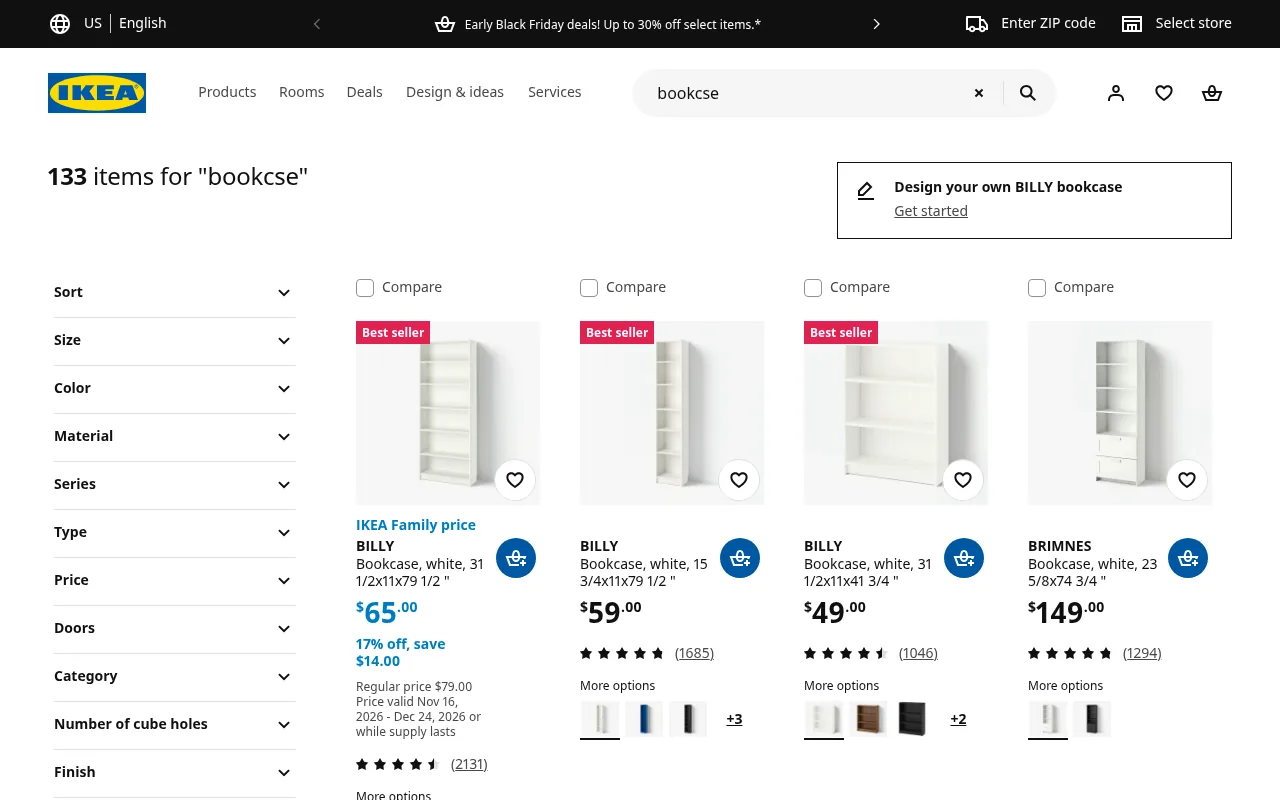
Shoppers type fast on small keyboards. When we searched IKEA's US store for "bookcse" in November 2026, it shrugged off the missing letter and returned 133 items, led by the BILLY bookcase:
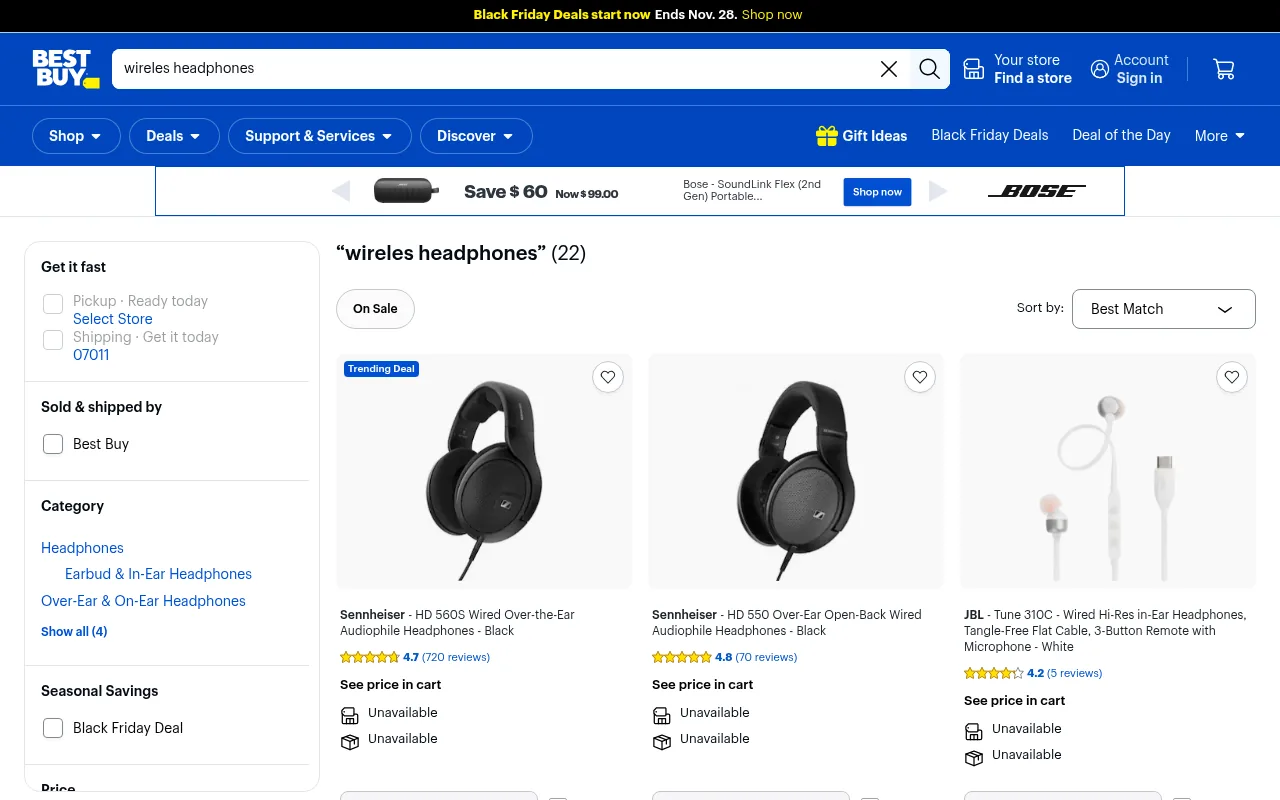
Even large retailers handle this unevenly. The same day, Best Buy returned 22 results for "wireles headphones", and the first two were wired over-ear headphones.
Synonyms and the shopper's vocabulary
You call it a "sofa"; plenty of customers type "couch". You list "trainers"; American visitors search for "sneakers". A good search engine handles the common cases, but no engine knows your niche: the nickname for a product line, the old name of a renamed collection, or the brand-specific term your customers picked up on TikTok.
Attributes that live only in photos
"Red dress" fails when "red" appears only in the image and in a color swatch the search index doesn't read. Feature searches like "with pockets", "waterproof" or "500 ml" depend entirely on whether that detail is written down somewhere search can see it.
Dead ends
A zero-result page with "No results found. Try another search" is the end of the visit for many shoppers. So is a results page where the right product exists but ranks 40th, below sold-out items.
Searches for things that aren't products
Shoppers search for "returns", "shipping to UK" and "size guide". If search only covers products, these all hit the dead end above.
How to Audit Your Ecommerce Site Search in an Afternoon
You don't need a new tool to find out how bad things are. You need your search log and an hour of typing.
1. Get the list of what shoppers typed
If your platform has search reports, start there. If not, Google Analytics 4 can capture searches through enhanced measurement: it records a view_search_results event with the search_term whenever the URL carries a query parameter such as q, s, search, query or keyword (you can add your own). Pull the last 90 days and sort by volume.
2. Run the top 20 searches yourself
Search for each one on your own store, on your phone. For every query, note how many results came back and whether the first row is something a shopper would buy.
3. Run the stress test
Then try the queries shoppers type that your log may not show clearly yet:
| Test | What to type | Pass if |
|---|---|---|
| Typo | Your bestseller with one letter missing | The bestseller is in the first row |
| Synonym | The other common word for your main category | Same products as the main word |
| Plural and singular | "candle" and "candles" | Same products |
| Attribute | A color or material plus a product type | Only matching products, matching ones first |
| Code | A SKU or barcode | Exactly that product |
| Non-product | "returns", "shipping" | A link to the right page, not a dead end |
| Nonsense | A product you don't sell | Helpful suggestions, not a blank page |
4. Check the experience around the box
- Is the search field visible on mobile, or hidden behind an icon?
- Does autocomplete suggest products as you type, and does it survive a typo?
- Can shoppers filter and sort the results page?
- Do sold-out products crowd the top of the results?
Write the failures down. That list is your backlog.
How to Fix Ecommerce Site Search: The Fix Loop
Fixing search is not a project you finish. Your catalog changes, seasons change and shoppers pick up new words. The stores that get it right run the same loop every month:
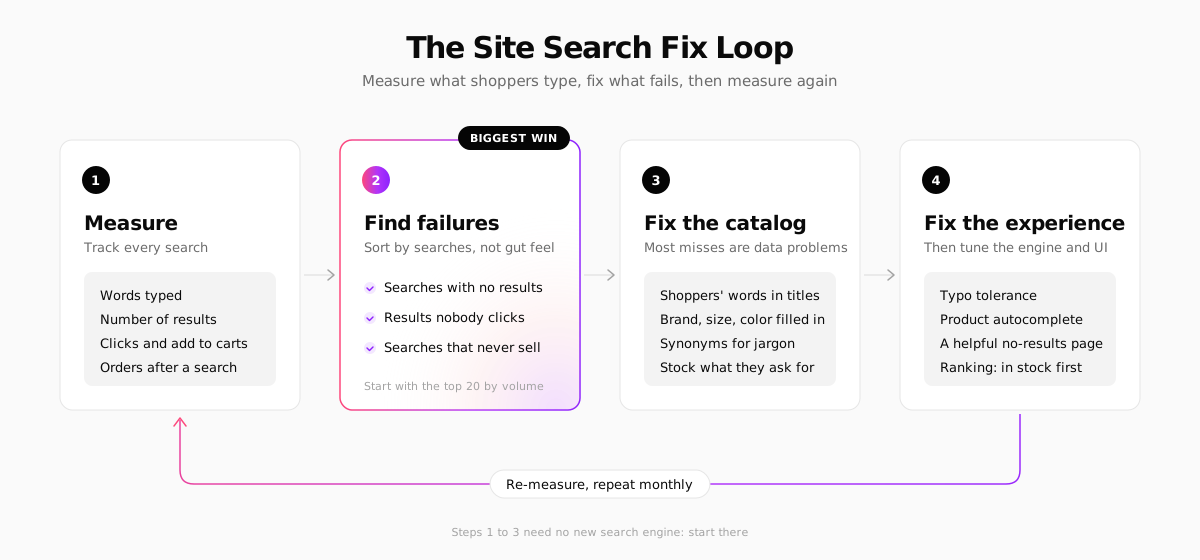
Step 1: Measure every search
At minimum, record the words typed and the number of results. Better tracking also records which results were seen and clicked, and whether an order followed. Without clicks and orders you can find zero-result searches, but you can't see the more expensive failure: searches that return plenty of results that nobody wants.
Step 2: Find the failures
This is where most of the value is, and it costs nothing but attention. Sort by volume and work through three lists:
- Searches with no results. These show you missing products, missing words and spellings your engine can't handle.
- Searches with results nobody clicks. The results don't match what shoppers mean. "Charger" returning cables and phone cases is a typical case.
- Searches that rarely lead to an order. The products may be right but the price, stock or product page is not.
Start with the top 20 by volume. A query typed 300 times a month matters more than 50 one-off oddities.
Step 3: Fix the catalog
Most search failures are data problems, not algorithm problems. Search can only find words that exist in your product data.
- Write the shopper's words into the product. If people search "couch", get "couch" into the title, description or tags of your sofas. Search logs are the best keyword research you will ever get for product descriptions.
- Fill in the attributes. Brand, color, size, material and compatibility should be structured fields, not only words inside a photo.
- Add synonyms for jargon. If your search tool has a synonym list, use it for the terms you can't put in product copy, like a competitor's product name for the same thing.
- Stock or link what they ask for. A repeated zero-result search for a product you don't carry is free market research. Sometimes the fix is a buying decision, not a search setting.
Step 4: Fix the experience
Once the data is right, tune how search behaves and looks:
- Typo tolerance and word forms. "Candels" should find candles. "Boots" should find "boot".
- Autocomplete with product suggestions, including when the typed word is misspelled.
- A no-results page that helps. Baymard recommends offering related categories, alternative searches, popular products and a way to contact you. Showing your bestsellers there is a simple start, and our guide to product recommendations covers more.
- Sensible ranking. Products whose name matches should come first, and in-stock items should beat sold-out ones.
- Filters on the results page, so "dress" can become "red dress, size M, under $80" without retyping.
- Non-product results, linking "returns" to your returns page.
Then go back to step 1 and check whether the numbers moved. If you have enough traffic, compare the four weeks before and after a change. For most stores, a formal A/B test on search is overkill.
Ecommerce Site Search Tools: Built-In, SaaS or Open Source
When your platform's search can't do what the fix loop needs, you have three kinds of options.
| Option | Examples | Best for | Pricing model | Trade-off |
|---|---|---|---|---|
| Built into the platform | Shopify Search & Discovery, your platform's own search | Most small and mid-size stores | Usually included | Fewer controls than a dedicated tool |
| SaaS search plugin | Doofinder, Klevu | Teams without developers who need more control | Monthly plans by search volume | Another subscription and script on the page |
| Search API | Algolia | Headless builds with a development team | Usage-based (searches and records) | You build the interface and indexing |
| Open-source engine | Typesense, Meilisearch | Developers who want to self-host or control costs | Free to self-host, or managed cloud | You run, update and back it up |
On Shopify, start with Search & Discovery, Shopify's free app for synonym groups, filters, product boosts and search reports. It covers the basics of the fix loop. Its App Store rating is mixed, so read recent reviews before relying on a specific feature.
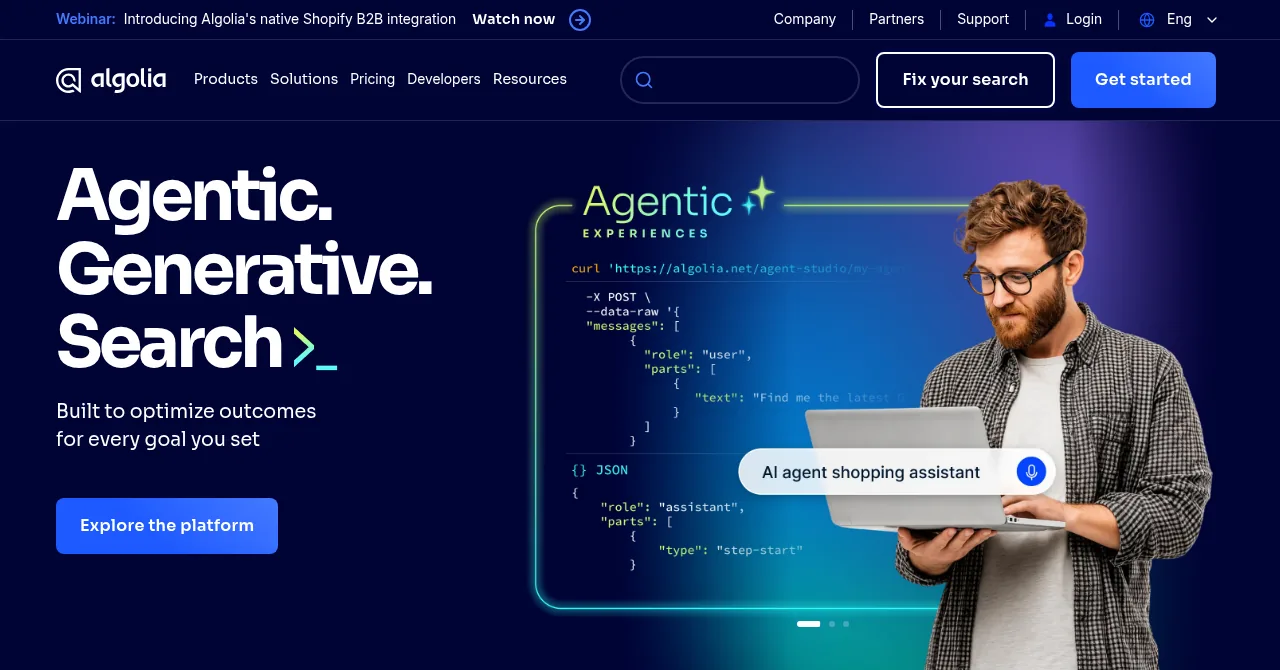
Algolia is a hosted search API with front-end libraries, analytics and AI features on top. Its pricing is usage-based: a free tier of 10,000 search requests a month, then a per-thousand rate for searches and records. It's a strong fit for headless stores with developers, and more than a small store on a hosted platform usually needs.
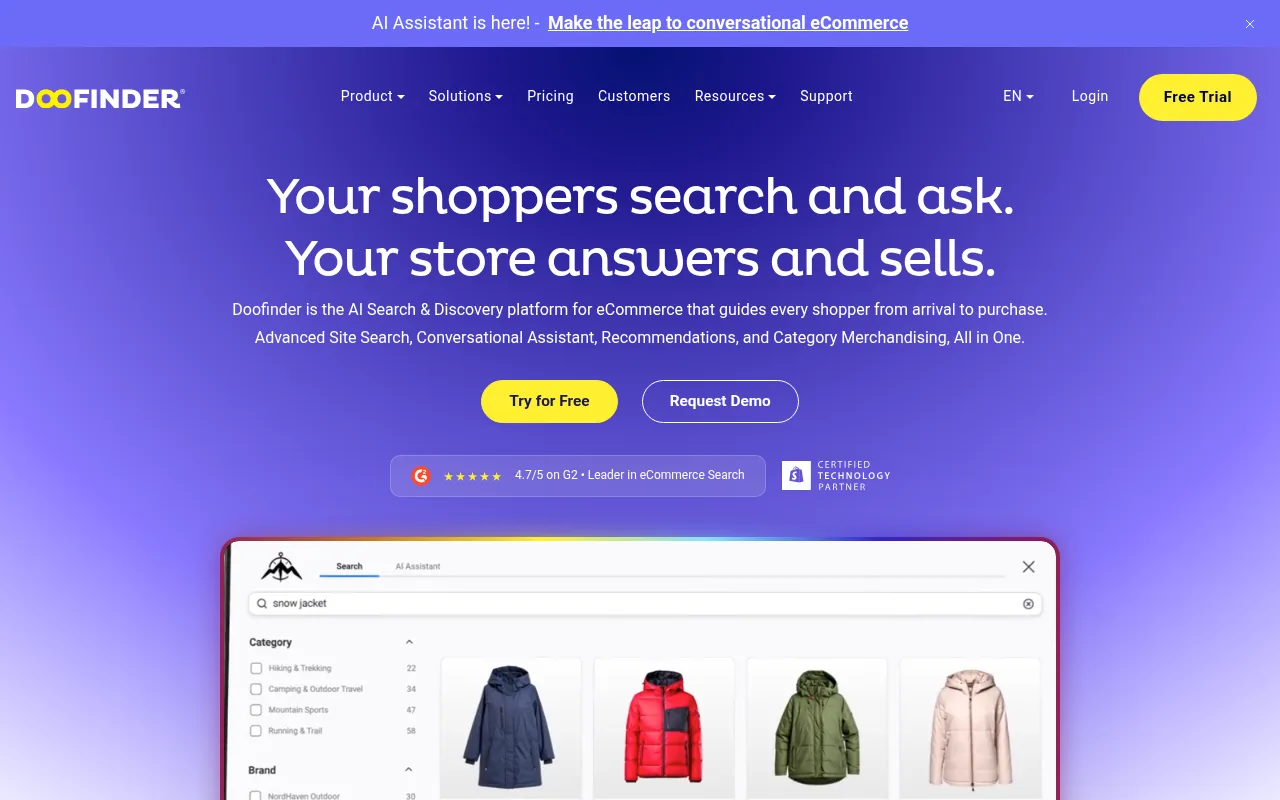
Doofinder is a search layer you add to an existing store, with integrations for Shopify, WooCommerce, BigCommerce, Magento and PrestaShop among others. Its plans start at $49 a month and scale with search volume. Klevu, now part of Athos Commerce, plays in the same space with search, merchandising and personalization.
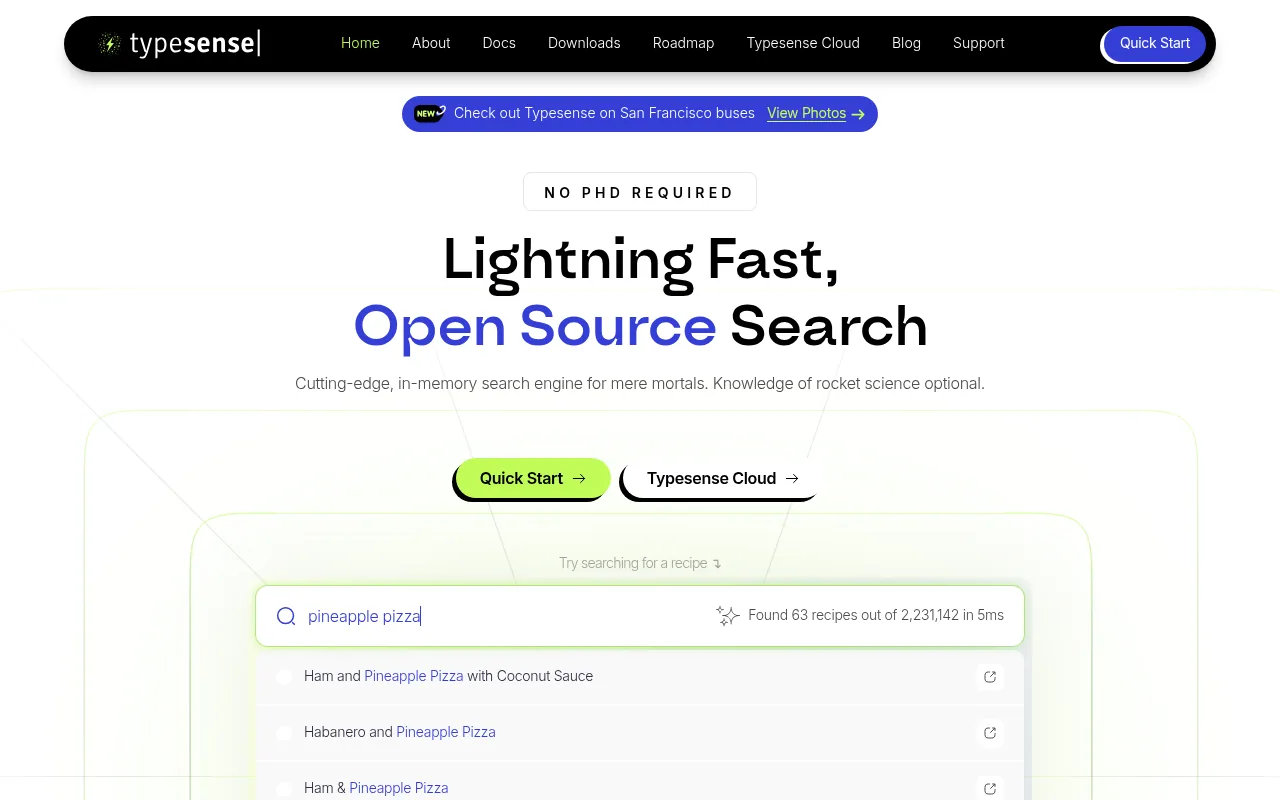
Typesense is an open-source, in-memory search engine with typo tolerance and faceting built in. You can run it yourself with Docker or binaries, or use Typesense Cloud, which prices by cluster size rather than per search.
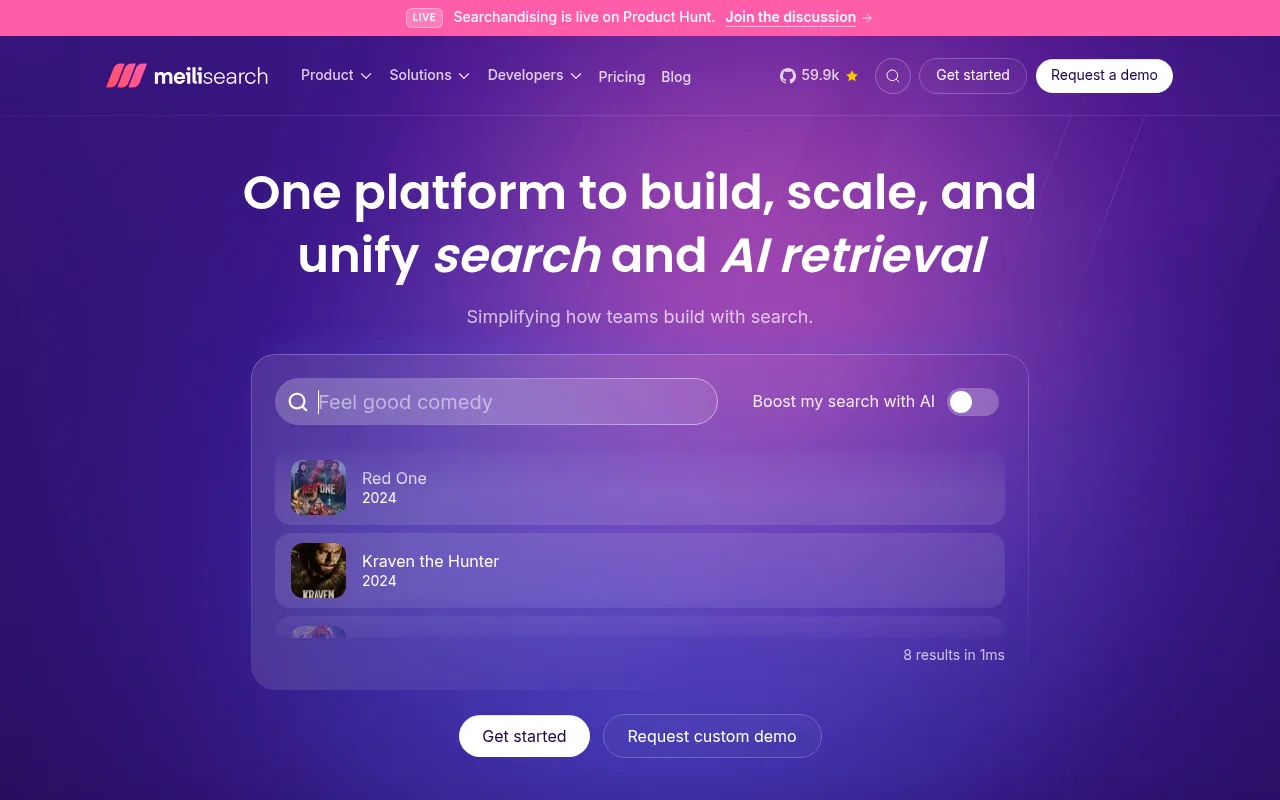
Meilisearch is MIT-licensed and free to self-host. Its cloud plans start at $20 a month for the smallest instance, and it now positions itself around search plus AI retrieval.
A new engine doesn't fix bad data. If your product titles never mention "couch", no engine will rank your sofas for it without a synonym. Run steps 1 to 3 of the fix loop before you budget for a new search tool: you will either find you don't need one, or you'll know exactly what to ask the vendor for.
Search Tracking and Privacy in the EU and UK
Search logs that include clicks and orders need some way to connect a search to a later purchase, usually a cookie or a similar identifier. In the EU and UK, the ePrivacy rules (PECR in the UK) generally require consent before you store non-essential identifiers on a visitor's device, and analytics usually counts as non-essential. In practice, that means search tracking which links searches to orders should follow your cookie banner's analytics choice. Our guide to cookie consent for ecommerce covers how to set that up.
Plan for the gap: visitors who decline won't appear in click and conversion reports, so read those numbers as a sample, not a census. Counting the raw queries typed is often still possible without identifying anyone.
Always check the current rules where you sell. This section summarizes EU and UK consent rules for analytics as of November 2026, in general terms. Rules and regulator guidance differ between countries and change over time, so confirm the details with your data protection authority or a privacy specialist. This is general information, not legal advice.
Ecommerce Site Search on Your Next Store
Your Next Store builds search and search reports into the platform, so the whole fix loop runs in one admin.
Storefront search looks at a product's name, descriptions, SEO fields, SKU and barcode, variant options, brand, visible custom fields and category names, including parent categories. It ignores letter case and accents, finds other forms of a word (from a dictionary of word forms for Polish, and regular endings for English, German, French, Spanish, Italian and Portuguese), and forgives one typo in words of four to seven letters and two in longer words. Products whose name matches come first, then bestsellers and most-viewed products, and in-stock items rank above sold-out ones. On a storefront with several languages, shoppers search in the language of the page they're on.
Search tracking records each search with its words, result count, filters and sort order, which results were seen, clicked or added to cart, and the orders that followed: direct when the bought product was clicked in the results, assisted when the shopper searched earlier in the visit or on the same device within 7 days. When your store shows a cookie banner, tracking cookies are set only after the shopper accepts analytics, Do Not Track or Global Privacy Control stop tracking entirely, and no name or email is stored with a search.
The search reports map directly onto step 2 of the loop: Without results, Low clicks, Low conversions and Exit rate, plus trending searches, autocomplete performance and segments by device, new or returning visitor, signed-in shoppers and country. Content analysis shows the words that bring shoppers to a product, and Improve with Elliot drafts a new description using those words, which you review before it's saved. That's step 3, done from the report.
For developers, the storefront template marks its search results, suggestions and category pages with data-yns-* attributes, and the storefront kit records the events. Your code makes no tracking calls. If you restyle a results page, keep the attributes (search analytics docs):
The Search API answers catalog searches without an API key when you pass the store's ID, returns a correctedQuery when it fixed a typo, and the CDN caches the answer until the catalog changes.
The honest limits:
- Search reports depend on your plan. Pro sees everything, Growth sees the last 7 days of the range, and other plans see sample numbers. See pricing.
- Codes must match exactly. Words with digits, like SKUs or "500ml", are never typo-corrected.
- Word forms aren't available for every language. Czech and Vietnamese stores match only the exact word.
- No separate synonym list is documented. Put the shopper's words into product text, which Improve with Elliot helps with.
- Older storefronts need tracking added. Storefronts built before search tracking existed need it added first, and Elliot can add it when you ask.
FAQ
What is ecommerce site search?
Ecommerce site search is the search box on an online store and everything behind it: the index of your products, the rules that match and rank results, autocomplete, filters and the results page. It's different from search engine optimization, which is about being found on Google. Site search is about shoppers finding products once they're already on your store.
How do I improve my ecommerce site search?
Start with your search log, not a new tool. List the most common searches that return no results, get few clicks or rarely convert. Fix the product data first (titles, attributes, the shopper's own words), then add typo tolerance, product autocomplete and a no-results page with alternatives. Re-check the same reports a month later.
Do small online stores need site search?
Below roughly 20 products, Baymard's research suggests shoppers mostly browse, so clear navigation matters more. Above that, and especially for catalogs with sizes, variants or technical specs, search becomes a main route to products and is worth measuring and improving.
The Bottom Line
Ecommerce site search is the cheapest customer research you have: thousands of shoppers typing exactly what they want, every month, for free. Most stores let those words fall on the floor. Read the zero-result searches, fix the product data behind them, then fix the box. Every query that returns nothing is a customer telling you what to sell next.
Related Blog Posts
Before you spend more on ads,
check your store.
Get a free 25-point checklist to find what could be holding back your sales, from product pages to checkout.