Send newsletters & grow subscribers
Collect email subscribers and send campaigns that bring customers back to your store.
Email is one of the most reliable ways to bring customers back. With YNS you can collect email subscribers and send them newsletters about new products, sales, and updates.
Why email still wins
Social posts come and go, and ads stop the moment you stop paying. Your email list is different — it's an audience you own and can reach any time. People who hand over their email address are telling you they want to hear from you, which makes them some of your most likely buyers.
Collect subscribers
There are two main ways to grow your list:
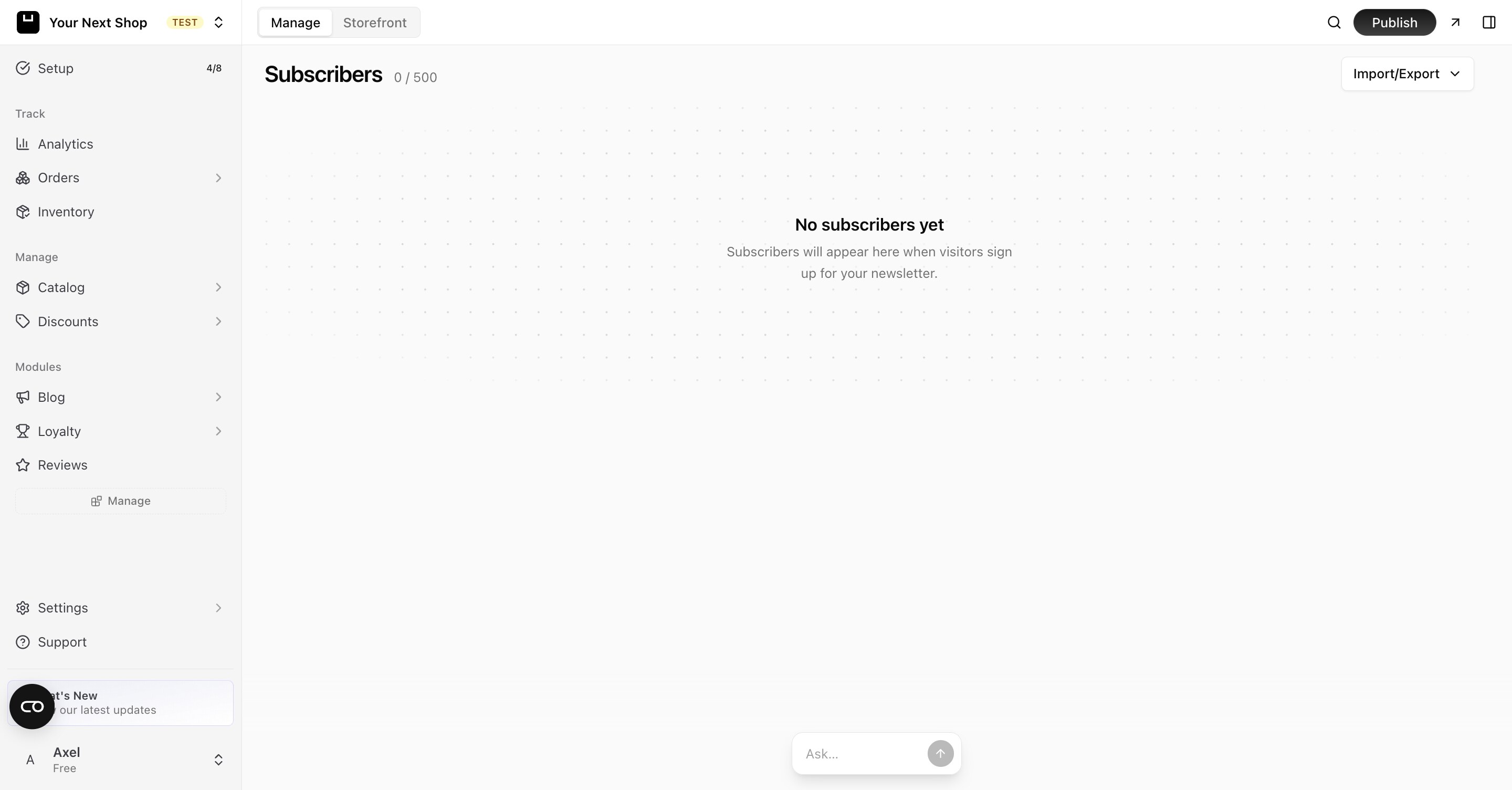
- Signup on your storefront — a sign-up box appears on your store so visitors can join your list with their email address. New subscribers show up automatically on your Subscribers page.
- Import a list — already have emails from another tool or a spreadsheet? You can bring your existing contacts in so they don't get lost.
Note: Only add people who have agreed to hear from you. Sending to contacts who never opted in can hurt your reputation and your delivery — and in many places it's against the law.
Ways to encourage sign-ups
- Give a reason to join — a discount on the first order or early access to sales works well.
- Ask at the right moment — around checkout and on your blog, when interest is already high.
- Keep it short — asking only for an email address gets far more sign-ups than a long form.
Get ready to send
Before real campaigns can go out, three things need to be in place. The editor shows them as a Get ready to send checklist, and you can build, test, and schedule campaigns the whole time you're working through it — nothing is locked while you wait.
| Step | Why it's needed |
|---|---|
| Sending domain | So campaigns arrive from your own domain instead of a generic address. Add it, then wait on DNS — propagation can take 24–48 hours. |
| Sender address | The address subscribers see in their inbox. Available once your domain is added. |
| Store address | Anti-spam rules require a postal address in every campaign footer. |
If you press Send before the checklist is complete, it tells you exactly what's still missing rather than silently failing.
Send an email campaign
Create a new campaign and work through the editor:
- Write your message — give it a subject line and add your content, such as a new arrival or a discount code.
- Feature products — pick products from your catalog and they're added as cards, with image, price, and a link, so you don't have to build product blocks by hand.
- Choose your audience — see below.
- Test it — send a copy to yourself, or to any address you like, and check how it actually lands.
- Send now, or schedule it for a date and time.
Tip: Do it with AI — in the newsletter editor, use the AI generate button: give it a short brief like "announce our summer sale, 20% off, link to the new dresses" and it can generate a subject line and a full newsletter for you, even referencing your recent products. Review and tweak it, then send. It's the fastest way to go from idea to a finished campaign.
Choose your audience
Rather than always mailing everyone, pick who this particular campaign is for. Each option shows a live count, so you know how many people you're about to reach before you send.
| Audience | Who's in it |
|---|---|
| All subscribers | Everyone on your list who hasn't unsubscribed |
| Customers | Subscribers who have bought at least once |
| Repeat customers | Subscribers who have bought more than once |
| Never purchased | Subscribers who haven't bought yet |
| New signups (30 days) | People who joined in the last month |
Tip: The same announcement wants different words for each group. "Never purchased" is the audience for a first-order incentive; "repeat customers" is the one to give early access to, not another discount they'd have paid full price for.
Test before you send
Use the test send to mail yourself a real copy. It's the only way to catch the things a preview won't show you — a subject line truncated on a phone, an image that doesn't load, a link pointing at your draft. You can send the test to any address, so it's also how you get a colleague to sign off.
Schedule for later
Pick a date and time instead of sending immediately, and the campaign goes out on its own — you don't need to be at your desk, and the tab doesn't need to be open. Schedule at least five minutes ahead, so there's always a window to change your mind. A scheduled campaign shows its send time in the list and can be rescheduled or cancelled up until it fires.
Unsubscribes are handled for you
Every campaign carries an unsubscribe link and the technical headers that let inbox providers offer a one-click unsubscribe. People who opt out are excluded from every future send automatically, and from your automated emails too.
Don't be tempted to make unsubscribing hard. A clean exit is far better for your delivery than a subscriber who marks you as spam instead.
Anatomy of a good newsletter
| Part | Why it matters |
|---|---|
| Subject line | The first thing people see and the biggest factor in whether they open it. Keep it short, clear, and honest. |
| Opening line | Lead with the most interesting thing — don't bury it under a greeting. |
| One main message | A single, clear point lands better than a roundup of everything at once. |
| A clear link back | Always give readers one obvious reason to click through to your store. |
Tip: Keep newsletters short and useful. One clear message and one link back to your store works better than a long email with everything in it.
Tips for better newsletters
- Send on a regular rhythm so people remember you — but don't overdo it.
- Lead with the most interesting thing first, before people lose interest.
- Always give readers a reason to click back to your store.
- Write like a person, not a billboard — a friendly, plain tone gets more replies and clicks.
Common mistakes to avoid
- Sending too often — flooding inboxes is the fastest way to get unsubscribes.
- A vague subject line — if people can't tell what's inside, they won't open it.
- No clear next step — every email should make it obvious what to do next.
FAQ
How can AI help me write a newsletter?
Give the AI a short brief — the occasion, any offer, and which products to feature — and it can generate a subject line and the full body for you, drawing on your recent products. You stay in control: review it, adjust the wording, and send when it feels right. It turns a blank page into a near-finished campaign in seconds.
How often should I email my list?
Often enough that people remember you, but not so often they tune out. A regular rhythm — like a couple of times a month — works for most stores. Watch how people respond and adjust; if unsubscribes climb, ease off.
Can I write a campaign before my sending domain is verified?
Yes. Write it, add products, pick an audience, test it, and schedule it — all of that works while DNS is propagating. Only the real send waits for the checklist to be complete.
My scheduled campaign didn't go out.
It'll be marked failed in the campaign list, with the reason. The usual cause is that setup still wasn't finished when the send time arrived — a campaign can be scheduled before your sending domain is verified, but the checks run again at the moment it fires, and an incomplete setup stops it there.
Can I import contacts I already have?
Yes. You can bring in existing contacts from a spreadsheet or another tool so they don't get lost. Only import people who have agreed to hear from you — sending to contacts who never opted in hurts your delivery and your reputation.
What makes people open my emails?
The subject line does most of the work. Keep it short, specific, and honest about what's inside — curiosity gaps and all-caps tend to backfire. A trusted sender name and a steady, useful rhythm also lift open rates over time.
What's next
- Give people more ways to follow you — see Add your social links.
- Create content worth sharing in your emails — see Write a blog.
- Reward your most loyal subscribers — see Run a loyalty program.